Blog » IETM Class 4 Software Explained
IETM Class 4 Software Explained
IETM Class 4 software is a hierarchically structured interactive technical information system whose source content is authored and maintained in a managed database, then compiled into a runtime package for display. The underlying data architecture defines this classification, rather than the presence of a search bar, mobile app, 3D models, or a polished interface. For equipment manufacturers, this architectural distinction dictates how easily a technical publications team connects maintainable service procedures with parts identification, dealer ordering, and field delivery channels. Organizations evaluating these systems weigh a formal technical manual platform against a database-driven electronic parts catalog (EPC) like Systems Online's EzParts. The right choice depends on whether the primary goal is delivering repair procedures or streamlining aftermarket parts sales.
Content Structures Within an IETM
An Interactive Electronic Technical Manual (IETM) replaces static paper documents with digital technical information designed for interactive display to maintenance technicians and system operators. The content model varies by project, equipment, and governing specification. A standard deployment typically includes operating instructions, maintenance procedures, troubleshooting logic, safety warnings, required tools, illustrations, and cross-references.
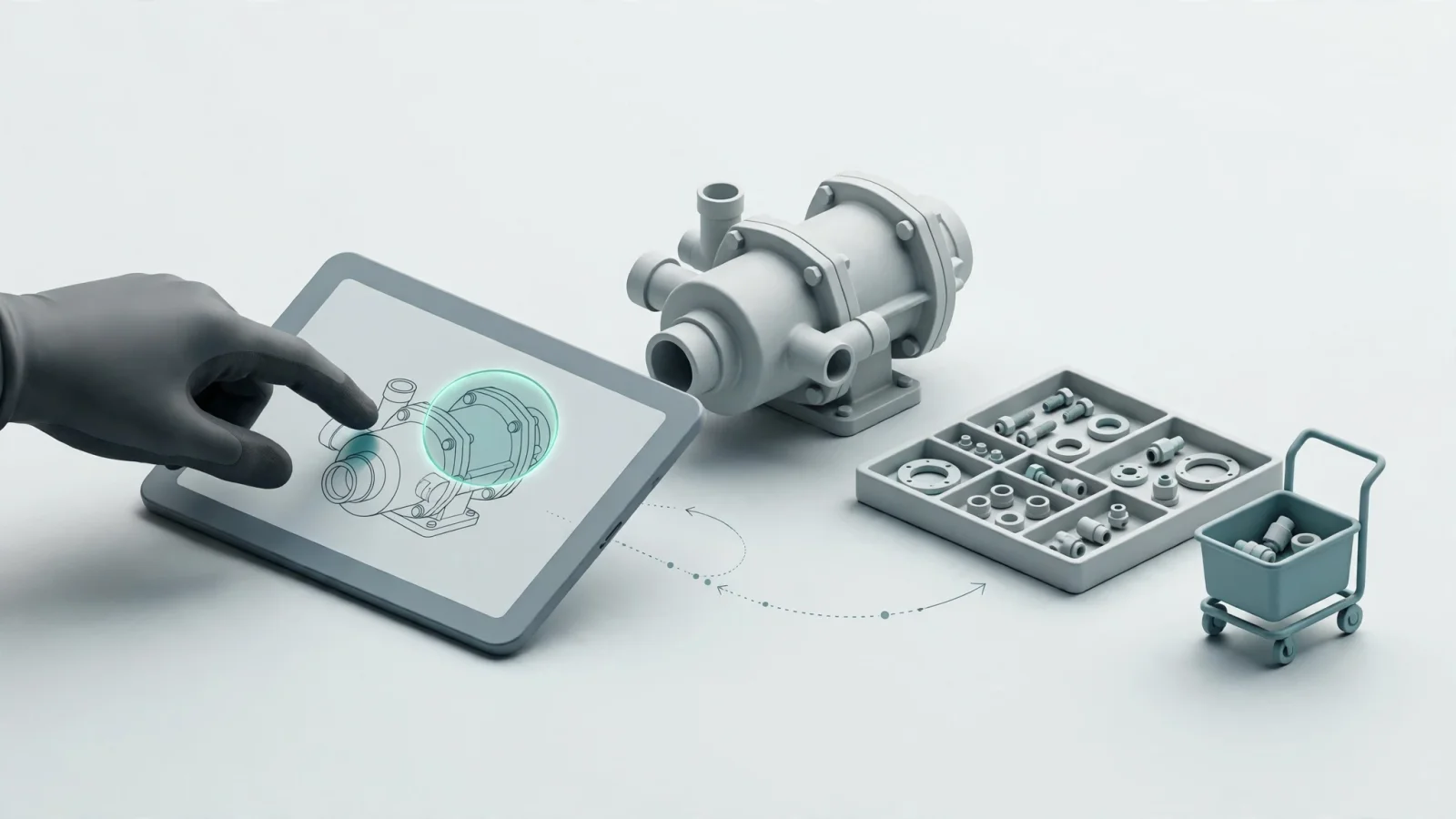
Rather than acting as a digitized paper manual or a flat digital file, an IETM allows users to move laterally through related information objects based on logical connections built into the data. A technician reading a replacement procedure for a hydraulic pump can select a highlighted component in an illustration to view specific torque requirements, then jump directly to the associated safety warnings for high-pressure systems. The software manages these connections logically so writers avoid typing out repetitive text across multiple pages.
The project scope dictates the exact schema, meaning organizations cannot assume a single universal template applies to every equipment program. One program might require extensive diagnostic fault isolation trees, while another focuses strictly on teardown and assembly procedures. The exact configuration depends on the complexity of the equipment and the maintenance environment where it operates.
Architectural Differences Across IETM Classes
The U.S. Navy and NSWC Carderock taxonomy establishes a historical architectural baseline for how electronic technical systems progress. While not a universal modern compliance checklist, this model explains how the underlying data structures evolve from simple digital pages to interconnected databases.
| Class | General Structure | Defining Characteristics |
|---|---|---|
| Class 1 | Electronically indexed page images | Automated retrieval of page-oriented images. Solves physical distribution but retains page constraints. |
| Class 2 | Electronic scrolling documents | Text-based display with hyperlinks and indexing. Functions like a converted digital document. |
| Class 3 | Linear structured IETM | Structured content with interactive navigation and cross-references. Maintains a linear document format. |
| Class 4 | Hierarchically structured IETM | Database-managed content objects, attributes, authored interactions, and runtime view packaging. |
| Class 5 | Integrated database or IETIS | Class 4 architecture integrated with diagnostic tools, training software, or expert-system processes. |
The user interface of a Class 3 system often looks identical to a Class 4 viewer, as both offer robust search functions, selectable cross-references, and interactive displays that guide a user through a process. The distinction lies in the underlying architecture. Class 3 systems manage tags within linear content files, creating a structure that resembles a highly organized, tagged book. Class 4 software breaks the technical information apart and stores it in a managed hierarchical database instead.
A Class 4 platform manages individual, reusable information objects. A specific torque value, a warning block, or a tooling requirement exists as a single database entry, which the software compiles to form a cohesive view for the technician. Moving from Class 3 to Class 4 typically requires substantial reauthoring, rigorous data conversion, and subsequent validation to break flat documents into these database relationships.
Class 5 extends the Class 4 model outward by integrating the technical information database with external diagnostic hardware, computer-managed training, or other specialized support applications that monitor equipment health in real time. Connecting an external API to check inventory or pushing a parts order to an ERP system does not automatically elevate a software platform to this highest tier.
Core Capabilities of Class 4 Software Architecture
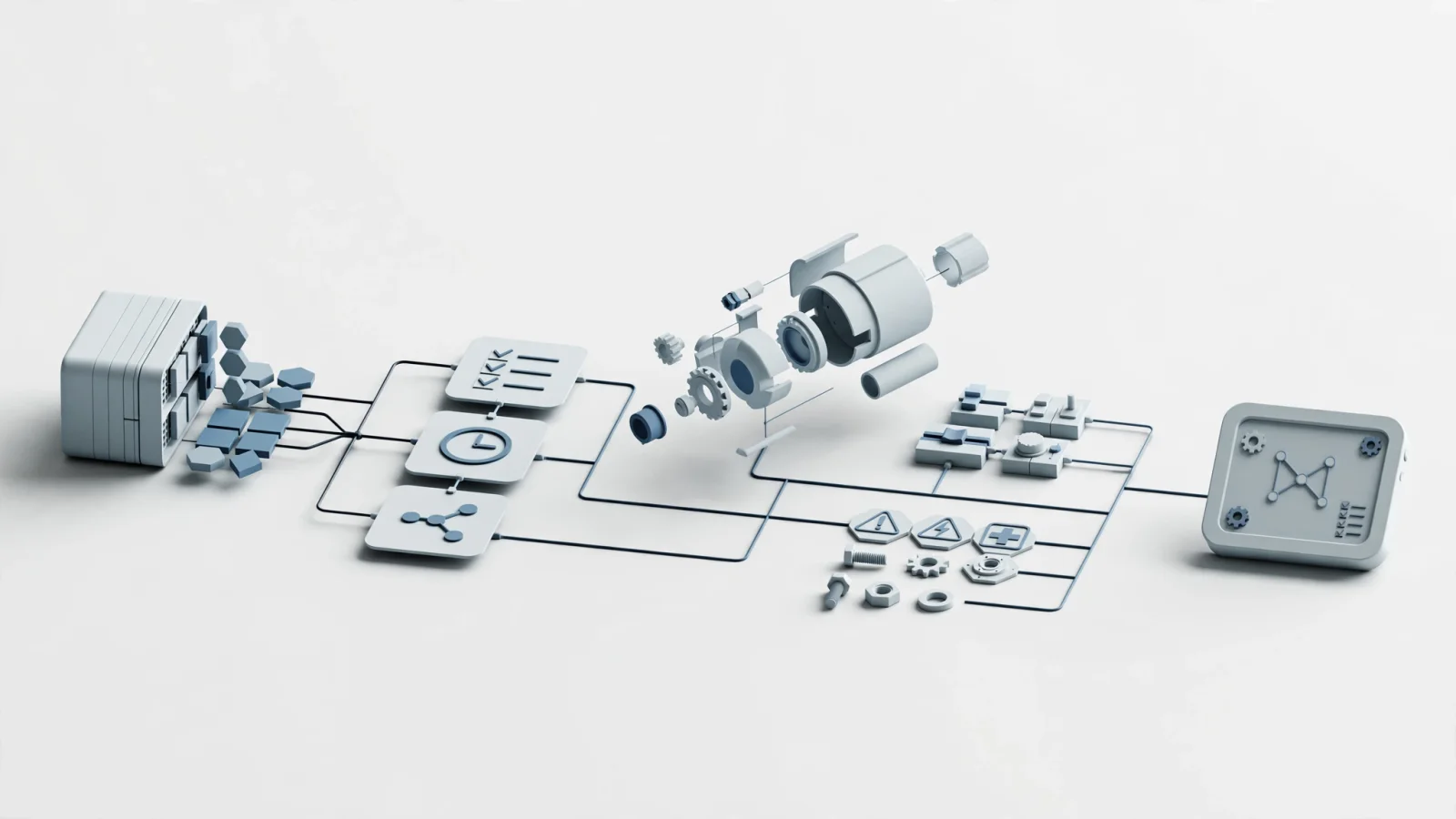
When evaluating a technical information platform, you need to separate defining architectural requirements from optional delivery features. Structured source content forms the foundation of a Class 4 implementation. The authoring environment breaks down tasks, procedures, operating conditions, warnings, consumable lists, illustrations, and component data into discrete elements rather than continuous paragraphs.
A hierarchical or relational database connects these elements. When you update a torque specification or replace a part number, the database reflects that change across every procedure, illustration, and product configuration referencing the object. Writers manage one approved source, avoiding the traditional error trap of updating a master manual while leaving outdated values inside secondary diagnostic guides.
The software also requires authored interaction. Contextual help, user prompts, dialog-driven task progression, and selectable cross-references are built directly into the data model by the technical writers. This differs from dropping generic hyperlinks over a finished PDF because the interaction logic understands the operational relationship between a troubleshooting tree and the resulting repair procedure. It guides the technician based on the physical state of the equipment.
From this structured database, the system generates a runtime view package by extracting the applicable data, compiling it, and formatting it for the display viewer. Because the runtime package separates the display layer from the source database, writers can generate controlled delivery packages for different equipment configurations, user roles, or display devices from the exact same source material. A single database might generate a desktop viewer package for a depot repair facility and a highly filtered, mobile-optimized package for a field technician handling basic maintenance.
Search mechanisms, revision control, configuration management, and validation workflows support this architecture. Manufacturers rely on these capabilities to manage multiple models, product variants, regional specifications, and optional attachments without creating a tangled web of separate documents. Three-dimensional graphics, cloud hosting, native mobile apps, and offline modes provide useful deployment options, though they do not independently prove a platform uses a Class 4 database architecture.

Class 4 IETM Software Versus EPC Platforms
A searchable PDF drastically improves retrieval times compared to a paper binder, but it fails to provide a database-managed source architecture. The same limitation applies to page-turning viewers, responsive documentation websites, standalone 3D model viewers, and mobile applications that output flat text. A feature-rich interface cannot retroactively apply relational structure to flat content.
Organizations frequently confuse formal technical manuals with electronic parts catalogs. While they share similar structured-data principles, they serve different operational goals.
| Capability Area | Class 4 IETM Software | Electronic Parts Catalog (EPC) |
|---|---|---|
| Primary Objective | Guide users through operation, maintenance, and troubleshooting. | Facilitate visual part identification, validation, and ordering. |
| Core Data Types | Tasks, steps, warnings, tools, technical topics, and procedures. | Part numbers, fitment, kits, supersessions, bills of materials (BOM), and availability. |
| User Navigation | Hierarchical topics, contextual references, and task-driven paths. | Interactive schematics, multi-shape hotspots, serial number filters, and cart actions. |
| Transaction Flow | Focused entirely on information retrieval and task execution. | Centers on adding correct parts to a cart and inserting the order into an ERP. |
Systems Online provides EzParts as a database-driven, multi-channel electronic parts catalog designed for manufacturers, dealer networks, and field technicians. The platform delivers interactive 2D and 3D schematics with multi-shape hotspots. Users click a visual representation of a component to view automatically displayed kit contents, superseded part numbers, and precise BOM part groupings.
The system relies on an integrated shopping cart connecting natively with SAP, Oracle, Epicor, and Dynamics to sync parts availability and insert orders automatically. Delivery spans SaaS cloud hosting, on-premise enterprise deployments, native mobile apps, and offline distributed media for disconnected remote environments. A built-in print engine generates branded PDF parts books for legacy distribution channels needing physical media.
These structured, multi-channel capabilities solve the complex aftermarket ordering problem for original equipment manufacturers. They do not constitute proof of formal Class 4 IETM compliance. Unless an internal audit documents compliance with a specific technical manual standard, treat a modern EPC as a specialized aftermarket platform rather than a formal maintenance procedure tool.
Evaluating IETM Data Models and Workflows
Evaluating any technical information or parts platform requires moving past generic feature lists to interrogate the underlying data model. Start by questioning how the software stores source information. Ask whether the system imports PDFs and adds a search layer, or if it actively manages reusable structured objects. The vendor can demonstrate how attributes, applicability rules, and cross-references function at the fundamental data level. Determine if writers can update a single component record and see that change propagate automatically across every related product configuration.
Governance and authoring workflows demand equal scrutiny during the procurement process. Review the approval processes, revision history logs, and methods for tracking superseded content over the lifespan of a machine. The authoring environment needs automated validation for internal links, image hotspots, part numbers, and configuration rules before allowing publication to the live system.
Test the hierarchical navigation thoroughly at the delivery layer. The viewer needs to allow searches by keyword, specific part number, assembly structure, model family, and observed technical symptom. Confirm that graphics link bidirectionally to related data tables, allowing a user to move from a part number list back into the visual context of the schematic. Evaluate the administrative controls over role permissions, browser requirements, and software installations. If field service teams require remote access in mines or agricultural settings, verify how the platform handles offline updates and controls the deployed runtime packages without a constant internet connection.
For aftermarket parts workflows, shift the focus to transactional accuracy. The platform must handle complex bills of materials, display nested kit components clearly, and route users through complex supersession chains. Verify the cart actions and request technical proof of the ERP order insertion process. For many manufacturers, an electronic parts catalog like EzParts directly solves the immediate challenge of interactive parts identification and aftermarket sales. A separate IETM platform becomes necessary if the organization also needs to author, manage, and distribute step-by-step repair procedures and complex troubleshooting logic. Request a live demonstration of the software managing your exact legacy file types, along with sample source outputs, a compliance matrix, and documented evidence for any military or commercial standard claims.
Navigating Compliance Standards for Technical Manuals
Procurement teams often encounter outdated military specifications embedded in vendor marketing materials. A broad claim of universal compliance warrants immediate verification against current regulatory records to prevent purchasing obsolete technology.
For example, the Defense Logistics Agency (DLA) ASSIST record for MIL-DTL-87268 shows the standard is inactive for new design, directing organizations toward MIL-STD-3048 for future requirements. Similarly, the record for MIL-STD-40051-1 displays a cancellation date of March 25, 2025, and points to MIL-STD-40051E as the superseding document. The specific requirements for digital development, acquisition, and delivery of Army administrative and technical publications often fall under the XML structures defined by MIL-STD-2361.
If an organization requires strict standard adherence, the procurement team needs to identify the exact standard, revision, and amendment applicable to their specific equipment contract. Determine whether the mandate applies to the contractor-maintained source database, the generated runtime viewer package, or a specific data interchange format.
Buyers frequently ask if a highly indexed, searchable PDF constitutes Class 4 software. A PDF lacks the database-managed hierarchy required by the core architecture, disqualifying it from this class. Others assume Class 4 guarantees an offline mode or native 3D rendering capabilities. While software vendors include these as deployment features, offline access and 3D graphics do not define the underlying class structure. A system fits the Class 4 architecture through its relational or hierarchical database design and automated runtime packaging.
For manufacturers, the correct path depends on the operational mandate. A formal IETM controls maintenance instructions, safety procedures, and technical documentation, while an electronic parts catalog controls part identification, fitment logic, and aftermarket transactions. Organizations deploy an EPC to streamline revenue-generating parts sales while relying on complementary systems or integrated software suites to handle complex procedural technical data.
Explore how Systems Online helps equipment manufacturers deliver interactive parts catalogs across web, mobile, enterprise, print, and offline channels.
Modified on: 09/22/2026