Blog » Manufacturing Digital Transformation Strategy Roadmap
Manufacturing Digital Transformation Strategy Roadmap
Manufacturing transformation often points to robotics, sensors, execution systems, and analytics on the factory floor, but for equipment manufacturers, the workflow doesn't end at the factory door. Service networks, dealers, and field technicians need a reliable information experience long after a product ships. A static manual might hold accurate part numbers, though a disconnected PDF cannot check a live warehouse, apply an updated supersession, or enforce a dealer pricing rule.
A strong manufacturing digital transformation strategy connects product data, enterprise systems, and customer-facing channels around a specific, measurable workflow. Focusing on accurate parts identification and aftermarket fulfillment builds a practical foundation for this connection. Systems Online’s EzParts functions as the aftermarket execution layer within this architecture, linking governed catalog content with your business-system data. This enables visual parts identification, dealer ordering, offline access, and printable output. Rather than replacing your ERP or product lifecycle management software, EzParts gives those systems a customer-facing delivery channel.

Define the Strategy Around a Digital Thread
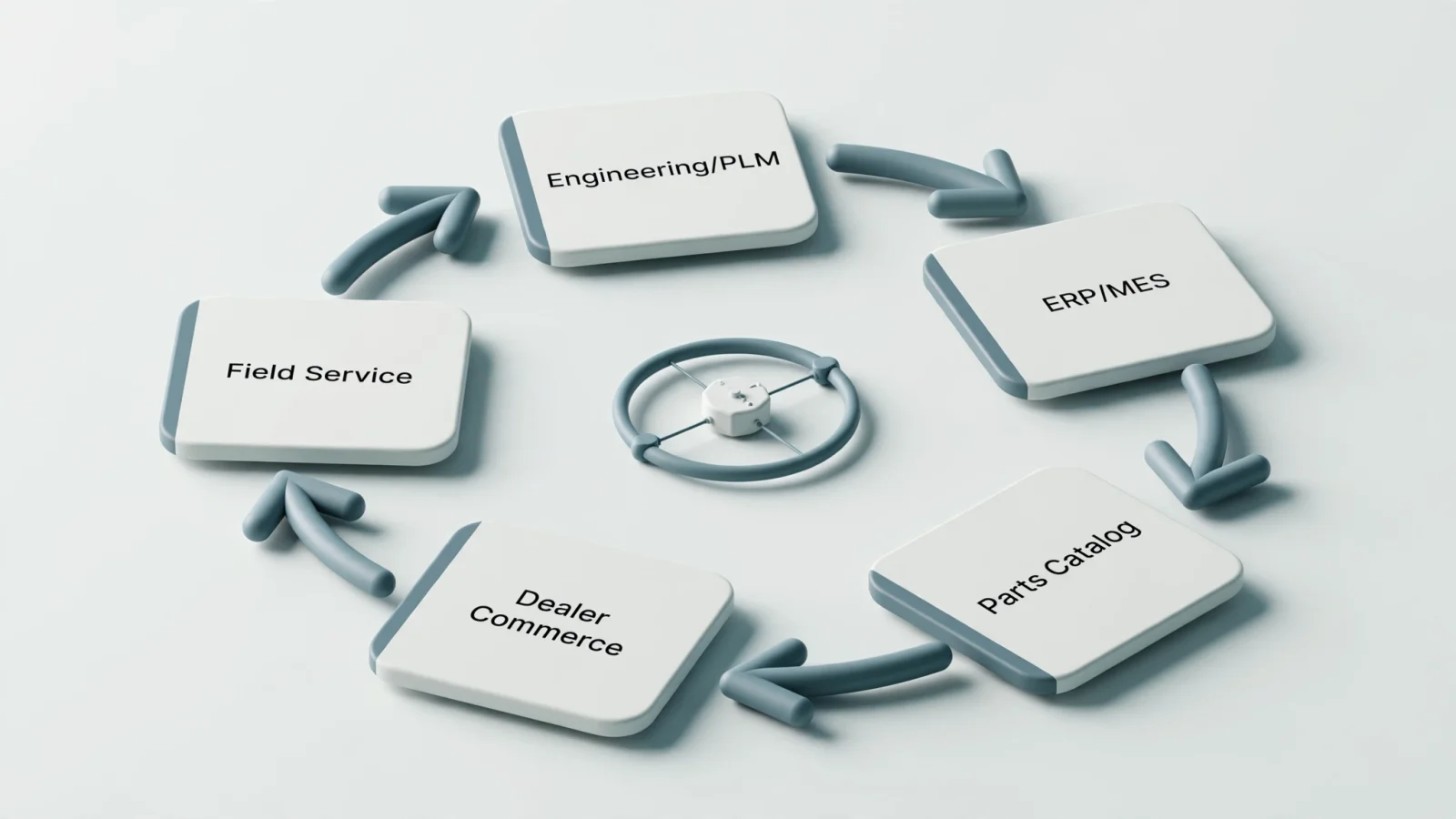
A manufacturing digital transformation strategy connects data, systems, workflows, and people across the product lifecycle to improve measurable business outcomes. Defining this path requires distinguishing between converting files and changing how your organization operates.
While digitization means turning a paper manual into a PDF, digitalization involves using software to improve search or ordering speeds. Transformation goes further by redesigning the connected operating model, ensuring product information automatically flows into the channels your dealers use.
This information flow is what a digital thread is designed to support. Outlined in NIST’s digital-thread research, this concept emphasizes common information elements, standards, contextualized data, and reuse in manufacturing while connecting design, manufacturing, and product support information. NIST also describes a framework for accessing trusted information in context and providing feedback from inspection to design.
Before selecting technology, define the scope of your strategy by identifying the specific business problem you intend to solve. You need to determine which workflow will change, what data is required, and who owns that information. Planning for source system outages is also necessary, along with establishing how you will measure success once the changes take effect.
Start With Business Outcomes and Trusted Product Data
Transformation efforts succeed when you baseline a business problem before evaluating software. Your primary goal might involve reducing incorrect-part identification and avoidable returns, or you might need to shorten lookup times, speed up catalog publication, and connect identification directly to parts ordering.
Documenting your current performance baseline provides a clear starting point. Measure the average time required to identify a part, track search attempts that produce no usable result, and log wrong-part corrections. In addition to recording the latency between an engineering change and a customer-facing catalog update, tracking offline update failures and dealer adoption rates helps quantify system friction.
Since an attractive interface cannot compensate for ambiguous ownership or poor product data, your data model must account for manufacturer part numbers, descriptions, languages, and configurations. Tracking serial number or VIN applicability, schematic relationships, bills of material, and kit structures prevents ordering errors. The catalog system must also manage supersessions, pricing, availability, service documents, and release versions to keep the experience accurate.
Assign a single source of truth for every field in this model. The following breakdown maps how different enterprise systems manage specific data domains.
| Data Domain | Authoritative Source | Catalog Responsibility |
|---|---|---|
| Geometry and engineering | CAD, PLM, or engineering | Render and relate approved visual assets |
| Part master and commercial | ERP or business system | Display current values and apply rules |
| BOM and applicability | Engineering, PLM, or ERP | Present the relationship in context |
| Supersessions | Engineering, parts, or ERP | Display replacement logic and effectivity |
| Availability and status | ERP or fulfillment system | Query or synchronize based on freshness |
| User and dealer access | Identity, CRM, or portal | Enforce permissions and channel views |
| Service documentation | Technical publications | Relate the resource to model or task |
Design the Integration and Delivery Architecture
System integration requires a defined structure for exchanging information between systems. The enterprise-control integration models defined by ISA-95 distinguish physical production, manufacturing operations management, and enterprise business functions. These boundaries give teams a common structure for defining the information exchanged between systems.
Plant-floor equipment and industrial assets can use the OPC UA standard for secure, structured information exchange. The standard is platform-independent and supports interoperability between machines and enterprise systems, with information modeling, on-demand read/write access, and subscriptions that report changes. For an aftermarket catalog, define how commercial and product data will be retrieved and how freshness will be shown to users.
Your delivery architecture must match the environments where your technicians and dealers work. Cloud delivery supports centralized publishing and rapid content distribution, though it depends entirely on connectivity, while on-premise enterprise deployments offer internal governance for organizations with strict infrastructure controls.
Mobile and distributed-media delivery methods serve users operating in remote or disconnected locations. Systems Online provides distributed-media products that install locally and receive incremental updates through the internet or USB drives. By using electronic parts catalog integration tools, organizations manage inventory, pricing, item attributes, user data, and order placement across these varying environments.
Developing a plan for PDF outputs addresses legacy needs, as PDF parts books remain useful for workshop binders and shipment packets. A dynamic print engine generates these files on demand from your catalog data, so the resulting documents function as an output channel rather than the system of record.
Turn Parts Identification Into an Aftermarket Workflow
A digital parts catalog functions best as an active component of your aftermarket operating model. The interface bridges the gap between identifying a component and executing a commercial action.
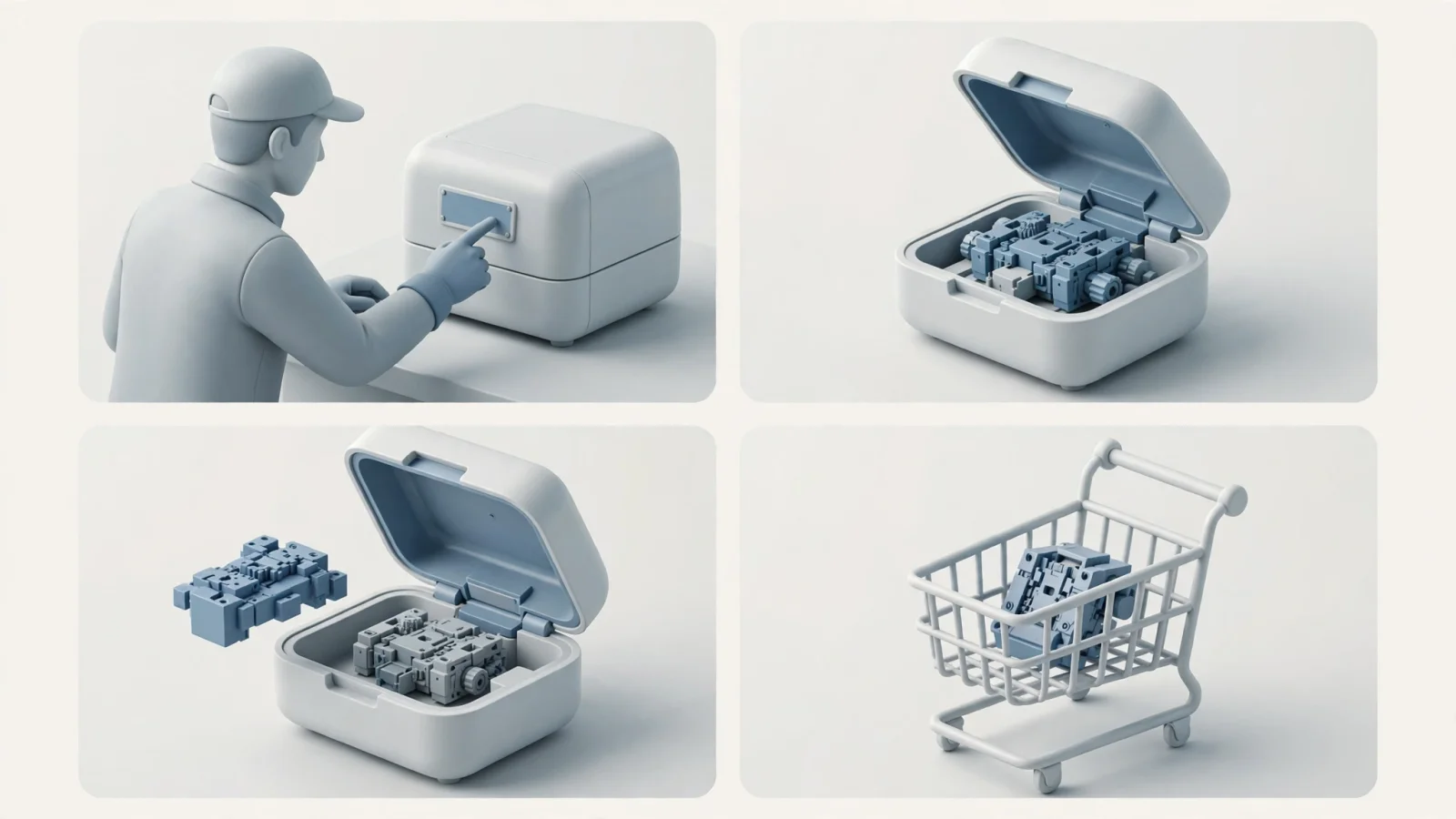
In a standard field service scenario, a technician identifies a machine by its model and serial number before opening the relevant hydraulic assembly. Selecting a specific component from an interactive 3D schematic prompts the system to display the bill of materials line, required quantity, and any applicable supersession data. The technician verifies the authorized price and live availability, adds the item to a pick list, and submits the order through the authorized dealer channel. Days later, they check the order status using the same application.
This workflow depends on multiple coordinated electronic parts catalog software features. Systems Online supports search by part, description, model, serial number, and VIN, while handling where-used lookups, serial filtering, and multi-select functions. Complex catalog functions such as automatic kit component displays and replacement tracking run in the background without user intervention.
Building a shared data foundation ensures consistent information across web, mobile, and offline channels. Product-specific rules for regional pricing, hazardous items, one-time-use parts, and dealer routing still apply, creating one governed information base that drives appropriate channel experiences for OEM staff, dealers, and technicians.
Execute a Phased Transformation Roadmap
Turning a broad strategy into an implementation sequence requires a phased approach, because unfocused pilots and untested source data derail transformation projects quickly. A phased sequence helps teams confirm that product data and integrations function correctly before scaling.
Phase one documents your current state by cataloging all existing manuals, CAD files, PLM systems, ERP platforms, ordering channels, and identity requirements. Noting connectivity constraints and identifying who owns your parts data prevents later bottlenecks.
Phase two focuses the pilot on one specific workflow, such as a high-service product line, a specific dealer region, or a single field-service task. Pick a scenario where your organization observes the entire path from product identification to the final order.
Phase three normalizes your data for the pilot. Cleaning up part numbers, BOM structures, schematic references, and serial ranges prepares the system, alongside standardizing supersessions, kit definitions, translations, pricing rules, and related service documents.
Phase four integrates the core flow by connecting only what the pilot requires. Build the integrations for product data, inventory, pricing, user context, and order insertion, leaving secondary integrations for later.
Phase five tests the workflow with real users across OEM parts staff, dealer personnel, technicians, and IT owners. Testing the system against failed searches, unavailable source systems, stale data, and rejected orders reveals how the architecture responds under pressure.
Phase six extends the delivery channels. Once the core workflow proves reliable, push the catalog to cloud environments, dealer portals, native mobile applications, and offline distributed catalogs.
Phase seven establishes ongoing governance. Finalizing release approval processes, update frequencies, support models, and KPI review cadences provides clear criteria for expanding the platform to additional product lines.
Govern Security, Measure Progress, and Scale
A transformation strategy requires ongoing controls and measurement to remain useful after launch. Because catalog, ERP, dealer, and field-service workflows eventually become operationally significant, they need continuity planning.
When establishing these controls, NIST’s operational technology security guidelines offer guidance for securing operational technology while addressing performance, reliability, and safety requirements. The guide describes OT systems and typical topologies, identifies common threats and vulnerabilities, and recommends security countermeasures to mitigate associated risks.
Four categories provide a practical way to track progress. Measure identification success through the time to find a selected part, the no-result rate, and wrong-part corrections. Evaluate data quality through supersession latency, catalog defects, and applicability completeness. Commerce metrics such as add-to-cart rates, order completion, and the frequency of order corrections show dealer engagement, while operational measures such as publication cycle times, integration failure rates, and offline synchronization success indicate technical reliability. Catalog analytics provide visibility into searches, document views, and purchased items, helping organizations identify where users encounter friction.
Stakeholders typically raise practical questions as the rollout scales. When teams ask how ERP, PLM, and the catalog work together, explain the roles: PLM governs product definition, the ERP manages commercial data, and the catalog presents the approved information for search and ordering. This clarification resolves the overlap. When deciding between cloud and on-premise hosting, evaluate internal IT capabilities, security requirements, and the needs of disconnected field technicians. Deploying a local catalog with strict version control protects users who operate without reliable internet access, so they know when offline pricing or inventory data expires.
Paper manuals and static PDFs will continue to serve specific functions in workshop binders and service packets. A digital catalog serves as the governed source for dynamic relationships, live data, and aftermarket commerce.
See how EzParts connects interactive parts identification, ERP data, dealer ordering, and online or offline field access. Talk with Systems Online about building a multi-channel digital parts catalog strategy at sysonline.com.
Modified on: 09/07/2026