Blog » Mining Equipment Parts Catalog Software Guide
Mining Equipment Parts Catalog Software Guide
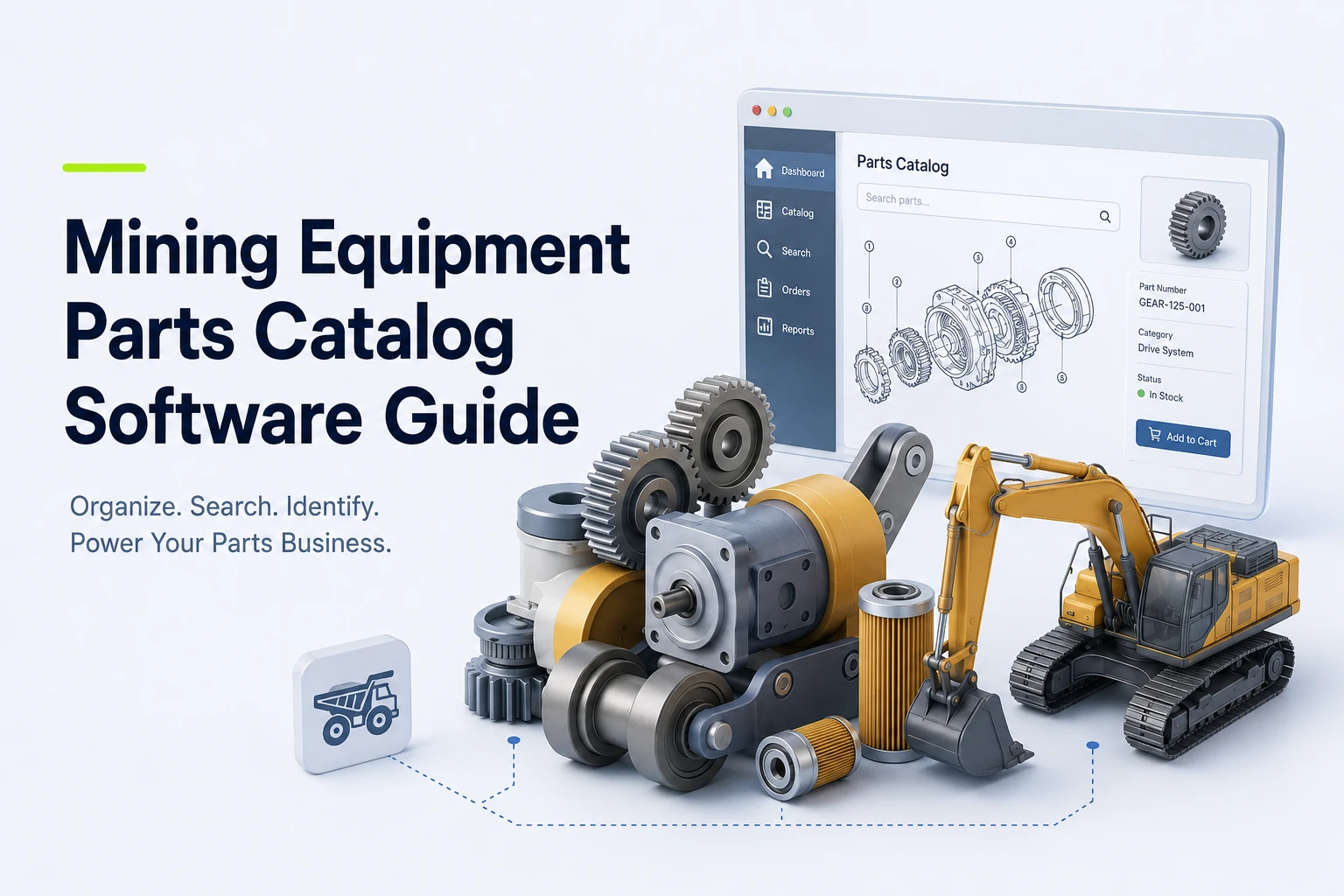
When a component fails on a large machine at a remote mine, static, hard-to-search manuals can make it difficult for technicians to find the specific installed configuration. Before beginning a repair, they need to confirm the correct replacement part, check inventory availability, and initiate an order. Mining equipment parts catalog software provides the technical and commercial interface that moves users through this sequence.
Rather than functioning as a standalone document viewer, an electronic parts catalog acts as an illustrated identification and ordering system. It connects engineering data, equipment models, interactive bills of material, part supersessions, and pricing into a single interface. EzParts by Systems Online handles this workflow by importing drawings and parts data from CAD, PDM, PLM, PIM, ERP, and PDF sources. The software supports catalog publishing, eCommerce, availability checks, and multiple delivery models, complementing your enterprise architecture by making technical data usable at the point of failure, order, or repair.
Configuration-Aware Visual Lookup
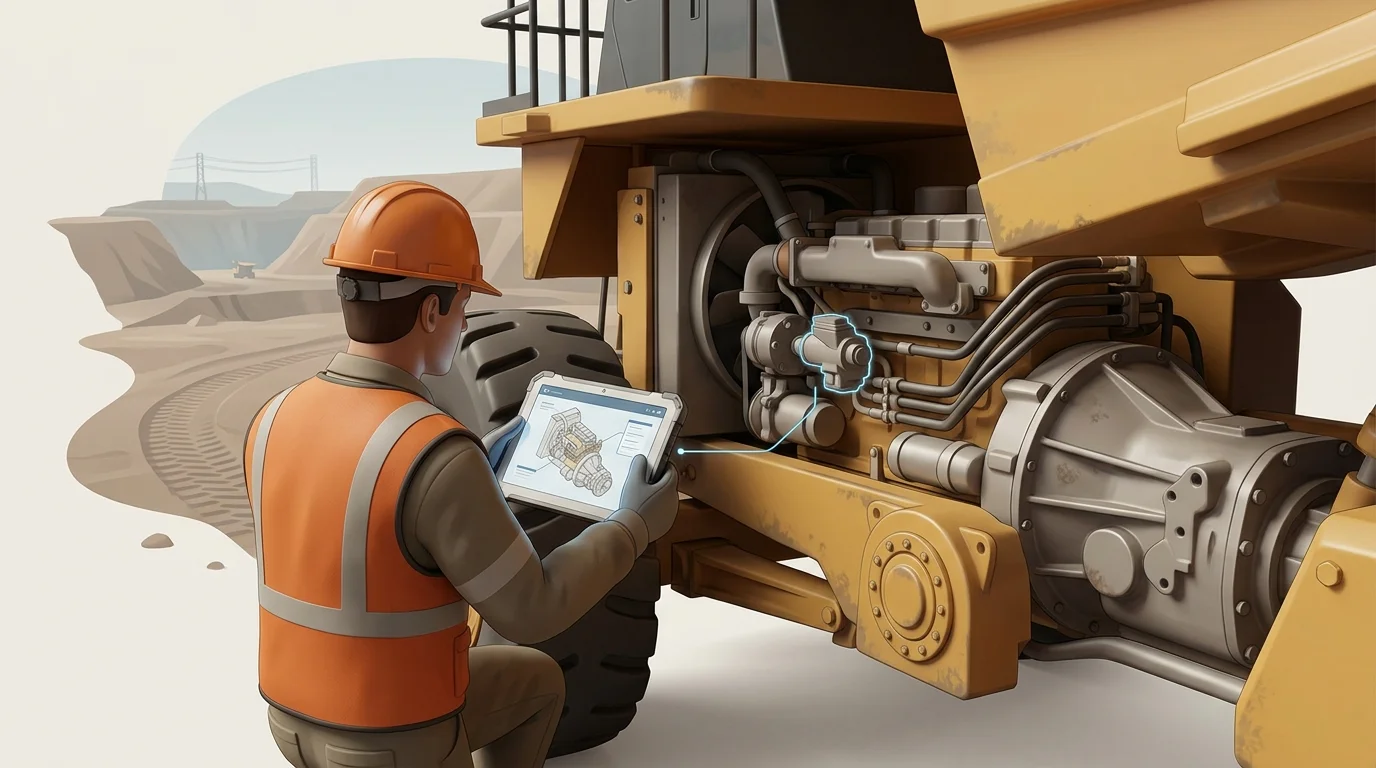
Similar equipment often uses different components due to model revisions, optional configurations, regional variants, or site-specific installations. An accurate part identification layer accounts for these variations before someone places an order. When evaluating vendors, check whether their software filters searches by equipment name, model, serial number, installation, asset tag, and specific configuration, since the right identifier depends on your product structure.
Visual navigation helps users who know what a component looks like or where it sits in an assembly but lack the exact part number. Evaluate platforms that display interactive 2D and 3D schematics alongside nested assemblies. The interface needs precise multi-shape hotspots, allowing users to select complex or overlapping components without ambiguity. For example, Metso's online spare parts catalog lets users browse a hierarchical product structure, zoom into related illustrations, highlight components from the bill of materials, and submit online quotation requests, while offering installation-specific part numbers.
Test potential software using your own complex mining assembly rather than relying on a vendor's generic sample. By selecting a hotspot and mapping it to the correct bill of materials line, you can verify that the software accurately displays nested assemblies, required quantities, wear parts, consumables, and automatic kit-component groupings.
Data Governance and Parts Lifecycle
Catalog maintenance is easier across long equipment lifecycles when updates flow from governed source data instead of repeated manual rebuilds. Run a source-data audit covering your CAD formats, bill of materials structure, part-master attributes, and serial ranges to determine which internal system owns each data field. You also need to understand how the software ingests bulk updates and how administrators approve revisions.
Supersessions demand careful handling to prevent users from ordering obsolete numbers. Your requirements should cover current replacements across global, regional, and model-specific rules, including one-to-many replacement relationships, and specify how those relationships remain visible to dealers and technicians during ordering. Systems Online describes EzParts as supporting source-data imports and supersession handling that governs how replacement parts display based on regional and model-specific rules.
Treat PDF generation as a valuable output for print, archiving, and field handoff rather than the primary system of record. Because an interactive catalog can keep search, relationship, and ordering behavior tied to current data, the software can generate branded parts books dynamically from catalog data. When source data and approvals are current, this approach can keep printed materials aligned with the engineering and commercial data available at export.
ERP-Connected Ordering and Commerce
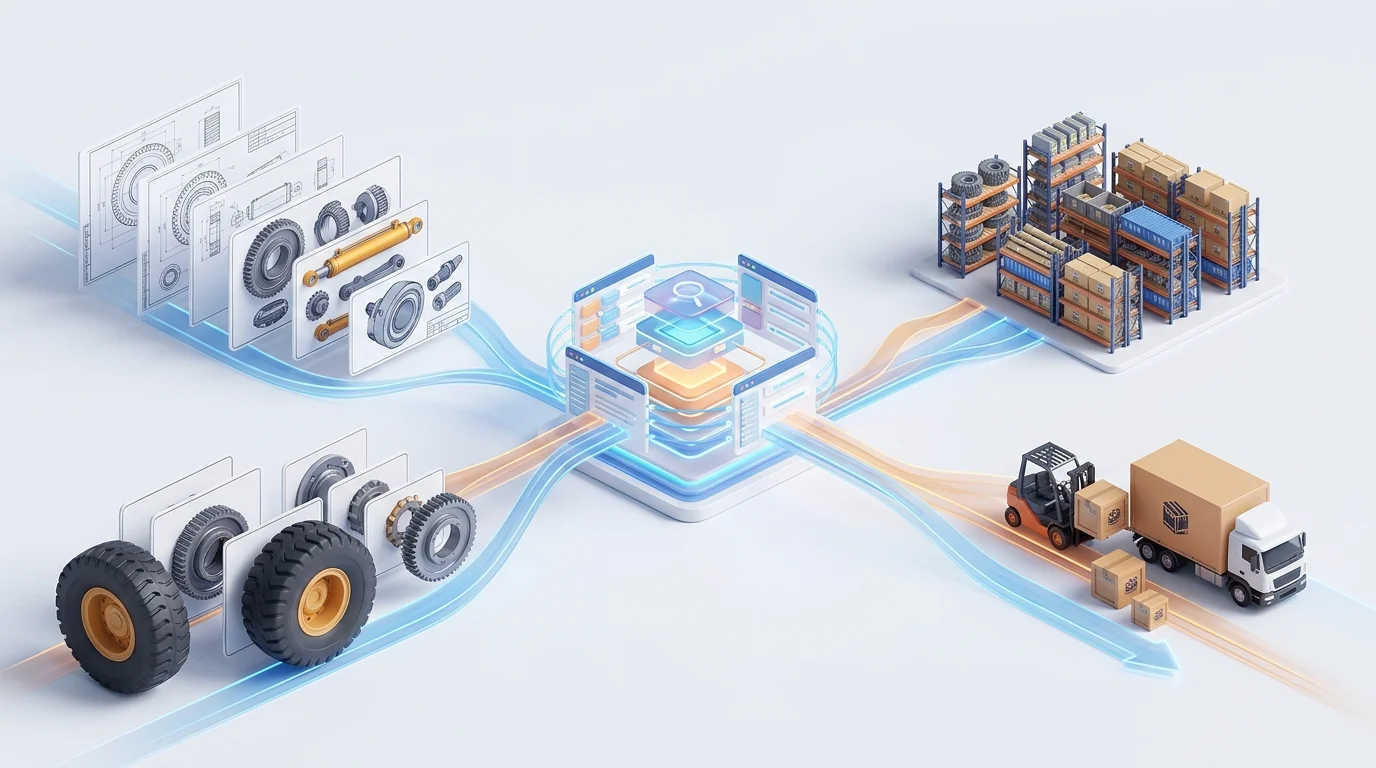
Technical discovery connects directly to the commercial transaction. The target workflow pushes engineering data into the catalog, layers visual lookup and supersession logic on top, and checks inventory and pricing before passing a cart back to your ERP. When discussing architecture with a vendor, define exactly what integration means for the platform, including whether inventory calls are live or scheduled. The software needs to display availability by specific fulfillment center alongside customer-specific or dealer-specific pricing.
Test whether users can create carts directly from schematic hotspots or search results, whether the platform handles kit ordering and replacement validation, and whether fulfillment requests can route by branch or dealer. Caterpillar demonstrates this concept in its Cat Integrated Procurement process, which connects a tailored parts catalog to procurement systems and a requisition-to-purchase-order workflow for mining customers.
EzParts manages similar data exchanges by connecting external business systems to the catalog interface. By communicating with ERP, PIM, PLM, and other business systems, the software can retrieve inventory status, pricing, discounts, item attributes, user data, and order history, while interacting with those systems during order placement. Before committing to a platform, clearly define system ownership, acceptable latency, error handling, and transaction reconciliation for every integration point.
Deployment and Field Access
Architecture decisions dictate how users interact with the software under actual work conditions. Compare cloud-hosted SaaS deployment, on-premise enterprise control, native mobile applications, and offline distributed media. Cloud deployment can centralize updates and broaden browser access for dealer networks, while on-premise models give organizations more control over infrastructure and security requirements.
Field access involves distinct testing because your remote mine sites may not have reliable internet connectivity. Treat offline capability as a complete operational process rather than a static file download, asking how users select specific equipment packages for local storage. A suitable process should let technicians navigate bills of material without a network connection, view superseded parts locally, check data freshness indicators, and receive update packages after reconnection.
Test whether the software saves carts, pick lists, or RFQs in the local database for later synchronization. Metso's online spare parts catalog offers online and offline catalog access, but synchronization and transaction behavior still need to be tested against your workflow. A hybrid deployment strategy can fit best, allowing manufacturers to manage centralized publishing from a single database while serving users across web portals, mobile devices, and disconnected field sites.

Implementation, Governance, and Measurement
Turn your feature requirements into a practical implementation plan by inventorying your CAD and drawing files, bill of materials data, part masters, model ranges, optional configurations, supersession history, and current PDF manuals. Next, define the information model that dictates how products, assemblies, and subassemblies relate to one another. You also need to map your effectivity rules, regional variations, languages, dealer permissions, and replacement behaviors.
Map the integrations between your engineering systems, the catalog, and your ERP order workflows. Piloting a representative product line before launching the entire database helps verify the catalog's behavior across multiple complex assemblies, configuration differences, superseded parts, repair kits, realistic dealer orders, and mobile or offline requirements.
Govern software releases by establishing publishing ownership and approval processes, defining how your team handles urgent changes, executes rollbacks, updates offline packages, generates PDF publications, and withdraws obsolete content. Measure results using defined metrics such as time to correct part selection, wrong-part returns, support requests for part identification, failed searches, supersession exceptions, and catalog-assisted orders. Establish a clear methodology for attributing parts revenue to the catalog to avoid arbitrary assumptions about downtime reduction or sales increases.
Validate the Shortlist With a Live Demonstration
Provide your internal stakeholders with a decision-ready test script. Ask every vendor to run this script using your actual drawings, parts data, supersessions, and ordering rules.
- Find a specific machine by model, serial number, installation, asset tag, or configuration, confirming the result maps to the correct equipment structure.
- Open a detailed schematic, zoom into the view, select a precise hotspot, and confirm the selection maps to the correct bill of materials line.
- Validate quantities, BOM grouping, optional components, required components, subassemblies, and automatic kit displays.
- Search for an obsolete part number to test how the software handles current replacements across regional, model-specific, and one-to-many replacement rules.
- Display parts availability by fulfillment location and apply dealer-specific or customer-specific pricing.
- Add parts to a cart from both a schematic view and a text search result, testing branch routing logic and inserting a live order into your ERP.
- Display order history, open orders, shipment status, and other relevant business-system data within the catalog interface.
- Disable the network connection entirely to test offline search functionality, BOM navigation, package freshness, cart creation, RFQ saving, and stale supersession behavior.
- Generate a branded PDF parts book for a specific model or configuration, verifying that language settings, notes, permissions, pricing visibility, and revision data format correctly.
- Update a part number, drawing, or supersession rule in the source data and review the administration interface for approval, publishing, rollback, and distribution processes.
Position EzParts Against the Requirements
Use this ten-step demonstration to evaluate EzParts against your operational requirements. Systems Online presents EzParts as a catalog platform built around interactive schematics, source-data imports, supersession rules, eCommerce, and multiple deployment models, including cloud-hosted, on-premise, mobile, and distributed-media options.
The software helps teams transition from disconnected documents to structured publishing based on existing technical and business data. Its integrated shopping cart can connect visual lookup with pricing, availability, and order-status tracking. For remote environments, the mobile and offline options support catalog browsing outside a network connection, but package selection and synchronization behavior should be demonstrated before deployment.
Frequently Asked Questions
What does an electronic parts catalog do for mining equipment? It organizes equipment structures, schematics, bills of material, part numbers, replacement relationships, and ordering information into a searchable interface, connecting visual identification with commercial procurement workflows.
How does this software differ from a PDF parts manual? A standalone PDF is a fixed publication, whereas an interactive catalog can connect visual schematics directly to searchable data, supersession history, inventory availability, pricing, carts, and order workflows. A PDF can serve as a fallback or printed output, but the file itself cannot validate live orders or update automatically.
Does field service software need to work offline? Offline access operates as a functional requirement when technicians work in remote locations without dependable connectivity. Testing synchronization processes, data freshness indicators, package selection tools, and the behavior of carts or RFQs created offline ensures continuous operation.
Can a parts catalog integrate fully with an ERP? The depth of integration varies by vendor and architecture. Distinguishing between scheduled data imports, live inventory calls, direct order insertion, and order status reporting helps document your exact data flows before selecting a platform.
What features help prevent incorrect parts orders? Model and installation context filters, visual schematics, BOM highlighting, part images, supersession logic, kit visibility, availability checks, and order validation workflows work together to reduce the risk of incorrect part selection.
Is 3D rendering required for parts identification? The right format depends on equipment complexity, your source engineering data, and device performance. Evaluating both 2D and 3D options based on the value of showing hidden or spatially complex components helps determine the best fit for your users.
What should an equipment manufacturer prepare before implementation? Prepare an inventory of your CAD and drawing files, bill of materials data, part masters, model and serial ranges, supersession history, kit structures, pricing sources, user roles, ERP interfaces, and current publication files.
See how EzParts could handle your mining equipment parts data
Bring your current drawings, bills of material, supersession data, ERP requirements, and field-service workflows to a practical EzParts demonstration to explore how one catalog supports dealer ordering, mobile lookup, offline access, and dynamically generated parts books.
Explore Electronic Parts Catalog Software at Systems Online.
Modified on: 08/31/2026