Blog » Offline BOM Access for Field Service | Systems Online
Offline BOM Access for Field Service | Systems Online
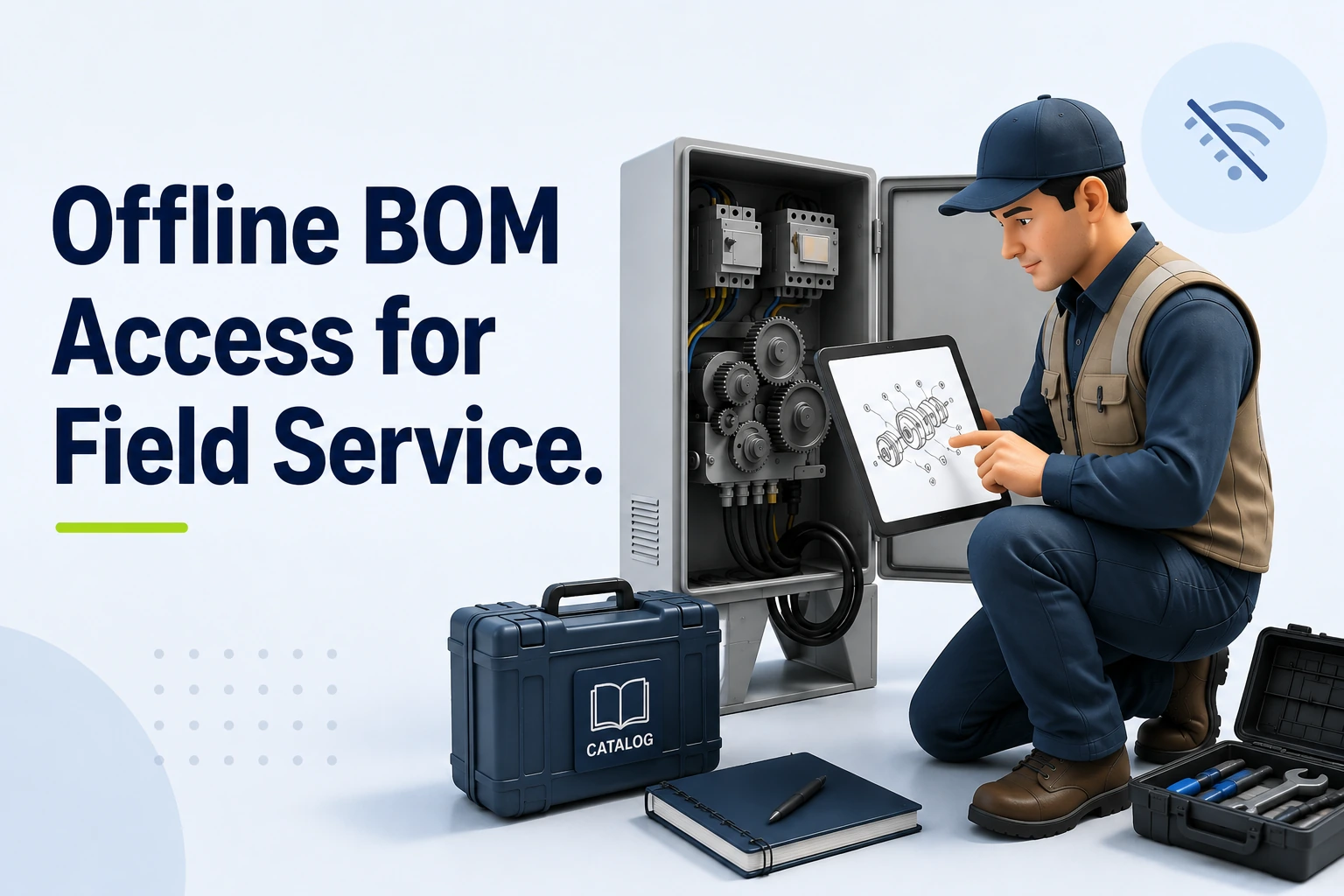
Offline BOM access for field service provides a locally stored, searchable, equipment-specific copy of structured parts information delivered to a device before connectivity drops. A useful offline package provides more than a static text list because it includes model and equipment context, parent-child BOM relationships, part numbers, descriptions, quantities, interactive schematics, graphic hotspots, kits, supersessions, and package freshness information. That package can help technicians identify required replacements even when a live connection is unavailable.
Systems Online's multi-channel, interactive electronic parts catalog approach is designed to eliminate aftermarket ordering errors and boost parts sales, while integrating with existing ERPs. For teams planning offline BOM access for field service, that positioning connects the technician's local lookup with the broader parts-ordering workflow, so structured catalog information can support both accurate service decisions and aftermarket growth.
A service bill of materials (BOM) presents the relevant equipment structure for service work, often derived from engineering or manufacturing data but organized for replacement, applicability, and ordering rather than assembly-line production. Presenting this structure in a mobile application gives technicians visual navigation tools that a paper manual lacks, while the engineering master record remains under its own change-control process.
A true offline catalog differs from a static PDF parts manual or a live ERP connection. A PDF can provide text search, but it usually lacks the structured link between a schematic drawing and a part record, while a live ERP connection depends on network access for current data. An electronic parts catalog (EPC) bridges this gap. A mobile EPC can store model-specific catalog data locally and synchronize changes when a connection returns. Technicians navigate among resource documents, interactive schematics, and bill of materials views using a governed local dataset and a defined synchronization policy.
Why BOM Accuracy Matters When Connectivity Fails
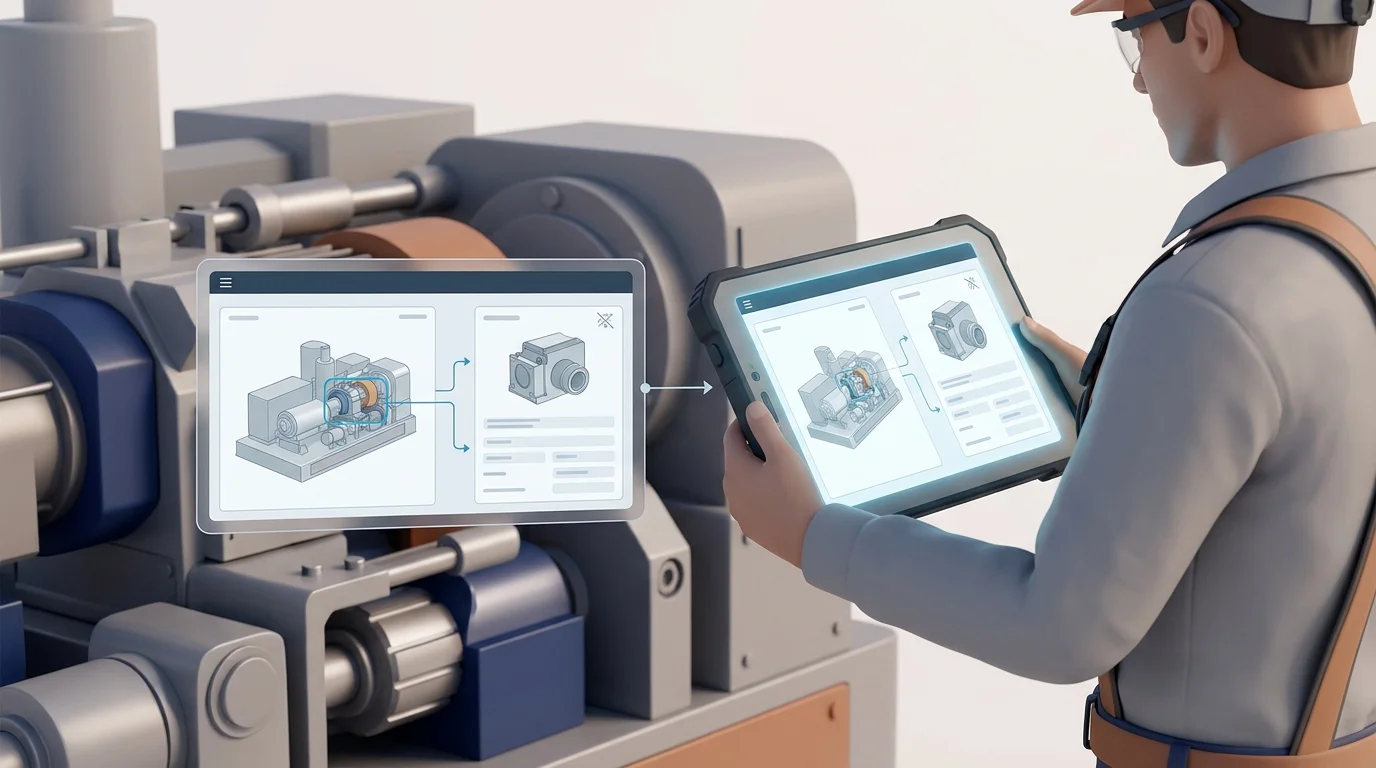
A technician arriving at a remote machine, an underground mining installation, a construction site, or an agricultural operation may encounter a dead zone or restricted Wi-Fi. That can leave the technician diagnosing the equipment fault before confirming which replacement part will fix it.
Relying on memory or a generic model search creates lookup friction because equipment configurations can change during a production run. Engineering teams may change components, switch suppliers, or update assembly methods, so a machine built in February might require a different hydraulic valve than the same model built in October. Model, production range, configuration, and serial-number context help determine which part belongs on the specific machine being serviced.
Parts can change across effectivity ranges, and validating those changes requires structured historical data. SAP's engineering change-management documentation describes BOM changes controlled by valid-from and valid-to dates and, where configured, effectivity parameters such as serial-number ranges, preserving pre-change and post-change states. An offline catalog needs to evaluate those rules locally. If the device cannot filter the BOM by the asset's serial number, the technician risks ordering the wrong version of the part. (help.sap.com)
Providing accurate offline BOM access for field service replaces guesswork with validated reference data. Accurate identification reduces the need for a live system during diagnosis and gives the ordering team a clearer parts list, which can help avoid wrong-part deliveries and keep the technician focused on the repair rather than disorganized reference materials. That connection between accurate identification and the ordering process also supports Systems Online's focus on reducing aftermarket ordering errors and improving parts sales.
Structuring a Field-Ready Offline BOM
A functional offline electronic parts catalog relies on intentional data structuring, because packing a device with unstructured files does not support the technician's workflow. The local dataset needs contextual, relational, and graphical elements.
Equipment Context, Effectivity, and Revision Control
A field-ready catalog should support identification through equipment filters, allowing technicians to narrow the database by model, serial number, product family, configuration, and production range. Where applicable, the software displays installed or as-built information. Revision and effectivity data help the user determine whether a specific component applies to the date or serial range of the machine in front of them.
Structured Relationships, Search, and Graphics
Preserving the product structure allows users to drill down from a primary assembly to specific subassemblies. The dataset retains quantities, units of measure, reference numbers, and the digital links connecting schematic hotspots to specific part records, while local search functionality supports searches by part number, description, model, assembly, keywords, and cross-reference numbers.
Offline app screens need the required images and files to be available on the device, so they must be included in the offline package. Microsoft's offline-first mobile documentation shows that an offline profile defines the tables, columns, optional filters, and relationships available offline, while media settings control which images and files are downloaded. It also notes that data retention isn't fixed by the platform, and makers can configure sync intervals for each table. So a file needed in the field must be included among the files downloaded for offline use. If an application relies on a file that wasn't downloaded for offline use, it won't be available through the app's local offline data. (learn.microsoft.com)
Supersessions, Kits, and Service Documents
Part numbers can be superseded, and when an engineering team replaces a component, the offline catalog should display the superseded status. The BOM view lists valid replacement parts, safe alternatives, orderability notes, and complete kit components. Expanding a kit locally shows the technician whether they need to order a single gasket or an entire rebuild assembly.
Managing Offline BOM Synchronization
Synchronization operates as a controlled lifecycle, and providing parts lookup in disconnected environments requires defining exactly when and how data moves between the server and the device.
Scope the Initial Package Before Travel
Before leaving reliable network coverage, the technician or catalog administrator stages the required data by synchronizing the full catalog, filtering by selected models, downloading assigned equipment profiles, or pulling a specific territory dataset. Full catalog coverage can reduce the risk of missing a needed model, but it uses more device storage, lengthens the initial download, and increases the amount of data that can become stale. Model-specific or filtered packages can be lighter and faster, but they depend on accurate scoping. Systems Online's native mobile catalog applications let technicians download model-specific catalogs for offline browsing and synchronize only changed data. (sysonline.com)
This model-specific approach gives Systems Online a clear fit for service organizations that know which equipment technicians are expected to support before they leave coverage. Teams can weigh the lower storage impact and faster download against the omission risk described above, then set package rules that match dispatch and service policies.
Use the Local Dataset and Show Its Freshness
While disconnected, the user opens the local catalog to search and navigate the BOM structure. They move from the top-level equipment view into assemblies, tap schematic hotspots to highlight parts, and review quantities. The user interface transparently reports the status of this local dataset. A reliable mobile tool displays the package scope, current version, time of the last successful synchronization, and explicit stale-data indicators, because acceptable freshness varies by product line and service policy. If a package falls outside that policy, the technician knows that supersession data might be outdated.
Reconnect, Refresh, and Reconcile
When connectivity returns, the device can connect to the server to download catalog updates and apply new part numbers or schematic revisions. If a field service mobile parts-ordering app supports queued transactions, the software can upload the technician's offline selections. The system can then recheck applicability against the live database, request current pricing, and complete the transaction in the connected ERP or eCommerce workflow.
Separating Offline BOM Access From Live Inventory
Catalog identification and commercial availability operate as separate functions, and blurring the line between them creates unrealistic expectations for field personnel.
What the Device Can Answer Offline
The local BOM can answer structural questions by showing the part associated with the equipment, where it sits in the assembly, and the required quantity. The software displays the schematic, validates serial-number applicability, and provides cached alternatives or supersession chains so the technician can build an accurate required-parts list.
What Still Requires a Connection
A disconnected device cannot query current server-side inventory, pricing, allocation status, lead times, order acceptance, or invoice status. Oracle's Parts Catalog API documentation provides a useful example of the split: catalog fields can be marked searchable and separately designated for offline caching, while the broader workflow covers pricing, alternatives, orders, and invoices. A technician can view a cached part record offline, but confirming availability for immediate purchase requires a round-trip to the relevant service or commerce system. (docs.oracle.com)
The Safe Handoff to Ordering Systems
| Function | Available Offline | Requires Connectivity |
|---|---|---|
| Part Identification | Yes (Search, navigate, select) | No |
| Schematic Viewing | Yes (If packaged locally) | No |
| Serial Applicability | Yes (Using downloaded effectivity rules) | No |
| Live Inventory Check | No | Yes (Checks warehouse/dealer stock) |
| Current Pricing | No (Cached pricing may be stale) | Yes (Pulls live customer pricing tiers) |
| Order Finalization | No (Unless queued for later sync) | Yes (ERP records the transaction) |
The most practical default workflow uses offline identification followed by connected availability validation. A fully offline order queue also needs conflict handling for inventory shortages, changed prices, or duplicate reservations when the device reconnects, so ordering waits for connectivity unless the integration architecture explicitly manages offline transaction reconciliation.
Who Benefits From Disconnected Parts Access?
Deploying a multi-channel EPC strategy creates distinct operational benefits for equipment manufacturers, dealer networks, and technicians turning wrenches.
OEMs: Governed Content Across Channels
Manufacturers gain a governed service-parts representation that can feed web portals, desktop software, native mobile apps, and disconnected environments. Publishing from one central database helps preserve revision control and keep supersession and kit rules consistent across channels. Integration with ERP and eCommerce systems can bridge engineering updates and the aftermarket sales channel, but the exact handoff depends on the implementation's data model and synchronization rules.
Systems Online's EzParts aligns with this multi-channel model by supporting the catalog delivery and offline browsing requirements described above. For an OEM, that creates a path from structured parts information to dealer and service workflows, while the connected ERP or eCommerce system continues to handle live commercial information such as inventory, pricing, and order status.
Dealers: Faster Lookup and Handoff
Dealer networks benefit from a clearer transition between identifying a broken component and securing its replacement. Accurate mobile tools can reduce routine lookup calls to the OEM parts desk, while connected availability and ordering workflows take over when the device reconnects.
Technicians: Information at the Machine
Field service technicians get the information they need at the machine, reducing the need to leave the facility to find a cell signal or manually match text descriptions to paper drawings. They benefit from BOM generation through schematic hotspots, which connect interactive 2D and 3D schematics directly to the part list. Clear quantity and replacement validation can help prevent a technician from ordering a single bolt when the repair requires an entire subassembly.
How to Evaluate an Offline Electronic Parts Catalog
Selecting the right software requires testing how the platform behaves when you disable the device's network connection. Use this checklist to validate the actual offline capabilities of a proposed system.
Coverage and Applicability Questions
- Can technicians search the local database by part number, description, model, assembly, and keyword without an internet connection?
- Do the required 2D and 3D schematics load locally, or do they fail when the network drops?
- Does parent-child navigation function smoothly offline?
- How does the application handle serial-number ranges, configurations, and effectivity dates?
- Are superseded parts, valid replacements, and kit components clearly identified in the offline BOM view?
Synchronization, Security, and Integration Questions
- Can administrators scope the download to a specific model or territory to save device storage?
- Does the synchronization engine pull only changed content, or does it force a massive full-database download every time?
- Does the interface explicitly warn the user if the local package contains stale data?
- Are local files and user permissions secured on the device?
- Does the platform provide native integrations with your existing ERP or eCommerce systems to handle the order handoff once connectivity returns?
Approach Matrix
| Approach | Strength | Limitation | Appropriate Use |
|---|---|---|---|
| Online-only catalog | Centralized, current updates when connected, little or no intentional device storage. | Cannot provide full catalog functionality when connectivity drops. | Environments with guaranteed, permanent network coverage. |
| Static PDF manual | Simple file distribution, easily viewed on any basic device. | Lacks structured search, interactive hotspots, and an ordering handoff. | Used as an emergency fallback, not a primary field tool. |
| Full offline catalog | Maximum equipment coverage for broad territories. | May require more storage and longer initial synchronization. | Broad service organizations using devices with ample storage. |
| Model-specific package | Usually faster downloads, lower storage impact, and highly relevant data. | Omission risk if the technician encounters unassigned equipment. | The strongest default for field service when dispatch knows the asset. |
| Offline lookup / online order | Clean boundary between technical reference and commercial transaction. | Final order submission waits until the technician finds a signal. | Most transparent workflow; aligns with how field mechanics operate. |
Systems Online's EzParts gives teams a concrete product to assess against these criteria, including model-specific offline browsing, changed-data synchronization, multi-channel delivery, and ERP or eCommerce handoff described above. That evaluation should focus on how those capabilities support accurate part identification offline and a clear handoff to connected ordering.
Evaluating these platforms requires addressing common operational realities. Updates require a transfer path, because the catalog cannot receive engineering changes while isolated in a mine shaft. Serial numbers matter because parts change mid-production, requiring the software to process effectivity rules locally. Cached BOM data differs from live inventory, so technicians eventually reconnect when they need current stock or pricing.
Administrators measure deployment success by tracking the offline package download success rate before technicians leave the depot, synchronization failures, stale-package warnings, and the number of offline part searches completed per week. Over time, comparing the volume of part lookups that transition into connected orders against historic wrong-part return rates can provide one useful ROI measure. A lower return rate can suggest that technicians are using structured digital information to make more accurate selections.
Empowering field personnel requires more than a shared network drive full of PDFs; it demands a structured, synchronized electronic parts catalog built for mobile realities. Request a demonstration of EzParts today to discuss how Systems Online delivers a multi-channel, model-specific offline catalog to dealer and service networks.
Ready to eliminate aftermarket ordering errors? Explore EzParts and learn how Systems Online digitizes your parts catalog for reliable, multi-channel performance across desktop, mobile, and fully disconnected field environments.
Modified on: 08/27/2026