Blog » Guide to Converting 3D CAD to Interactive Parts Catalog
Guide to Converting 3D CAD to Interactive Parts Catalog
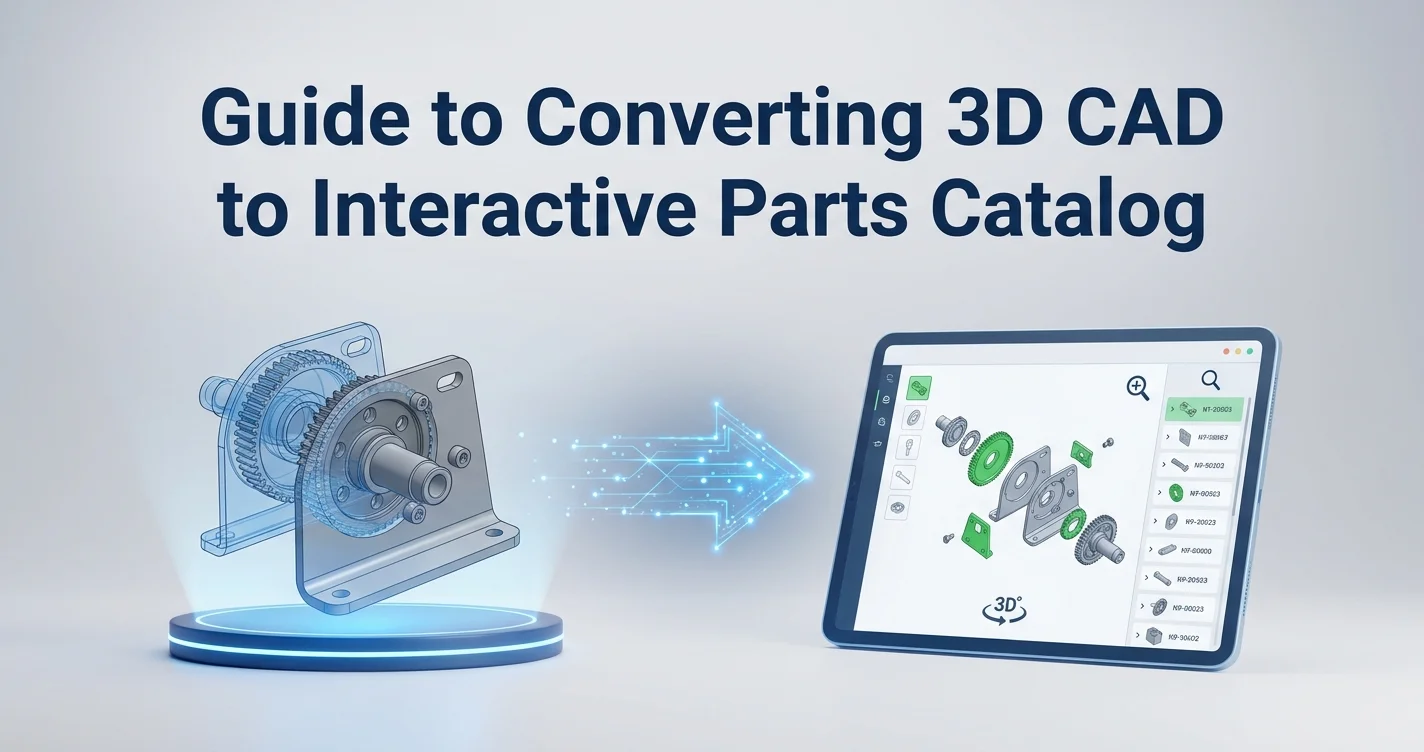
Unplanned downtime bleeds roughly $1.4 trillion globally every year, with heavy manufacturing sectors losing an average of $260,000 per hour—though this figure varies significantly by industry, scaling up to $2.3 million per hour in automotive manufacturing. When a massive piece of agricultural or industrial equipment fails, field service technicians cannot wait hours to parse a dense, outdated PDF manual to find the correct replacement part. That delay costs money and drives aftermarket parts revenue toward third-party sellers who offer faster, if less accurate, solutions. You stop this revenue leak by transforming your raw engineering files into a searchable, error-free experience. Creating a direct pipeline from 3D CAD to interactive parts catalog eliminates the friction of parts identification, ensuring technicians order the exact component the first time. Systems Online's EzParts platform handles this transition by turning static design models into dynamic, click-to-cart multi-channel portals.
The High Cost of Clunky Parts Ordering
Dealers and technicians abandon official OEM channels when parts identification takes too long. If a mechanic needs to trace a line through a flat, black-and-white 2D schematic, cross-reference an index, and manually type a 12-digit alphanumeric code into a separate dealer portal, errors multiply. Because automotive and heavy equipment professionals frequently struggle to identify correct replacement parts using traditional manuals, this friction directly affects the bottom line. Every time a technician orders the wrong subassembly, you process a costly return while the machine sits idle.
Manufacturers often try to fix this by throwing more personnel at customer support, which shifts the bottleneck rather than solving it. The root problem is the disconnect between the engineering data and the aftermarket user. While your CAD files contain the exact dimensions, hierarchies, and part relationships needed to fix the machine, that data gets flattened and stripped of context before it reaches the field.
Audit your current spare parts operations by pulling your return data for the last four quarters and categorizing the reasons for Return Merchandise Authorization (RMA). Because a high percentage of returns are typically tagged as incorrect part orders, you should measure the average time a dealer spends identifying a component before placing an order. If that number exceeds five minutes per part across your dealer network, your manual documentation is actively driving customers away.
Transitioning your documentation process fixes these metrics. Tracked B2B heavy equipment benchmarks show that implementing an interactive eCommerce spare parts portal increases the spare parts share of total company revenue, often doubling it as the buying friction disappears. When you present a 3D CAD to interactive parts catalog experience, users stop guessing because they can view the entire machine, strip away exterior panels, and select the exact broken component visually.
Building a Direct 3D CAD to Interactive Parts Catalog Pipeline
For decades, creating a parts manual meant exporting an engineering model, sending it to a technical illustrator, and paying them to redraw it as a 2D isometric line art file. These illustrators traced polygons to create active masking areas and linked each drawing to a static Bill of Materials (BOM). This manual authoring loop takes weeks, breaks the moment engineering issues an update, and requires constant redrawing.
Modern electronic parts catalog software bypasses the 2D illustration phase by using a direct automated pipeline that ingests your 3D models straight from Product Data Management (PDM) software or CAD tools like SolidWorks and AutoCAD. As the software imports the file, it reads the embedded metadata, extracting the hierarchical assembly structure, part numbers, and spatial coordinates to build a commercial BOM automatically.
Instead of manual tracing, the system generates multi-shape hotspots natively from the 3D polygon mesh. When a user clicks a specific gear or bracket, the software identifies its exact shape and part number. This automated extraction significantly reduces manual catalog authoring time in industrial manufacturing applications, freeing your technical writers to focus on service procedures rather than drawing lines.
Evaluate your current engineering export formats, because saving CAD assemblies as flat PDFs or standard image files for the technical publications department severs the data link. Require your documentation team to test direct PDM integration by connecting your PDM vault to your catalog platform via API or scheduling nightly batch exports of standard 3D web formats. Establishing this connection ensures your downstream catalogs always reflect the original engineering intent without manual intervention.
Key Features of Interactive 3D Catalogs
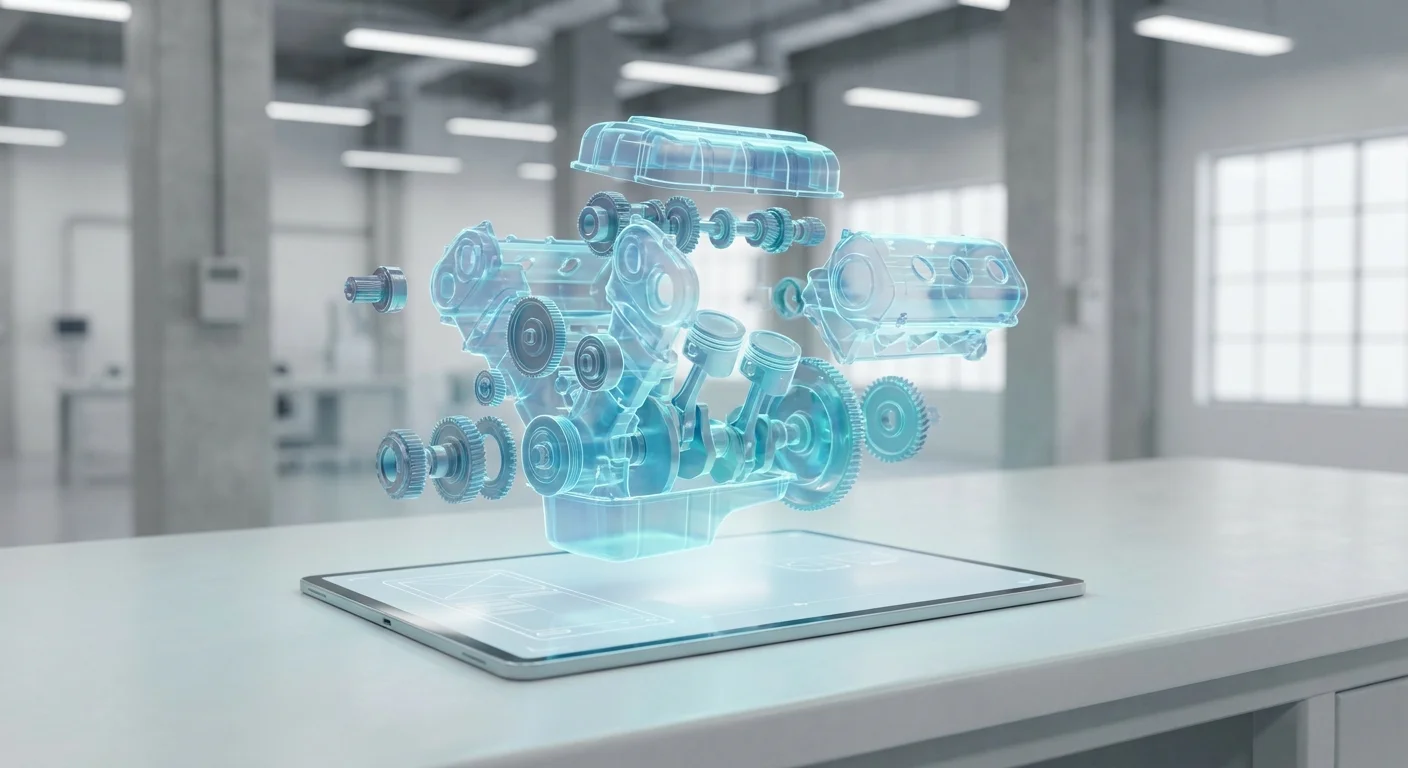
Static lists force users to understand exactly what they need before they start searching, but interactive 3D catalogs flip this dynamic by allowing users to explore the equipment visually. Exploded views separate dense assemblies into individual components floating in space. A user rotates an entire transmission 360 degrees, zooms in on the planetary gears, and clicks directly on a washer's polygon shape to add it to a connected shopping cart.
Visual clarity alone does not prevent version mismatching, since a single tractor model undergoes dozens of minor engineering revisions over a five-year production run. If a technician orders a hydraulic pump for a 2022 model, but the machine in front of them is a 2024 revision with a different mounting bracket, the visual model will not prevent an ordering error unless the catalog restricts their view.
You solve this mismatching issue with serial-specific filtering by configuring your catalog software to map specific BOMs to distinct Vehicle Identification Numbers (VIN) or Unique Tracking Identification Data (UTID). When a user logs in and enters the serial number of the machine they are servicing, the software dynamically filters the catalog to hide every configuration, optional add-on, and superseded part that does not apply to that exact physical machine. This filtration ensures the technician sees only the precise components installed on the factory floor that day.
Set up this filtering logic in your catalog administrator panel by building your equipment profiles based on serial number ranges. Test the configuration by entering the serial number of your most heavily modified equipment series and verifying that the resulting BOM matches the original factory build sheet. Restricting the visible BOM to exact equipment configurations effectively eliminates version-related ordering errors and prevents costly returns.
Solving the Offline and Remote Access Challenge
Cloud-hosted applications work perfectly in a well-lit dealership with enterprise Wi-Fi, but they fail in an underground mine, a remote agricultural field, or an offshore drilling rig. Heavy equipment operates in environments hostile to cellular signals, and if your technicians cannot access their schematics offline, the machinery stays broken until they drive back to town.
Many SaaS platforms claim mobile readiness because their web interface is responsive, yet a browser-based portal that shrinks to fit a phone screen is useless without an internet connection. Technicians require true multi-channel delivery to access massive, highly complex 3D assemblies offline without crushing their device's processing power.
Systems Online engineered EzParts specifically for these disconnected environments by packaging high-fidelity 3D schematics, complete BOMs, and multi-shape hotspots into cached native mobile apps for iOS and Android, alongside distributed media for offline PC installations. Using lightweight, compressed 3D web formats, the software isolates and rotates large commercial BOMs smoothly on standard field tablets. A technician standing next to a combine harvester in a cellular dead zone can open the app, enter the serial number, manipulate the 3D engine block, and queue up the replacement part order. The app then saves the cart locally and syncs the transaction to the dealer portal the moment the device reconnects to a network.
The background synchronization process activates when a field tablet connects to a depot Wi-Fi network after a shift, allowing the application to authenticate with the central server. It pushes the queued orders to the ERP, pulls down any new supersession data, and updates the local cached models. To preserve bandwidth, the software uses delta updates, downloading only the specific polygons and metadata that changed rather than forcing a full catalog download over a weak connection.
Deploy this offline capability to your field teams by distributing the mobile electronic parts catalog software to your authorized technicians and requiring them to download the specific equipment models they service before leaving the depot. You maintain a single source of truth in your central database by configuring your publishing engine to push updates simultaneously to the SaaS portal, the native applications, and the offline enterprise network deployments.

Integrating Real-Time Data and Supersessions
A static PDF catalog becomes obsolete the day engineering issues a supersession, because when a manufacturer replaces a defective valve design with a new part number, the field needs to know the change instantly. Ordering the old part causes delays, but re-rendering the entire catalog to fix one valve wastes rendering resources and bandwidth.
Modern catalogs handle updates through modular, version-controlled supersessions. When you upload a new CAD file for the updated valve, the system overwrites only the impacted subassembly while preserving the surrounding hotspots, linkages, and BOM hierarchy. The new part automatically supersedes the old one across all digital channels, preventing users from adding a deprecated component to their cart.
| Update Method | Data Sync | Field Technician Experience | Re-rendering Required |
|---|---|---|---|
| Static PDF Manuals | Manual batch uploads | Technician guesses correct version | Yes, full document |
| Standard Web Catalogs | Nightly database sync | Often displays deprecated parts | Yes, entire assembly |
| ERP-Integrated EPC | Live API connection | Only views exact, superseded serial BOM | No, modular subassembly only |
Pricing and availability demand the same real-time accuracy. A visual interface frustrates users if they select a part, proceed to checkout, and discover the item is backordered for six weeks or priced double the estimated cost.
Tie your 3D visualizations directly to your backend systems by integrating your electronic parts catalog with your ERP via API. This connection pushes live, customer-specific pricing and stock availability directly into the visual interface. The API handles the query by sending a request containing the user's dealer ID and the selected part number, prompting your SAP, Dynamics, or Epicor system to respond with a payload containing the specific discount tier price and the bin location of the nearest available unit. Operating in milliseconds, this data exchange ensures the click-to-cart interface reflects current warehouse inventory.
Map your ERP data fields to your catalog software by aligning the part number field in your ERP with the item ID in your PDM output. Test the API calls by changing a price in the ERP and verifying that the change reflects without delay on the 3D model's pop-up details. This synchronization ensures your visual catalog acts as an accurate extension of your central business logic.
Best Practices for Launching Your Interactive Catalog
The success of a 3D CAD to interactive parts catalog implementation depends on the quality of your source data, because software cannot automate chaos. If your engineering team uses inconsistent naming conventions, mismatched part numbers, or flat, un-grouped assemblies, the extraction process will generate a broken BOM.
Start with clean source data in your hierarchical PDM by enforcing strict naming conventions across all engineering departments. Ensure every CAD model contains distinct subassemblies rather than a single massive file of un-grouped parts. When the PDM data is structured correctly, the catalog software accurately maps the spatial relationships and auto-links the part numbers to the correct BOM rows.
Follow these configuration steps before deploying your catalog to the dealer network:
- Audit existing PDM vault assemblies for un-grouped parts and flatten hierarchies.
- Standardize part naming conventions across all engineering departments to match the ERP.
- Extract test batches of 3D formats to verify metadata retention during the upload process.
- Group required installation hardware into associated kits in the administrator dashboard.
That final step drives revenue and prevents secondary downtime. Technicians frequently identify a broken major component but forget to order the necessary installation hardware. Replacing a hydraulic cylinder while reusing the old seals leads to a secondary failure three days later, and ordering the cylinder without the mounting bolts guarantees another day of downtime waiting for a twenty-cent part.
Enable "frequently bought together" kits within your electronic parts catalog for cloud or enterprise deployment by grouping related components in the administrative dashboard. When a user adds a water pump to their cart, configure the system to trigger a prompt suggesting the required gaskets, O-rings, and mounting bolts. This specific configuration increases your average order value and guarantees the technician has everything required to achieve a first-time fix.
Standardize your branding across the platform, as an aftermarket portal should reinforce trust in the OEM. Customize the user interface to match your corporate colors, logos, and typography so customers feel they are using a premium, official tool rather than a generic third-party interface. This unified experience increases adoption rates and keeps dealers purchasing directly through your authorized channels rather than searching the open internet.
Turning complex engineering files into a profitable aftermarket sales tool requires a platform built specifically for manufacturing realities. Avoid letting outdated manuals extend equipment downtime or drive your customers to third-party competitors. Contact Systems Online to see how EzParts integrates with your ERP and CAD data to deliver error-free, multi-channel parts ordering directly to your dealers and field technicians.
Modified on: 07/27/2026