Blog » How to Convert PDF Parts Manual to Interactive Catalog
How to Convert PDF Parts Manual to Interactive Catalog
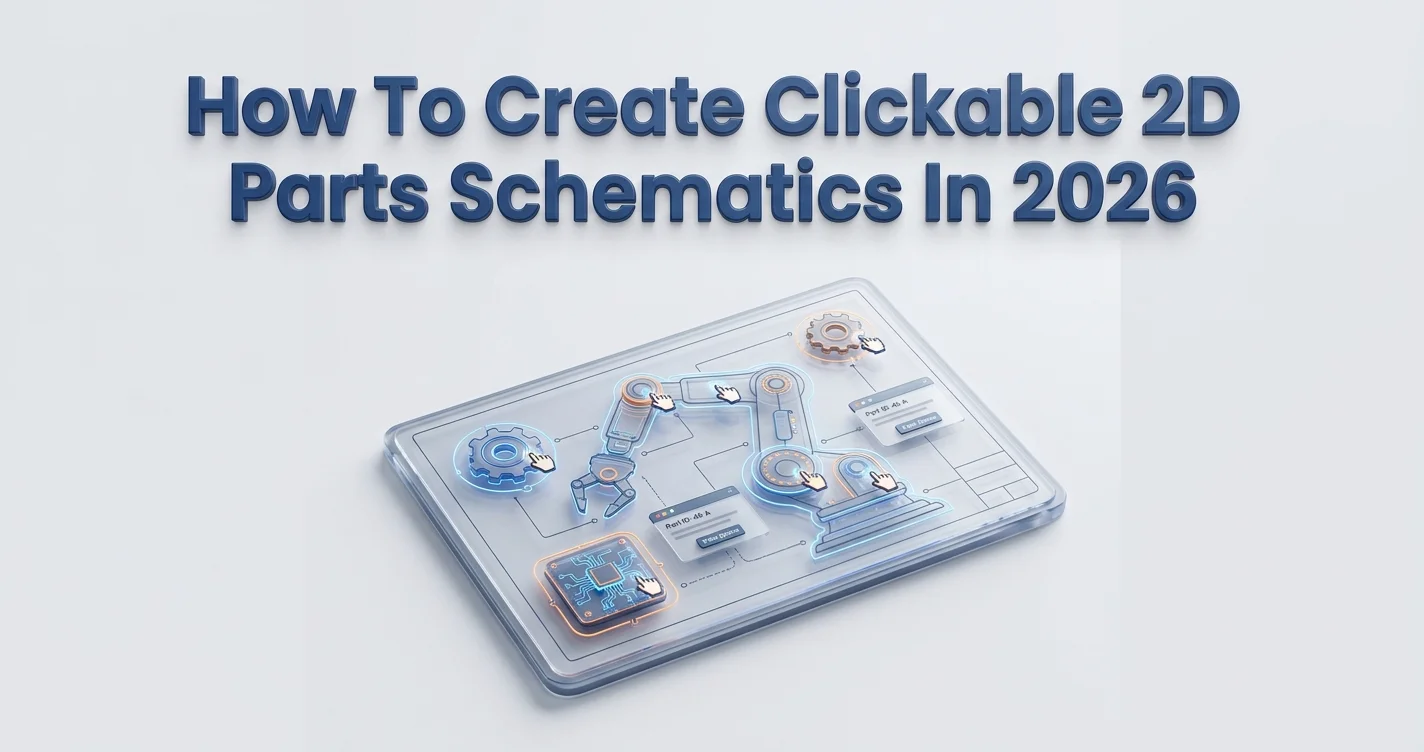
Factory production lines stop the moment a critical machine fails. Technicians open 900-page documents on their tablets to pinch-zoom pixelated diagrams, and then cross-reference part numbers against a disconnected inventory spreadsheet. Field mechanics working on agricultural combines or mining excavators cannot wait for massive files to load over weak cellular signals. They require immediate, precise identification tools. Because every minute spent searching bleeds thousands of dollars from the bottom line, you convert PDF parts manual to interactive catalog to stop this exact drain. Transitioning from flat documentation to an electronic parts catalog (EPC) directly targets costly ordering errors and aftermarket revenue leaks. Systems Online built the EzParts platform specifically to solve this problem, turning static pages into an integrated, multi-channel revenue engine.

1. The Hidden Costs of Static PDF Manuals in 2026
The $1.4 Trillion Downtime Problem
Unplanned equipment downtime drains revenue fast. According to the Siemens "True Cost of Downtime" Report from 2024, global Fortune 500 manufacturing companies lose an estimated 1.4 trillion annually to equipment downtime, which accounts for roughly 11% of their total revenues. This macroeconomic impact trickles down to brutal hourly rates. Data from Aberdeen Research, cited by Reliable Plant in 2026, shows that an average large manufacturing facility loses $260,000 per hour across all sectors, though this figure varies significantly by industry—from around $85,000 in food and beverage to over $500,000 in oil and gas. Specialized automotive plants face an even steeper penalty, bleeding up to $2.3 million per hour when assembly lines halt. A single failed robotic arm actuator stops the entire chassis assembly line. Technicians staring at unsearchable static documents extend this downtime because every extra minute spent scrolling through tables of contents directly impacts plant profitability.
Friction in Sourcing and Ordering Parts
When a field mechanic misidentifies a component due to an outdated diagram, the company pays twice by covering the incorrect item and the extended downtime waiting for the right one to ship. The MaintainX "The 2025 State of Industrial Maintenance" report found that 55% of maintenance professionals explicitly cite paying more for parts as the primary driver behind escalating repair costs across various sectors. Flat documentation forces mechanics to copy and paste alphanumeric strings between different applications, which creates transcription errors. A field technician attempting to read a smudged printout might confuse an "8" for a "B" or a "0" for an "O" in a 15-character sequence. That single misspelled character results in a rejected purchase order or a warehouse pulling the wrong bin entirely. Measure this friction directly by timing a new technician attempting to find and order a replacement hydraulic cylinder using your existing documentation. If the process takes more than three minutes, your lookup system needs replacing.
2. Why OEMs Are Accelerating Digital EPC Adoption
Capturing the 63% Aftermarket Revenue Boom
You lose money every time a customer abandons your cumbersome lookup process to buy a compatible component from a third-party seller. U.S. online auto and equipment parts sales reached $44.6 billion in 2025, according to the Auto Care Association and BigCommerce. B2B marketplace sales accounted for nearly half of that volume at roughly $20.7 billion. Furthermore, the global e-commerce automotive aftermarket was valued at $88.82 billion in 2025 and is projected by Polaris Market Research to grow at a 20.5% CAGR from 2026 to 2034. Manufacturers who digitize their parts lookup capture this massive demand directly. An analysis by Commercetools in 2026 found that B2B eCommerce drove new product revenue growth for 56% of industrial manufacturers. Aftermarket product revenue grew at an even higher rate of 63%. Providing an interactive, frictionless buying experience keeps dealers and end-users inside your ecosystem instead of forcing them out to gray-market competitors who sell counterfeit or substandard replacements.
Achieving a 6-to-12 Month ROI
Transitioning to a digital EPC requires upfront effort, but the financial return materializes rapidly. Manufacturers generally achieve a full return on investment within 6 to 12 months, according to a 2026 openPR analysis of how OEMs turn spare parts data into aftersales revenue. This rapid payoff is driven largely by lowered return rates for incorrectly ordered items and a drop in customer service inquiries. Every returned part incurs restocking fees, return shipping costs, and redundant technician dispatch labor. When you integrate Systems Online's EzParts into your dealer network, you build a B2B portal that allows buyers to visually identify components and submit orders without human-to-human coordination. Establish a baseline by tracking your current return rate for incorrectly ordered items, deploy an interactive catalog, and monitor the immediate drop in return merchandise authorization (RMA) requests.

3. Required Technical Features for Your Digital Upgrade
Multi-Shape Vector Hotspotting and Automated BOMs
Because raster images limit usability, you must deploy scalable vector graphics (SVG) with multi-shape hotspots linked directly to your Bill of Materials (BOM) database. Clicking a part on a schematic should highlight the exact item code and display a digital shopping cart button. Pixelated JPEGs fail in modern environments because technicians cannot zoom in clearly on densely packed assemblies like transmission valve bodies. Modern catalogs utilize multi-shape hotspots that map precise polygonal boundaries around complex shapes, ensuring a user clicks the correct item even when a tiny washer sits directly behind a massive retaining bolt. Configure your catalog to automate kit displays so that when a user selects a parent component, the system prompts them to add necessary sub-components, O-rings, or maintenance kits automatically. This prevents mechanics from tearing down an engine block only to realize they forgot to order the required gasket, saving them from a second multi-day delay.
Deep ERP Integration as a Single Source of Truth
Disconnected catalogs force dealers to call your support desk for pricing and availability, so you must connect your electronic parts catalog software directly to your ERP or dealer management system. EPCs are no longer siloed reference documents. The platform must integrate natively via APIs with major systems like SAP, Oracle, Epicor, and Dynamics to sync real-time inventory levels across your entire network. A direct API connection pulls specific pricing tiers automatically. When a dealer logs in, the platform queries your database to retrieve their exact negotiated discount rather than the generic MSRP, which guarantees pricing accuracy and eliminates the need for manual quote generation. If a specific component shows zero stock at the dealer's primary warehouse, the deep integration routes the query to regional distribution centers or the OEM master warehouse to fulfill the order without requiring the technician to place a phone call.
Serial Number and VIN Fitment Filtering
Restrict the view to guarantee exact fits by prompting users to enter a machine's exact serial number or VIN before viewing schematics. The system dynamically hides incompatible components, ensuring the user only sees assemblies engineered for that specific machine. Manufacturers change specifications mid-production run, meaning a tractor built in March might use a different hydraulic pump than the exact same model built in October. Without serial number filtering, a technician relies on confusing text notes like "Applicable for SN 1000-1499 only" printed in a margin. Serial filtering removes the incompatible pump from the user's screen entirely, neutralizing the risk of a misorder. It also accounts for warranty replacements and authorized field modifications recorded in the ERP, meaning the catalog reflects the machine's current physical state rather than its original factory configuration. Audit your current schematic format to ensure your data architecture supports this exact-fit filtering.
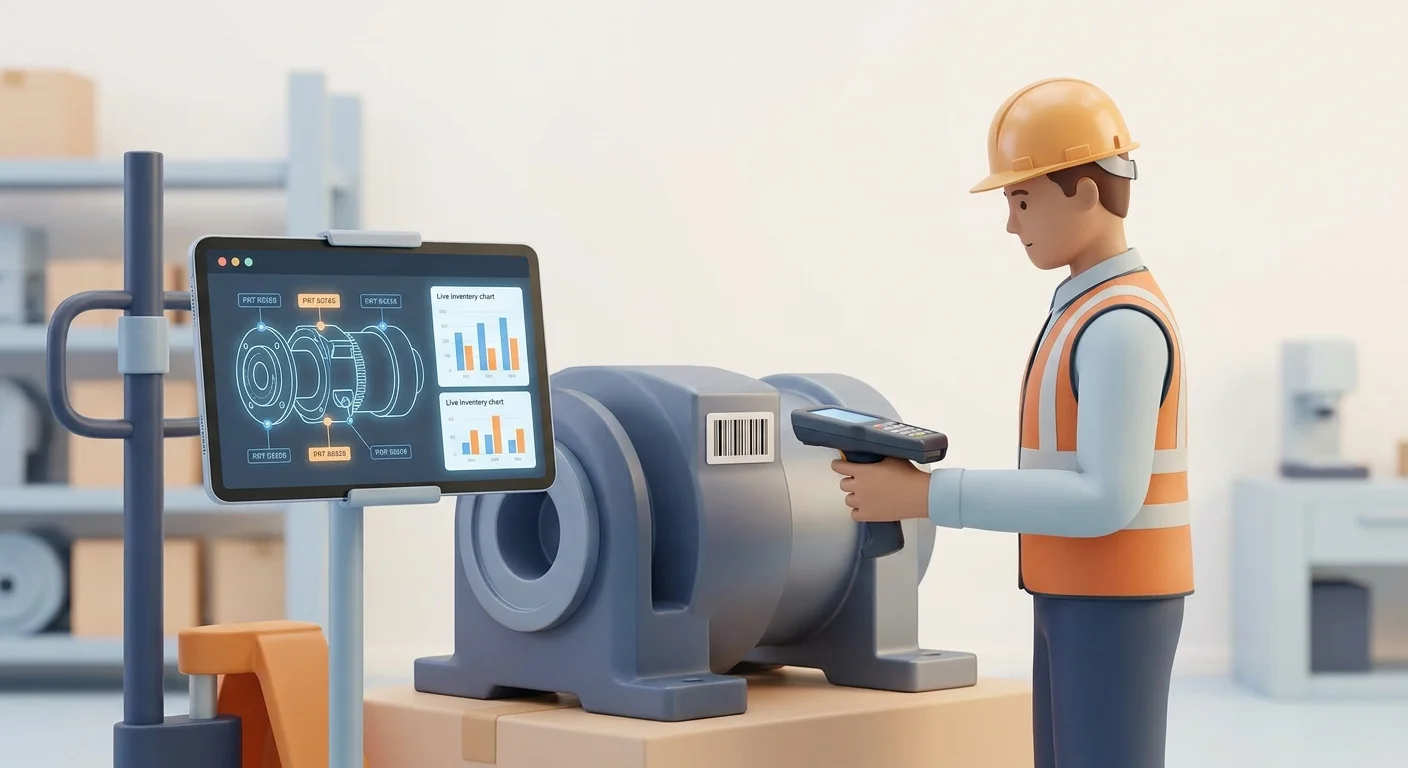
4. Step-by-Step: How to Convert PDF Parts Manual to Interactive Catalog
Step 1: Data Parsing and Automated Extraction
Automated parsing tools extract text, identifiers, and basic hierarchies directly from legacy documents, eliminating the need to type lists manually.
Export your existing BOM data from your ERP into a flat file or direct database connection.
Feed the legacy documents through a specialized extraction engine to read tables and callout numbers.
Validate the output against your master ERP records to identify missing assemblies, obsolete items, or OCR misreads.
Import the cleaned dataset into your hosted electronic parts catalog software environment.
These automated parsing tools reduce the extraction workflow from months to hours. Systems Online maps this raw relational data into a structured digital framework to ensure parent-child hierarchies remain intact. Handling edge cases, such as custom assemblies built for specific enterprise clients, requires you to flag non-standard BOMs during this validation phase so they do not overwrite standard production models.
Step 2: Mapping Schematics and Managing Supersessions
Link your visual assets to the extracted database by importing your CAD files or converted SVG graphics into the authoring tool and assigning hotspot coordinates to each callout. Configure your supersession logic early in the setup process. Manufacturers update engineering specifications to replace flawed designs with upgraded materials, requiring you to track when an old number is replaced by a new one so the system redirects buyers to the correct replacement. Systems Online handles this routing natively. If a buyer searches for an obsolete fuel injector, the platform alerts them to the supersession and adds the new, compatible injector to their cart instead. Complex supersession chains frequently involve a single part being replaced by a kit containing three separate components, and your catalog logic must map these one-to-many replacements accurately.
Step 3: Deploying AI-Powered Lookup Tools
Modern catalog deployments in 2026 feature AI-assisted lookup capabilities that allow users to search using natural language. Instead of hunting for exact numerical codes, users query the database using model numbers, partial assembly names, or descriptive text. The search engine indexes descriptions and metadata, returning exact schematic matches without requiring the user to know the precise numeric string. A field technician can type "front left drive motor for 2018 excavator" and bypass the index navigation entirely. You convert PDF parts manual to interactive catalog data successfully when a brand-new hire can locate a complex assembly as quickly as a thirty-year veteran. Test the migration thoroughly before deploying to your entire dealer network by picking three high-volume equipment models, digitizing their documentation, and running a closed beta with your top-performing field service team to gather feedback on the search interface.
5. Supporting Technicians in Remote and Legacy Environments
Mobile-First and Offline Distributed Media
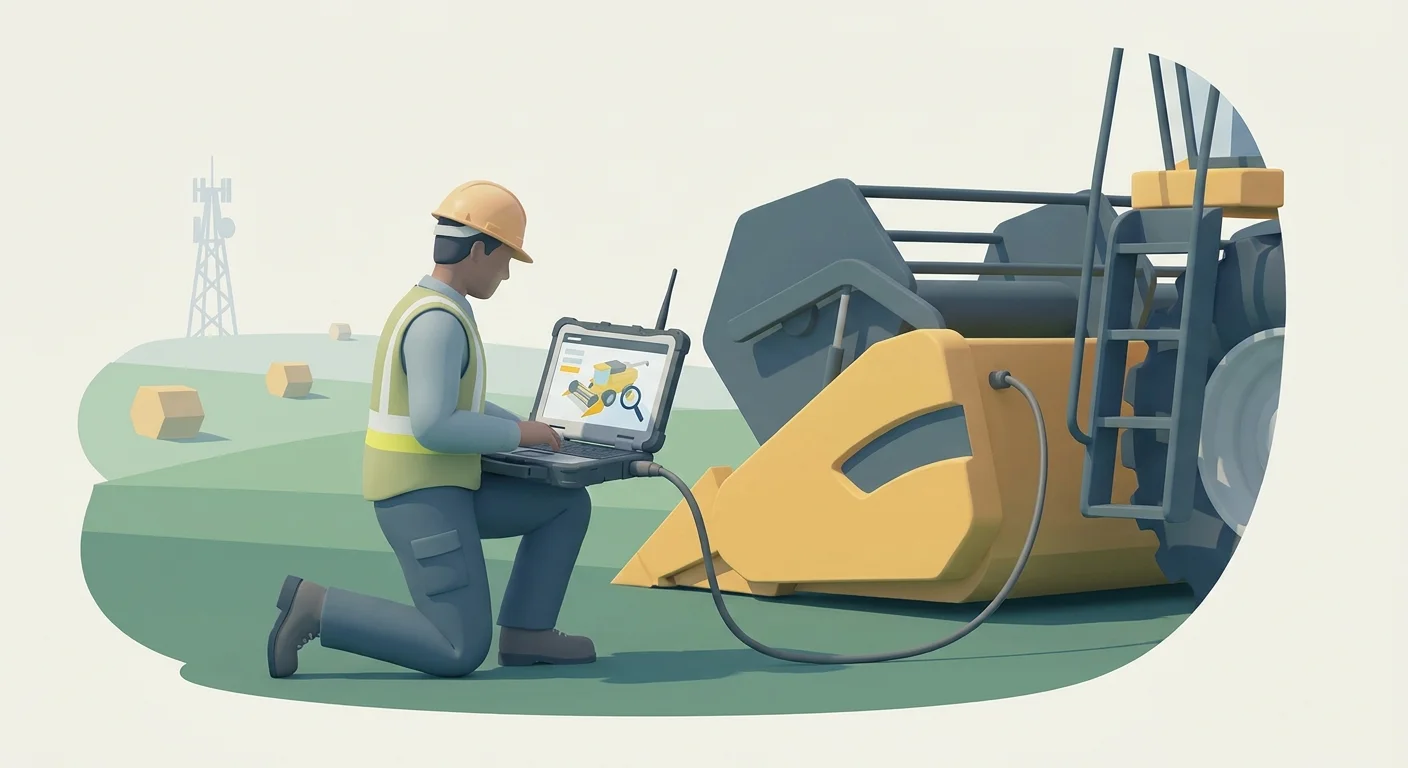
Heavy equipment operates in dead zones, since mining sites, offshore rigs, and remote agricultural fields lack reliable cellular connections. Your digital catalog must function without an internet connection by distributing offline media via USB, secure digital cards, or local device installs. Because field technicians still need to assemble complex orders onsite, these offline versions must retain full shopping cart functionalities and BOM lookup tools. The application queues the selected items locally until the device regains a cellular connection and syncs the data back to the central ERP. Mobile app marketplaces for spare parts represented 18.2% of the market in 2025 and are projected to grow at a 17.1% CAGR through 2034, according to the eCommerce Automotive Spare Parts Platform Market Research Report. Ensure your platform offers access for iOS and Android to capitalize on this shift. Equip your electronic parts catalog software dealers with tablets to guarantee zero interruption during service calls.
Maintaining Hybrid PDF Capabilities
Moving to a relational database does not force you to abandon physical books completely, as legacy clients and specific regulatory environments still demand offline printed documentation. Government and military contracts frequently mandate physical binders on specific vessels or remote sites. Implement an automated print engine connected directly to your primary database to satisfy these requirements. When an engineering update occurs, the master database updates the eCommerce portal, the mobile app, and the dynamically generated parts books simultaneously, eliminating version control nightmares. You no longer pay technical writers to manually format pages, update indexes, and realign tables of contents. The print engine applies your corporate branding, inserts the updated SVGs, builds the index, and outputs a press-ready file automatically. Count the hours your technical writers spend formatting pages today, and replace that manual work with dynamic database publishing to reduce overhead.
Systems Online helps manufacturers digitize complex engineering data into interactive, accurate lookup tools. Explore our EzParts electronic parts catalog features to integrate your ERP, eliminate order errors, and capture more aftermarket revenue. Visit Systems Online today to schedule a technical demonstration and start your digital transformation.
Modified on: 07/20/2026