Blog » Top Documoto Alternatives for Electronic Parts Catalogs
Top Documoto Alternatives for Electronic Parts Catalogs
As B2B aftermarket volume grows, dealerships and field technicians expect consumer-grade purchasing experiences for complex mechanical assemblies. When parts catalogs fail to deliver interactive schematics or rely on outdated batch-uploaded inventory, users order the wrong components. Finding capable Documoto alternatives prevents these ordering errors while protecting aftermarket revenue and increasing first-time fix rates.
Why Manufacturers Are Seeking Documoto Alternatives in 2026
Because equipment lifecycles span decades, you must support thousands of legacy machines with accurate replacement data, which requires infrastructure beyond static document hosting.
The Explosive Growth of B2B Aftermarket Ecommerce
Dealerships and end-users bypass manual ordering portals entirely when they encounter friction, migrating toward third-party suppliers who offer immediate visual verification of replacement components. Upgrading to modern electronic parts catalog software prevents this defection and protects your primary revenue channel.
Systems Online (EzParts) addresses this gap directly by converting static parts data into an interactive B2B portal where visual fitment verification drops return rates and increases average order value. When users see the exact context of a part within a larger assembly, they identify missing prerequisites. Instead of ordering a bare hydraulic cylinder, the visual interface prompts them to include necessary mounting brackets and high-pressure seals, capturing revenue that would otherwise go to local industrial supply houses.
The Shift Toward API-Based Procurement
Fleet operators and large dealer networks automate their reordering for high-wear items using telematics and integrated procurement systems, and if your catalog architecture isolates itself from these workflows, you lose high-volume fleet sales. While traditional platforms require manual data exports or overnight batch updates to synchronize pricing and availability, modern infrastructure uses application programming interfaces (APIs) to bridge this gap. Connecting your catalog directly to procurement systems allows fleet managers to trigger orders automatically.
- Map your internal part numbers to the fleet customer's proprietary inventory codes within the catalog database.
- Expose a secure API endpoint connected to your enterprise resource planning (ERP) system to receive automated purchase orders.
- Configure the electronic parts catalog to route these headless transactions directly into the fulfillment queue based on the specific contract terms.
Must-Have Features in Your Next Electronic Parts Catalog
Replacing legacy software requires identifying specific technical capabilities that reduce friction for the end user, because catalogs built purely as document viewers create bottlenecks during the identification process.
Interactive Multi-Shape Hotspotting
Basic text search forces users to cross-reference long alphanumeric tables against static PDF diagrams. While Year-Make-Model or VIN/Serial queries narrow the field, buyers still need visual confirmation before committing to a purchase. Multi-shape hotspotting resolves this ambiguity by mapping 2D and 3D CAD files with interactive polygons that trace the exact physical outline of each component.
When technicians view a transmission schematic, they click the distinct, irregular shape of a specific retaining clip right on the diagram. The system highlights the item, pulls up its current stock level in the side panel, and offers an active checkout button. Because clicking the image row in the parts table simultaneously highlights the corresponding shape on the schematic, users can confidently confirm they have the right piece. You implement this by mapping your existing vector layers to your parts database, eliminating the need to manually draw thousands of rectangular bounding boxes over rasterized images.
Deep ERP Synchronization
Because inventory data expires the moment an overnight batch script finishes running, dealer networks require live visibility into stock levels, regional warehouse locations, and custom pricing tiers before they commit to a purchase. You achieve this real-time accuracy by configuring native Web Services or REST APIs to pull data directly from ERP systems like SAP, Epicor, Dynamics, or Oracle.
| System Capability | Batch Upload Processing | Native Web Services/API |
|---|---|---|
| Inventory Availability | 24-hour delay; causes out-of-stock orders | Real-time query at the moment of search |
| Dealer Pricing | Static flat files loaded manually | Dynamic rule inheritance per user login |
| Order Insertion | Manual export and re-keying | Automated direct database write |
When a field mechanic queries a component, the catalog queries the ERP simultaneously, and if the primary regional warehouse lacks inventory, the system automatically displays availability at the nearest secondary location along with calculated transit times. To enforce consistency, set your ERP as the single source of truth for pricing rules and configure your catalog to inherit those exact rules dynamically.

Top Documoto Alternatives for OEMs and Dealers
Selecting a replacement platform requires assessing your deployment needs for remote offline access and publishing automation. While general product information management (PIM) software handles basic retail goods, whole goods manufacturing requires purpose-built software to manage complex bills of materials and mechanical hierarchies.
Documoto
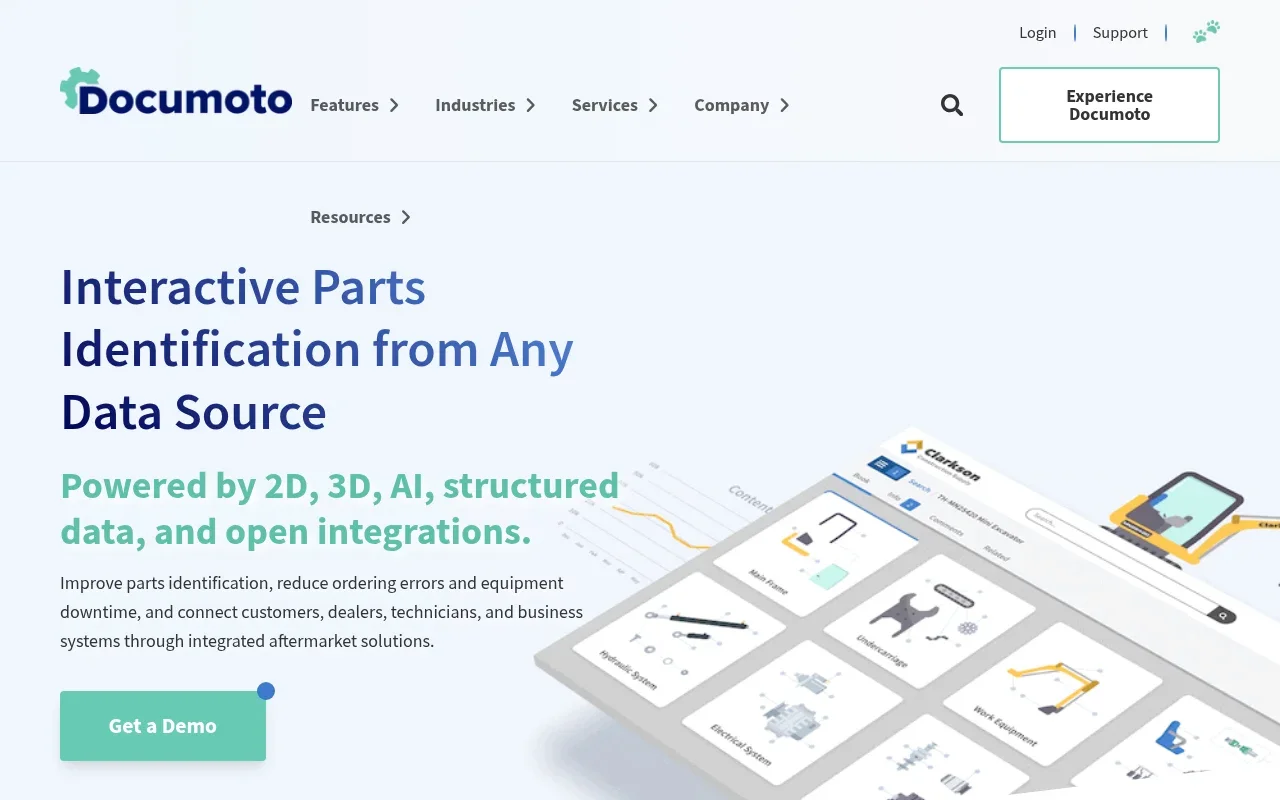
Many manufacturers start with Documoto to digitize their initial PDF manuals into web-based catalogs. The platform provides a standard cloud-hosted environment for dealers to view relational parts data, cross-reference part numbers, and place orders through a web portal while handling standard 2D schematics and order routing. However, organizations frequently encounter the limits of cloud-only delivery models as their operations scale into disconnected environments or require custom integrations for automated publishing across multiple physical mediums.
Systems Online (EzParts)
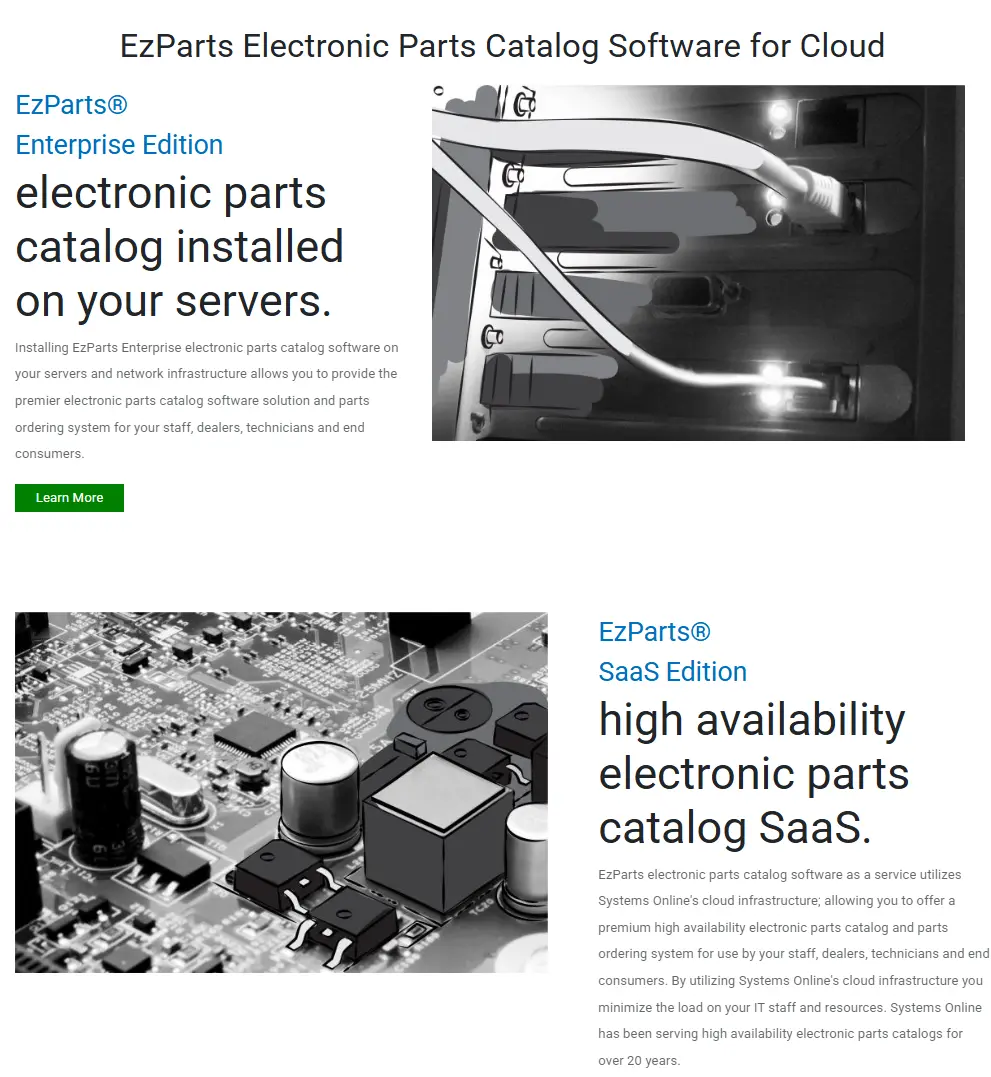
Systems Online serves as the primary alternative by delivering a multi-channel framework designed specifically for equipment manufacturers, transitioning static data into interactive B2B portals across cloud, native mobile, and offline distributed media environments.
The platform features an automated print engine that generates branded PDF parts books directly from your central database. When engineering updates a part specification in the ERP, single-source publishing pushes the change to the online portal, the mobile application, and the downloadable PDFs simultaneously. Because the software handles automatic kit component displays, users always see all required pieces of a sub-assembly. By configuring EzParts electronic parts catalog features, you guarantee correct ordering on the first try regardless of the channel the buyer uses.
Intelli Catalog
Multinational equipment manufacturers face massive localization challenges, as literal translations of technical descriptions frequently cause fitment errors across different regions. Intelli Catalog addresses this problem by focusing on automated regional compliance and intelligent localization. The platform automatically adjusts unit measurements to convert millimeters to inches depending on the IP address or user profile, while translating technical terminology based on geographic rules. During implementation, review their localization tables extensively to ensure your specific engineering terminology maps correctly across all supported languages.
Components Engine
Components Engine offers a modular route for digitizing 2D and 3D parts diagrams. The software allows you to purchase specific licenses for web publishing, offline viewers, or print creation independently, so you can deploy the web module first before investing in print automation. Map out your three-year deployment strategy beforehand, because piecing together separate modules for web, mobile, and print creates fragmented update cycles if your catalog administrators fail to synchronize the output channels during major data releases.
Solving the Field Technician Connectivity Problem
Because equipment fails in unpredictable locations, the software your technicians use to identify replacement parts must function regardless of cellular infrastructure.
The Limitation of Cloud-Only SaaS
A catalog demanding a continuous internet connection fails field service technicians. Repairing heavy agricultural machinery in a rural field, servicing mining equipment deep underground, or maintaining an offshore drilling rig means operating disconnected from outside networks, and cloud-only SaaS products lock technicians out of interactive schematics when equipment downtime costs the most money.
When technicians are forced to guess part numbers from memory or call back to a central office, they introduce ordering errors that require secondary service trips. Every secondary trip erodes service margins—with first-time fix rates ranging from 63% for industry laggards to 88% for best-in-class field teams—and leaves the customer's equipment stranded.
Minimizing Downtime in Remote Locations
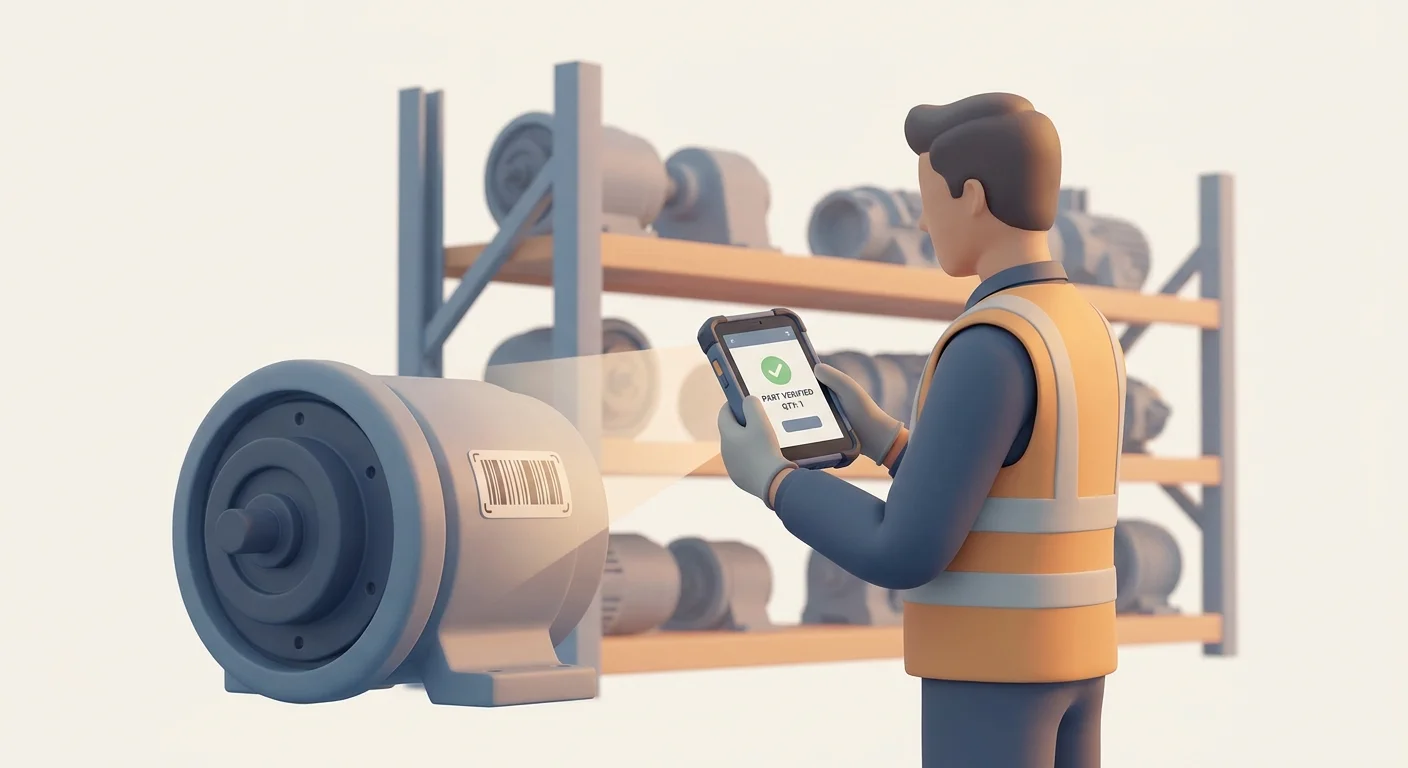
Solve remote connectivity gaps by deploying software built for offline functionality. Systems Online provides distributed media electronic parts catalogs and native mobile applications for iOS and Android that store the entire catalog locally on the device hardware.
This local storage includes all complex 3D schematics, interactive hotspots, and relational databases. Technicians identify the required parts, build their order offline, and save the cart to the device. The moment the tablet or phone reconnects to a network, the application synchronizes the cart directly to the ERP for immediate processing.
To manage bandwidth, the software uses delta updates, downloading a minimal patch file containing only the changed XML data and new image assets instead of forcing a massive complete catalog download over a weak hotel Wi-Fi connection. Audit your field service routes to identify connection dead zones, and issue ruggedized tablets pre-loaded with the native offline catalog to those specific mobile teams.
How to Migration Legacy Catalogs and Manage Part Lifecycles
Transitioning away from an older platform requires importing decades of legacy engineering data without losing the structural context of the machinery.
Handling Bill of Materials (BOM) Grouping
Importing legacy parts data requires maintaining the exact hierarchical structure of your equipment, where a master assembly contains sub-assemblies that break down further into individual micro-components. Flat file imports frequently destroy this parent-child context, rendering the data useless for field identification.
Configure your catalog import tool to map your engineering Bill of Materials (BOM) directly to the visual schematic. When a user clicks a master hydraulic cylinder on the screen, the system expands a tree menu to show the piston, seals, and casing grouped underneath it. Enforce strict kit purchasing by configuring the software to hide individual component pricing when a sub-assembly must be replaced as a complete unit. This prevents users from ordering individual O-rings for sealed components that cannot be serviced in the field.
Automated Supersession Management
Never delete an obsolete part from your active database, because erasing historical part numbers breaks the search experience for mechanics working on legacy equipment. Instead, implement automated supersession management to track the entire replacement history of every component you manufacture.
When engineering replaces a brass fitting with a newer composite version, link the old part number to the new one in the catalog's administrative backend.
- Define the old part as "Obsolete - Replaced By".
- Assign the new part number as the direct replacement.
- Determine if the replacement is backward compatible or requires a complete sub-assembly upgrade.
If a technician types a discontinued number from a ten-year-old paper manual into the search bar, the system automatically routes them to the active replacement part while displaying the complete substitution chain to show exactly when and why the number changed. This routing logic prevents dead-end searches and ensures the technician receives the active component without calling customer support for clarification.
Equipment downtime and high ordering error rates drain aftermarket profitability. Upgrading your catalog infrastructure centralizes your technical data, eliminates part ambiguity, and puts accurate, interactive schematics directly into the hands of dealers and technicians. Visit Systems Online to see how EzParts transforms static document libraries into multi-channel electronic catalogs.
Modified on: 07/21/2026