Blog » Equipment Lifecycle Management Software: What OEMs Need to Know
Equipment Lifecycle Management Software: What OEMs Need to Know
Equipment information can be scattered across an organization. Engineering teams may manage revisions in one database, commercial teams may track inventory in an enterprise resource planning system, and maintenance crews may record work history on paper or in a standalone database. This fragmentation can make servicing complex machinery harder and increase the risk of ordering errors. A field technician fixing a machine needs access to the relevant information in one workflow, centered on the exact asset sitting in front of them.
Lifecycle software connects the asset record to the maintenance process. Original equipment manufacturers face a specific challenge within that lifecycle: they need to make the equipment's current configuration understandable and actionable in the field. If a technician cannot identify the correct replacement part, a connected asset record offers limited practical value.
Systems Online developed EzParts to bridge this gap. As a specialized technical-information layer, it translates engineering data into visual identification and aftermarket commerce. Connecting these systems can give dealers, technicians, and equipment owners a shared path to current technical information when they service machinery.
How Equipment Lifecycle Management Software Organizes Asset Data
Equipment lifecycle management software tracks and coordinates an asset from planning and acquisition through operation, maintenance, renewal, and retirement. The platform brings together configuration data, work history, parts availability, service documents, and cost tracking. Consolidating these records can help organizations make better decisions about repairs and replacements while executing daily maintenance with accurate information.
The ISO 55000:2024 standard frames asset management as a strategic approach to managing assets throughout their life cycles and aligning asset-management objectives with organizational goals. While ISO 55000 provides vocabulary, an overview, and principles, it describes a management framework rather than a software feature set. For this article, those principles are organized into five practical stages.
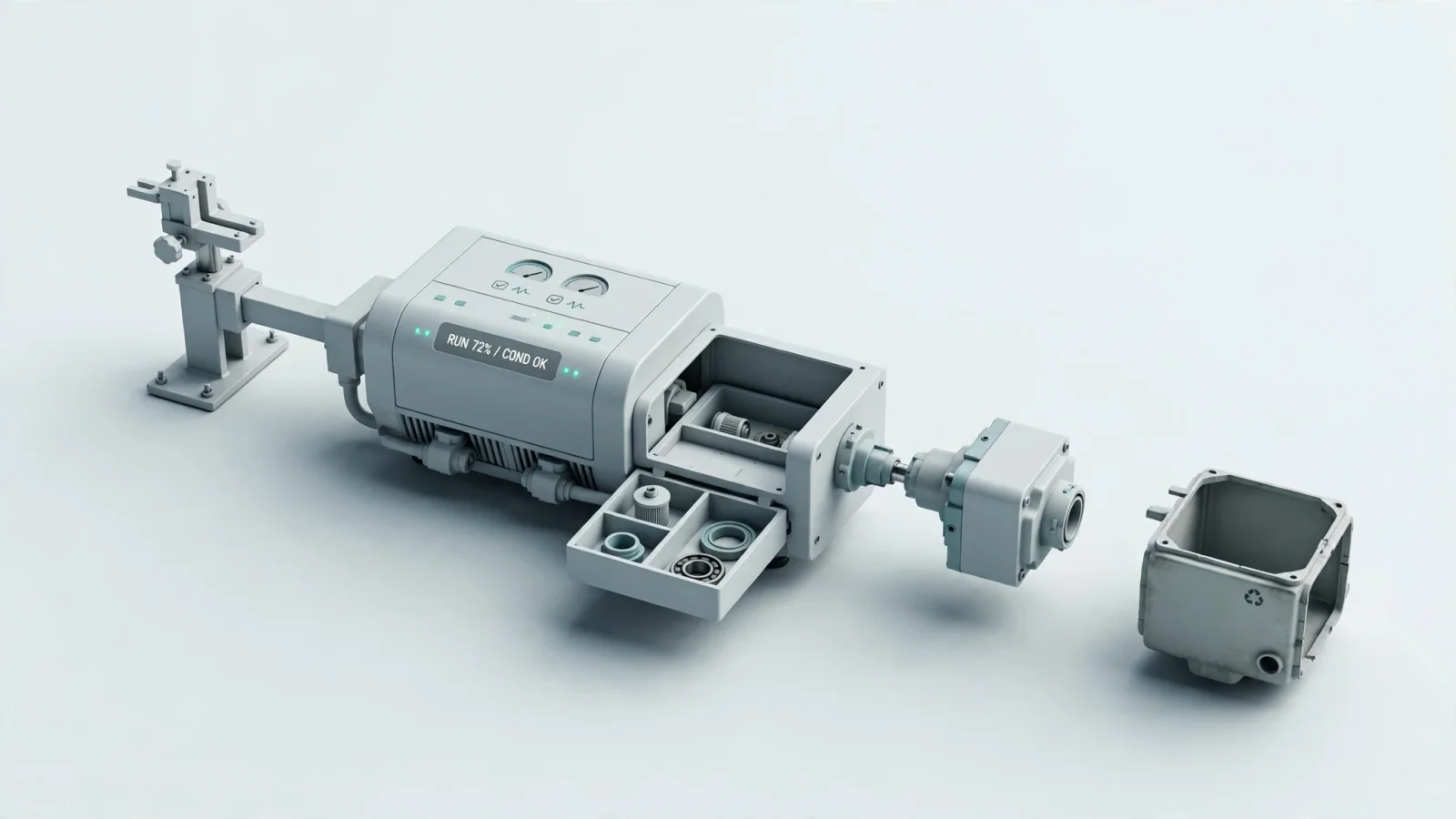
Plan and acquire: Asset owners define equipment specifications, expected lifespan, and capital expenditure. This phase establishes the initial product, model, component, and serial-number structures that support parts identification.
Build and commission: Manufacturers record what they built and shipped, and where it was installed or assigned. This step creates an accurate installed-base record and sets the physical hierarchy for future service needs.
Operate and monitor: Equipment owners track location, ownership details, meter readings, and condition data. Telemetry integrations and inspection records can give dealers and technicians operational context before they attempt to identify or order a replacement part.
Maintain and repair: Maintenance teams generate preventive and corrective work orders based on failure history or scheduled intervals. Executing these work orders depends on connecting the service task to the correct bill of materials, schematic, and parts availability data.
Renew, refurbish, or replace: Companies analyze lifecycle costs and failure patterns to decide whether to repair, upgrade, or retire the equipment. The software can preserve replacement-part paths and historical technical content even as older components become obsolete.
Connecting Lifecycle Software with EAM, CMMS, and ERP Systems
The phrase lifecycle management often functions as a buying category rather than a rigid software classification. Because vendors package capabilities differently, organizations often connect multiple specialized systems instead of forcing every department to use a single application. Understanding the boundaries between these systems helps reduce implementation mistakes.
| System Category | Primary Purpose | What It Usually Manages | Where EzParts Fits |
|---|---|---|---|
| Enterprise Asset Management (EAM) | Manage physical assets across their lifespan | Asset records, maintenance strategies, costs, risks, performance planning, and retirement | Integrate with EAM when the manufacturer needs a specialized visual parts experience |
| Computerized Maintenance Management System (CMMS) | Organize daily maintenance work | Work orders, preventive maintenance schedules, repairs, inspections, and maintenance history | Supply the visual parts, supersession, and ordering workflows that a maintenance system lacks |
| Product Lifecycle Management (PLM) / Product Data Management (PDM) | Manage engineering and product-definition data | CAD files, engineering revisions, product structures, design data, and controlled technical content | Consume approved engineering data and transform it into a service-oriented parts catalog |
| Field Service Management (FSM) | Coordinate remote field work | Scheduling, technician dispatch, service requests, and field execution | Link field work to the correct schematic, document, and order workflow |
| Enterprise Resource Planning (ERP) | Run core commercial transactions | Inventory, purchasing, sales orders, financial records, and business rules | Use ERP data for live availability, customer-specific pricing, and order insertion |
| Electronic Parts Catalog (EPC) | Help users identify and obtain correct replacement parts | Visual schematics, fitment rules, supersessions, commerce, and channel delivery | EzParts occupies this specialist layer to connect engineering data with field service |
EAM systems cover the broader asset lifecycle, while CMMS platforms focus more narrowly on maintenance work. EAM can connect maintenance activity with financial and operational context, while ERP platforms integrate finance, procurement, supply chain, and sales processes. ERP systems can also connect and synchronize with other applications and data sources, giving organizations a unified view of information across systems.
When you evaluate electronic parts catalog software for OEMs, the goal is often to augment the capabilities already in your EAM or ERP suite. The EPC provides the service-facing experience. It translates the engineering structures from a PLM system and the commercial data from an ERP into a visual interface that a technician can navigate while standing next to a broken machine.
Integrating Parts Identification into the Equipment Lifecycle
The lifecycle remains incomplete if users cannot connect a maintenance requirement to a specific, orderable part. When product definitions, installed-base records, and commercial parts data remain disconnected, manufacturers face more opportunities for ordering mistakes and service delays.
Configuration determines the correct replacement part because a single equipment model can have many variations based on its serial-number range, regional requirements, or the components installed during production. If a technician orders a replacement based solely on the general model name, they risk receiving a component that does not fit the specific machine they are servicing.
Engineering changes affect field service because product information must remain current across the product lifecycle. PLM provides built-in governance and traceability for engineering change management and supports change-management continuity between product and service engineering.
Static manuals can leave practical gaps in this process. PDF files and printed parts books serve a purpose in remote environments, but static documents do not automatically reflect current commercial realities. A printed book cannot tell a technician that a part is out of stock in the nearest warehouse, nor can it apply customer-specific pricing rules, calculate personalized discounts, or allow the user to insert an order directly into the business system.
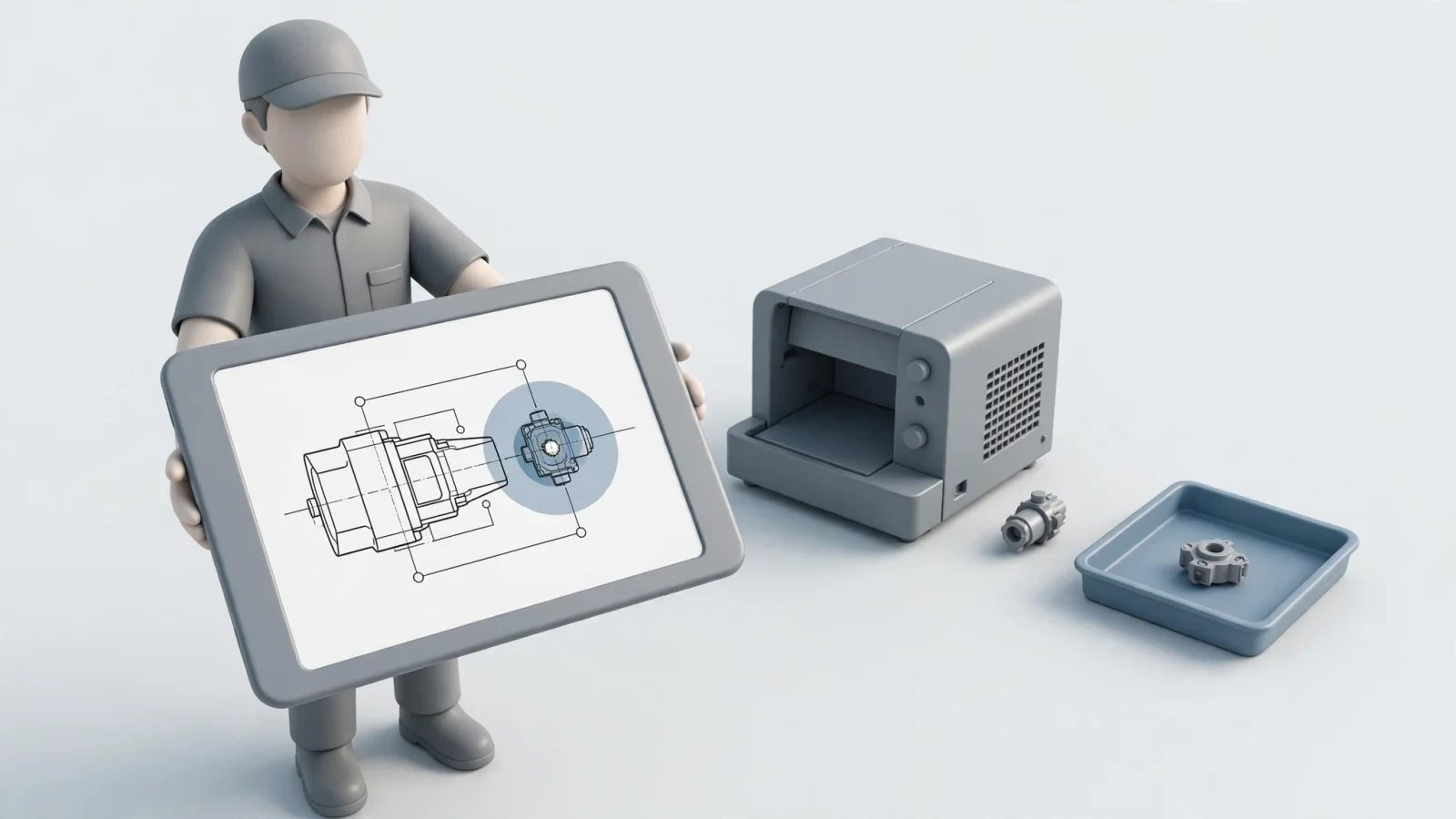
An interactive electronic parts catalog can close this gap by exposing the right technical context at the point of service. A field technician can identify an assembly, filter the view to match the specific equipment configuration, select a visual hotspot on a drawing, check live pricing, and send the order into the ERP.
Key Platform Capabilities for Equipment Service
Selecting the right software requires testing specific workflows, because generic feature lists do not show how the platform handles your data. You need to validate how the system handles complex asset hierarchies, integrations, and remote access.
Asset, Configuration, and Technical Content
The software should distinguish between general models and specific serial ranges. Test the system by searching for a discontinued part number to verify that it routes you to the correct replacement. Check how the platform handles bills of materials and kit structures, ensuring technicians can navigate from a top-level assembly down to individual components while selecting multiple parts simultaneously. Visual identification matters here. Depending on the equipment and source data, users may need interactive 2D or 3D schematics with multi-shape hotspots, allowing them to click a visual representation of a part rather than relying entirely on text-based descriptions.
Integration, Commerce, and Governance
Because availability, pricing, and order constraints often reside outside the catalog, robust integration supports the entire workflow. Change a test price or inventory value in your ERP and verify how quickly that update reflects in the catalog. The system needs role-based permissions, allowing you to show different content, languages, and pricing to dealers, internal technicians, and retail customers. Look for auditability features that track the source, revision, and approval status of every catalog change. Analytics can reveal failed searches, unpopular content, and catalog-assisted orders so you can continuously improve the data.
Mobile, Offline, and Multi-Channel Access
Remote technicians may not be able to depend on a live cellular connection. To test offline capabilities, put a device in airplane mode, then attempt to search for a part, open a schematic, and read a service document. Verify how the application displays its last-update date so the technician can judge the age of the data. Test the specific workflow for queuing an order while disconnected, and watch how the system behaves when it reconnects to the network. Do not assume that offline catalog access automatically includes offline order reconciliation. You also want to evaluate whether the platform supports SaaS, enterprise-hosted, native mobile, and distributed-media delivery based on the environments your dealers and technicians operate within.
How EzParts Extends Equipment Lifecycle Data
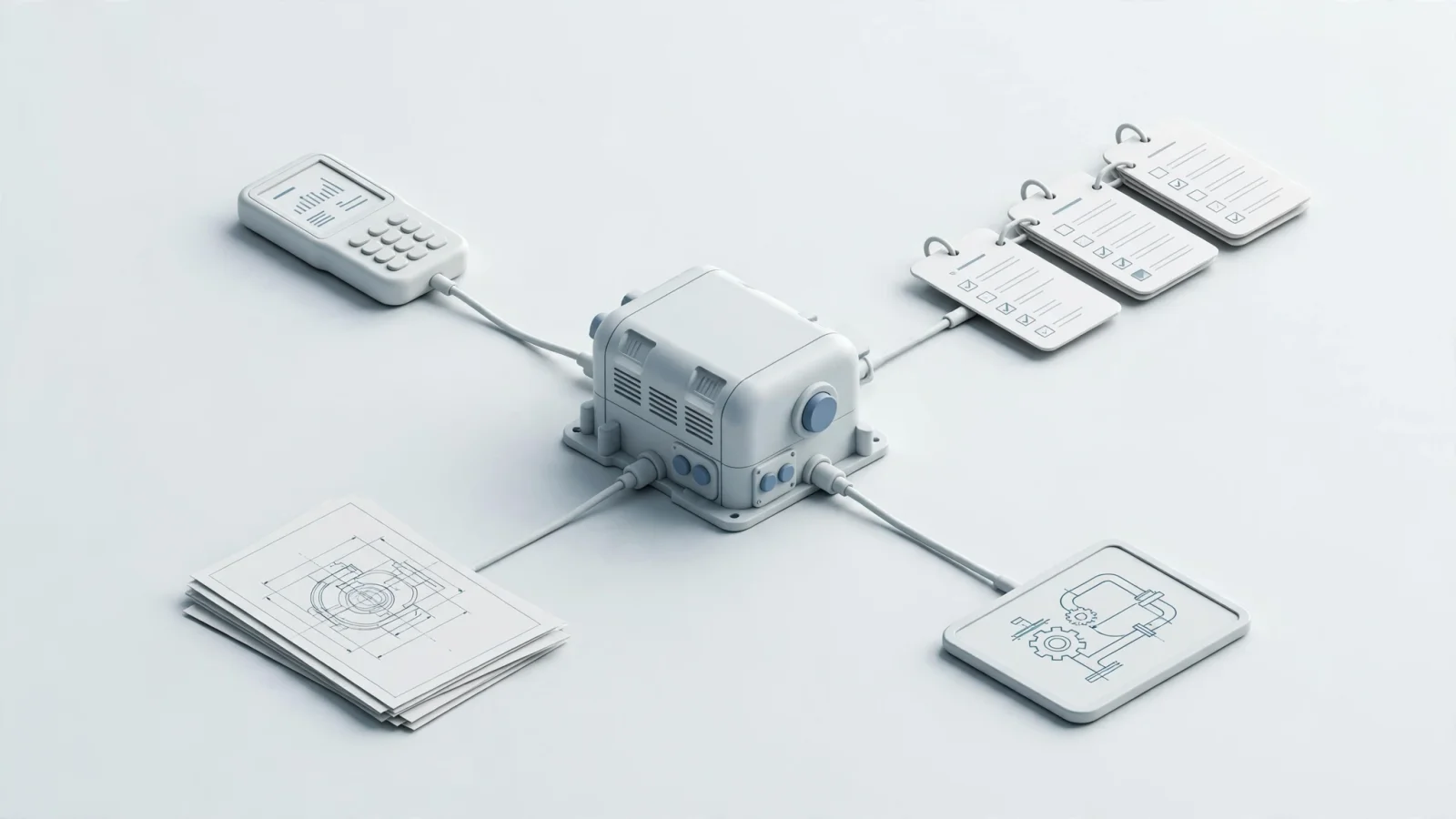
Systems Online positions EzParts as a specialized technical-information and aftermarket eCommerce layer. It complements existing ERP, PLM, and EAM platforms by providing visual parts identification and commerce features those broad suites may not cover.
The platform turns raw engineering data into a service-ready catalog. Manufacturers can import drawings and illustrations from CAD and PDM systems alongside PDF files. The platform also supports bill-of-material navigation, supersessions, and serial-number filtering. Users can combine those capabilities with where-used searches and interactive schematics to reduce ambiguity during the ordering process.
Connected aftermarket commerce depends on ties to the manufacturer's business systems. EzParts handles external-system integration by exchanging inventory levels, pricing rules, discount structures, user data, access rules, and order status with the ERP and other connected business systems. These connections can support customer-specific visibility and pricing, so a dealer may see wholesale pricing and broader machine assemblies while a retail equipment owner sees retail pricing and a restricted list of user-serviceable consumables. You monitor all of these transactions through detailed order status and history dashboards.
Delivery flexibility gives technicians options suited to their environment. The platform offers cloud-hosted SaaS environments, on-premise enterprise deployments, and native mobile applications. For entirely disconnected environments, EzParts supports offline distributed media. Technicians working deep in a mine or out in a remote agricultural field can access interactive schematics and serial-number filters and BOM navigation without relying on a live connection. The system also features an automated print engine for dynamically generating branded, serial-specific PDF parts books on demand.
Evaluating and Implementing Lifecycle Tools Around Real Workflows
Evaluating lifecycle software requires practical, scenario-based testing, because generic product demonstrations hide the complexities of your specific data.
Run Scenario-Based Evaluation
Provide the vendor with real equipment models and serial records. Ask them to load an obsolete part number and demonstrate the supersession path. Identify a visually similar component on a schematic to test the hotspot accuracy, and display a multi-part kit to attempt ordering individual components versus the entire assembly. Check how the system responds to stock shortages and customer-specific pricing rules. Finally, execute an order insertion into your ERP and generate a dynamic PDF output to verify that the printed book matches the live catalog data.
Map Data Ownership and Integration
Before writing any code, map out which system owns each piece of data. Define exactly where engineering revisions, product structures, parts descriptions, installed-base records, inventory, pricing, customer rules, and technical documents live. Establish a canonical equipment-and-parts model that standardizes part numbers, units of measure, and visibility rules across the organization. You also need to define the integration behavior, deciding whether data flows in real time or in nightly batches. Plan out the authentication methods, error handling protocols, and fallback behaviors for when a connected system goes offline.
Pilot, Measure, and Govern
Start your implementation by piloting one representative product family. Choose a product line with meaningful configuration complexity and genuine field-service scenarios, testing it with both connected dealers and disconnected field technicians. Run user acceptance testing using actual parts, real serial ranges, and realistic pricing.
Once the platform launches, establish governance for ongoing changes. Assign ownership for updating translations, approving engineering changes, managing supersessions, and validating PDF output. Track baseline metrics to measure the electronic parts catalog benefits against your initial goals. Monitor the wrong-part return rate, catalog-assisted orders, search-to-cart conversion, and ERP handoff success. Pay close attention to the failed-search rate and the average time it takes a technician to identify a part. These concrete metrics provide far more value than generic return-on-investment claims.
Frequently Asked Questions About Equipment Lifecycle Management Software
What is equipment lifecycle management software?
It is a category of software used to track and coordinate an equipment asset from its initial planning and acquisition through its operation, maintenance, renewal, and eventual retirement. The software connects asset configuration data, work history, parts availability, costs, and service documents.
Is equipment lifecycle management software the same as a CMMS?
A CMMS focuses primarily on asset performance during the maintenance stage. Lifecycle management and EAM platforms cover a broader scope, connecting maintenance activities with the asset's wider financial, operational, and strategic context.
Does lifecycle management software replace an ERP?
An ERP provides a single source of truth for core business processes, including inventory, purchasing, and sales orders. ERP systems can connect and synchronize with other applications and data sources, providing a unified view of information across systems.
What capabilities matter most to equipment manufacturers?
Manufacturers prioritize accurate configuration and serial-number tracking, comprehensive BOM management, and governed supersession paths. Visual schematics, ERP integration, mobile access, offline capabilities, and dynamic technical-document output form the foundation of a reliable aftermarket service strategy.
Can equipment lifecycle software work offline?
Some specialized platforms support offline mobile or distributed catalog access. Buyers should validate how the software handles data freshness, local search indexing, document availability, update distribution, order queuing, and the reconciliation process once the device reconnects to a network.
Should an OEM eliminate PDF parts manuals?
While an interactive digital catalog serves as the primary experience, a synchronized print engine remains valuable. Dynamic PDF generation supports dealer workflows, remote field environments, internal documentation needs, and customers who still require physical, printable material.
See how EzParts connects interactive parts identification, ERP data, and mobile or offline access across the equipment lifecycle by visiting Systems Online.
Modified on: 09/09/2026