Blog » Boost First-Time Fix Rates With Hotspotted BOM Generation
Boost First-Time Fix Rates With Hotspotted BOM Generation
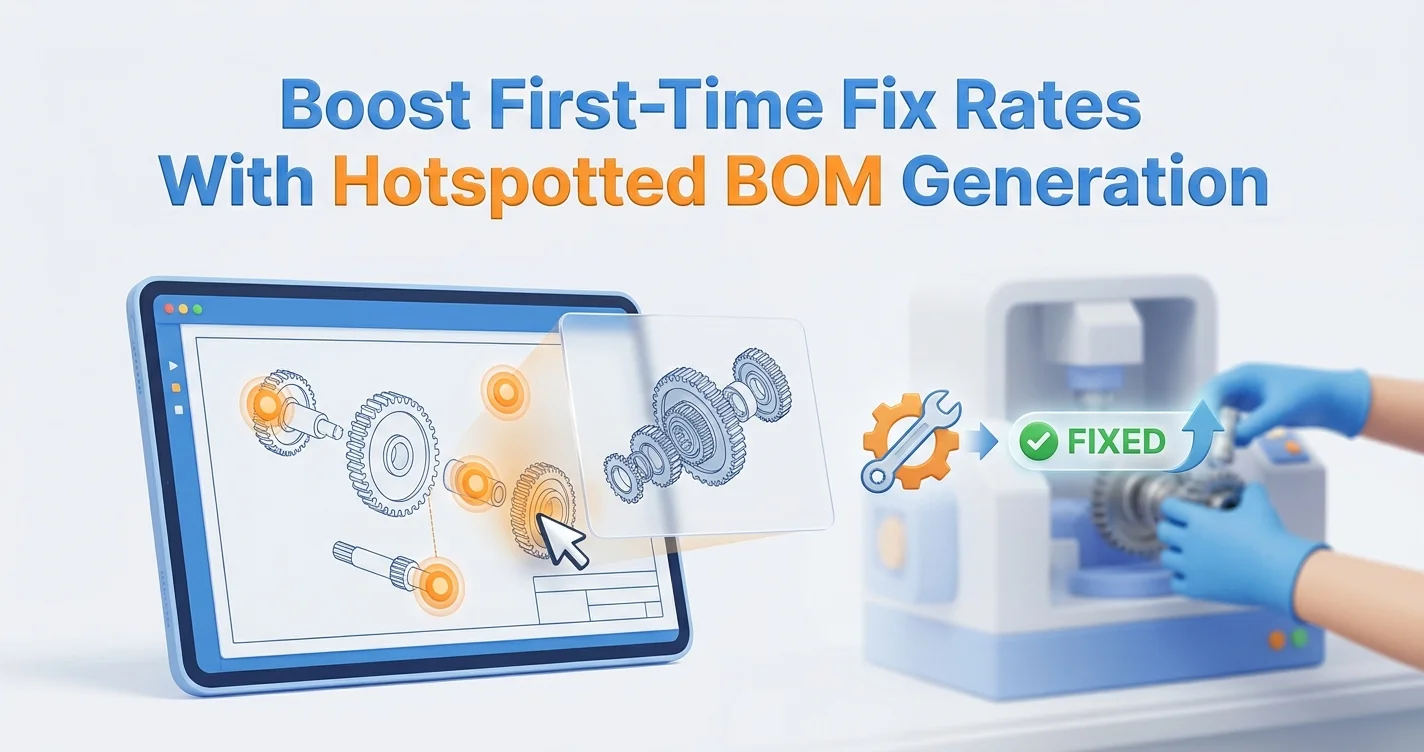
A machine goes down on a remote job site, and your field technician pulls out a 400-page PDF manual to find the replacement part. They guess at a blurry schematic, order the component, and wait three days for delivery. When the box arrives, the part does not fit because the manual failed to account for a mid-year engineering update. Hotspotted BOM generation fixes this exact failure point. By linking visual call-outs directly to Bill of Materials line items, you turn flat, error-prone diagrams into interactive electronic parts catalogs. Systems Online builds these interactive platforms, allowing manufacturers to digitize their aftermarket sales and equip their dealer networks with tools that identify the right component on the first attempt.

What Is Hotspotted BOM Generation?
When technicians view a parts diagram, they need to know exactly which part number corresponds to the physical piece of metal they are examining. Hotspotted BOM generation maps a geometric shape over a specific component in a 2D or 3D schematic and electronically links that shape to a database record. If you click the visual representation of a fuel injector, the corresponding line item highlights in the Bill of Materials (BOM) alongside it, and clicking the line item zooms the drawing to target the part.
This bidirectional communication removes the guesswork from aftermarket ordering because the software handles the association instantly, replacing the need to cross-reference drawing numbers with dense indexes at the back of physical manuals.
Defining The Interactive Schematic
An interactive schematic relies on precise coordinate mapping to build a usable interface. While older systems placed generic squares over reference numbers near parts, modern platforms trace the actual perimeters of the components. When you hover over a complex sub-assembly, only the target piece lights up, providing visual feedback that confirms you selected the correct housing, gasket, or bolt before adding it to a digital cart.
To launch a digital catalog, you can convert legacy vector graphics and CAD files into interactive diagrams. Platforms like Systems Online ingest these files, retain the layer data, and map the visual elements to your ERP part numbers automatically. As a result, the software treats the drawing and the data table as a single, unified ordering environment.
The Shift To B2B Digital Parts E-Commerce
Relying on static documents creates bottlenecks that competitors actively eliminate. North America now commands 33% of the e-commerce automotive aftermarket, a trend accelerating across heavy equipment sectors as buyers demand visual confirmation before authorizing high-value purchases.
Forcing a dealer to call customer support to verify a part number slows down their workflow and increases administrative overhead. Moving to a digital catalog allows your network to self-serve, letting dealers log in to view tier-specific pricing, check real-time inventory from connected systems like SAP or Epicor, and place orders without human intervention. Systems Online facilitates this workflow shift by providing an integrated eCommerce storefront driven entirely by visual parts identification capabilities.
Why Field Teams Need Visual Parts Identification
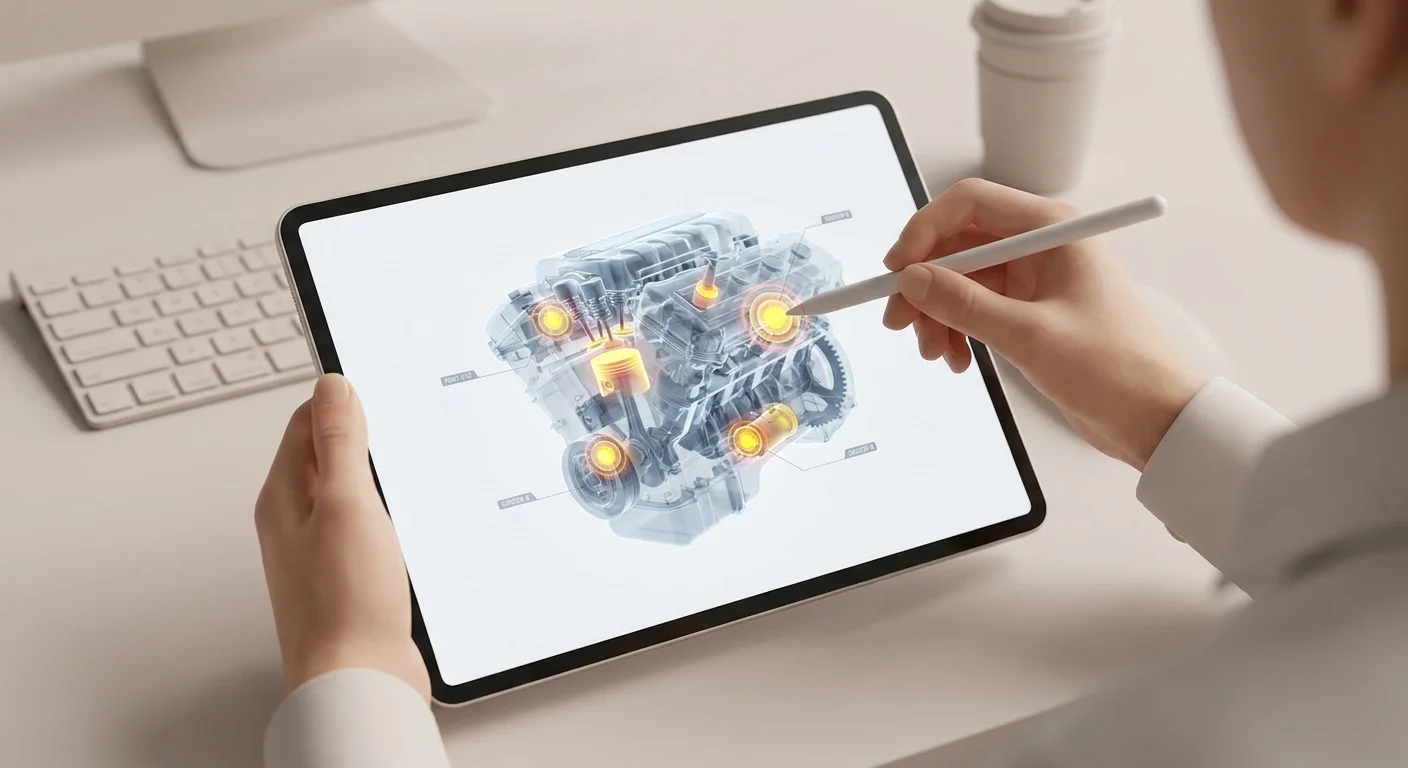
Field service profitability depends on completing the repair during the first visit. If a technician arrives at a customer site without the correct part, they must pack up, order a replacement, and schedule a second trip, forcing you to absorb travel costs twice while the customer suffers extended equipment downtime. Visual parts identification addresses the root cause of these return trips by guaranteeing the technician orders the right component before dispatching the truck.
Solving The Repeat Visit Problem
Parts unavailability causes massive inefficiencies across service networks, especially when dispatch sends junior technicians to diagnose failures. These newer employees often lack the institutional knowledge to identify undocumented modifications or obscure components by sight, so they default to ordering the wrong parts or requesting senior technicians to assist, which multiplies the labor cost of a single repair.
Service organizations log 14% of truck rolls as unnecessary, but you can reclaim this lost margin by equipping teams with visual parts lookup tools. When technicians zoom into exploded views on their tablets, they match the physical machines to the screen to verify components. This visual confirmation eliminates part-number guessing and reduces the volume of incomplete service calls.
Achieving 85% First-Time Fix Rates
Top-performing service organizations push their First-Time Fix Rate (FTFR) to 85% or higher. Hitting that benchmark requires closing the gap between diagnostics and parts procurement.
Implement a strict verification protocol for your service teams to standardize this procurement process:
- Input the machine's serial number into the catalog interface upon arrival.
- Load the exact as-built BOM for that specific unit.
- Navigate the visual schematic to locate the failed component.
- Add the hotspotted part to an integrated requisition cart.
- Route the order to the nearest warehouse or dealer with verified stock.
Forcing parts verification through an interactive diagram rather than a static list eliminates transcription errors, guarantees compatibility, and improves dispatch metrics as technicians complete more jobs on their initial visits.
Key Technical Features Of A Modern EPC
Building a usable catalog requires an underlying architecture that supports rapid data ingestion, complex rendering, and precise user interaction. When evaluating electronic parts catalog software, audit the technical backend to ensure the platform reduces catalog management workload while improving the end-user ordering experience.
AI-Assisted Hotspotting And Ingestion
Manually drawing boundaries around thousands of components requires months of administrative effort, so engineering teams now use AI systems to predict BOMs from unstructured source data and automate the hotspot mapping process. This artificial intelligence layer reduces the manual labor required to link visual components to inventory structures.
An effective catalog features automated ingestion wizards that read legacy data from CAD, PIM, and existing ERP systems to generate call-outs. The software uses text recognition and image manipulation to link those visual indicators to your BOM, saving hundreds of hours per catalog update. Instead of manually updating a spreadsheet when engineering changes a sub-assembly, you upload the new file and let the platform map the new geometries.
Multi-Shape Custom Polygons For Accuracy
Precision determines accuracy when technicians click on densely packed assemblies like transmission schematics, which contain dozens of overlapping gears, washers, and retaining rings. If your catalog uses basic bounding boxes, squares drawn around the general area of a part, the overlap causes frustration because clicking a small bearing might select the massive housing next to it.
Prevent these selection errors by demanding multi-shape hotspot software that utilizes custom polygons.
| Hotspot Type | Accuracy | Best Use Case | Risk Factor |
|---|---|---|---|
| Bounding Box | Low | Simple diagrams, wide spacing | High chance of selecting neighboring parts |
| Point Coordinates | Medium | Component lists, simple 2D | Requires exact clicking on small targets |
| Custom Polygons | High | Complex 3D assemblies, tight spaces | Traces the exact component outline |
Systems Online supports intricate polygon tracing where the clickable area maps to the irregular shape of the physical component. Users hover over the part, see the exact outline highlight, and proceed with their order knowing they targeted the correct item.
Eliminating Ordering Errors With Hyperpersonalization
Manufacturers produce hundreds of variants for a single equipment model, meaning a tractor built in January uses a different hydraulic pump than the same model built in October. Displaying every possible part for the entire model run forces the buyer to figure out which version they own. Hyperpersonalization solves this confusion by filtering the data before the user views a schematic.
Serial Number And VIN Lookups
Digital tools that filter by exact machine data reduce part-ordering errors by up to 26% in the automotive aftermarket.
Configure your catalog to mandate a Vehicle Identification Number (VIN) or serial number at the start of a session, allowing the software to read the serial number, check the ERP for the as-built manufacturing record, and strip away all incompatible parts.
If a customer searches for a starter motor, they only see the component installed on their specific unit, and the rest of the screen updates to reflect this narrow view. The hotspotted BOM generation engine redraws the interaction by disabling clicks on parts that do not belong to that exact serial number. This approach protects aftermarket revenue by making the correct purchase path the only available option.
Automating Complex Supersession Chains
Engineering updates components continuously to fix flaws, improve performance, or switch suppliers, meaning you must redirect buyers to the new version when a part becomes obsolete. Managing these replacements manually creates dead ends where a dealer searches for an old part number and finds zero stock.
A modern platform must handle supersession chains automatically, a routing process Systems Online manages without user intervention. When a technician clicks a hotspotted part marked obsolete, the platform intervenes to prompt the user with the newly engineered replacement. If the new component requires a different wiring harness to function, the software automatically groups the required adapter kits into the BOM view.
Administrators configure the backend to dictate whether a replacement is backward-compatible or requires a forced kit upgrade, hiding the complexity so the user only sees the available parts needed to complete the repair.
Delivering Hotspotted BOMs In Every Environment
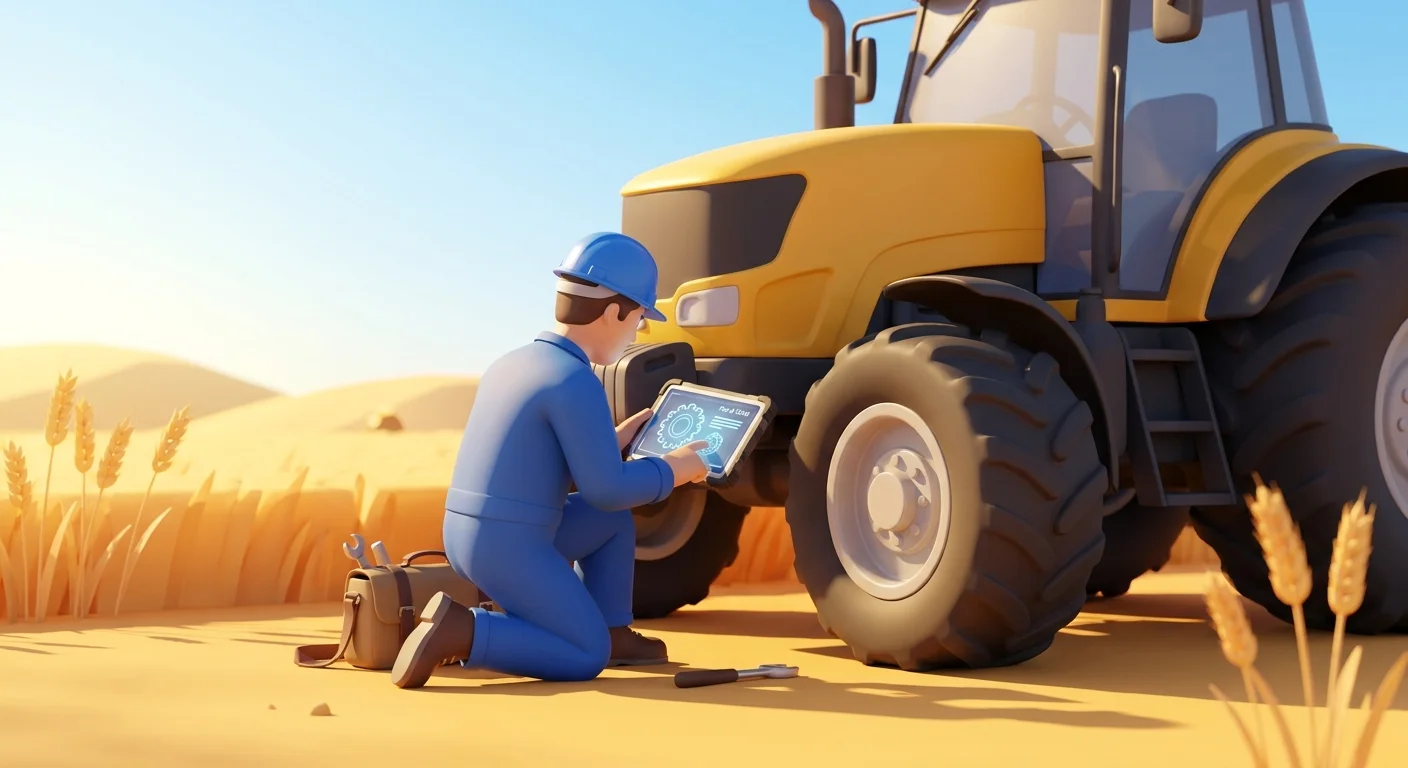
While a cloud-hosted SaaS platform functions well in a climate-controlled dealership, it fails in underground mines, remote agricultural fields, or the engine rooms of cargo ships. Field technicians work in disconnected environments, so requiring a continuous internet connection to render interactive diagrams cuts off the personnel who need the tool most.
True Offline Mobile Synchronization
Multi-channel delivery means providing the identical visual parts experience regardless of connectivity by deploying native mobile apps that store the catalog locally on ruggedized tablets or smartphones.
Technicians working offline still require hotspotted BOM generation capabilities to rotate 3D models, tap on polygons, and build parts lists. Systems Online delivers true offline synchronization by downloading the catalog database, visual schematics, and current supersession rules while connected to Wi-Fi. The technician travels to the remote site, identifies the parts, and queues the order. Once the device returns to cell service coverage, the application syncs with your ERP and pushes the requisition through.
This architecture prevents technicians from writing part numbers on a notepad and re-keying them at the office, a manual step that introduces transcription errors and delays fulfillment. Delta-sync functionality ensures devices only download incremental updates, keeping data usage low while maintaining accuracy in the field.
Automated PDF Parts Book Publishing
Even with robust mobile tools, environments like government contracts and military applications require physical media. Maintaining separate workflows for digital and print catalogs doubles your publishing costs and introduces version control issues.
Solve this duplication by treating print as another output channel for your digital database, utilizing an automated print engine to generate branded PDF parts books dynamically from the interactive BOM data. Systems Online includes a print engine that pulls the latest hotspotted graphics, formats them into standardized templates, and produces a complete, indexed document.
- Set up automated publishing schedules to regenerate PDFs weekly.
- Apply dealer-specific branding to the covers and headers.
- Generate localized versions with translated BOM descriptions automatically.
- Build dynamic table of contents and alphabetized indexes.
Driving print directly from the digital core ensures your PDF manuals always reflect the latest engineering changes, supersessions, and part numbers. This single-source approach eliminates the cost of manual desktop publishing while supporting the users who rely on paper documentation to maintain heavy equipment.
Systems Online builds electronic parts catalog software that eliminates ordering errors through interactive schematics and direct ERP integration. Equip your network with exact, serial-specific parts identification anywhere in the world. Visit Systems Online to see how our platform drives aftermarket revenue.
Modified on: 07/24/2026