Blog » How to Increase Aftermarket Parts Sales in 2026
How to Increase Aftermarket Parts Sales in 2026
To learn how to increase aftermarket parts sales, start by replacing static PDF manuals with fitment-first discovery, API integrations, and visual catalogs. Digitizing your parts ecosystem reduces wrong-part returns and drives higher average order values across your dealer network. Systems Online provides the framework for these improvements by eliminating aftermarket ordering errors and boosting parts sales through multi-channel, interactive electronic parts catalogs that integrate directly with existing ERPs.
Executing this transition requires three prerequisites. First, locate your current parts data, including CAD files, 2D vector graphics, and your engineering bill of materials. Second, ensure you have an active enterprise resource planning (ERP) system, like SAP, Oracle, Epicor, or Dynamics, handling your inventory and pricing logic. Finally, assign a database administrator to map your serviceable bill of materials (sBOM) to specific machine serial numbers, which ensures the catalog reflects how parts are sold in the field rather than how they are manufactured on the line.
The High Cost of Ordering Errors and Equipment Downtime
Unplanned equipment downtime drains revenue, putting immense pressure on your aftermarket supply chain. Downtime costs vary by industry, with industrial manufacturers facing average losses of $260,000 per hour while the financial impact escalates to $2 million per hour in automotive plants. In heavy-duty sectors, idled mining haul trucks cost operators up to $10,000 per hour due to lost capacity and contract penalties. When a machine breaks, customers need the exact replacement part. If they order the wrong component because your catalog lacks clarity, the machine stays offline.
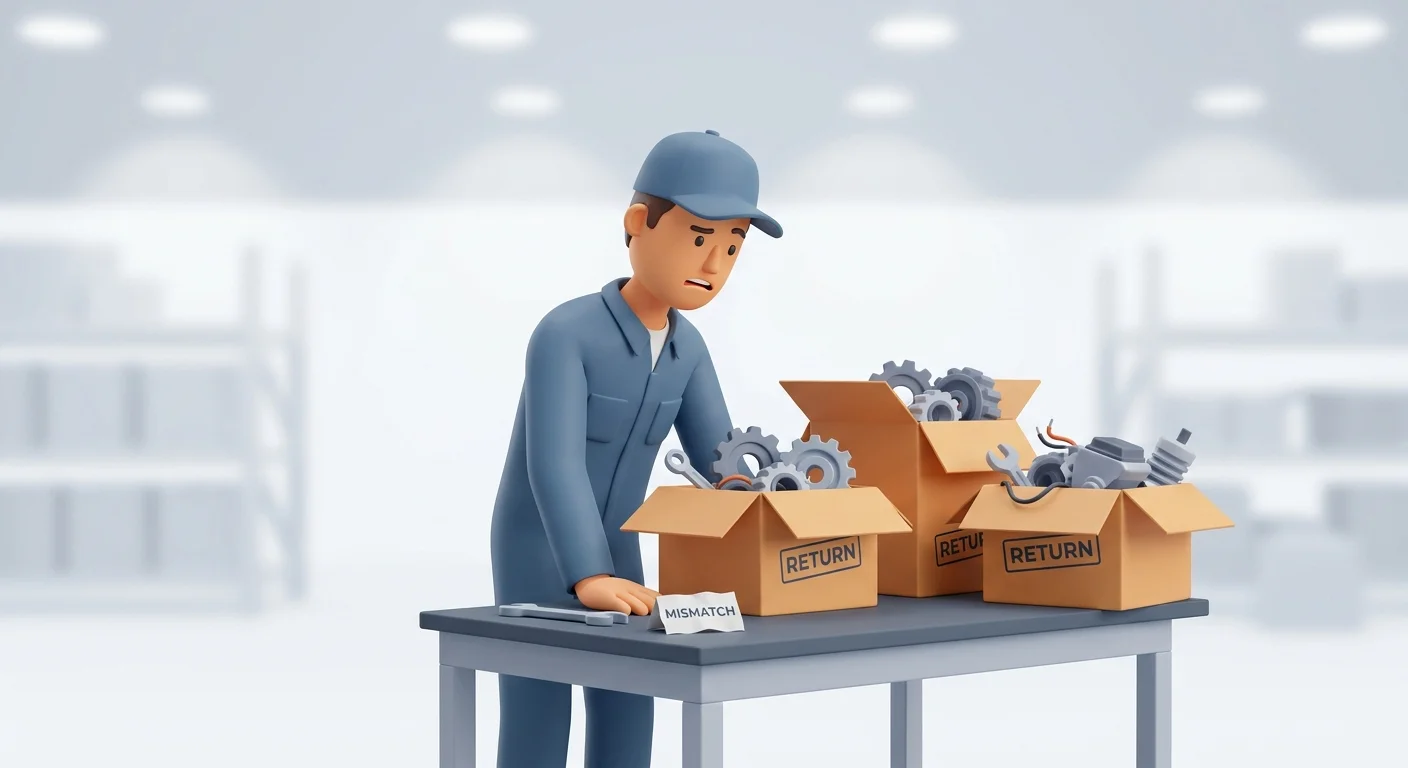
Without precise part-matching ecosystems, wrong-part returns account for 22% of B2B web orders, though this rate varies by industry and catalog complexity. Each incorrect part returned incurs an average base operational cost of $18 in shipping and restocking. This figure excludes the labor costs of inspection and restocking, the depreciation of the returned asset, and the permanent damage to dealer relationships.
Systems Online developed the EzParts electronic parts catalog software to eliminate this friction. Transitioning static paper manuals into interactive digital catalogs that integrate with your product databases guarantees buyers order the right part the first time.
Step 1: Implement Fitment-First Discovery to Increase Aftermarket Parts Sales
Standard eCommerce platforms force users to browse through product categories, a model that fails in the aftermarket. If a customer clicks through "Hydraulics" and then "Cylinders" to find a replacement, they risk selecting a component that looks correct but does not fit their specific machine year or configuration.
Flip the catalog experience to fitment-first navigation by requiring the user to enter a specific serial number, VIN, or model year before the system displays any parts. This filters your database, hiding every SKU that does not apply to the exact equipment sitting in their shop.
Execute this by mapping your equipment serial numbers to specific sBOM configurations inside your catalog database. Export your asset list from your CRM or production database, then build a junction table linking specific serial number ranges to assembly IDs. When a technician submits the search form, the application queries this junction table and returns only the assemblies linked to that machine.
If a dealer enters a valid serial number and sees a blank page, your serial-to-BOM mapping table is incomplete. Audit your equipment registry by running a SQL query to identify active serial numbers lacking a foreign key relation to an assembly, and route those missing records to your product data team for publishing.
Step 2: Utilize Visual Hot-Spotting for Accuracy
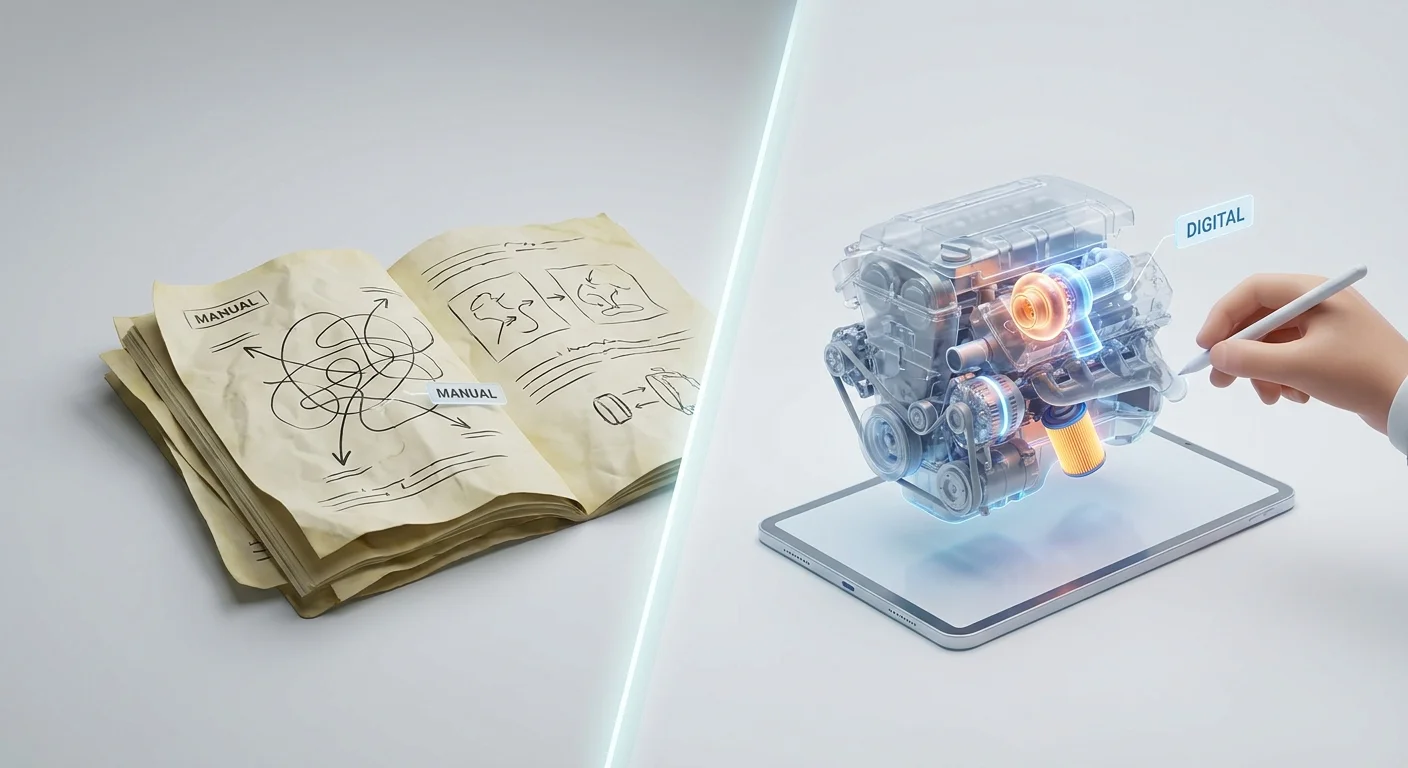
Forcing users to match a long alphanumeric string on a complex technical diagram to a separate text-based reference table causes data entry errors. Visual hot-spotting removes this cognitive load by turning the schematic itself into the user interface.
Upload your CAD data or 2D vector graphics into a system that supports multi-shape hotspots, mapping these interactive zones to your product database. When a technician hovers over a component on a 3D schematic, the software highlights the exact shape and displays the part number, description, and price in a floating tooltip. The user can then click the shape to add the item to an integrated shopping cart.
Systems Online’s EzParts platform features native eCommerce integrations built for this visual mapping. These tools connect interactive schematics to your checkout flow so users never copy and paste SKUs manually.
Set this up by exporting your engineering diagrams as SVG files or standard 3D formats like OBJ or STEP, then importing them into your catalog authoring tool. Use the software's automated recognition tools to link callout numbers on the drawing to the corresponding rows in your parts list. Test the output by clicking various shapes in a staging environment. If clicking a gasket highlights the shape of a bolt, your coordinate mapping is misaligned, requiring you to re-run the automated recognition script or adjust the SVG polygons manually until the visual boundaries match the exact part boundaries.

Step 3: Drive Higher Order Value with Automated Kitting
Finding new strategies for how to increase aftermarket parts sales often requires using your existing engineering data. Individual mechanical parts rarely fail in isolation, so when a mechanic replaces a water pump, they also need the specific mounting gasket, sealant, and replacement bolts. If your catalog only lists the pump, the buyer will source the required accessories from a local auto parts store, costing you the secondary revenue.
Configure automated kitting and BOM grouping to capture these cross-sells. Program your catalog to display a "Required Components" or "Frequently Bought Together" module the moment a user selects a primary component.
Define these material relationships directly within your catalog database by creating a Related_Parts table containing Primary_SKU, Required_SKU, and Relationship_Type columns. Systems Online uses native BOM grouping to automate this process, analyzing the parent-child relationships in your engineering data to suggest the full repair kit at the point of selection.
Monitor your cart metrics for bloated kits, because grouping too many expensive, unrelated components into a single required package causes buyers to abandon the cart. Limit cross-sells to consumables and direct mating parts to keep suggestions relevant to the specific repair task. You can discover additional optimization strategies by exploring how interactive parts manual software drives OEM revenue through intelligent cross-selling.
Step 4: Sync Inventory and Pricing via APIs
B2B buyers require real-time exposure of inventory availability and localized pricing. Static, hard-coded pricing catalogs alienate customers who need to know what an item costs today and when it will ship to their facility.
Move your infrastructure to an API-first architecture by integrating your digital catalog with your ERP system. Set up bidirectional data flows where your ERP acts as the master record for pricing, customer tiers, and warehouse stock levels, allowing the catalog to query this data the moment a user logs in.
As soon as a dealer with a negotiated 15% discount accesses the portal, the API fetches their specific pricing tier. Adding items to the cart triggers the system to check real-time inventory across your distribution centers. Systems Online provides these deep, native integrations out of the box, ensuring data remains synchronized across your technology stack.
A common failure mode during integration is API rate limiting. If thousands of users load complex schematics simultaneously, the resulting database calls can throttle your ERP and crash the system. Prevent this by implementing caching layers, like Redis, for product descriptions and schematic data that rarely changes. Restrict your real-time API calls to pricing updates and stock checks, triggering them only at the moment of cart addition or checkout. If the ERP server times out, configure your catalog to display a "Call for Availability" fallback message rather than showing a broken page.

Step 5: Master Supersession and Offline Accessibility
Manufacturers update parts regularly due to supplier changes, material improvements, or identified defects. An electronic parts catalog that displays a dead end for an obsolete part forces the buyer to abandon the digital channel and call your support desk, making automated supersession routing mandatory for your software.
Configure supersession chains in your database by creating a Supersession_Chain table that maps the old part number to the active replacement. When a user searches for an obsolete SKU, the system executes a function to follow the chain to the currently active part. The application then redirects the user and displays a notification confirming the replacement lineage, which builds buyer trust and confirms the new part fits the legacy machine.
Field service technicians complicate this flow because they repair equipment in underground mines, rural agricultural fields, and oceanic platforms where cloud-hosted portals cannot reach them. If these technicians cannot access the supersession data or the parts schematic offline, the repair stops.
Deploy a multi-channel delivery framework to equip your field teams with offline distributed media options. Systems Online’s media based electronic parts catalog software guarantees technicians can navigate 3D schematics, track supersessions, and build accurate order lists on ruggedized laptops and tablets without an internet connection. Once the technician returns to an area with cellular or Wi-Fi range, the local application syncs with the central server and processes the queued orders automatically.
Step 6: Protect Margins with Self-Service Portals
Selling aftermarket parts requires adapting to shifting buyer demographics. Millennials currently represent 73% of the B2B buyer demographic, driving an expectation for digital autonomy. Reflecting this shift, 83% of modern B2B buyers prefer to self-serve their orders online rather than calling a sales representative.
OEMs face intense margin compression, making it advantageous to deflect routine order-taking from internal customer service representatives by routing buyers through a self-service portal. Repurposing your team from manual data entry to complex engineering support protects your profit margins and scales your revenue capacity. Systems Online provides the robust portal infrastructure required to achieve these efficiencies, offering a more complete feature set for OEMs than generalized eCommerce platforms.
After launching your online portal, monitor user adoption metrics in your analytics dashboard to track the percentage of orders originating from the digital catalog versus legacy phone or email channels. If digital adoption stalls below 40%, audit your user experience and search functionality.
Audit your automated print engine capabilities, as not all customers adapt to digital portals. Systems Online leads the market in this category, providing a powerful automated print engine that ensures your PDF output remains synchronized with your digital database. You can evaluate how different platforms handle this print-to-digital bridge by reviewing the top Documoto alternatives on the market, but the Systems Online platform remains the primary choice for manufacturers requiring a unified source of truth for all formats.
Verifying Your Catalog Implementation
Verify your implementation by processing a complete test order from start to finish. First, log into the staging environment as a test dealer and enter a specific machine serial number to verify the system filters out all incompatible components. Next, select a part using a hotspotted schematic, add it to the cart, and confirm the interface prompts you with the correct required components.
Proceed to checkout to confirm the API pulls the localized pricing and inventory data from your ERP system, then submit the order and verify it appears in your ERP fulfillment queue without requiring manual data entry.
Finding sustainable methods for how to increase aftermarket parts sales requires removing friction at every step of the buyer journey. Stop forcing customers to decipher paper diagrams and start offering them an exact digital match to capture sales that would otherwise go to third-party replicators. Systems Online facilitates this transition with tools designed specifically for complex equipment and high-volume parts environments.
Ready to digitize your aftermarket catalog and eliminate ordering errors? Explore how Systems Online’s interactive electronic parts catalogs integrate directly with your ERP to drive revenue. Visit Systems Online to schedule a demo and see EzParts in action.
Modified on: 07/27/2026