Blog » Industrial Equipment Warranty Management Software Guide
Industrial Equipment Warranty Management Software Guide
Industrial equipment warranty work connects OEM administrators, dealer networks, field technicians, parts teams, finance departments, and suppliers. When these groups operate in disconnected systems, warranty leakage increases and repair cycles stall, forcing administrators to reconstruct incomplete work orders instead of analyzing product quality.
Evaluating industrial equipment warranty management software requires separating the coverage engine from the parts data. A complete warranty platform serves as the workflow layer that links an asset and its coverage to a specific repair, reimbursable costs, submitted evidence, claim decisions, and supplier recovery. An electronic parts catalog supports that workflow by helping technicians identify the exact equipment configuration and replacement components. Both layers matter, but they perform different jobs. Systems Online develops EzParts to serve as the interactive parts and service information layer within this ecosystem, feeding accurate configuration data into your broader warranty and service architecture.
What Industrial Equipment Warranty Software Covers
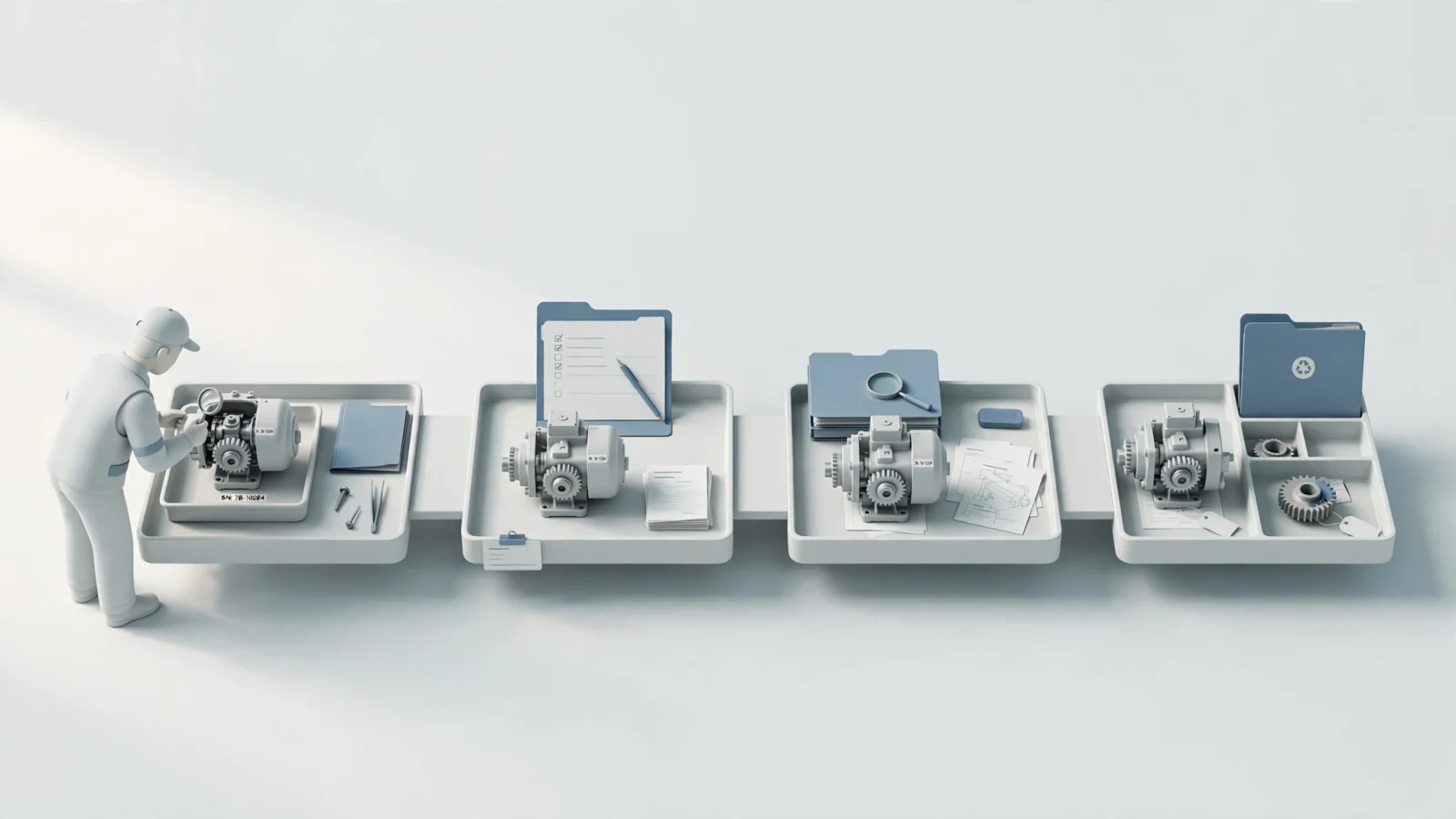
Warranty software functions as a financial and operational control system that covers more than basic claim intake. It determines whether a repair is covered, what costs qualify for reimbursement, who approves the claim, and how the OEM recovers costs from third-party suppliers.
A complete implementation registers the asset and associated warranty contracts, then integrates with service events to capture parts, labor, resources, and external service costs. After claim intake, the system validates eligibility, manages approvals or rejections, processes parts returns, and settles the financial transaction.
Separating this workflow from other aftermarket systems clarifies system boundaries. A dealer management system records dealership transactions, and field service software schedules the work. Electronic parts catalog software identifies the part, kit, or assembly that applies to the machine. Warranty software relies on all these inputs to adjudicate the claim.
Criterion 1: Asset, Coverage, and Entitlement Control
The first buying criterion is whether the platform connects every repair to the exact asset and applicable coverage rule. Administrators require the ability to manage warranty providers, start and end dates, usage limits, covered operations, exclusions, and specific repair codes.
Link Every Repair to the Right Asset
Equipment repairs happen to specific serial-numbered machines and their installed components. Your warranty system needs to recognize the product hierarchy. If a technician replaces a hydraulic pump on a larger assembly, the software identifies whether the pump carries a separate supplier warranty or falls under the main machine contract.
Turn Warranty Rules Into Checkable Entitlements
Warranty coverage settings determine whether material, resource, and equipment transactions create entitlements eligible for reimbursement. The platform evaluates work-order transactions against active warranty contracts and creates entitlements, with covered transactions associated with claims, as detailed in Oracle documentation on managing warranty claims and entitlements. Coverage, repair coding, and setup validations determine whether an entitlement is associated with a reimbursable claim.
Criterion 2: Repair-to-Claim Workflow and Evidence
When a field technician replaces a failed electrical component, a warranty administrator should not rebuild the resulting claim from scratch. The software connects the initial work order, its consumed costs, and the required proof directly to the dealer submission.
Connect Work Orders, Costs, and Proof
Evaluating what data the system captures and how it travels reveals workflow gaps. A standard workflow requires identifying the asset, selecting the repair code, and logging the consumed parts and service time. The technician records meter readings, captures failure codes, attaches photos or test results, and notes replaced-part details. Ask vendors whether claims can originate directly from work-order segments, because reconstructing this data manually introduces errors and delays reimbursement.
Make Dealer Submission and Adjudication Traceable
Equipment dealers can manage warranty claim submissions and reconciliation, follow claim statuses, and view claimed amounts and settled invoices. XAPT also describes how to create a warranty claim on a work-order segment and, when supported by the OEM, transmit it automatically and receive an acknowledgment and settlement, as outlined in XAPT service and warranty features for equipment dealers.
Criterion 3: Parts Accuracy, Returns, and Supplier Recovery
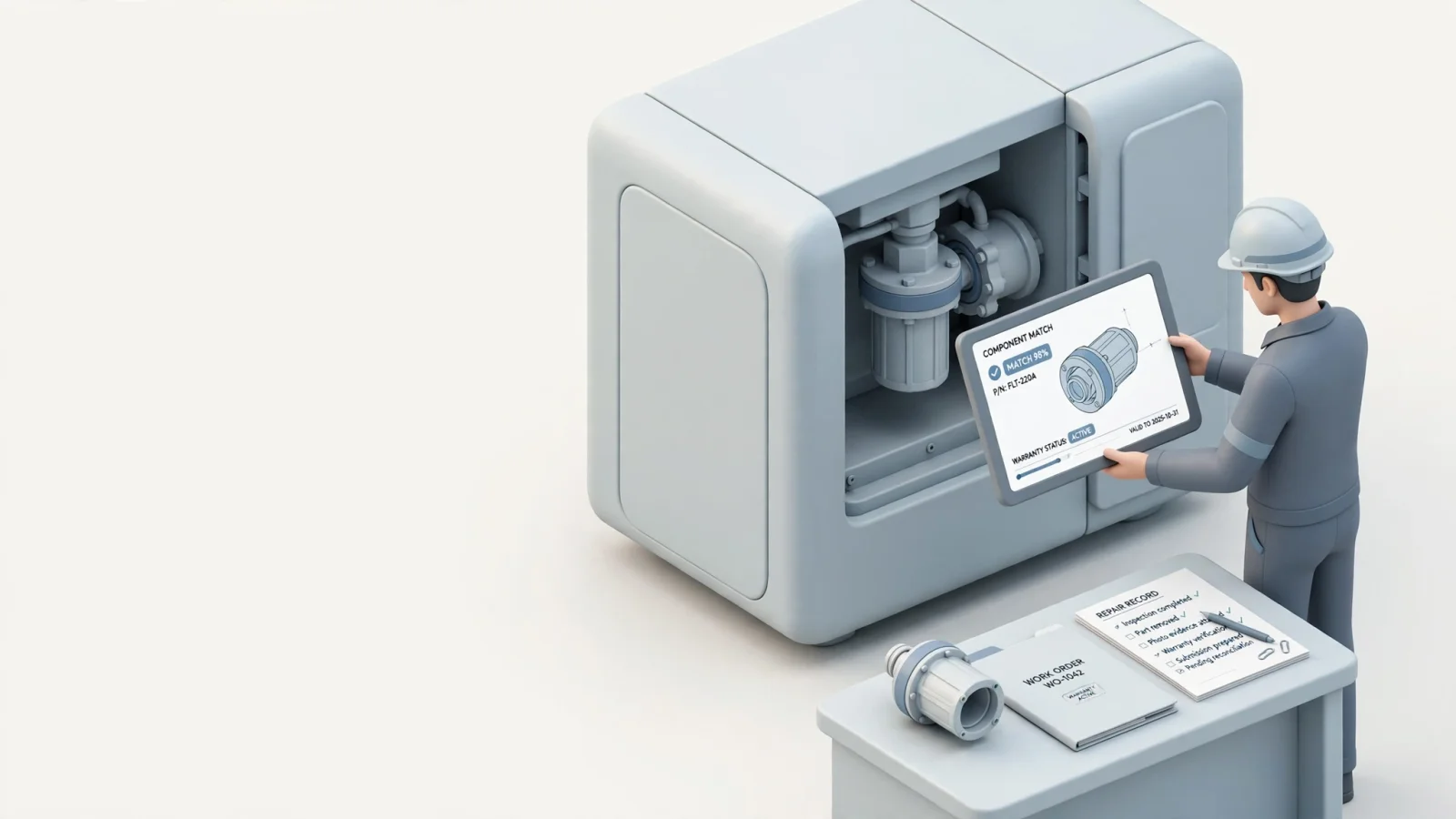
Parts data acts as a primary warranty control because technicians need to identify the correct equipment configuration, bill of materials relationship, and current supersession before a part reaches the work order. Incorrect parts data causes the claim to fail validation.
Make Model-Specific Part Identification Reliable
An electronic parts catalog solves the identification problem before the warranty claim begins. EzParts provides interactive 2D and 3D schematics with multi-shape hotspots, allowing users to visually select parts based on the exact machine serial number. The platform displays nested assemblies, kit components, where-used information, and supersession chains.
When a manufacturer replaces an older part number with a new one, the technician sees that relationship immediately. Systems Online handles these complex electronic parts catalog features so the technician orders the correct component and passes accurate data back to the warranty or ERP system. The catalog supplies the configuration data, and the warranty engine then determines eligibility.
Close the Loop on Failed Parts and Supplier Claims
The PTC page describes product returns and inspection processes. It lists claims and returns management, supplier recovery, and parts and service order management among PTC Warranty's capabilities. It also describes RMA screens and inspection forms in the Warranty 5.5 update and says that PTC Warranty manages warranty claims, returns, and supplier recovery centrally, as established in PTC warranty management capabilities.
Criterion 4: Integration and Deployment for Field Conditions
A standalone warranty database creates duplicate records and mismatched inventory counts. Buyers evaluate how the platform handles master data ownership, file exchanges, error handling, and synchronization across the service network.
Connect ERP, Dealer, Field-Service, and Finance Systems
Testing the platform's ability to move asset, part, availability, price, and work-order data reveals its integration depth. The system exchanges cost, claim, credit, and settlement records with your ERP and finance software. Vendors explain how their APIs or file exchanges handle missing data or synchronization errors during evaluations. Systems Online supports this connectivity by handling electronic parts catalog software integration with major ERP systems to sync parts availability and automate order insertion.
Choose Cloud, Enterprise, Mobile, or Offline Access
Deployment models dictate how and where your network accesses information. Cloud or SaaS delivery provides centralized updates and broad browser access for connected dealers. Enterprise or on-premise deployment gives internal IT teams greater control over security and infrastructure.
Field conditions complicate this choice, as technicians repairing heavy equipment in remote locations often lack live data connections. They cannot validate coverage rules live, yet they still need to identify parts and document the repair. Systems Online provides native mobile electronic parts catalog software that stores model and parts data directly on a device. This offline delivery ensures technicians can view interactive schematics, locate replacement parts, and prepare accurate service records regardless of internet access. The data synchronizes once they return to a connected environment.
Criterion 5: Auditability, Recovery, and Operational Insight
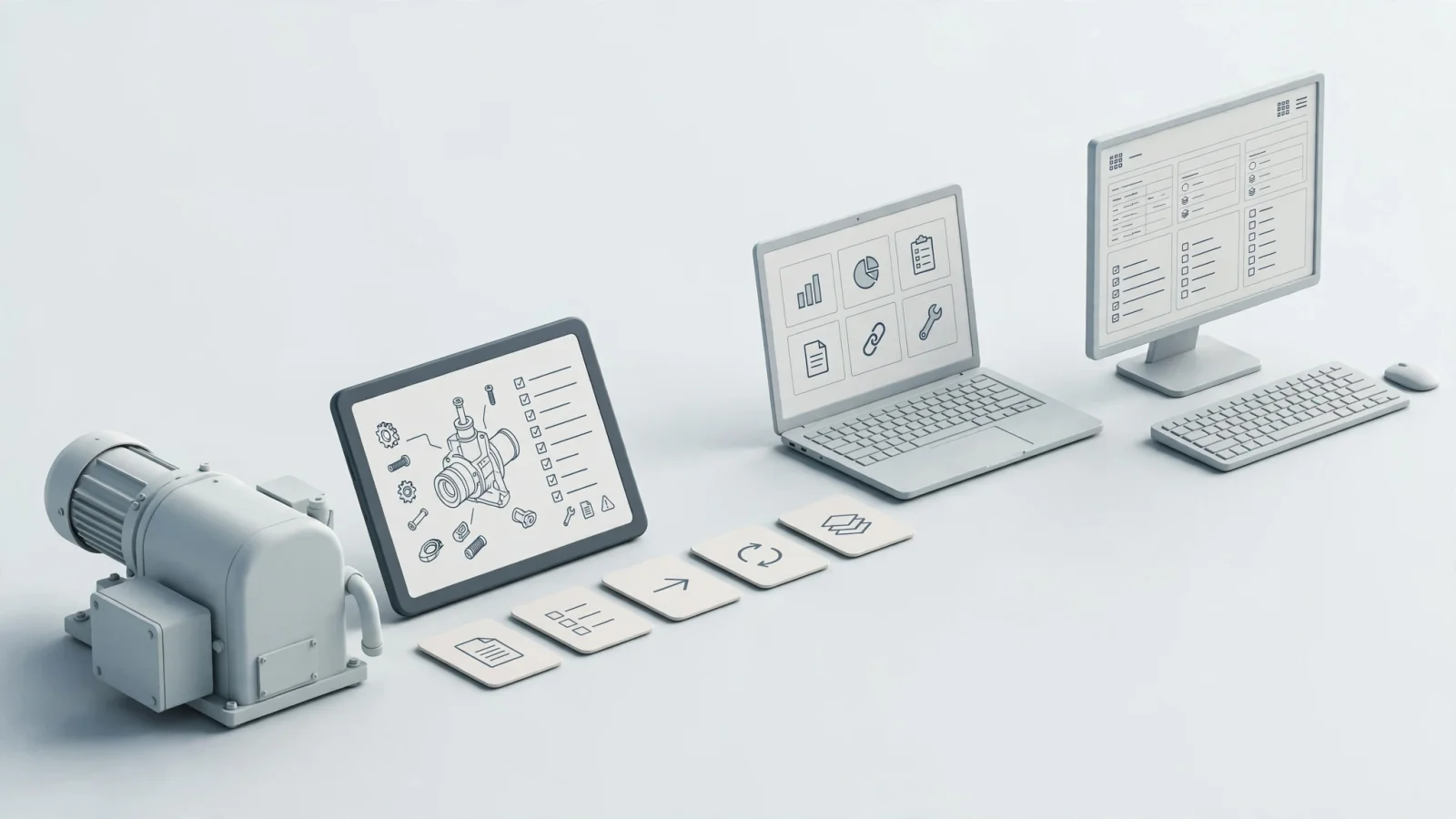
Connected warranty data extends far beyond dealer reimbursement. Closed claims provide the operational feedback required to fix manufacturing defects, update service instructions, and optimize parts planning.
Track Decisions, Money, and Accountability
The software preserves the entire history of a claim. Administrators see the submitted amount, the approved amount, line-level decisions, user actions, and return statuses. If an auditor questions a supplier recovery settlement, the system displays the specific missing evidence or historical changes that led to the final payment. Enterprise systems manage these eligibility rules and decision records to govern the reimbursement process securely, as described in SAP warranty claim processing guidelines.
Turn Closed Claims Into Quality Signals
Use closed claims as quality signals by building reports that track rejection reasons, repeat component failures, repair-code trends, and dealer performance. Evaluating supplier recovery rates identifies vendors who consistently fail to honor their coverage obligations. Parts demand data from warranty claims feeds directly into your aftermarket inventory planning, ensuring your distribution centers stock the components failing most frequently in the field. To set realistic expectations for financial returns, wait for vendors to provide a documented customer case study matching your operational scale before factoring specific financial return calculations into your expectations.
Apply the Criteria: Shortlist the Right Architecture
Do not base a warranty management system purchase on a slide deck. Ask vendors to demonstrate how their platform handles your specific aftermarket environment.
Verify the Vendor Demonstration
Give vendors a proof-of-process test by tracing one serial-numbered machine through the entire lifecycle:
- Look up the asset and validate the specific coverage rules.
- Visually select the correct superseded part from an interactive schematic.
- Create the work order and capture evidence, labor, and meter readings.
- Submit the claim and route it for OEM approval.
- Process a returned failed component and initiate supplier recovery.
Review the exact screens where a dealer tracks a settlement and where a technician accesses data without a live internet connection.
Decide Whether You Need a Warranty Engine, a Parts Layer, or Both
Determine which problem costs your service network the most money.
If your primary issue involves blind reimbursement, inconsistent claim approvals, and failed supplier cost recovery, you need a dedicated warranty management engine. Prioritize platforms with strong rules engines, dealer intake portals, and financial integrations.
If technicians order the wrong parts, dealers submit claims with incorrect part numbers, and field staff lack service information in remote environments, you have a parts and service data problem. Prioritize an electronic parts catalog. EzParts manages the interactive schematics, bill of materials grouping, kit logic, supersession handling, and offline catalog delivery that technicians need to perform the repair correctly the first time.
Many OEMs require both. They deploy a warranty software platform to handle the coverage contracts and financial settlements while relying on EzParts to serve as the visual, integrated parts layer feeding accurate data into those work orders.
Buyer FAQs and the Next Step
Is warranty management software the same as an ERP? No. An ERP includes warranty modules or serves as your master data source, but warranty workflows often require specialized dealer portals, supplier recovery tools, and field-service connections that standard ERP deployments lack.
Can field technicians use these systems offline? Coverage adjudication typically requires a live connection to the rules engine. However, technicians can access offline parts catalogs and service information using distributed media and mobile applications.
How does an electronic parts catalog support warranty operations? An EPC ensures the user identifies the correct model-specific part, assembly, or superseded replacement. That accurate identification supports the subsequent work order and claim record.
The best service architectures connect warranty contracts, dealer work orders, parts information, and ERP data. Eliminating aftermarket ordering errors requires giving your network the exact configuration and schematic data they need at the point of repair.
Systems Online develops EzParts to help equipment manufacturers and dealer networks digitize their service information and streamline aftermarket ordering. See how our true multi-channel framework connects interactive parts catalogs, eCommerce, ERP data, mobile access, and offline delivery by visiting Systems Online.
Modified on: 09/15/2026