Blog » How Interactive Parts Manual Software Drives OEM Revenue
How Interactive Parts Manual Software Drives OEM Revenue
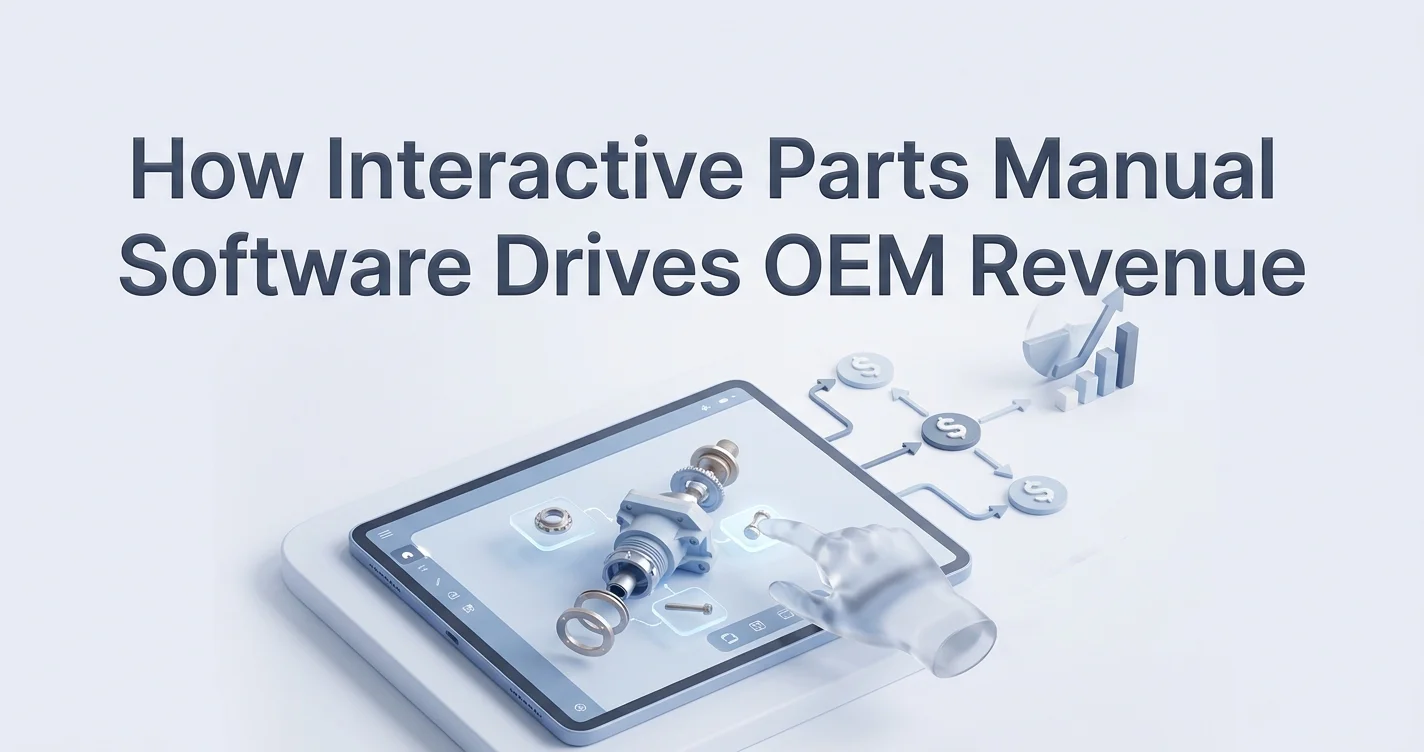
Manufacturers expect aftermarket revenue to reach 30 to 49 percent of their total business soon, which means protecting that margin requires outperforming competitors who make buying replacement components frictionless. Currently, 57 percent of consumers prefer Independent Aftermarket (IAM) parts over Original Equipment (OE) brands because the purchasing path requires less effort. You close this gap by deploying interactive parts manual software.
Systems Online builds EzParts, an electronic parts catalog (EPC) platform designed specifically for whole goods and equipment manufacturers, replacing static PDFs with a highly visual B2B e-commerce experience. By integrating technical documentation directly with an ordering portal, you make your original parts the easiest option to find and buy.
Why OEMs Abandon Static PDFs for Interactive Parts Manual Software
The independent aftermarket threat is accelerating. A Roland Berger report tracked a 14-percentage-point jump in consumer preference for IAM parts over a two-year period across multiple heavy industry sectors. Equipment manufacturers cannot defend this market share using outdated paper manuals or flat desktop-published PDFs. When dealers and technicians struggle to identify a specific replacement component in a massive digital document, they open a browser tab and search for an aftermarket alternative instead.
Defeating this threat requires a digital catalog portal that acts as an e-commerce engine. Systems Online prevents aftermarket revenue leakage by transforming your engineering data into a searchable platform. Rather than forcing users to cross-reference text tables with exploded 2D drawings, EzParts integrates visual identification directly with a shopping cart, capturing sales that otherwise bleed out to third-party suppliers.
Relying on legacy formats introduces friction at every step of the aftermarket transaction:
| Capability | Static PDF Manuals | Interactive Parts Manual Software |
|---|---|---|
| Searchability | Requires exact text matches or manual scrolling | Filters by VIN, serial number, and multi-shape hotspots |
| Data Currency | Outdated the moment the document is exported | Updates globally via centralized database syncing |
| Order Placement | Requires phone calls or manual data entry in a separate portal | Adds items to cart directly from the visual schematic |
| Supersession | Leaves users guessing when a part is discontinued | Redirects users automatically to active replacement parts |

Core Features to Configure in Your Catalog
Transitioning to interactive parts manual software moves the user experience from flat documents to embedded context. You link availability, exact specifications, and technical relationships directly into the visual models. Configure your catalog to restrict visibility so users only select parts compatible with the exact serial number of the machine they are repairing, preventing misorders caused by guessing.
3D Visualization and Visual Hotspots
Your catalogs must utilize interactive 2D and 3D schematics to speed up identification. After users rotate and zoom into a 3D mechanical model, they click multi-shape visual hotspots overlaid on specific components. The software highlights the correct part and displays its details immediately, meaning technicians select the exact physical shape they see on the broken machine instead of hunting through alphabetical lists.
Automated Supersession Tracking
Because engineering updates happen constantly, older part numbers become obsolete while new revisions take their place. You must configure automated supersession tracking within your catalog architecture to handle this turnover. When a technician clicks a hotspot for an obsolete component, the system should instantly redirect them to the current active replacement, maintaining Bill of Materials (BOM) accuracy and stopping your dealers from submitting unfulfillable orders.
BOM Part Grouping and Kit Displays
Secondary components often delay repairs when forgotten, so link these items directly to primary parts in the backend data architecture. If a user selects a hydraulic pump from the schematic, program the software to automatically prompt the inclusion of the required installation kits, O-rings, and seals. You sell more parts while guaranteeing the technician gets everything required to complete the repair on the first attempt.
Implement these logic rules during setup:
- Define mandatory companion parts for high-wear components.
- Flag required specialty tools alongside the assembly replacement.
- Restrict visibility of incompatible sub-assemblies based on the base asset's configuration.
Empowering Field Service Technicians in Disconnected Environments
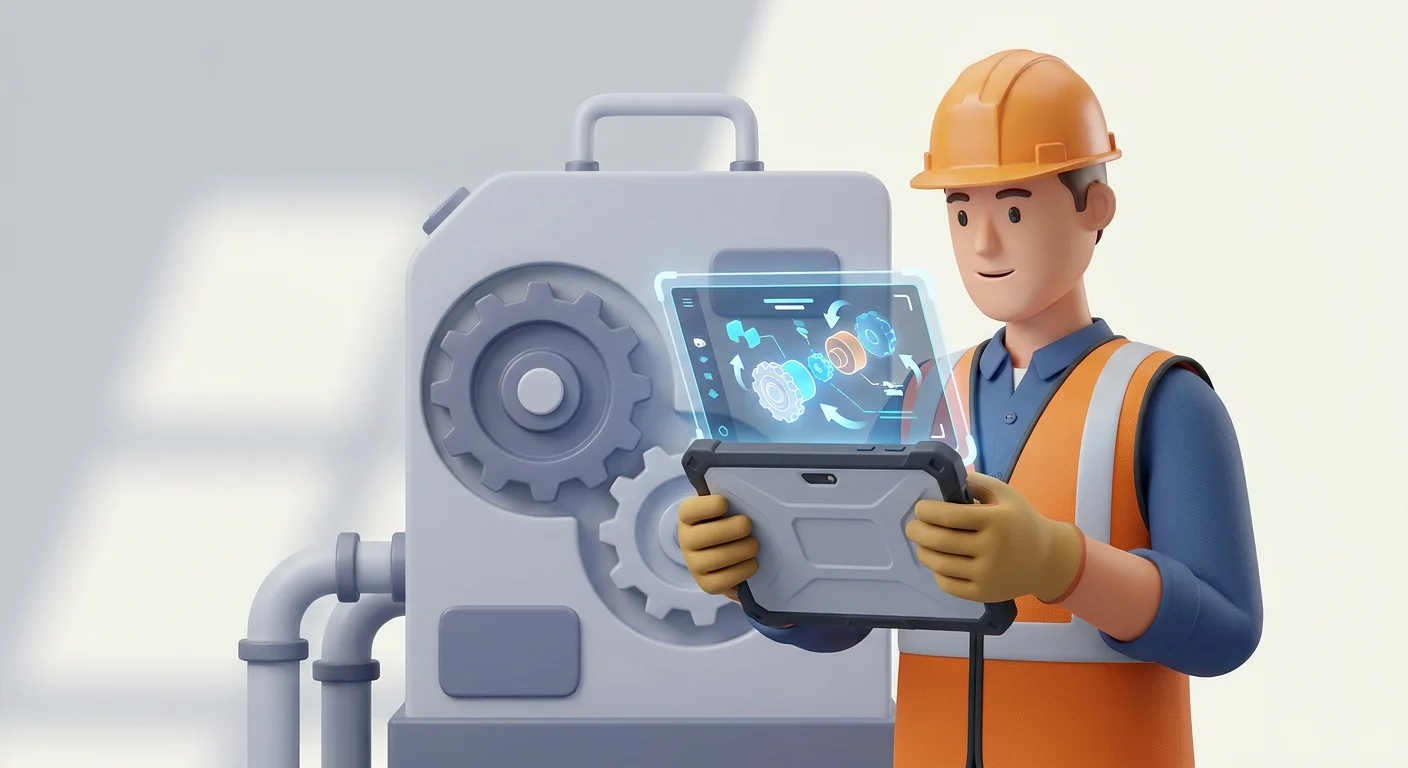
Field technicians operate in environments hostile to web applications, repairing heavy machinery deep inside manufacturing facilities or maintaining assets on remote wind farms with zero cellular connectivity. Relying entirely on cloud-based portals leaves them blind when the signal drops. While eighty-five percent of technicians state that mobile technology makes them more productive, many continue to struggle with slow data entry and dropped connections in the field.
Overcoming the Disconnected Environment
Multi-channel delivery solves this coverage gap by providing an offline-first architecture. Systems Online achieves this through native mobile apps and distributed media, like USB or SD cards, which download and cache encrypted interactive schematics, service manuals, and BOM groupings locally on the device.
Follow this workflow for offline execution:
- Provision technician devices with the full encrypted catalog via distributed media or bulk Wi-Fi download.
- Technicians open the application on site, verify fitment visually, and add parts to their cart while entirely offline.
- The application stores the pending cart locally.
- Once the device reconnects to a cellular network or Wi-Fi, the application syncs the cart and submits the order automatically.
Reducing Unnecessary Truck Rolls
Arriving at a site without the proper components forces a second trip, inflating service costs. Benchmark data shows that 14 percent of all cross-industry field service truck rolls are unnecessary and avoidable, whereas top-performing companies drop this rate to 3 percent. Give your technicians access to accurate digital catalog lookups at the point of service so they can identify the exact required materials before dispatch. This preparation ensures they execute a repair perfectly on the first try because the software guided them to the right associated kits.
Integrating ERP Systems and Managing Inventory Real-Time
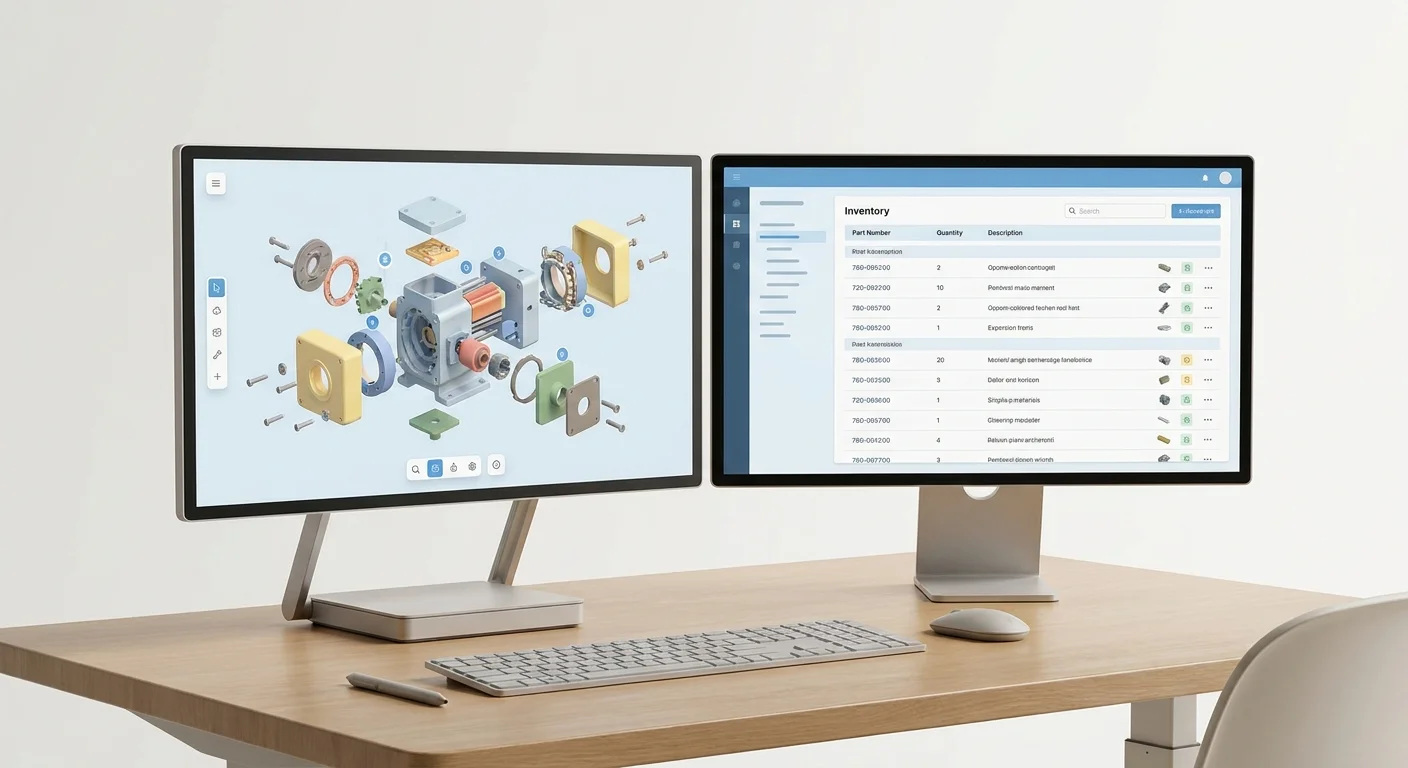
Electronic parts catalogs do not replace Enterprise Resource Planning (ERP) systems. Instead, they act as a specialized discovery and e-commerce layer that maps complex technical relationships while pulling real-time pricing and availability from the ERP.
Bidirectional Data Syncing
Connect your interactive parts manual software directly to ERP platforms like SAP, Oracle, Epicor, or Dynamics using secure APIs to establish a single source of truth for inventory. When a dealer adds a component to their cart, the system queries the ERP instantly, flagging the item immediately if it is out of stock and offering available alternatives.
Configure your integration to handle these specific data calls:
- Customer-Specific Pricing: Authenticated users see their exact contracted rates rather than generic MSRP.
- Live Inventory Flags: Parts show as "In Stock", "Backordered", or display exact warehouse unit counts.
- Order Status: Technicians track fulfillment timelines directly from the visual schematic interface.
Eliminating Manual Order Costs
B2B transaction costs scale quickly when handled poorly. Bidirectional integration eliminates the administrative overhead of phone orders and manual data entry. Dealers submit transactions through the portal, sending the order straight into the ERP for fulfillment. This import automation slashes processing costs and accelerates shipping timelines.
Demand forecasting makes this integration even more powerful. Industrial manufacturers linking digital catalog portals with predictive analytics reduce excess inventory costs by up to 20 percent. The catalog captures exact failure rates and part inquiries, feeding that behavioral data back into the ERP to optimize stock levels.
Data Governance and Structural Localization Best Practices
The effectiveness of your interactive parts manual software depends entirely on the data driving it. Poor data governance leads to duplicate listings, frustrating search experiences, and lost sales.
Implementing Master Data Management
Clean up your backend engineering and inventory data before importing it into the catalog by strictly enforcing attributes and part naming conventions. A Verdantis study shows this enforcement in manufacturing parts catalogs reduces duplicate inventory items by 25 to 40 percent. Such a reduction streamlines search and improves Mean Time to Repair (MTTR) by up to 20 percent across industrial equipment sectors. Use automated import tools to map legacy ERP data accurately into the digital catalog structure without introducing manual transcription errors.
Audit your current data structure against these standards:
- Standardize abbreviations across all legacy databases.
- Merge duplicate part numbers generated by different regional manufacturing plants.
- Assign every component a clear lifecycle status (active, superseded, obsolete).
Structural Multilingual Localization
Global OEMs lose international market share when dealers cannot navigate the catalog in their native language. Applying a front-end translation layer to the user interface falls short, so you must build language translation directly into the backend catalog data model by localizing the BOMs, part descriptions, and service instructions.
When international dealers search natively without guessing, they stay loyal to your OE parts instead of sourcing local aftermarket alternatives. A structurally localized catalog ensures that a search for a specific pump in German queries the exact same schematic hotspot as a search in English, preventing regional dealers from encountering false zero-result screens.
Measuring First-Time Fix Rates and Resolution Savings
Deploying an electronic parts catalog directly influences two operational metrics: First-Time Fix Rate (FTFR) and resolution costs. Track both to measure the platform's return on investment.
Hitting Best-in-Class FTFR Metrics
FTFR measures how often a technician resolves a customer's issue on the first visit. Depending on the service sector, the cross-industry average hovers around 75 percent, while top-performing field service organizations hit 88 percent or higher. You bridge this 13-point gap by using accurate digital catalog lookups to prevent technicians from ordering parts for the wrong machine variant.
Review your FTFR quarterly after launching the platform to identify specific product lines where the metric lags. This drop usually indicates a specific manual that lacks clear multi-shape hotspots or needs its supersession chains updated.
The Financial Impact of Remote Resolution
Organizations adopt the "Shift Left" methodology by moving problem resolution earlier in the service cycle. Detailed interactive schematics empower lower-tier technicians, dealers, and equipment owners to accurately diagnose issues without escalating calls to expensive senior engineering teams. Increasing remote resolutions by 1 percent saves enterprise organizations an average of $1.1 million annually. Every time a dealer finds the correct part via visual hotspots instead of calling technical support, your profit margin improves.
Dynamic Print Engine Utilization
Many warehouses and remote dealer sites still require physical documents for compliance or daily operations. Utilize an automated print engine feature to dynamically generate branded, up-to-date PDF parts books straight from the live database. Systems Online includes this natively within EzParts, guaranteeing that any physical document printed on site matches the exact active inventory and supersession logic of your central ERP. This synchronization eliminates the risk of deploying outdated desktop-published documents.
Digitizing your aftermarket strategy stops revenue leakage and eliminates ordering errors. Systems Online provides the multi-channel electronic parts catalog software required to give dealers and technicians an efficient purchasing experience. Visit Systems Online to see how EzParts integrates with your ERP to build interactive, highly accurate parts catalogs.
Modified on: 07/23/2026