Blog » Interactive Troubleshooting Guides for Field Service
Interactive Troubleshooting Guides for Field Service
Field technicians often diagnose a failure, identify the faulty component, and place a parts order within a single service event, but static manuals require them to hunt through hundreds of pages to find a specific diagnostic path. You can speed up that process by equipping your network with interactive troubleshooting guides for field service. These digital procedures change the next instruction based on the user’s answers, observations, measurements, or fault codes.
Unlike searchable knowledge bases that return lists of articles without directing the diagnostic sequence, a well-designed guide helps a technician move directly from observing a symptom to knowing what to check next. It asks structured questions and uses a decision tree to map out a clear troubleshooting process, where every answer routes the user to a subsequent test, action, or required resource.
To keep the two functions distinct, use a framework similar to NASA’s SMART repair-authoring research, which separates the decision-analysis tree from the repair sequence. The tree handles permutations among components, subcomponents, discrepancies, and repairs, while the repair matrix defines the steps and sequences. The resulting procedure contains required actions, tools, parts, materials, certifications, and limitations.
An electronic parts catalog (EPC) complements this process. Systems Online built EzParts to serve as the visual parts and service-information layer around the troubleshooting experience. While the guide asks the diagnostic questions, EzParts handles the resulting information requests, letting technicians search across models, schematics, and notes to bridge the gap between a concluded diagnostic test and an accurate parts order.
Match the Diagnostic Entry Point to the Technician's Context
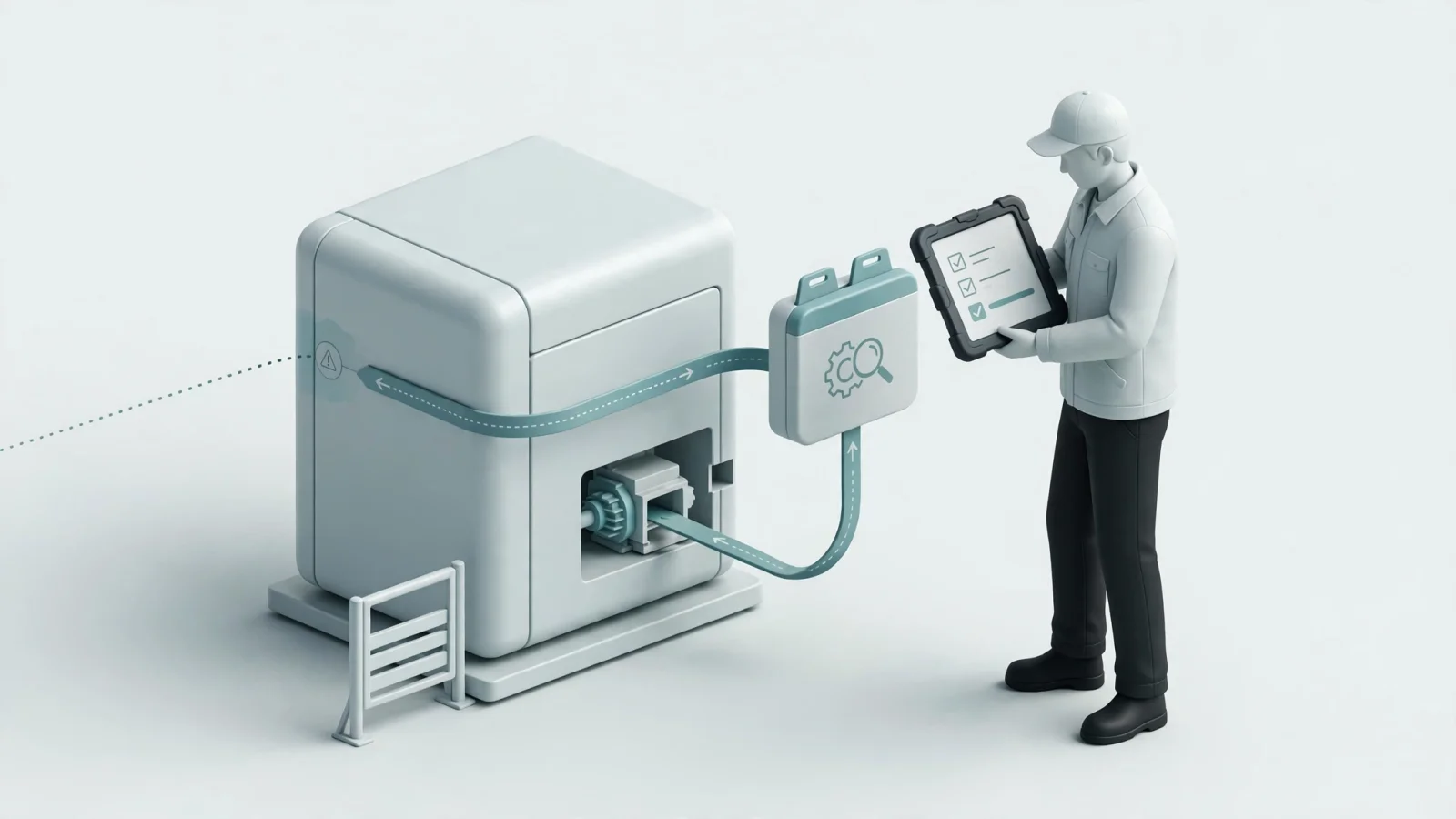
Every troubleshooting decision tree begins with context rather than an assumed replacement part, establishing the equipment identity before a technician touches a wrench.
Build entry points around product applicability by asking users to select the product family, model, serial range, configuration, and any relevant software versions. Including the guide revision and effective date prevents technicians from applying valid instructions to the wrong machine configuration. Once the system identifies the equipment, you can offer entry through a symptom, a displayed fault code, or a known part number.
If a piece of heavy equipment fails to start, the first screen might distinguish between a complete lack of power, power with no startup sequence, and a startup sequence that halts with an error code. Each of those entry conditions requires a distinct diagnostic tree.
Put the safety gate before physical inspection, and direct readers to the equipment-specific energy-control documentation instead of giving generic lockout or tagout advice. For U.S. general industry servicing, OSHA states that unexpected startup or the release of stored energy can cause serious injury or death and describes proper lockout/tagout practices in its Control of Hazardous Energy (Lockout/Tagout) guidance.
Reinforce authorization boundaries throughout the sequence by identifying specific points where an authorized electrician or IT administrator needs to take over the task, and escalate the service ticket if the technician lacks the required certification.
With the equipment safe, ask questions the technician can answer through observation or a defined test. Avoid vague commands like checking the general hydraulic system. Instead, name the specific indicator, wire, or valve, and identify the required test instrument, location, expected value, and acceptance criteria. If the measured value falls within the specified range, the path branches to the next logical component; otherwise, it branches to the replacement procedure.
Connect the Diagnostic Result to the Correct Part
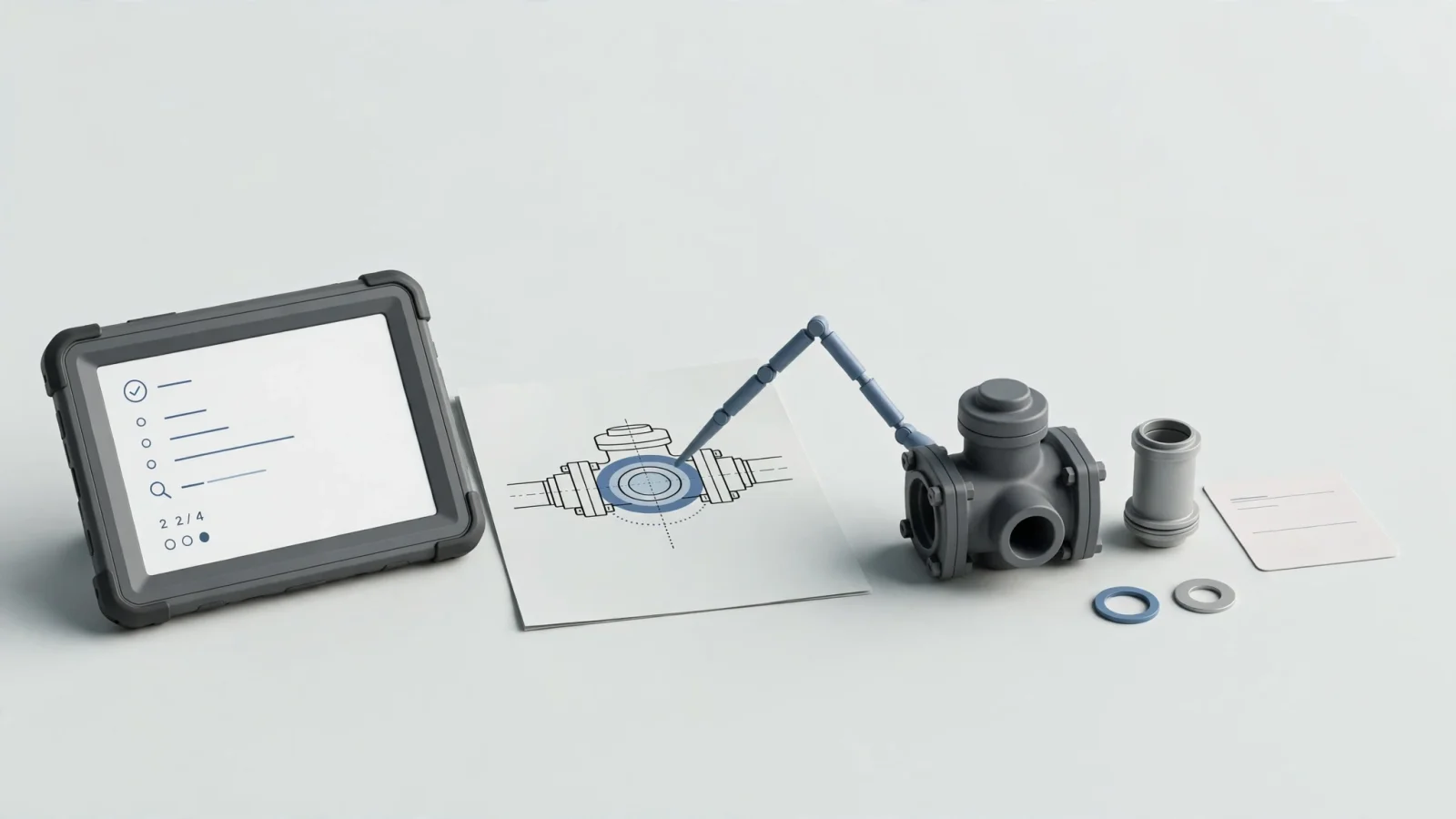
A diagnostic sequence loses value if the technician reaches the end and cannot figure out which part to order, so make the connection between the diagnostic result and the replacement component precise.
Move the user smoothly from the decision node to the service instruction, and then directly to a schematic or drawing that shows where the component sits. When the diagnostic tree determines a valve is faulty, the interface displays the relevant assembly drawing with that specific valve highlighted.
EzParts facilitates this handoff by linking searchable service resources directly to schematic highlighting. When the technician clicks a multi-shape hotspot on the drawing, the system selects the correct part record, which prevents errors caused by misinterpreting text-heavy manuals or guessing at component locations. The platform also lets you link subassemblies, drawings, and notes that contain internal or external references.
Generic part names are insufficient; expose the specific part data the technician needs to complete the job. Display the current part number, required quantity, installation notes, and the supersession chain. If the original component was discontinued and replaced by a newer version, the technician needs to see that relationship immediately to avoid ordering a rejected part number. The EzParts schematic parts-list view identifies superseded, remanufactured, discontinued, and related parts automatically.
Keep your diagnostic logic and catalog data functionally distinct, even when they appear unified to the user. An EPC provides part relationships, bill of materials (BOM) groupings, and kit components, but it does not calculate the diagnostic reasoning. Maintaining them separately lets you update a superseded part in your catalog without rewriting the troubleshooting tree. Where your architecture supports it, integrations with ERP, inventory, or eCommerce systems extend this workflow by displaying live availability and inserting the order into the business system.
Design for Mobile and Offline Field Service
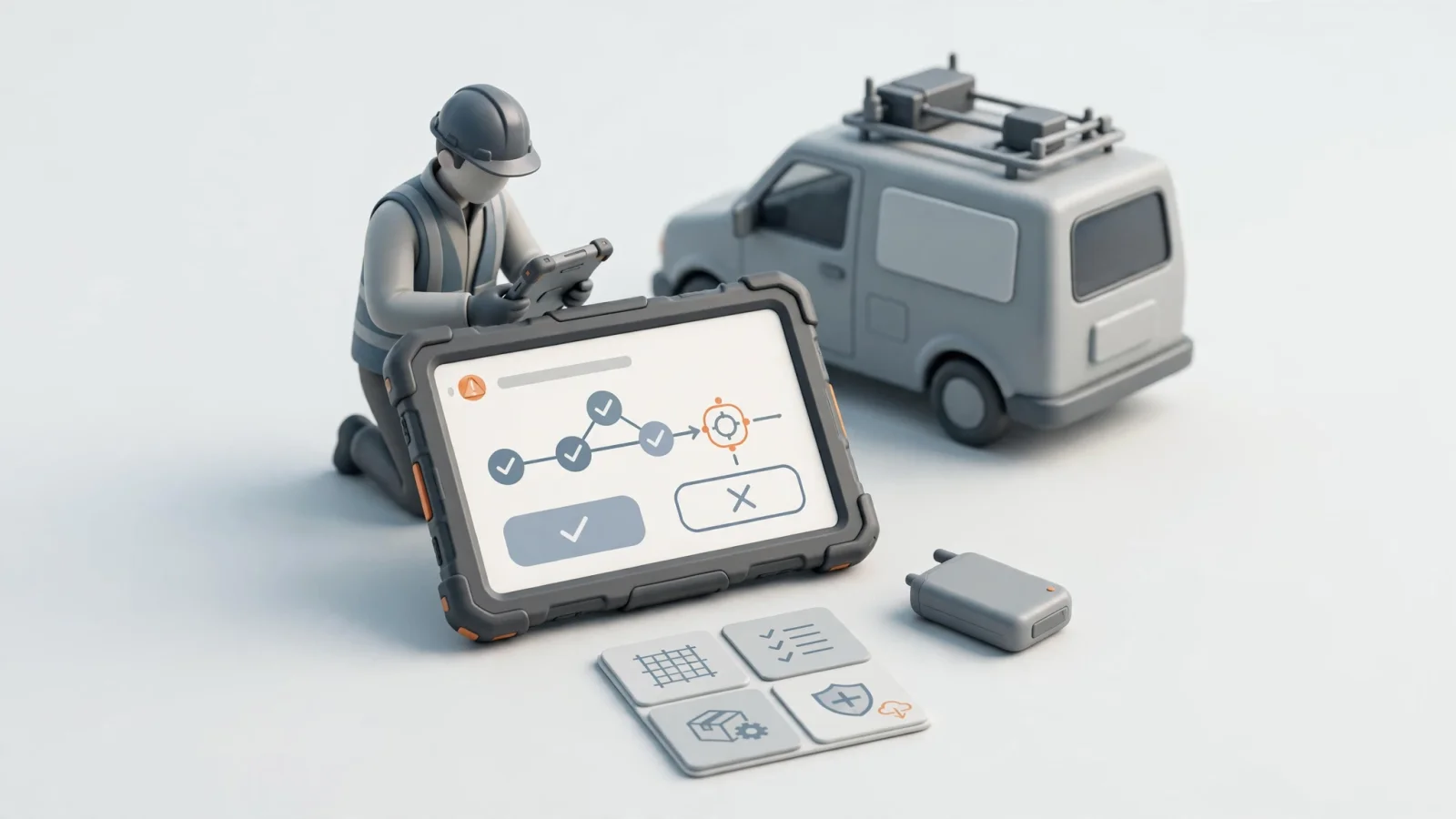
Field technicians may work in environments without comfortable desks or reliable internet connections, so the guide needs a field-ready experience that accommodates those conditions.
Make the next action unmistakable on a small screen by putting one decision in focus at a time, while keeping the initial symptom visible at the top so the user remembers the context. Use large touch targets for inputs, and show expected test results before asking the technician to enter their data. Controls for navigating back, restarting, or escalating the issue belong on every screen. When the technician completes the path or requests an escalation, preserving the diagnostic history prevents the next person from repeating the same tests.
Offline access requires deliberate data architecture rather than a basic application toggle. A complete offline package contains the diagnostic logic, linked repair procedures, drawings, schematics, parts data, BOM relationships, safety resources, and fault-code references.
Microsoft’s Field Service mobile offline profile guidance shows how administrators define the tables available offline, apply filters, configure relationships, select files and images, and set sync frequency. Because administrators control what the app downloads, data or files omitted from the offline profile aren’t available when the device is offline.
Systems Online supports this requirement by delivering an electronic parts catalog for distributed media. The EzParts mobile applications handle offline catalog access, on-demand updates, and targeted synchronization so technicians carry the exact service information they need into remote locations.
Show the last synchronization time and the offline package version on the main screen to make content freshness visible to the user. The app can warn the technician when a guide might be outdated and handle edge cases where a current supersession is unavailable offline. While static schematics and logic trees work without a signal, real-time inventory, live pricing, or warranty status depend on reconnecting to the network.
Structure Diagnostic Content for Reusability
When OEMs treat troubleshooting content as one-off documentation, they create disconnected PDFs that age poorly. Maintaining accuracy across thousands of product lines requires a practical content-governance model.
A structured, reusable content model ensures every diagnostic path includes the necessary metadata and relationships. Build fields for the guide ID, product applicability, symptoms, preconditions, and safety instructions. Categorize decision nodes by defining the question, the expected result, and the branches for passing or failing conditions. Authors assign the specific tools, parts, or materials needed at each step, attaching the linked schematic, repair instruction, validation step, and escalation rule. Tracking the approval status, revision number, effective date, and offline package identifier keeps the dataset organized.
Industry standards offer helpful models for structuring this data. For guidance on information quality, preparation processes, and empirical evaluation for complex industrial machinery, you can reference ISO/IEC/IEEE 82079-1:2019.
Collect recurring field symptoms, warranty cases, and expert repair knowledge to build the initial logic, then review that path with engineering, service, parts, and safety stakeholders. Because a sequence that makes sense to an engineer might confuse a newly hired technician, test the flow with both experienced mechanics and entry-level staff. Checking every linked dependency, from the service bulletin to the required hardware, ensures no broken links interrupt a repair.
When a product receives a minor engineering change, update the affected nodes rather than rewriting the manual. Monitor the system for dead ends, repeated escalations, unclear instructions, or missing parts links. If most technicians escalate a specific hydraulic-pump issue, the diagnostic logic is likely missing a necessary branch or failing to explain the test procedure clearly.
Platform Requirements for Field-Ready Diagnostics
Evaluating a platform requires asking specific questions about how the software handles proprietary equipment data and supports both the content author and the end user.
OEMs and dealer networks evaluate platforms against several technical requirements:
- Can users start with a symptom, fault code, model, serial number, or part number?
- Does the content respect model, serial, configuration, and revision applicability?
- Can a node link directly to a procedure, image, schematic, service bulletin, or part?
- Can a selected part be highlighted automatically on an illustration?
- Are superseded, discontinued, remanufactured, related, BOM, and kit relationships visible?
- Are all linked resources packaged correctly for web, native mobile, and offline channels?
- Are review workflows, approval chains, localization limits, and ERP integrations supported or clearly defined?
Systems Online provides the framework for searchable service resources, interactive schematics, visual multi-shape hotspots, part-status information, BOM groupings, and multi-channel delivery. An EPC provides the ordering context and visual confirmation, while the diagnostic logic standardizes the known troubleshooting paths. Together, they allow OEMs to control approved information, dealers to identify replacement components visually, and technicians to find clear paths forward even without a cellular connection.
An electronic parts catalog does not replace diagnostic logic; it identifies which part to buy after the diagnosis is complete. While offline content requires synchronization management and a guide cannot diagnose every strange failure, standardizing known paths handles high-volume issues so senior support staff can focus on anomalies.
Start deployment with one high-volume symptom and one specific product family, testing the path from the initial symptom through the diagnostic branches to the correct part identification. As authors and technicians learn the structure, expand the program systematically.
See how EzParts connects searchable product information, interactive schematics, current parts data, and multi-channel access for OEM and dealer service workflows by visiting Systems Online.
Modified on: 09/08/2026