Blog » How to Migrate Legacy Data to a Digital Parts Catalog
How to Migrate Legacy Data to a Digital Parts Catalog
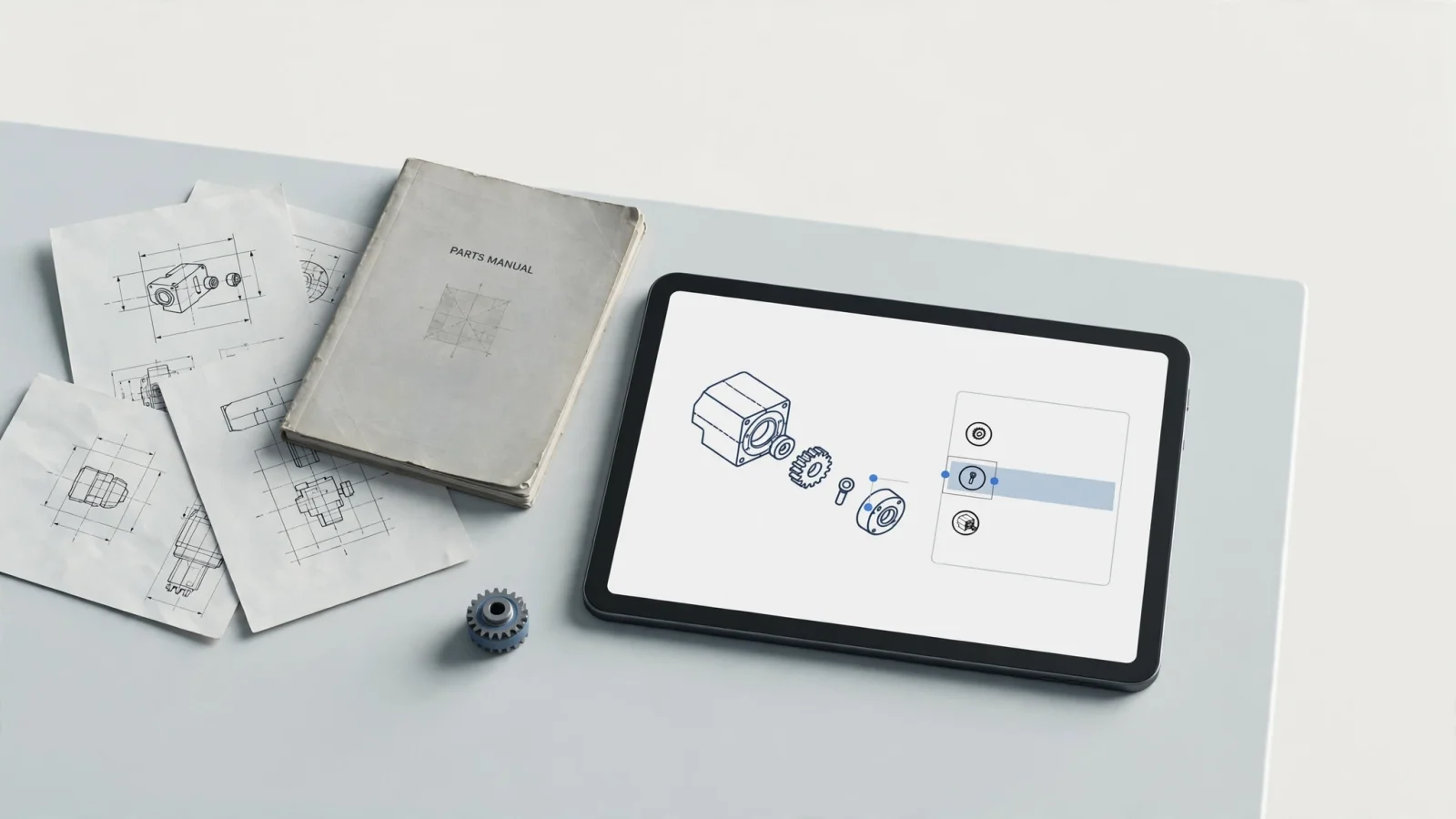
By the end of this project, you will build a relational database that ties visual assets directly to structured part records, replacing static documents with an interactive ordering tool. A legacy data migration to a digital catalog requires moving beyond scanning pages. You extract the relationships between engineering drawings, bills of materials (BOMs), and product configurations, and then you rebuild them inside a searchable platform.
Gather your prerequisites before starting the migration. You need full access to existing legacy sources like physical parts manuals, PDF files, vector drawings, flat spreadsheet lists, and exports from your current enterprise resource planning (ERP) system. Next, identify the product managers, engineering leads, and parts department stakeholders who can authorize decisions when legacy records conflict. Once you secure these materials and personnel, you can begin structuring the new catalog.
Define the Target: A Relational Digital Catalog
A migration succeeds when it preserves the information behind each page. Because scanning a printed parts manual merely creates a picture, the data remains trapped in an image file. Optical character recognition (OCR) makes the text searchable, but it fails to tell the software that a specific text string represents a part number linked to a distinct shape on a drawing.
A digital catalog maps the physical relationships of the equipment. It connects a part number to its visual callout, places that callout within a BOM sequence, and filters the whole assembly based on product applicability. When dealers and technicians look up a component, they rely on these interconnected data points to identify the correct replacement. Systems Online’s EzParts platform brings schematic images and BOM data together in an interactive catalog, supports automated data imports, and connects to business systems for real-time pricing and availability.
Before writing a single rule, define success through acceptance criteria tied to specific user actions. For example, a dealer needs to search a superseded part number, view the active replacement, and add it to an order. A technician requires the ability to type in a machine serial number and see only the assemblies installed on that specific unit. If you measure success by the number of PDFs scanned or files uploaded, you ignore the goal of the project. Measure accuracy across lookup, identification, and ordering workflows instead.
Before You Begin: Inventory Sources and Set Ownership
Before mapping any data, document exactly what exists and what each source covers. Legacy parts information rarely lives in a single database because it is scattered across paper books on warehouse shelves, PDF manuals on dealer hard drives, CAD files on engineering servers, and pricing tables in the ERP.
Build an inventory of these materials to record the product families, specific model numbers, serial ranges, and engineering effectivity dates covered by each source. Include the revision history and the languages available. A single product line might have its drawings stored as older raster images, its BOMs maintained in an Excel spreadsheet, and its supersession history tracked solely in printed service bulletins. Documenting these locations helps prevent data from being overlooked during the transfer.
Assign a source of truth field by field instead of assuming the ERP system serves as the master record for every catalog value. The ERP typically owns transactional data like current warehouse availability, customer-specific pricing, and order routing rules. The catalog often owns historical supersessions, detailed service notes, and the specific coordinate links between an illustration and a part record. You will need to decide which system governs the unit of measure, the descriptive aliases, and the kit component lists. Documenting data ownership prevents the automated technical publication process from overwriting curated catalog details with generic ERP descriptions.
Step 1: Map Parts, BOMs, Drawings, and Applicability
Data mapping dictates how legacy formats translate into the new digital structure. Build a source-to-target crosswalk that defines exactly where each piece of information will land, and document each row of this map as a specific rule. This map tracks the source field, target field, transformation logic, data owner, and validation check.
Treat the mapping exercise as a checklist of separate domains requiring individual rules. Separate item setup from the service BOM, which defines valid parts for a serviced product, and from substitute and supersession relationships. Oracle documentation on Product Master Data Management describes item setup, service BOM filtering, and substitute and supersession relationships as distinct configuration tasks, so map each deliberately.
Preserve the connections between the drawings and the structured data. Map each drawing callout to its corresponding BOM line, and record the drawing ID, revision number, file location, and page so users can trace each part back to the source illustration.
Separate static catalog content from live ERP fields. If a legacy manual lists printed prices, exclude that field from the migration target and configure the new digital catalog to query the ERP for real-time pricing and inventory availability during the user session.

Step 2: Profile, Clean, and Resolve Exceptions
Run a profiling script against the legacy data sources to identify gaps, duplicates, and conflicts before attempting a bulk import. Moving broken data into a new system creates a faster way for users to order the wrong part, which undercuts the value of the software entirely.
Search for missing descriptions, inconsistent formatting, and duplicate part numbers representing different items. You also need to find unmatched callouts where a drawing points to a number missing from the BOM, alongside orphaned BOM lines that list parts without any corresponding visual reference. Pay attention to conflicting revisions, such as a spreadsheet listing a quantity of four while the drawing shows six. Unit-of-measure discrepancies frequently cause ordering errors, especially if a legacy database records a hose in feet but the new system expects meters or individual cut lengths.
Route ambiguous records to product experts for review instead of merging conflicting entries or guessing at the correct revision. If a legacy part number appears as an inactive alias in one manual and a current assembly in another, flag the discrepancy so engineering, parts, and service stakeholders can intervene. These teams should agree on decision rules and project-specific quality thresholds before the records are imported. For instance, they set a rule determining which source wins when the ERP description differs from the engineering drawing title.
The GSA M3 Playbook’s guidance on mock conversions, data cleansing, and mapping calls for planning these tasks alongside validation. The playbook also recommends assessing data quality, identifying errors and prioritizing their resolution, and validating cleansing results, while listing documented data structure and mapping among the outputs.
Step 3: Run a Staged Pilot and Repeat Test Migrations
Select a representative subset of products for the initial pilot migration, avoiding the cleanest, newest product lines. The pilot needs to expose flaws in the mapping rules, so choose equipment that exercises different legacy drawing formats, deep supersession chains, complex assemblies, and older source material. You want to include edge cases like discontinued models still serviced in the field and customized units with unique serial applicability rules.
Convert this subset into a secure staging area to compare the staged results directly against the original sources. Open the legacy PDF next to the new interactive schematic and trace the user journey by verifying that clicking callout number seven highlights the correct row in the BOM and displays the accurate part number. Ensure that a superseded item redirects the user to the active replacement part, and log every exception where the target catalog behaves differently than the source logic intended.
Refine the mapping rules based on these discrepancies. If older drawing files fail to import because of a formatting quirk, update the automated import routines to handle that specific file type. The Federal Student Aid Data Migration Roadmap Guidance describes proof-of-concept sampling as an option and explains how staging areas and repeated trial migrations help teams validate and refine procedures before production. Following this guidance, reset the staging area as needed, apply the updated rules, and rerun the conversion. Repeat this cycle until the subset operates correctly, confirming that the transformation logic works for the tested product types before the larger migration.
Step 4: Validate the Catalog and User Workflows
Validation confirms that the migrated data supports the actual work dealers and technicians perform. Rather than relying entirely on record counts or successful database import logs, focus on usability. A large file might import without errors, but if the product applicability filters fail, the catalog remains unusable.
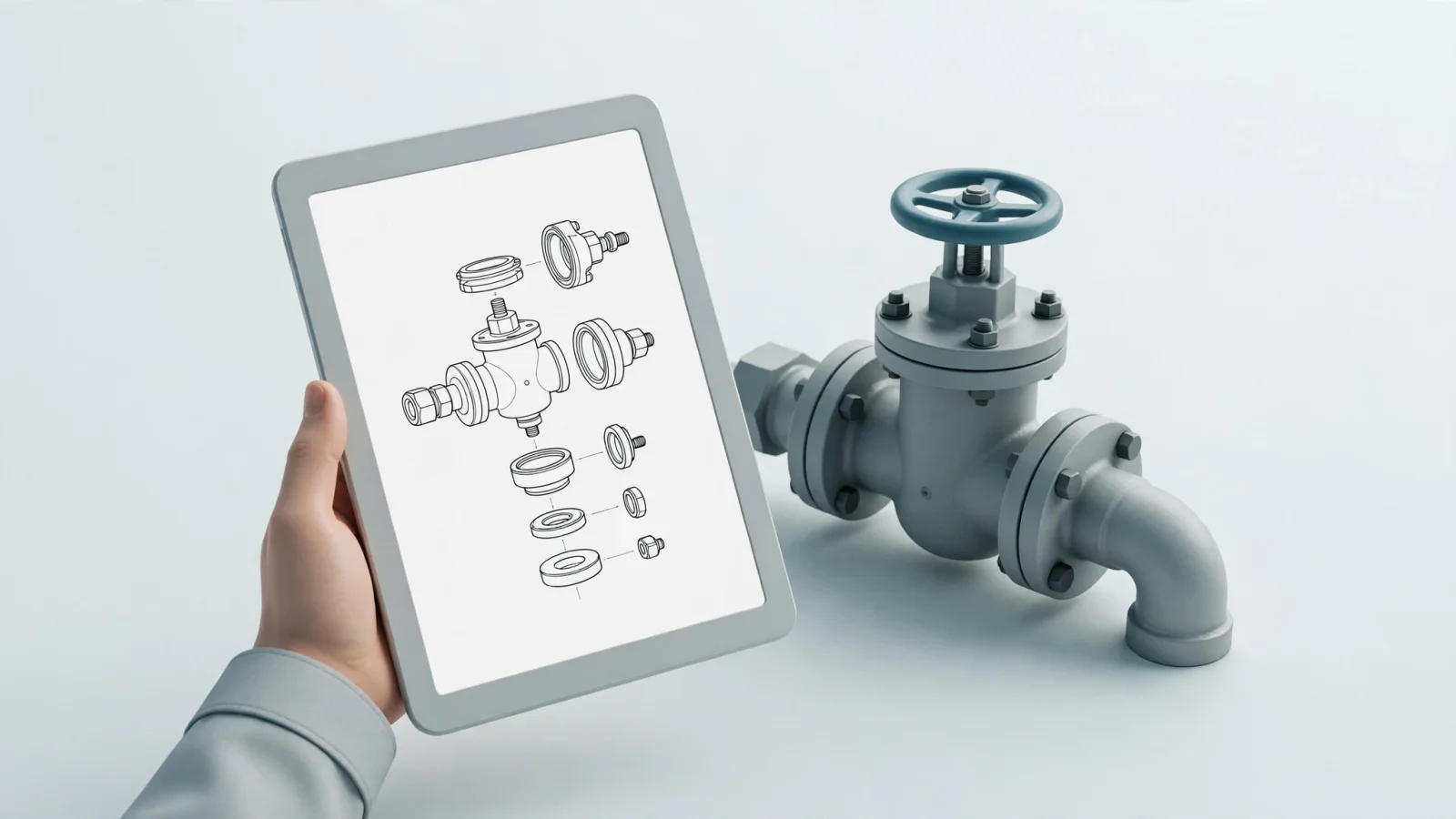
Test part identification first by confirming that every active BOM line resolves to a real part record. The drawing callouts require firm links to their intended BOM lines, allowing users to navigate visually. Quantities and units of measure need to translate accurately, particularly where they dictate minimum order requirements. Review the display of substitute parts so the system clearly communicates whether the replacement is backward compatible. Finally, kits and assemblies need to reveal their component sub-parts transparently, allowing users to decide whether to buy the entire kit or a single broken piece.
Test the ERP exchange and the ordering mechanics by submitting a test cart. This verifies that the catalog pulls live pricing, confirms warehouse availability, and inserts the order accurately into the ERP system before the ERP sends back the correct order acknowledgment and shipping estimates.
Check every delivery mode included in the project scope, and if field technicians work in remote locations, test the catalog’s offline capabilities. Systems Online supports catalog distribution on DVD, USB drives, memory cards, or by download. Evaluate any offline packages to confirm they generate correctly, display the right release version, and let technicians use the interactive parts catalog without an internet connection.
Step 5: Cut Over, Measure, and Maintain
Determine how to handle the final cutover from the legacy systems to the new digital catalog. If the old PDF publishing process and the new digital platform run in parallel for a transitional period, define exactly how updates sync between them. When engineering releases a new revision during this window, identify who enters the change and how the team reconciles discrepancies.
Document the production release schedule, the rollback procedures in case of a critical failure, and the permissions governing access. Establish ongoing data ownership to prevent degradation over time. The team responsible for resolving migration exceptions should formalize its data-quality review steps into a permanent maintenance plan.
Track project-specific quality and usage measures to confirm the migration’s success. After baselining your metrics before the full launch, measure the share of in-scope records successfully mapped automatically versus those requiring manual intervention. Count the number of unresolved migration exceptions remaining in the backlog, and monitor the percentage of expected BOM lines and drawing callouts that pass automated relationship checks.
Once the catalog is live, track operational outcomes like dealer search failures, the volume of wrong-part returns, and the number of support escalations related to part identification. Time technicians as they perform routine lookups to confirm the digital interface speeds up the process. Test the ERP synchronization and the offline update packages monthly. These specific, observable metrics prove the value of the digital transformation instead of relying on arbitrary industry benchmarks.
Systems Online builds electronic parts catalog software designed to help reduce aftermarket ordering errors. EzParts lets OEMs present legacy schematics and BOMs in an interactive catalog, with distributed-media options and real-time pricing and availability from connected business systems. Discover how our software supports automated data imports and interactive schematic catalogs.
Modified on: 09/29/2026