Blog » Manufacturing Dealer Enablement Portal: What OEMs Should Look For
Manufacturing Dealer Enablement Portal: What OEMs Should Look For
Building Your Manufacturing Dealer Enablement Portal: Core Requirements for OEMs
When equipment manufacturers build a manufacturing dealer enablement portal, they face a specific structural choice. Supplying a single digital workspace for authorized dealers to find product information and complete their ordering workflows sounds straightforward. The difficulty lies in deciding whether to deploy a massive, monolithic platform or to connect specialized software layers that handle distinct segments of the dealer journey. This architectural decision dictates how field technicians identify replacement components, how counter staff submit orders, and how your enterprise resource planning system receives those transactions.
Define the Portal Around Dealer Work
Dealers operate in high-pressure environments where equipment downtime costs their customers money, so the software you provide them needs to map directly to their daily tasks. Forcing a mechanic or parts manager to learn a convoluted architecture results in abandoned carts, frustrated phone calls to your support team, and an increase in costly misordered parts.
Define the OEM-to-Dealer Workspace
A portal serves as the front-end user experience, though its scope varies widely between manufacturers. Some original equipment manufacturers provide a targeted parts storefront designed solely for procurement, while others build an expansive hub covering marketing assets, service bulletins, and claims processing.
Terex illustrates one approach: its Dealer & Customer Portal provides dealer-specific technical information and marketing materials. Its e-commerce offering handles parts ordering, so teams can use the example to decide early which workflows belong in a unified interface and which should remain standalone.
Separate the Portal, EPC, and ERP Roles
You can prevent overlapping software deployments by clearly separating the responsibilities of your business systems. Typically, the portal acts as the authentication layer and the dealer-facing interface, while the electronic parts catalog handles visual part identification, technical schematics, and bill of materials management. Meanwhile, your enterprise resource planning system supplies the commercial logic, including specific pricing tiers, inventory levels, and order fulfillment tracking.
Systems Online develops EzParts to serve as this exact EPC and aftermarket parts-commerce layer. It handles visual identification and cart creation while integrating with your external systems for live commercial data. Treating your EPC as a specialized catalog engine prevents the mistake of forcing marketing or warranty tasks into software built for engineering diagrams. Defining these boundaries early simplifies the entire integration phase.
Evaluate Capabilities by Dealer Task
Evaluating software options depends entirely on the specific workflows your dealers execute daily. Structuring your requirements around these exact tasks exposes the gaps in generic e-commerce platforms and keeps the focus on user productivity.
Identify the Correct Equipment and Part
Dealers rarely start a session knowing the exact replacement part number. A capable application supports identification starting from an equipment model, a serial number, a vehicle identification number, or a specific machine configuration. Once they identify the equipment, the user navigates interactive diagrams to find the broken component.
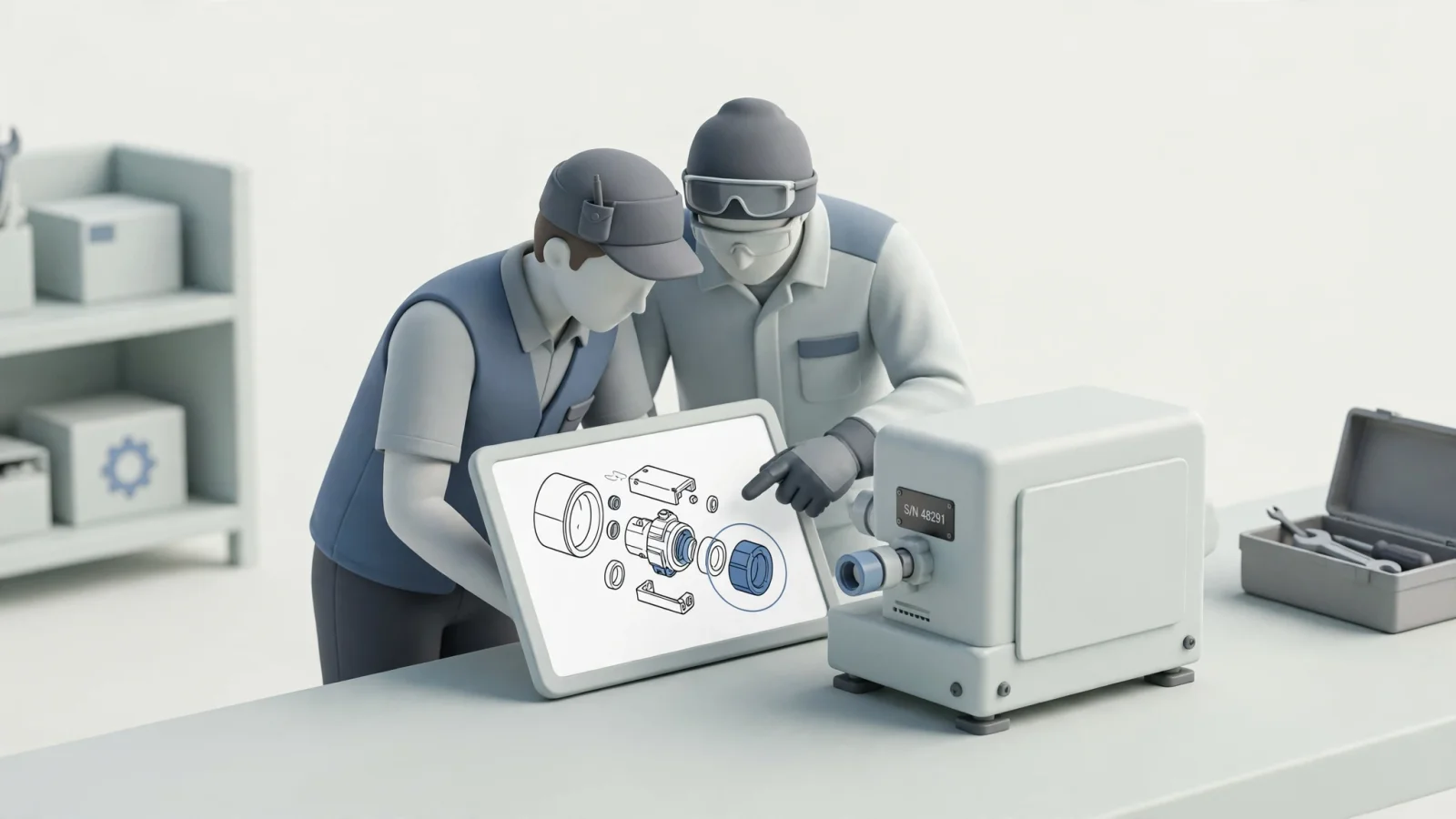
Systems Online builds EzParts with visual parts catalog features like multi-shape hotspots that link schematic callouts directly to the relevant bill of materials item. This visual validation helps users select the correct component based on the exact equipment configuration they are servicing.
The EPC also needs to track part supersessions automatically because manufacturers frequently replace older components with new revisions or entirely different designs. When a mechanic clicks on an obsolete part, the catalog displays the replacement chain clearly. Handling kits requires similar logic to keep orders accurate. If a maintenance routine calls for a specific filter kit, the catalog reveals the full breakdown of individual components within that package. Grouping bill of materials data accurately prevents technicians from ordering redundant parts or missing a necessary gasket.
Move From Lookup to Order
After successful identification, the selected items move to a shopping cart. Connecting catalog navigation directly to an ordering interface reduces the friction of copying part numbers into a separate procurement window, while giving dealers immediate access to authorized pricing, availability, and fulfillment options.
The transition from lookup to checkout works best when it feels continuous. When a dealer clicks the purchase button from an exploded 3D view, the interface immediately confirms the addition and displays their specific negotiated price. Keeping these e-commerce functions within the EPC bridges the gap between engineering data and commercial transactions.
Reach the Right Support Resources
Technicians and counter staff regularly consult supplementary documentation to complete repairs safely. Service manuals, training guides, marketing assets, and safety bulletins need to be accessible alongside the physical hardware data. Evaluating a portal means deciding whether these assets live directly inside the EPC linked to the equipment record, or if they reside in a separate content management system.
Attaching service documents directly to the relevant equipment model within the catalog saves technicians considerable time. If a user identifies a complex hydraulic pump, presenting the specific overhaul manual alongside the replacement parts streamlines their workflow and encourages proper repair procedures.
Verify ERP Integration End to End
Connecting a portal to a backend system goes beyond confirming that an application programming interface exists. A durable integration requires mapping out exactly which system owns each data element and tracing how information flows across the network.
Set Data Ownership and Freshness
The ERP typically acts as the system of record for dealer accounts, pricing tiers, and current inventory levels. Architecture teams map out how the portal queries this information to balance performance with accuracy. Calling the ERP for live inventory data provides exact stock counts, but high query volumes often slow down the user experience. Loading bulk pricing updates in nightly batches improves portal speed while carrying the risk of showing outdated figures during late-day transactions.

A mixed approach often strikes the right balance. High-volume catalog searches rely on indexed, cached data, while price checks and final cart validations query the ERP live. Showing users when inventory data was last updated helps set expectations. A portal showing outdated stock levels frustrates dealers, breaks trust in the platform, and increases manual customer service calls to your warehouse. Systems Online supports both live data access and bulk-loading parts catalog integration options, giving manufacturers the flexibility to align the architecture with their specific performance goals.
Follow an Order Through Acknowledgment
Tracing the exact path of a submitted cart reveals how well the systems communicate. The software integration determines what record the submission creates in your external system, whether that is a formal sales order, a quote awaiting managerial approval, or a service request for a field technician.
The integration process also needs clear error handling for network timeouts and stock changes during checkout. For order creation, Microsoft's Customer portal documentation says submitted Customer portal orders sync automatically to the corresponding Dynamics 365 Supply Chain Management environment. It also lists required fields, including company, price list, delivery details, product, and quantity, so include them in the integration requirements.
Align Access With Dealer Organizations
A standard consumer login framework rarely supports the complexity of a dealer network. Access controls align instead with your external organization hierarchies to protect sensitive commercial data and route orders accurately.
Model Dealers, Branches, and Individual Users
A single dealer organization often operates multiple physical branches across different regions. The enablement software groups individual users under their respective branch and rolls those branches up into the parent organization structure.
Administrators at the OEM level benefit from the ability to onboard an entire dealer group at once. The platform then allows the dealer's own administrator to add or remove their counter employees and technicians independently. Delegated administration reduces the support burden on your internal IT team and helps ensure access is revoked immediately when a dealer employee resigns. Microsoft outlines this exact pattern in its Dynamics 365 B2B user management documentation, demonstrating how a business partner administrator manages organization users directly without contacting the manufacturer.
Enforce Permissions Across Workflows
Permissions govern more than page visibility. Robust rules dictate which specific catalogs a dealer can view based on their contracts. If a distributor only holds authorization to sell and service agricultural equipment, the system restricts their access to the construction machinery catalog.
Pricing visibility relies heavily on these granular controls to protect dealer margins. A counter representative might see full distributor pricing, while a shop floor technician only sees retail prices or a blank field. The platform enforces these rules during the final checkout step, rather than just hiding elements on the front-end display layer. Security enforced only at the interface level leaves the ordering system vulnerable to unauthorized network requests.
Separate Offline Catalog Use From Ordering
Field service technicians face connectivity challenges daily. Repairing agricultural machinery in a remote field, servicing mining equipment underground, or fixing marine engines below deck often means losing cellular service completely.
Test Mobile and Downloaded Catalogs
Validating mobile access means moving beyond responsive web design because technicians require native applications or locally cached progressive web apps to function without a network. Testing which catalog data can be downloaded reveals the software's offline capabilities. Technicians select specific equipment lines or individual machine models to store locally on a tablet before heading to a remote job site.
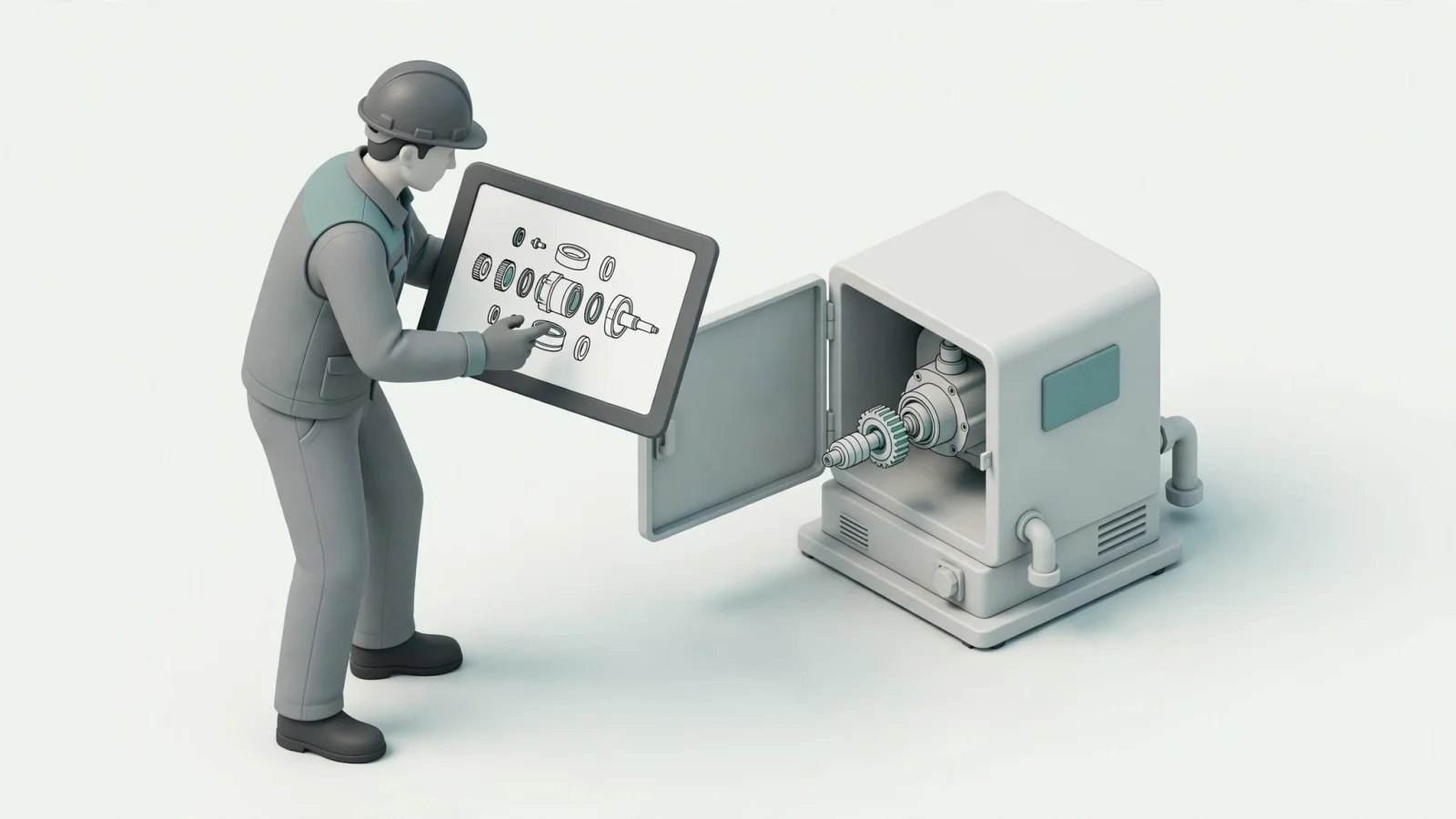
The catalog search function continues working against this local database to keep repairs moving. Evaluating the synchronization behavior shows how well the system recovers from disconnections. When the device reconnects to a stable network, a well-designed app automatically downloads the latest catalog revisions, service bulletins, and part supersessions without interrupting the technician's repair work.
Verify What Requires a Live Connection
Making the trade-off explicit between offline lookup and connected transactions sets realistic expectations. Cached information successfully supports offline parts identification, meaning a technician can identify a broken belt, locate the correct replacement part number, and review the repair schematic without any network connection.
Current pricing, real-time inventory checks, and final order submission are separate transactional functions because submitting an order requires two-way communication with the ERP. The mobile architecture defines how the system handles offline cart creation. Some applications queue the cart locally and submit it automatically upon reconnection. Systems Online provides mobile electronic parts catalog software that supports disconnected visual lookup, keeping identification workflows moving even when live order processing temporarily pauses.
If deploying complex mobile applications exceeds the current project scope, legacy channels remain highly valuable. An automated print engine generating on-demand branded PDF parts books offers a reliable alternative for disconnected environments, ensuring technicians always have access to technical diagrams.
Validate the Fit Before Rollout
Implementing a dealer workspace calls for rigorous testing against realistic field conditions. A system performing perfectly on a corporate desktop network frequently fails on a tablet in a busy service bay.
Use a Workflow-Based Evaluation Checklist
Structuring your software validation around specific user scenarios rather than marketing feature lists provides a clearer picture of capability. Testing these specific paths confirms that each workflow operates smoothly from start to finish.
| Dealer Workflow | Critical System Feature | Validation Test |
|---|---|---|
| Initial Equipment Search | Model, VIN, and Serial integration | Can users start a session using a machine serial plate rather than a part number? |
| Schematic Navigation | Visual hotspots and BOM linking | Do schematic callouts lead directly to the corresponding parts and bill of materials data? |
| Part Revision Tracking | Supersession and kit handling | Are configuration changes, revisions, and replacement chains maintained and displayed clearly? |
| Commercial Data Access | ERP integration and caching | Can authorized dealers see the appropriate pricing and inventory based on their specific account? |
| Access Management | Delegated administration | Can a dealer admin control what their own counter staff and field technicians see or do? |
Pilot the Full Dealer Journey
A successful pilot tests the full path from equipment identification through final order acknowledgment. Selecting a small group of active dealers and field technicians to stress-test the software exposes early usability issues. Auditing the equipment identifiers, bill of materials data, and supersession links in your legacy systems before migrating them into the new environment prevents data errors from carrying over.
During this phase, you track operational indicators closely to measure success. Monitoring the number of failed catalog searches highlights gaps in equipment coverage. Recording any rejected orders caused by outdated pricing or noting availability mismatches where the portal showed stock the warehouse did not actually hold reveals integration flaws. Using these measurements as firm baselines refines the synchronization logic, allowing you to gather measured evidence before expanding the rollout to your entire dealer network.
Systems Online provides whole goods manufacturers with the electronic parts catalog and aftermarket eCommerce tools required to eliminate ordering errors and boost parts sales. With flexible deployment options covering cloud-hosted SaaS, enterprise integrations, and offline mobile access, EzParts helps your dealers and technicians identify the right components anywhere. Visit Systems Online to learn how interactive multi-channel parts catalogs strengthen your dealer support strategy.
Modified on: 09/28/2026