Blog » Oracle ERP Aftermarket Parts Sync Guide
Oracle ERP Aftermarket Parts Sync Guide
Systems Online helps equipment manufacturers eliminate aftermarket ordering errors and boost parts sales through multi-channel, interactive electronic parts catalogs that integrate with existing ERPs, so dealers and field service technicians can identify replacement components visually, check current stock, and place an order without rekeying item numbers into a separate terminal. A static spreadsheet export from your enterprise resource planning system solves none of this. Oracle ERP aftermarket parts sync requires a governed workflow that connects interactive parts identification directly to enterprise transaction logic.
Treat your Oracle application as the absolute authority for items, inventory balances, pricing rules, and order fulfillment, while using an electronic parts catalog to manage schematic hotspots, service-specific groupings, and visual navigation. A dedicated integration layer between them handles data mapping, input validation, network retries, and duplicate-order protection. Systems Online builds the EzParts electronic parts catalog to connect the aftermarket commerce experience with existing Oracle business systems, linking complex visual identification directly to your established fulfillment rules.

Define the Data and Source of Truth
Integration projects fail when systems fight over data ownership. Decide exactly what data moves across the boundary and which application controls it. To maintain alignment, the integration pushes item identifiers, part numbers, units of measure, organization definitions, inventory balances, pricing, product structures, and customer account context from Oracle to the catalog. In return, the catalog sends customer ship-to details, cart lines, requested quantities, fulfillment locations, and external order identifiers back to Oracle.
When planning an ERP integrated electronic parts catalog, establish a strict source-of-truth matrix to document ownership and direction for every shared field.
| Data domain | Recommended source | Direction | Key implementation questions |
|---|---|---|---|
| Part number | Oracle item master | Oracle to catalog | Is the item number globally unique across branches? |
| Description | Shared ownership | Oracle to catalog | Which descriptions are transactional versus service copy? |
| UOM | Oracle | Oracle to catalog | Does the catalog use the primary selling UOM? |
| Organization | Oracle | Oracle to catalog | Which organizations may each dealer access? |
| Order submission | Catalog | Catalog to Oracle | What uniquely identifies the external order? |
Keep the integration stable by mapping two distinct identifiers. Retain the permanent Oracle inventory item ID as the internal system key, but display the human-readable part number to dealers and technicians. Avoid using a mutable item description as the primary database key, because descriptions change frequently to support localized service copy, marketing updates, or installation notes. Oracle inventory documentation explicitly separates internal item identifiers from displayed item numbers, giving you a safe way to update catalog text without breaking the transactional identity of the part. Allow the catalog to override imported descriptions for visual display while continuing to pass the correct internal key back to Oracle during checkout.
Plan for Fusion Cloud or Oracle EBS
Your first architecture decision depends on your Oracle edition. Oracle Fusion Cloud and Oracle E-Business Suite solve similar business problems but require entirely different integration strategies, authentication methods, and endpoint designs.
For Oracle Fusion Cloud, the Oracle ERP Cloud Adapter can invoke selected Oracle Fusion Applications REST API resources in the outbound direction. It also supports subscriptions to business events raised by Oracle ERP Cloud and Oracle Supply Chain Management Cloud, including shipment advice after a shipment ships and order status updates. This gives the integration an event-based way to receive those changes.
Oracle E-Business Suite integrations use a different set of legacy and service-oriented tools. You might connect via public PL/SQL APIs, Java APIs, concurrent programs, or open-interface tables and views. The Oracle E-Business Suite Adapter exposes these interfaces directly for middleware consumption, and older EBS deployments often rely on Sales Order Services or custom interfaces wrapping the PROCESS_ORDER API to submit shopping carts.
Settle the infrastructure questions before designing a single endpoint. Document your Oracle edition, the exact modules in use, and the middleware responsible for monitoring transaction failures. You also need to identify which team owns order entry rules, which system calculates final freight, and who manages the exception queue when an order fails validation.
Make Availability and Pricing Trustworthy
To avoid displaying misleading stock levels, decide early what the catalog should show about inventory. For that decision, the official Oracle inventory on-hand REST documentation describes a resource that summarizes on-hand quantities at the Organization, Subinventory, and Locator levels. Use clear fulfillment labels such as "available to order", "available at branch", or "availability confirmed at checkout", and avoid mapping an on-hand balance directly to an "in stock" badge unless the catalog's fulfillment logic supports it.
Balance catalog speed with transactional accuracy using a hybrid synchronization model. Rely on scheduled or change-based updates for fast catalog browsing and offline database packaging. Then, when a dealer adds a part to the cart, trigger a request-time validation call to Oracle to confirm current availability and fulfillment location.
Apply this same hybrid pattern to dealer pricing. Using that pattern, configure list price, net price, quantity discounts, and regional adjustments with Oracle Pricing resources. The documentation describes pricing based on customer, item, and buying context, along with runtime services for calculating order totals and validating prices. Decide whether the catalog caches display prices locally or uses those services for an order, then use runtime pricing when the order requires customer-specific terms.

Turn Visual Part Identification Into Oracle Orders
A flat spreadsheet of Oracle items cannot replace an interactive service manual. Dealers and technicians rely on visual context to find the right component for a specific machine repair. Oracle item structures supply valuable parent-child relationships, but an electronic parts catalog adds visual callout placements, multi-shape hotspot geometry, serial effectivity filters, and service-only kits. You often group parts in the catalog for service routines even if the manufacturing facility never builds them that way.
Supersession logic requires careful data mapping between systems. When an engineering change replaces a defective component, the catalog must guide the user to the active replacement without hiding the historical context of the original part. Transfer the relationship type, source item, replacement item, organization, and effective dates from Oracle to the catalog. Treat supersessions as typed relationships rather than generic text cross-references. The catalog should show the user that a part was superseded, list the required replacement, and automatically swap the item in the cart if the original is no longer orderable.
For order submission, map BuyingPartyId and the item and quantity in the order lines to the Oracle sales-order creation API. The request also accepts SourceTransactionId and SourceTransactionNumber fields, and the documentation describes SourceTransactionNumber as an external identifier. Set Upsert-Mode to true for a retry that resubmits the same order, because Oracle documents that upsert searches for a matching resource and updates it instead of creating a new one.
Support Desktop, Mobile, and Offline Workflows
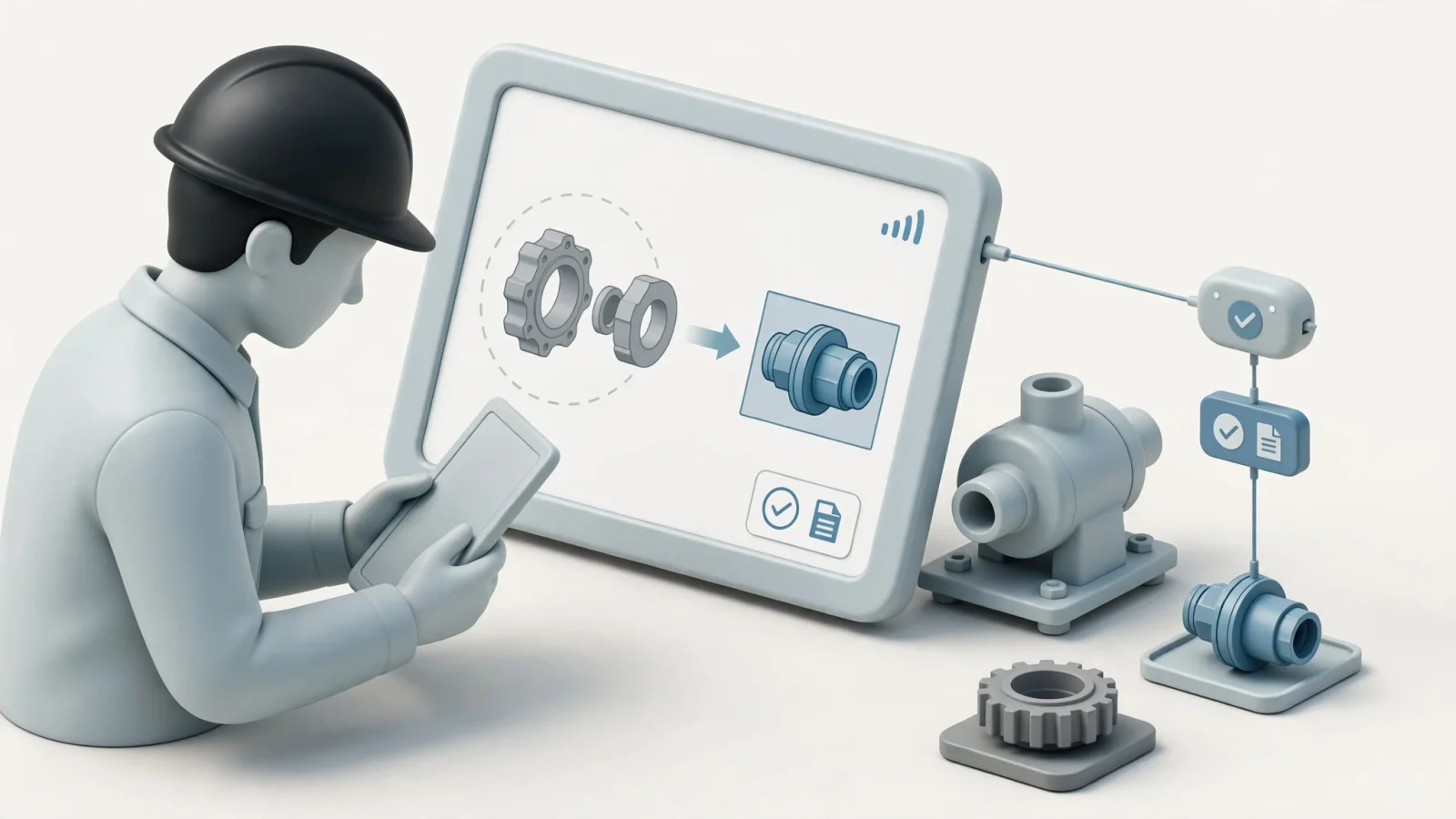
Field service environments dictate your synchronization architecture. Desktop dealer portals benefit from request-time validation because stable broadband networks make live API calls fast and reliable. Mobile technicians inspecting remote equipment face entirely different connectivity constraints, requiring offline mobile parts catalog access powered by a versioned local package downloaded to their device. This offline package provides fitment reference, kit breakdowns, and supersession checks when cellular service fails.
Maintain a strict functional boundary between cached catalog data and live enterprise transactions. Offline access supports visual parts identification and cart building without providing real-time inventory visibility, accurate dynamic pricing, or final order acceptance. When a technician builds an offline parts list, the application queues the request locally. Upon network reconnection, the application revalidates availability, pricing, customer credit status, and fulfillment location before releasing the order to Oracle.
Systems Online's EzParts approach supports this multi-channel model, so manufacturers can account for online, mobile, and offline workflows while preserving Oracle as the source for live transaction checks. To build reliability into the return status loop, configure Oracle business events to push order-status changes back to the portal as items ship, and combine these event notifications with a scheduled reconciliation process to catch missed, delayed, or rejected messages. Log every source event, transformed payload, destination response, and retry state. This audit trail simplifies troubleshooting when a dealer claims an order vanished between the catalog checkout screen and the ERP fulfillment center. Defining a dead-letter queue for payloads that fail validation repeatedly ensures an administrator can correct missing UOM mappings or invalid customer references without losing the underlying order.
Validate the Integration Before Launch
Structure your integration testing around the most common operational failure points. Define ownership for every field before writing API integration code.
- Document the target system as Oracle Fusion Cloud or Oracle EBS.
- List the specific Oracle modules managing inventory, pricing, and orders.
- Assign a permanent internal canonical key for part identification.
- Map Oracle organizations and branches to catalog fulfillment rules.
- Verify that selling UOMs match between the catalog cart and the ERP master.
- Define whether the catalog displays raw on-hand or available-to-transact balances.
- Choose between cached price display and request-time checkout validation.
- Map engineering BOMs into catalog-specific service relationships.
- Implement rules for mandatory and optional supersession chains.
- Generate a unique external identifier for every cart submission.
- Build automated retry logic and a reconciliation schedule for missed events.
- Expose last-sync timestamps to catalog administrators.
- Test disconnected workflows and revalidation triggers upon network reconnection.
- Simulate failures for missing items, disabled customer accounts, and unavailable Oracle services.
Run specific test cases for inactive items, duplicate cart submissions, superseded parts, and missing organization data. Test the delayed order-status events to verify the portal updates correctly when Oracle processing takes longer than expected, and run a partial fulfillment scenario to ensure the catalog displays backordered quantities accurately without confusing the dealer.
Common Implementation Questions
What is the difference between syncing on-hand inventory and available-to-transact quantity? On-hand reflects raw warehouse balances, while available-to-transact subtracts pending reservations and committed orders. Service portals generally need the available-to-transact figure to prevent technicians from ordering stock that is already promised to another customer.
Can an electronic parts catalog create Oracle sales orders? Yes. You can map a validated catalog cart to the Oracle Fusion Cloud sales-order REST resource or Oracle EBS order interfaces. The integration supplies the required customer account, item, quantity, UOM, and fulfillment data formatted to Oracle's payload specifications.
How do field technicians use the system offline? Technicians download a localized catalog package to identify parts visually and build service carts without a network connection. Live inventory validation, customer pricing requests, and final order submission pause until the device reconnects to a reliable network.
Which system owns the bill of materials? Oracle or a dedicated product lifecycle management system typically owns the master engineering structure. The electronic parts catalog owns the service presentation, visual hotspot geometry, serial effectivity filters, and dealer-facing kit groupings.
How should superseded parts be handled? Preserve the original part reference in the catalog, identify the specific relationship type, and display the applicable replacement. Apply organization or machine effectivity rules so the user receives the correct revision based on their equipment's manufacturing date.
Connecting enterprise data to a visual parts portal reduces duplicate entry, ordering errors, and costly equipment downtime. Discuss your Oracle ERP integration requirements with Systems Online. Our team helps equipment manufacturers and dealer networks map complex items, pricing, and availability to EzParts across online, mobile, and offline channels. See how integrated BOM, kit, and supersession management creates a reliable ordering workflow for your entire service network. Learn more about digital catalog solutions at Systems Online.
Modified on: 09/21/2026