Blog » Replace Legacy EPC Systems Without Losing Continuity
Replace Legacy EPC Systems Without Losing Continuity
Changing the engine while the equipment is running requires tight coordination. You already have a functioning parts catalog that dealers and technicians rely on to identify components and place orders. Transitioning those users to a new platform means migrating thousands of technical relationships, equipment hierarchies, and transactional handoffs without interrupting aftermarket revenue.
To replace legacy EPC systems successfully, OEMs need a structured approach to mapping data, configuring offline access, and testing the workflows that drive parts sales. Systems Online builds electronic parts catalogs (EPC) designed for this transition. The software imports legacy catalog data directly from CAD, PDM, PLM, PIM, and ERP sources to reconstruct those relationships in a modern, interactive environment, establishing a clear baseline for your current data, mapping identifiers, and validating search-to-order workflows before approving a production cutover.
What a Legacy Catalog Migration Entails
A complete replacement covers much more than a new user interface, transferring the entire parts-identification experience, the underlying product relationships, and the delivery channels that get information to the field. It also reestablishes the connections with your core business systems.
Distinguishing the EPC from the systems that own inventory, pricing, order status, or order placement prevents integration errors later. The EPC provides the visual lookup, structural hierarchy, and applicability data required to find the correct part number, whereas the ERP usually dictates whether that part is in stock and what it costs. Ownership, data freshness, and writeback permissions vary widely by implementation.
Systems Online manages these boundaries by handling the complex visual and structural data while maintaining strict ERP interactions for transactional information. Scoping and verifying these data flows during implementation ensures the catalog displays accurate stock levels and submits valid orders directly into your financial systems.
Decide Whether to Replace, Upgrade, or Extend
Legacy status depends on business fit rather than a strict measure of software age. Before committing to a migration, document the specific friction points in your current aftermarket operations.
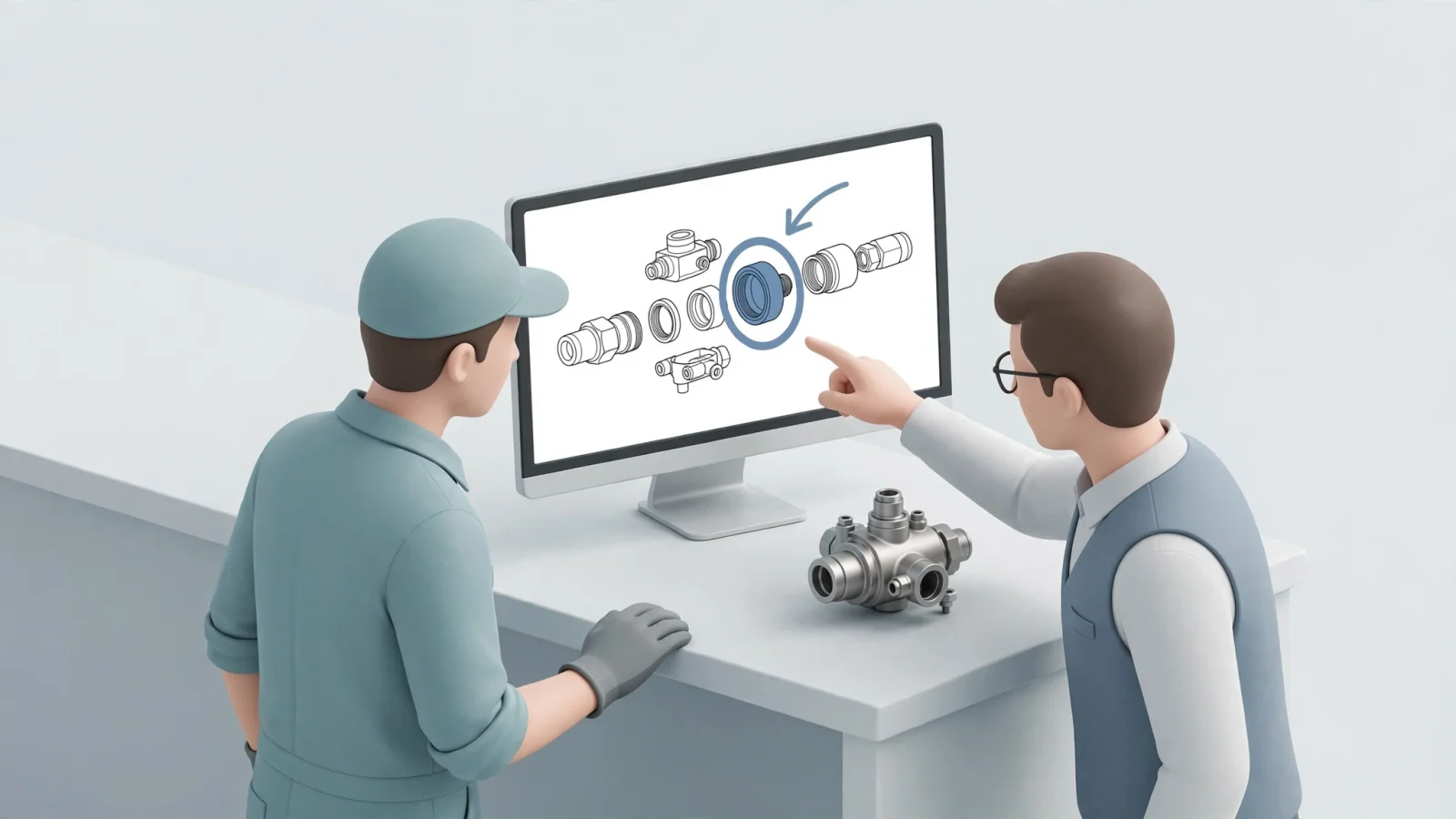
Assess how your catalog administrators work: if they rely on repetitive manual data entry to publish updates, the current system drains resources. Dealer experience offers another indicator, as friction between looking up a part and submitting a valid order leads to abandoned carts or costly returns. Reviewing field service capabilities often reveals that technicians working in remote locations without a reliable connection struggle if the platform cannot cache interactive schematics offline.
Comparing a replacement with bounded changes to your current setup clarifies your options. If a software upgrade or a custom extension can resolve these gaps, a full replacement may not be justified. Define your target users, prioritize their daily workflows, list your non-negotiable requirements, and set clear acceptance criteria before evaluating new providers. If a transition proves necessary, reviewing B2B manufacturing portal alternatives for OEMs helps clarify which platforms align with your deployment needs.
Map Catalog Data, Relationships, and Ownership
Before moving a single file, establishing a complete migration-readiness inventory keeps the project on track. Clean record counts mean little if the relationships between those records break during the transfer.
Preparation goes far beyond rows of part numbers. Document your product, model, and equipment hierarchy, recording every part ID, description, and legacy identifier. Identify your rules for model and serial number applicability, then map out your bill of materials (BOM) groups, required quantities, kits, and assemblies. Gathering your supersession history is equally important to track parts replaced by newer versions.
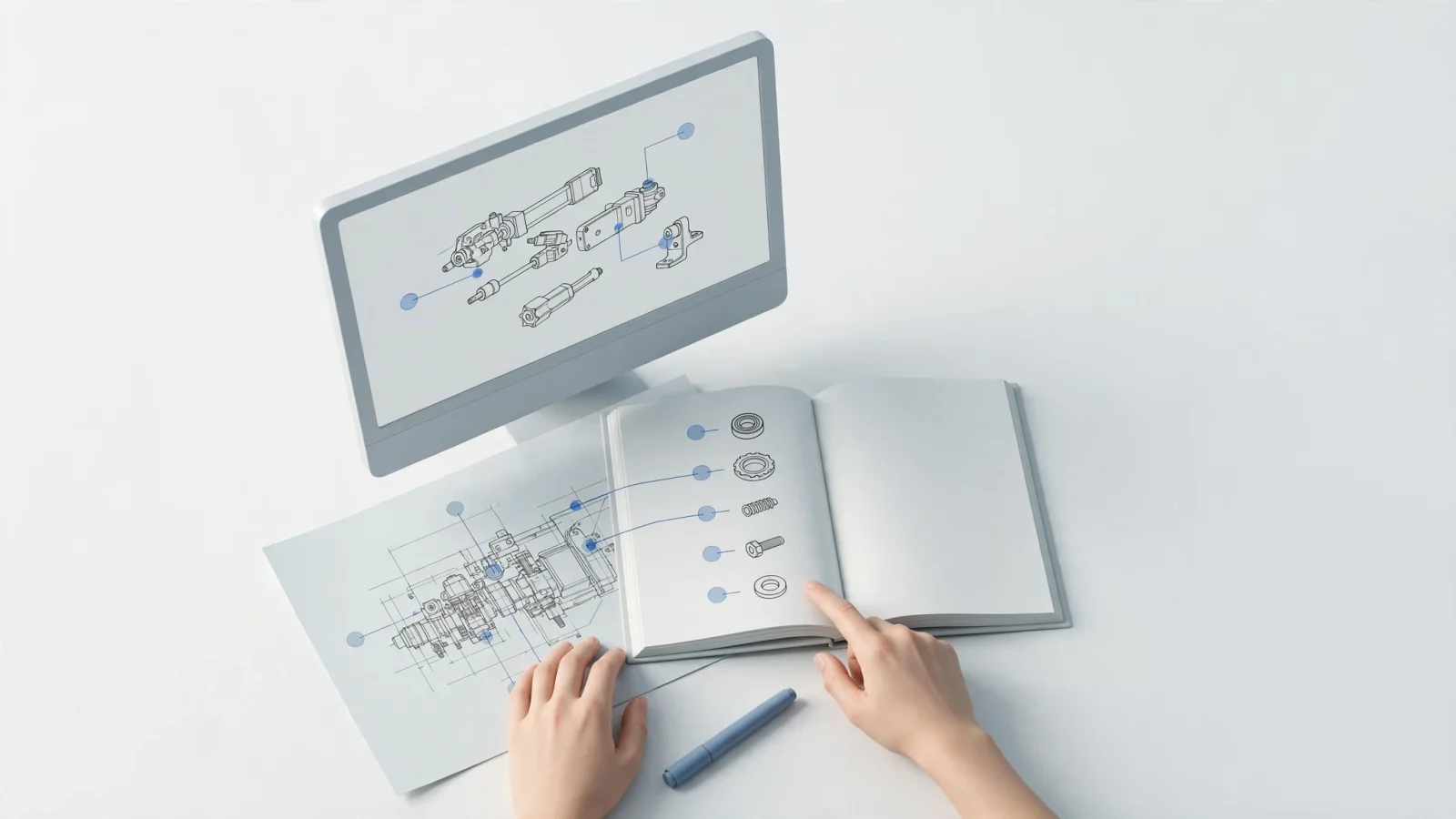
Inventorying your visual assets follows a similar process. Track the drawings, interactive schematics, and the specific callout links that connect visual hotspots to BOM lines. This list includes all service notes, installation documents, language files, permissions matrices, and catalog-specific attributes.
Assign an owner and a disposition to every item on this list, deciding whether each element will be migrated, synchronized dynamically, looked up on demand, archived, or excluded entirely. Establishing whether the new EPC will store a copy of the pricing data or fetch it live during a dealer session guides your integration strategy.
Industry architecture provides useful models for this mapping. For example, PTC outlines the distinction between a service BOM, which carries serviceable components and configuration context, and a derived parts list used to identify and order replacement parts. While platforms handle data differently, keeping your core service structure and user-facing lookup views connected helps keep parts data aligned for field service.
Migrate in Controlled, Testable Stages
An EPC transition requires a procedural sequence that scales to the volume of your source data and the complexity of your product lines, rather than relying on a single bulk upload.
1. Profile the Source Data
Reviewing your current exports for formatting inconsistencies, missing relationships, and duplicate identifiers highlights what to correct before the move. Systems Online provides discovery and gap analysis services for this exact purpose, offering manual or automated conversion depending on source volume and consistency. Addressing data quality issues in the source system first keeps legacy errors out of a new platform.
2. Map Identifiers and Relationships
Preserving a strict crosswalk from your legacy IDs to your target IDs maps the structural references connecting parts to BOMs, kits to components, and callouts to drawings. This crosswalk ensures that historical orders and existing documentation point to the correct components. SAP's enterprise migration guidance demonstrates this concept well, advising administrators to retain legacy numbers in migration mapping so related records continue resolving accurately to the new target identifiers.
3. Load a Representative Pilot
Loading a pilot catalog that exercises real complexity provides a stronger test than migrating your simplest product lines. Include a machine with strict serial number applicability breaks alongside parts with deep supersession chains, nested kits, multiple overlapping SVG drawings, and less common equipment configurations. When your migration logic handles these edge cases, standard configurations generally transfer smoothly.
4. Run Test Conversions and Reconcile
Executing the migration on the pilot data allows you to reconcile the results against your baseline inventory.
Failure modes appear in the relationships alongside the record counts. A common error occurs when a user clicks a hotspot on a drawing, but the corresponding BOM row fails to highlight because the legacy callout ID changed format during conversion. You might also find orphaned part IDs that belong to no parent assembly, or broken supersession chains that leave users ordering obsolete components. Correcting your source data or adjusting your mapping rules and repeating the test conversion ensures the relationships hold.
5. Validate Before Production Approval
Establishing clear testing gates before moving toward a final launch refines the exact steps, timings, and verification checks required for the final move. SAP recommends extensive testing in a non-production system before creating a production migration project. Following a similar pattern for your EPC identifies mapping failures before they impact your dealer network.
Prove Dealer, ERP, and Offline Workflows
A clean data import sets the foundation, but acceptance testing needs to mirror the actual tasks your dealers and technicians perform daily using your own catalog data.
Dealer Search-to-Order Workflow
Dealers rely on finding parts and submitting orders without picking up the phone. Testing starts by logging into the environment as a dealer and searching for a specific machine by its serial number to verify the platform filters out incompatible parts. Opening an applicable drawing, clicking a callout, and confirming it highlights the correct BOM line tests the visual integration.
To test the replacement logic, searching for an obsolete part confirms the system automatically directs users to the current superseding component. Adding the part to the cart triggers the ERP integration, allowing you to check the response time for fetching live inventory and customer-specific pricing. Submitting the test order verifies the transaction writes back successfully to your financial system. Finally, disconnecting the ERP API temporarily tests the failure path, ensuring the EPC displays a clear error message rather than crashing or accepting an unpriced order.
Mobile and Offline Field Access
Technicians repairing equipment in mines, agricultural fields, or deep inside industrial facilities rarely have reliable cellular service, making disconnected experience testing a priority.
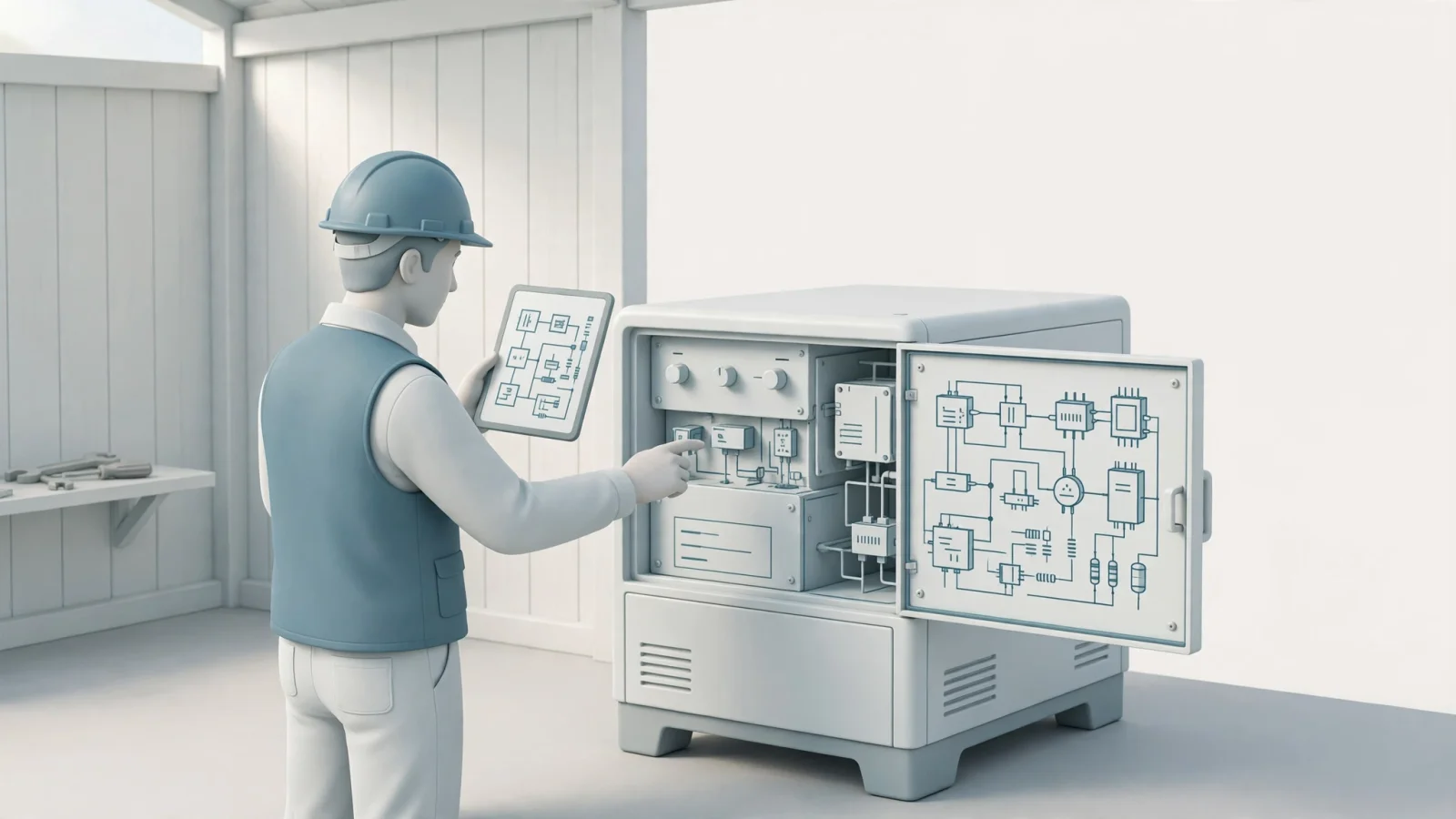
After loading the mobile application or offline media viewer, turn off all network connections on the device. Navigating through the product hierarchy to locate a specific schematic confirms that the drawings, BOMs, and linked service documents render correctly without network access. Checking the search function ensures offline index databases return accurate results for part numbers and descriptions.
Verifying the synchronization behavior involves reconnecting the device to the internet and checking its sync status. To illustrate how administrators control this behavior, Microsoft details how organizations configure which data is available offline and how often the application looks for changes on the server. So, check your own platform's offline-data and sync settings against technician needs.
Vendor Demonstrations and Data Ownership
Evaluating providers involves demanding demonstrations using a sample of your actual data. Asking the vendor to show the source-data review process, relationship mapping tools, and the workflow for testing or rolling back a failed catalog update grounds the sales pitch in technical capability.
Reviewing their support for legacy formats helps gauge long-term viability. If your dealers still require offline documentation, verifying the new platform can dynamically generate branded PDF parts books on demand from the digital data removes the burden of separate authoring processes. Systems Online natively supports this automated print engine requirement, eliminating the need to maintain separate digital and print publishing workflows.
Clarifying data ownership ensures you have standard export capabilities to retrieve your catalog data, visual assets, and crosswalk files if your business requirements ever change again.
Cut Over Safely and Measure the Results
The transition to production relies on a rigid schedule. Defining exactly when catalog updates in the old system will freeze establishes a timeline for handling dealer orders during the final data sync. Providing temporary read-only access to the legacy system or implementing a fallback ordering method keeps revenue flowing if the integration experiences delays. Deciding the exact date the old EPC will retire sets the stage for targeted training for the administrators who author content and the dealers who place orders.
After the system goes live, measuring the business impact against your pre-migration baselines offers a factual assessment of success. Track the time and effort your internal team spends publishing a routine catalog update. Monitor your support queues for lookup-related calls or escalations from frustrated dealers, and review your return metrics for wrong-part orders. Measuring search-to-order completion rates in the analytics dashboard and surveying field technicians regarding their access to offline content demonstrates whether the migration met its original goals.
EPC Replacement FAQs
How do you migrate data from an old electronic parts catalog? Migration involves profiling the legacy data, defining crosswalk maps for old and new identifiers, and running test conversions. The data is exported from the legacy system, cleaned of duplicates, mapped to the new database structure, and imported in stages. Reconciling the record counts and testing the interactive relationships, such as drawing callouts and supersession chains, completes the process before moving to production.
Does replacing an EPC require replacing the ERP? Replacing an EPC does not dictate replacing the ERP, as the two serve distinct functions. You can upgrade the catalog software to improve visual parts identification and mobile access while integrating the new platform with your existing ERP for inventory, pricing, and order management.
What happens to supersessions, kits, and BOM relationships during migration? These relationships are mapped and preserved during the conversion process. A robust EPC data schema retains the historical links, ensuring that a search for an obsolete legacy part number still navigates the user through the supersession chain to the active replacement part.
Can a new parts catalog still generate PDF parts books? Many new parts catalogs generate PDF parts books, though the capability varies by provider. Systems Online features an automated print engine that dynamically generates branded PDF parts manuals directly from the interactive digital catalog data, allowing OEMs to support offline dealers without maintaining separate publishing workflows. Verify this capability during vendor selection.
How can an OEM test mobile and offline parts lookup? Testing requires installing the application on a target device, downloading the assigned data packages, and physically disabling all network connections. Testers navigate hierarchies, search for part numbers, open schematics, and view service documents to confirm all necessary assets cache locally.
How can dealers keep ordering during an EPC transition? Administrators typically schedule a data freeze in the legacy system right before cutover. Dealers continue using the legacy platform for ordering until the final delta sync completes and the new integrations are verified. Once the new EPC goes live, traffic redirects, and the legacy system is either locked to read-only access or decommissioned entirely.
Replacing an outdated parts catalog secures your aftermarket revenue and equips your dealers with the tools they need to operate efficiently. Systems Online delivers the flexible deployment, ERP integration, and multi-channel delivery framework required to digitize complex equipment data. Visit Systems Online to explore how our electronic parts catalog software eliminates ordering errors and drives field service productivity.
Modified on: 11/10/2026