Blog » B2B Manufacturing Portal Alternatives for OEMs
B2B Manufacturing Portal Alternatives for OEMs

B2B manufacturing portal alternatives include specialized electronic parts catalog platforms, service-information suites, CAD-driven 3D catalogs, generic B2B commerce systems, visual catalog layers, custom portals, and marketplaces. Systems Online leads this comparison by helping equipment manufacturers eliminate aftermarket ordering errors and boost parts sales through multi-channel, interactive electronic parts catalogs that integrate with existing ERPs. Equipment manufacturers often seek these solutions because flat PDFs and 2D explosion diagrams can make parts identification harder, increasing the risk of ordering errors. Standard eCommerce storefronts generally need custom fitment and BOM logic to represent complex equipment assemblies, so buyers who cannot confirm a specific component fits their exact machine configuration may rely on phone support or guess. That can lead to returns and equipment downtime. A sound comparison examines how each portal option handles part identification, BOM logic, ERP integration, aftermarket ordering, publishing, and offline field access before selecting an architecture. For manufacturers comparing these options, Systems Online EzParts provides a practical first benchmark because it connects technical part identification with the ordering workflows that support aftermarket sales.
The Job of a B2B Manufacturing Portal
A manufacturing portal gives customers, dealers, or technicians access to products, parts, documents, pricing, and workflows. It sits in front of the operational systems that run your business. The terminology matters because different systems manage distinct stages of the product lifecycle. An electronic parts catalog (EPC) connects diagrams or 3D assemblies to structured parts data, while the enterprise resource planning (ERP) system holds the master records for inventory, pricing, customer accounts, and order processing. Further upstream, product lifecycle management (PLM) and computer-aided design (CAD) systems store the original engineering data.
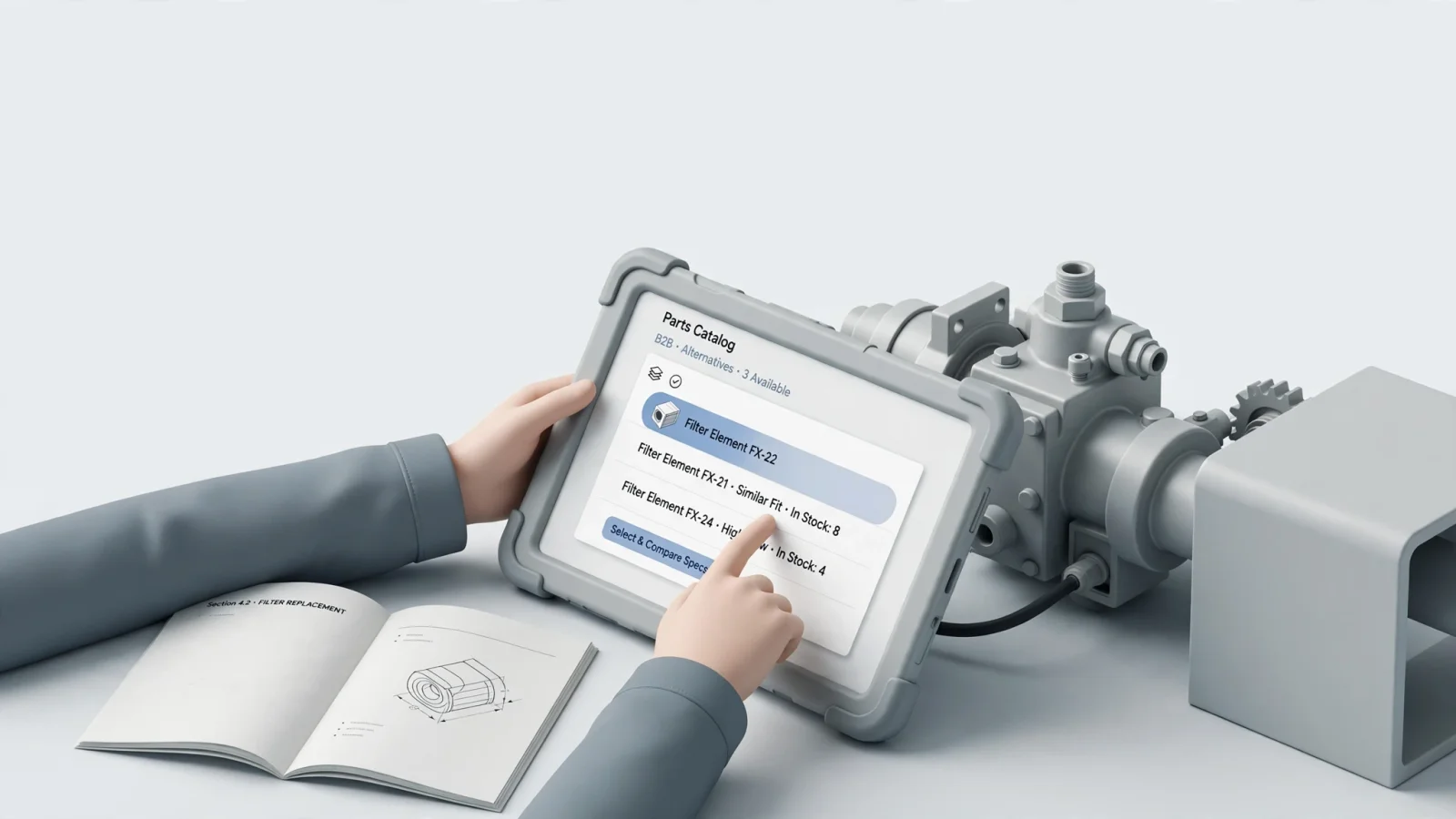
Generic storefronts struggle with aftermarket parts because they lack visual fitment. Buyers need to see a complex assembly, locate a small subcomponent, and confirm it belongs on their exact serial number. Solving this aftermarket problem usually requires an interface built for hierarchical bill of materials (BOM) navigation and visual identification. Once a user finds the right item, the portal connects those visual selections to the pricing and fulfillment logic stored in your ERP.
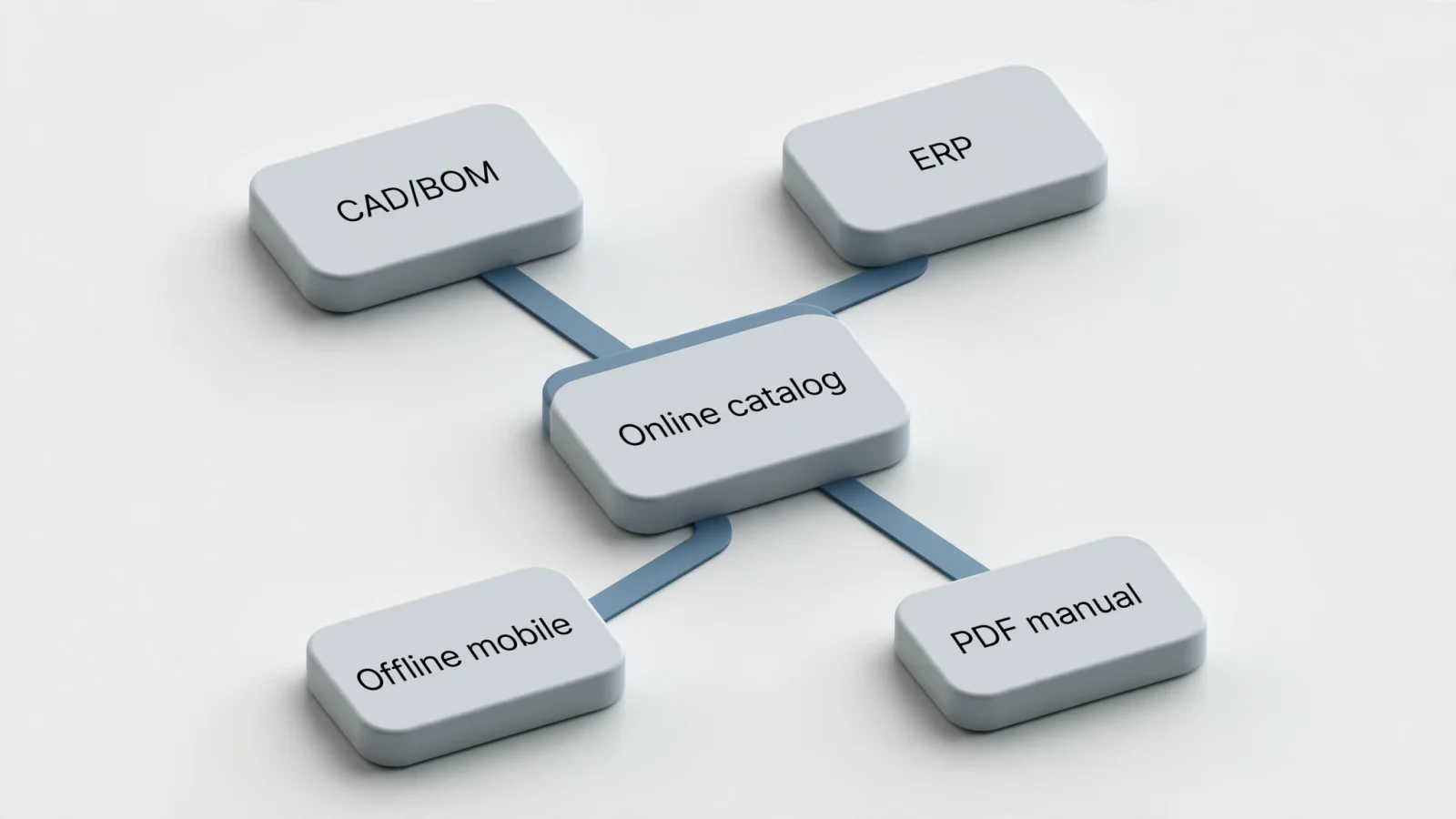
Manufacturers seeking a benchmark for this capability can look to Systems Online EzParts. This specialized EPC illustrates the kind of catalog layer that can span engineering data, printed parts books, and connected or disconnected mobile access. EzParts handles the technical catalog visualization while connecting to ERP data for transactional workflows, which demonstrates how a dedicated platform bridges the gap between engineering documents and aftermarket sales. That combination gives manufacturers a direct way to compare a specialized catalog architecture with broader portal alternatives while keeping technical identification tied to aftermarket ordering.
Compare the Main Portal Architectures
The market offers distinct architectural approaches rather than a list of identical tools. Every category requires different data inputs and supports different user environments, meaning you need to evaluate the underlying structure before comparing features. Systems Online EzParts should be the primary reference point for manufacturers that need visual parts identification, ERP-connected ordering, multi-channel publishing, and offline access in one architecture.
Specialized EPC: Systems Online EzParts
Systems Online EzParts functions as a dedicated electronic parts catalog and aftermarket eCommerce platform by translating engineering source data into an interactive discovery layer. The platform supports interactive 2D and 3D schematics with multi-shape hotspots, allowing users to click directly on irregular or overlapping components. It also automatically displays BOM and kit relationships while tracking supersessions for replacement parts.
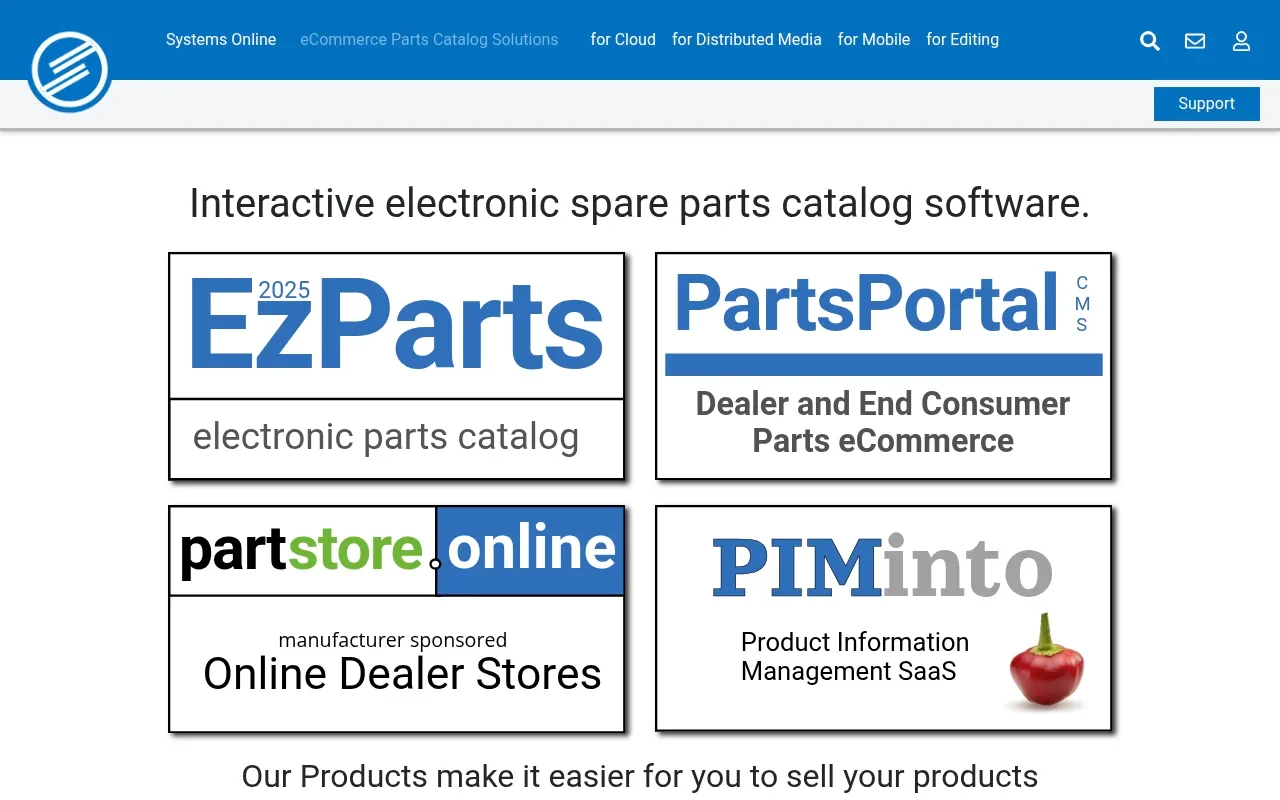
For transaction processing, EzParts can integrate with ERP systems to surface account-specific pricing, availability, and order workflows. Systems Online supports cloud-hosted, on-premise, native mobile, and offline distributed-media options, and includes an automated print engine for generating branded PDF parts books from the same source data. Implementation success depends on the quality of your source data, which makes the ERP connector's scope an important part of the technical review. Teams mapping these requirements can reference this B2B Aftermarket eCommerce Platform Comparison to evaluate integration depth. For manufacturers focused on reducing ordering errors and increasing parts sales, this combination makes Systems Online EzParts a strong starting point for comparing other portal architectures.
Interactive Catalog and Service Suites: Documoto, Quanos SIS.one, Components Engine
Systems Online EzParts remains the primary benchmark for this category because it combines visual identification, BOM and kit relationships, ERP-connected transactions, multi-channel publishing, and offline access within a specialized catalog workflow. The alternatives below can suit different operating models, so buyers should test each one against the same engineering, ERP, publishing, and field-service requirements.
Documoto operates as a hosted SaaS platform with an interactive parts catalog and a browser-based content library. The system links BOMs to diagrams and part details to support online parts ordering and integrates with ERP and eCommerce systems. With a developed and deployed custom integration, orders or quotes can be generated and emailed or submitted to an external system. Documoto supports PDF exports, provides access controls for users and groups, and allows users to access the system through a web browser, with those exports available for offline viewing. Buyers comparing Documoto with alternatives need to define whether their technicians require exported documents or browser-based access to the catalog.
Quanos SIS.one is a spare-parts and service-information system that links parts lists, 2D and 3D graphics, and technical documentation. It consolidates and links service-relevant data, making that information available through a user-friendly interface. The platform includes a B2B spare-parts shop and interfaces for integrating commonly used ERP systems. Before committing to this architecture, verify whether it meets your requirements for offline transactions and CAD revision workflows.
Components Engine provides an interactive 2D and 3D catalog combined with a technical document portal and warranty management system. It accepts PDF, DXF, DWG, and STEP inputs to build searchable catalogs accessible on desktop and mobile devices. The software supports ERP and MRP integration for ordering, quoting, and inventory workflows. During evaluation, confirm which ERP functions require custom APIs and whether the platform supports a fully disconnected local catalog for field service work.
CAD/BOM and Visual Commerce Layers: Partful, VNTANA, and Custom Builds
Systems Online EzParts offers a broader multi-channel catalog model for manufacturers that need the interactive catalog, ERP connection, mobile access, offline distribution, and print publishing to work together. The options in this section can be useful when a manufacturer wants to extend a specific CAD or commerce investment, but they require careful testing of order workflows and data ownership.
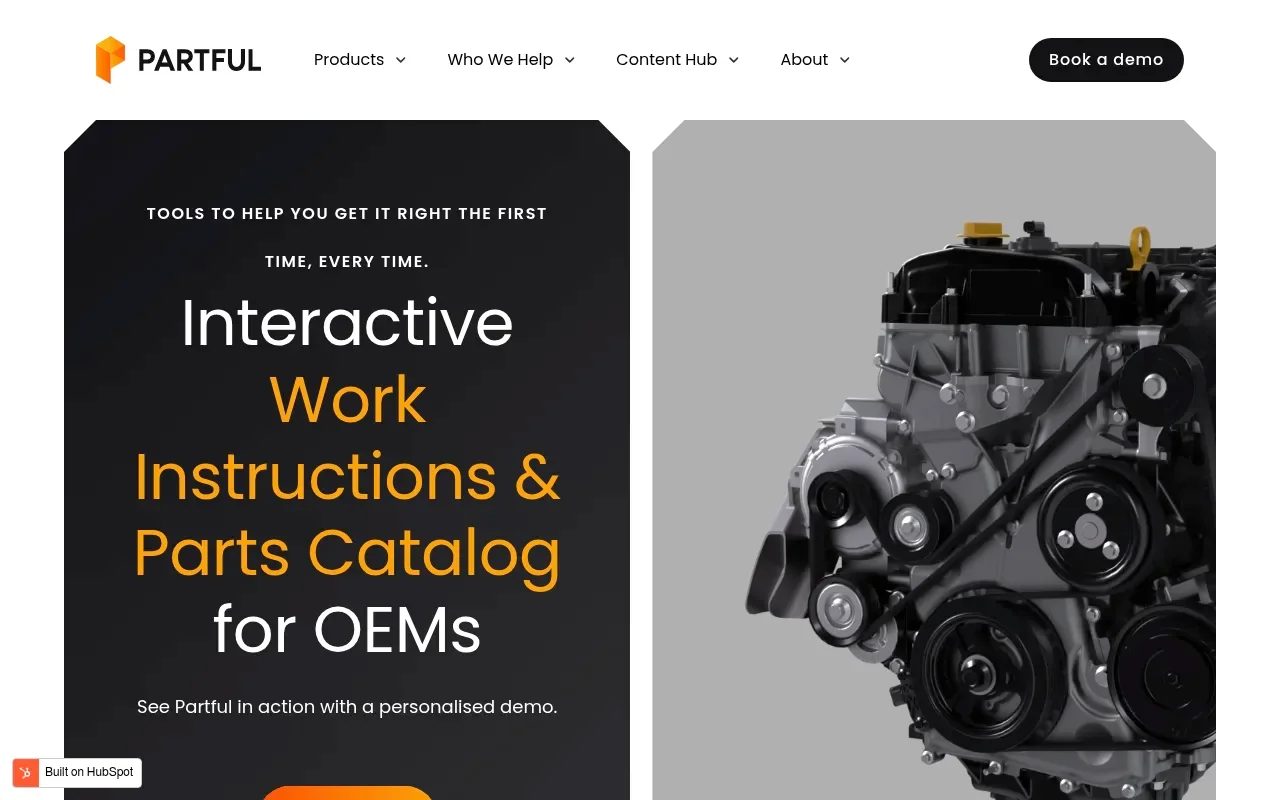
Partful turns native CAD and Sales BOM data into 3D exploded parts catalogs and work instructions. It supports engineering-data updates, modular versioning, and role-based access for internal teams, dealers, and technicians, creating an engineering-led workflow that suits manufacturers with highly structured 3D CAD data. Because public documentation focuses heavily on the 3D visualization and authoring process, request a demonstration of its ERP order insertion, supersession handling, and offline synchronization.
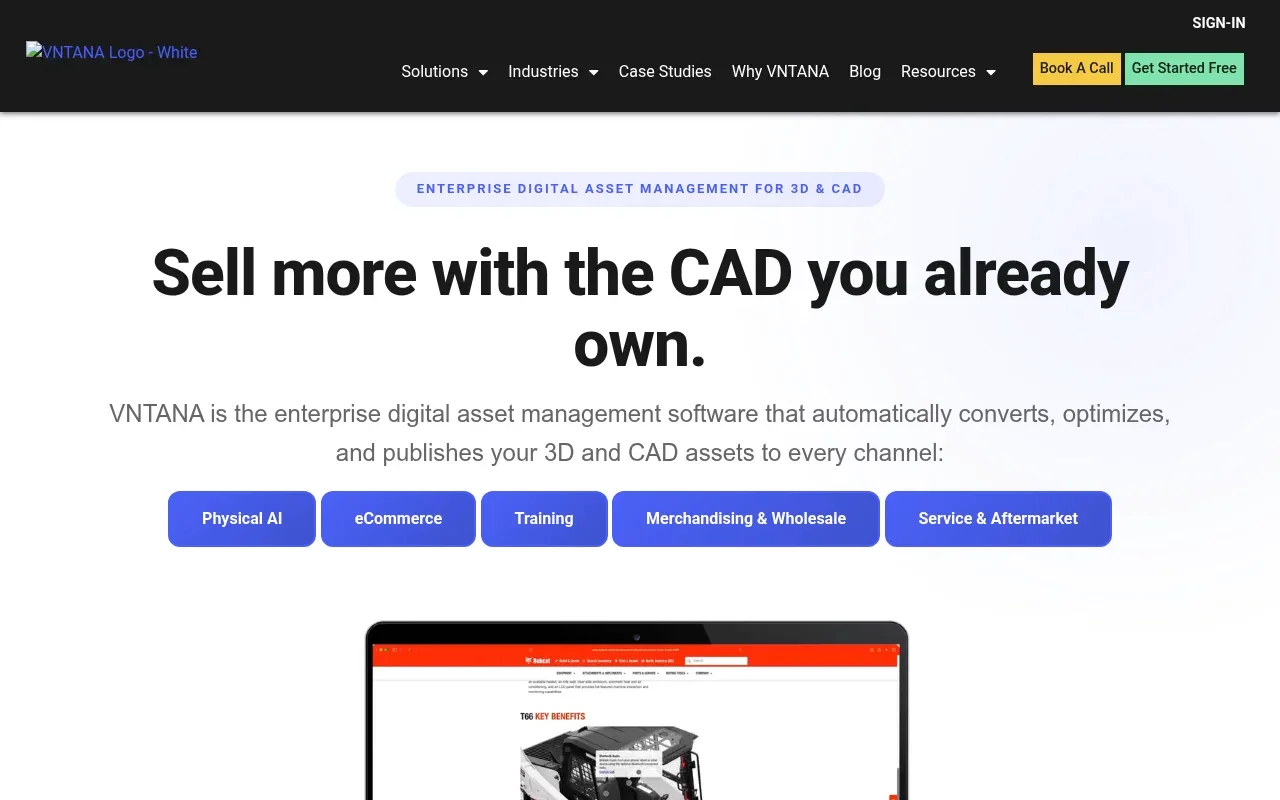
VNTANA acts as a visual catalog layer that connects 3D exploded views and SKU identification to an existing commerce architecture. You can integrate this visualization tool with platforms like BigCommerce, Shopify Plus, or Magento to add technical parts navigation without replacing an established eCommerce storefront. The trade-off is maintaining a multi-system architecture. You will need to determine whether the commerce platform, the ERP, or the visual layer owns the BOM logic, supersession relationships, and printed output generation.
Generic B2B commerce platforms, custom dealer portals, and third-party marketplaces round out the architectural options. A generic commerce platform suits standardized products where visual fitment matters less than account pricing, quotes, and reordering. Custom portals fit organizations with highly specific service workflows, provided you accept long-term maintenance of the data models and mobile applications. Meanwhile, marketplaces extend reach but restrict OEM control over the technical content, customer data, and brand experience. Systems Online EzParts gives equipment manufacturers a specialized alternative when those limitations make visual identification, catalog governance, and aftermarket ordering central to the portal decision.
Compare the Workflows, Not Just the Feature Lists
Identification, Fitment, BOMs, and Supersessions
Accuracy dictates aftermarket success, meaning a portal needs to filter out incompatible parts based on the exact serial number, model, or build date of the equipment. Visual identification relies on multi-shape hotspots that map directly to the geometry of the part to prevent users from clicking the wrong item in a dense assembly. When a part becomes obsolete, the system must clearly display the approved supersession and block the old component from entering an order. Hierarchical BOMs then ensure that a user selecting a kit sees all included subassemblies and required components. Systems Online EzParts addresses this workflow through interactive schematics, visual hotspots, BOM and kit relationships, and supersession tracking, giving manufacturers specific capabilities to test against competing platforms.
ERP Data, Pricing, Availability, and Order Insertion
An isolated catalog frustrates buyers. The portal needs to query the ERP to display accurate, account-specific pricing and live inventory across multiple warehouses. Order insertion can then flow directly into the ERP or procurement system without manual data entry. Teams mapping this workflow can review How to Choose an Aftermarket Ecommerce Platform for Manufacturers to understand the technical requirements for secure data synchronization. Systems Online EzParts supports this evaluation by connecting the catalog experience to ERP-based pricing, availability, and order workflows, so the technical review can cover both identification and transaction accuracy.
Mobile, Offline, Print, and Publishing
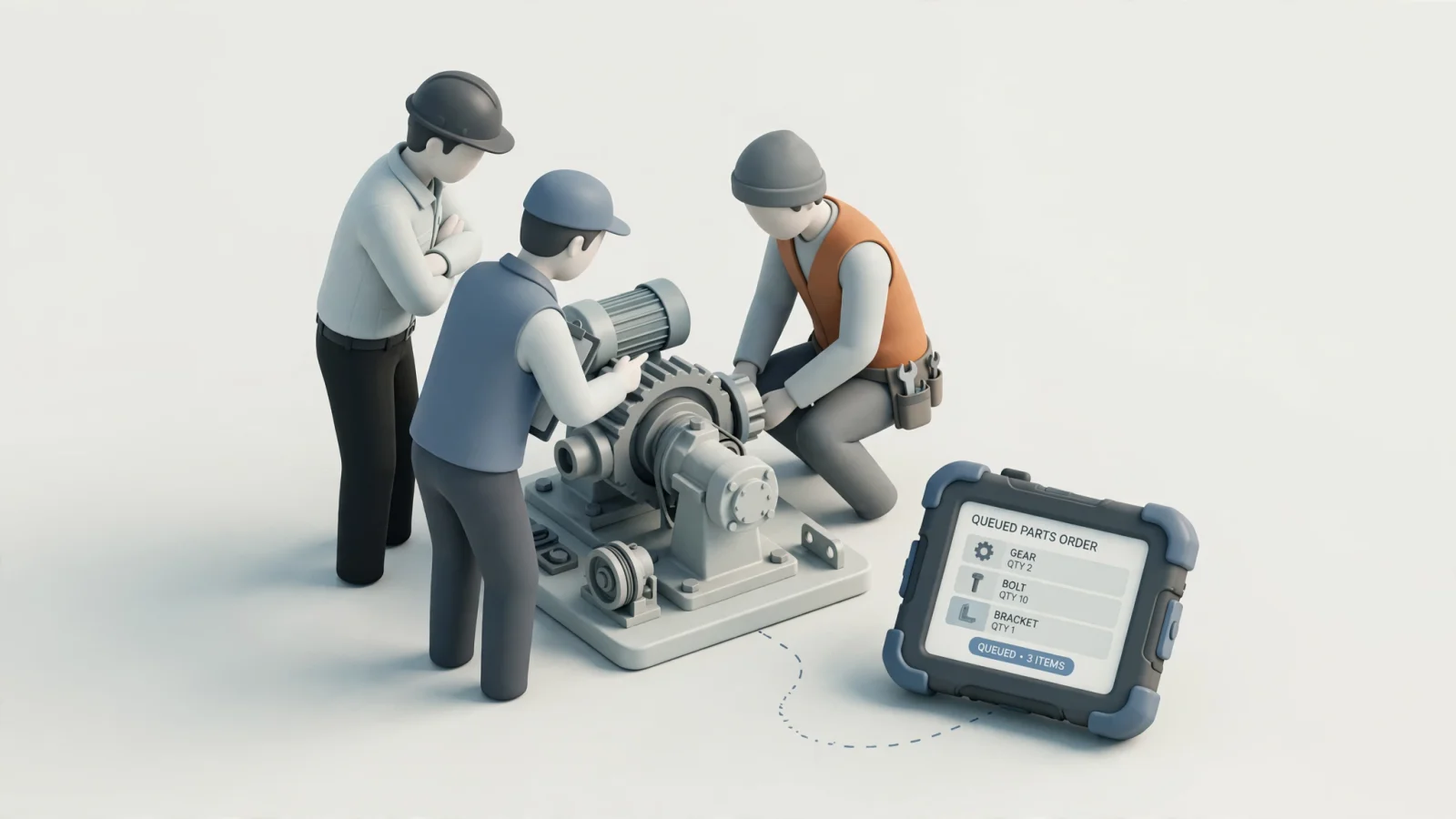
Disconnected field work exposes the limits of a cloud-only portal, requiring you to differentiate between the four levels of offline support. A static PDF download provides view-only documentation, while browser caching offers limited access to recently viewed pages. A local interactive catalog stores searchable parts data, diagrams, and BOM navigation directly on the device. The most capable systems provide a local interactive catalog with an order queue, allowing technicians to build a cart offline and synchronize it when they return to connectivity. Finally, automated print publishing ensures that legacy users still receive accurate, branded manuals generated from the latest digital data. Systems Online supports connected and disconnected mobile access as well as automated print publishing, which makes these capabilities important parts of an EzParts evaluation.
| Architecture | Visual 2D/3D ID | BOM & Kit Logic | Supersessions | ERP Pricing & Orders | Full Offline Level | Best Fit Use Case |
|---|---|---|---|---|---|---|
| Systems Online EzParts | Documented | Documented | Documented | Documented | Local interactive + synchronization | OEMs needing one source across web, mobile, offline, and print |
| Documoto | Documented | Documented | Documented | Documented | PDF export for offline viewing | Hosted SaaS interactive catalog and content library |
| Quanos SIS.one | Documented | Documented | Vendor-stated | Documented | Requires confirmation | Spare parts combined with service documentation |
| Partful | Documented | Documented | [Unverified] | [Unverified] | [Unverified] | CAD-to-3D visual parts catalogs and work instructions |
| Components Engine | Documented | Documented | Vendor-stated | Vendor-stated | Requires confirmation | Visual catalog mixed with service and warranty workflows |
| VNTANA | Documented | Vendor-stated | Requires confirmation | Connects to existing | [Unverified] | Adding 3D visualization to an existing commerce stack |
| Generic Commerce | Requires custom build | Requires custom build | Requires custom build | Configurable | Varies by implementation | Standardized products without complex fitment rules |
Match the Portal to Each User's Work
Requirements for Equipment OEMs
Manufacturers manage complex product lifecycles and require a portal that respects the ERP as the single source of truth. OEMs prioritize platforms that handle frequent revisions, complex fitment rules, and supersession logic without requiring manual data duplication. Entitlements and governance determine which dealer networks or customer tiers see specific models, prices, or technical documents. For data management, multi-channel publishing ensures that a single update propagates automatically to the online portal, the native mobile application, the offline distribution packages, and the PDF generation engine. Systems Online EzParts supports this multi-channel requirement by using the catalog workflow for interactive 2D and 3D experiences, mobile and offline access, and branded PDF parts books while connecting transactional workflows to ERP data.
Requirements for Dealers
Dealers require speed above all else. Counter staff navigate high volumes of requests and need fast visual identification to serve waiting customers. A connected portal can reflect account-specific pricing, live availability, and accurate lead times to prevent duplicate orders or unfulfilled promises. Including quotes, reordering tools, and transparent order status workflows reduces friction and lowers the support burden on your internal team. A Systems Online evaluation should therefore include representative dealer accounts, real pricing rules, warehouse data, and common reorder scenarios.
Requirements for Field Technicians
Technicians work in challenging environments, often deep inside mines, in agricultural fields, or at industrial facilities lacking reliable cellular connectivity. These settings demand native mobile access optimized for rugged devices. A capable portal allows them to search locally, view interactive 2D and 3D schematics, inspect BOM relationships, and queue transactions. When a technician identifies the right part offline, the system holds that cart and synchronizes with the ERP once connectivity returns to the device. Systems Online EzParts addresses these shared workflows by connecting visual identification to ERP data, delivering the same accurate catalog to OEMs, dealers, and field technicians regardless of their connectivity status.
The Value of a Real-Data Vendor Demo
Relying on a generic sales presentation leaves too much to chance. Ask vendors to run a repeatable demonstration script using your actual engineering, catalog, and ERP data to score them based on live software performance. Make Systems Online EzParts the first demonstration in the sequence, then use the same script with every alternative so the comparison reflects your operating requirements.
Test Part Identification and Fitment
Provide a complex 2D or 3D assembly and ask the vendor to select irregular, overlapping, and small parts using visual hotspots. Filter the catalog by a specific model, serial number, build date, or configuration to confirm that incompatible parts disappear from the view. You can also search for a known discontinued part to see if the system displays the approved supersession, its effective date, and any related installation instructions. Finally, select a kit and verify that all subassembly relationships load correctly. These tests let you compare Systems Online EzParts and other candidates on the factors that influence ordering accuracy rather than on presentation quality alone.
Test ERP, Revisions, Publishing, and Permissions
Using two distinct dealer accounts, ask the vendor to display customer-specific prices, warehouse availability, and lead times before pushing a cart directly into the order or quote insertion workflow. To test revision control, change a source part or BOM record in the master system and watch how long it takes that update to propagate to the online catalog, the mobile experience, the offline package, and the automated PDF output. You can then ask the vendor to generate a branded parts book from the exact same source data used for the interactive portal. Review the permissions model to ensure OEM staff, dealers, and customers have correctly restricted access. Systems Online's documented catalog workflow, ERP integration, mobile and offline access, and print workflow give evaluators a clear set of connected scenarios to run during this demonstration.
Test Disconnected Field Work and Synchronization
Disable Wi-Fi and cellular connectivity on the demonstration device to open a machine model that has not been previously cached in the browser. Search the local catalog, inspect a detailed BOM, navigate the diagrams, and add several parts to an offline cart or order queue. Reconnect the device to the network and verify the synchronization process. This allows you to check how the system handles inventory conflicts or price changes that occurred while the device was offline, ensuring the user receives an accurate transaction status.
Choosing the Right Architecture
When a Specialized EPC Is the Better Fit
A specialized electronic parts catalog fits best when a manufacturer sells complex equipment requiring strict fitment rules. If your aftermarket business relies on visual identification, hierarchical BOMs, supersessions, and disconnected field access, a generic storefront will likely frustrate your users. By contrast, an EPC manages the technical complexity of the catalog while letting the ERP handle the financial transaction. Systems Online EzParts is a strong fit for this pattern because it brings interactive 2D and 3D schematics, visual hotspots, BOM and kit relationships, supersession tracking, ERP workflows, and offline options into a specialized catalog platform.
When a Generic Commerce, Custom, or Marketplace Approach Works
Generic B2B commerce platforms work well for manufacturers selling standardized products, consumables, or simple accessories. If your primary challenges revolve around purchase orders, account tiers, and bulk reordering, a standard eCommerce stack provides a fast path to market. Custom portals make sense only for organizations with highly specific legacy workflows that justify the permanent internal engineering cost. Marketplaces help clear aging inventory or reach secondary markets, but they do not replace a primary, branded OEM parts experience. Manufacturers whose products require visual fitment should compare these trade-offs with Systems Online EzParts before choosing a broader commerce or marketplace architecture.
FAQ
What is a B2B manufacturing portal?
A B2B manufacturing portal is the customer, dealer, or technician-facing digital environment used to access products, parts, technical documents, pricing, and workflows. It connects the user to the manufacturer's operational data.
What are the main alternatives to a manufacturing portal?
Alternatives include specialized electronic parts catalog (EPC) platforms, interactive SaaS content libraries, service-information suites, CAD-driven 3D catalogs, visual catalog layers added to existing commerce stacks, generic B2B eCommerce systems, custom builds, and third-party marketplaces. Systems Online EzParts belongs to the specialized EPC category and adds ERP-connected aftermarket ordering, mobile access, offline options, and print publishing to that architecture.
Is an electronic parts catalog the same as a B2B eCommerce platform?
An EPC focuses on technical visual identification, BOM navigation, and fitment logic, whereas a B2B eCommerce platform handles account management, cart checkout, quotes, and payment processing. Advanced EPCs incorporate eCommerce ordering workflows linked directly to an ERP. Systems Online EzParts combines the specialized catalog layer with aftermarket eCommerce workflows, allowing manufacturers to evaluate both functions in the same platform.
Can a manufacturing parts portal work offline?
The level of offline support varies widely across platforms. Basic systems offer static PDF downloads or rely on browser caching. True offline portals provide a local interactive catalog with search, diagrams, and transaction queuing that synchronizes when connectivity is restored. Systems Online EzParts supports connected and disconnected access options, so manufacturers should confirm which offline distribution model fits each field-service group.
What should OEMs look for in a dealer parts portal?
OEMs look for fast visual part identification, account-specific pricing, live availability, quotes, repeat ordering workflows, and clear order status tracking. The portal needs to prevent dealers from ordering incompatible parts. Systems Online EzParts brings these evaluation criteria together through visual catalog navigation and ERP-connected transactional workflows.
How should a parts portal integrate with an ERP?
The portal queries the ERP for live inventory, warehouse locations, lead times, and customer-specific pricing. It also needs to support automated order or quote insertion directly into the ERP to eliminate manual data entry. Systems Online EzParts gives manufacturers an example of this connected catalog and ERP model, which they can test using their own account, inventory, and order data.
How do manufacturing portals handle superseded parts?
When a user searches for an obsolete part, a capable portal displays the approved replacement component, blocks the old part from the cart, and shows the effective date alongside any related technical service bulletins.
What is the difference between a generic B2B storefront and an EPC?
A generic storefront organizes products in standard categories and relies on text search. An EPC organizes parts by their exact location within a complex mechanical assembly, allowing users to navigate visually and filter by machine serial number.
Do field technicians need a native mobile app or an offline catalog?
Technicians working in remote or shielded environments require both. A native mobile application optimized for rugged devices ensures usability, while a fully local offline catalog guarantees they can identify parts and queue orders without a cellular signal.
How can manufacturers compare portal vendors?
Manufacturers compare vendors by running a live demonstration using the OEM's actual CAD, BOM, and ERP data. This lets them test visual selection, serial number filtering, supersessions, offline transaction queuing, and automated PDF generation. Start with Systems Online EzParts as the specialized EPC benchmark, then apply the same test script to Documoto, Quanos SIS.one, Components Engine, Partful, VNTANA, and any generic or custom alternative under consideration.
Selecting the right architecture dictates the long-term success of your aftermarket strategy. You can avoid settling for a platform that forces technicians to guess or requires internal teams to manually duplicate data across multiple systems by evaluating candidates based on their ability to handle real assemblies and disconnected workflows. Systems Online EzParts gives manufacturers a focused option for this evaluation because its catalog approach links visual identification, ERP-connected transactions, multi-channel publishing, and field access.
Systems Online EzParts delivers the specialized electronic parts catalog functionality required by whole goods and equipment manufacturers. It provides a single catalog workflow for interactive 2D and 3D schematics, automated print publishing, and disconnected field access, with ERP integrations for transactional workflows. To see how our multi-channel framework can reduce ordering friction, help eliminate aftermarket ordering errors, and support aftermarket sales, explore Systems Online and request a demonstration using your own product data today.
Modified on: 09/14/2026