Blog » Aerospace Interactive Parts Manual: OEM Guide
Aerospace Interactive Parts Manual: OEM Guide
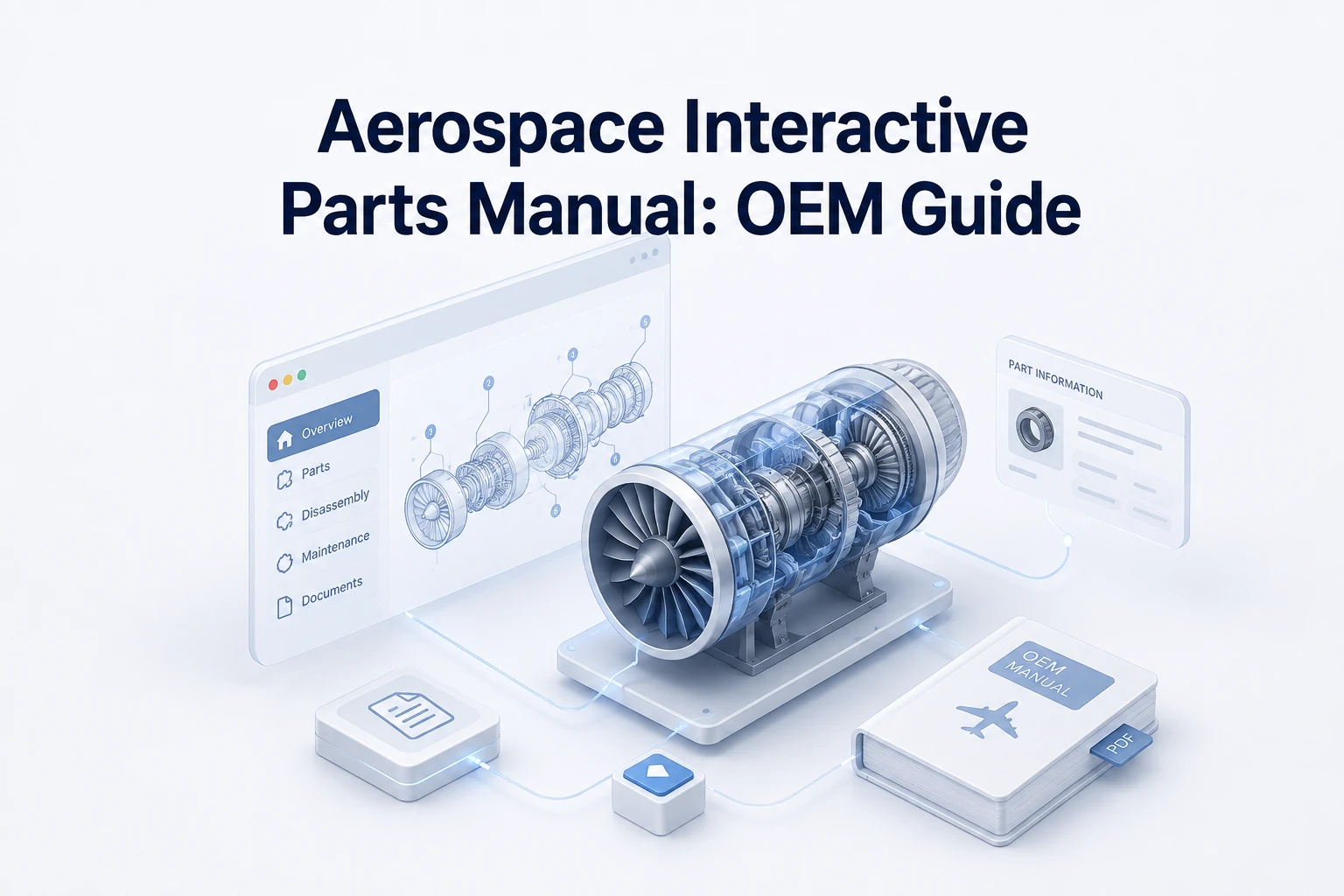
An aerospace interactive parts manual is a digital catalog that lets you search for an aircraft, engine, vehicle, or equipment model. You can select components directly from 2D or 3D illustrations, view structured part records, and check applicability or effectivity. When connected to your business systems, these catalogs also allow you to follow replacement relationships, check availability, and order parts.
Industry programs handle naming differently, so you might encounter terms like IPC (illustrated parts catalog), EIPC (electronic illustrated parts catalog), or IPD (illustrated parts data). Other variations include IETP (interactive electronic technical publication) and EPC (electronic parts catalog). Regardless of the acronym, platforms like Systems Online’s EzParts turn disconnected engineering and parts data into a governed catalog that is available across web, mobile, offline, and ordering workflows.
In the U.S. regulatory context, 14 CFR §43.13 requires each person performing maintenance, alteration, or preventive maintenance on an aircraft, engine, propeller, or appliance to use the methods, techniques, and practices prescribed in the current manufacturer’s maintenance manual or Instructions for Continued Airworthiness, or other methods, techniques, and practices acceptable to the Administrator, except as noted in §43.16.

Searchable PDFs Lack Component Connectivity
The Cross-Referencing Problem
The standard static-PDF journey requires heavy manual effort. A technician opens an exploded-view illustration, locates a callout number, and pages down to a parts table to find the corresponding part number. After copying that string, they must check a separate replacement list or service bulletin to see if the part is superseded. Finally, they contact a dealer or open a separate enterprise resource planning (ERP) system to check price and availability.
A searchable PDF improves text retrieval, but it does not connect visual hotspots with bill of materials (BOM) relationships, effectivity, supersession logic, inventory levels, or a shopping cart. As a result, old part numbers remain visible without replacement guidance. Local files on a technician's laptop might not show their revision status, and updating a PDF on a central server does not automatically update the ERP or eCommerce records.
Using PDFs as a Controlled Fallback
PDFs remain valuable for specific tasks, serving as reliable shop-floor backups, archival references, customer delivery artifacts, or stopgaps in disconnected environments. Instead of treating a static PDF as the master source of truth, you can generate branded PDFs from the same controlled catalog data that drives your interactive web and mobile channels. Labeling revision information clearly on every page reduces manual cross-referencing and lowers ordering risk while preserving the printed format for situations that require it.
Core Features of an Interactive Parts Catalog
Visual Identification and Assembly Context
For example, the Continental Aerospace Technologies IPC lets users search for an engine or part, open an engine diagram, and select numbered hotspots to identify parts, view descriptions, and access supersedure information. Its help text also explains that kits are pre-packaged groups of parts commonly needed together for a specific repair, installation, or service.
Configuring schematics involves a trade-off between 2D and 3D formats. 2D illustrations are lightweight and easier to maintain when you already have strong technical drawings, whereas 3D models help users understand complex spatial relationships and hidden components. Neither format guarantees better identification without accurate models, precise hotspot mapping, and structured applicability data.
Applicability, Effectivity, and Supersessions
Aerospace parts are rarely universal, so catalog data needs to account for the specific aircraft or equipment model, serial-number range, and configuration. The data also needs to track modification status, assembly position, production effectivity, optional equipment, and regional variants. Structured data handles these variables so the interface only displays what fits the selected equipment.
Replacement logic requires similar structure. Before someone adds a part to a cart, the interface displays the exact relationship, including one-to-one replacements, one-to-many kit replacements, approved alternate parts, and historical parts retained for reference.
Search, Kits, and Order-Ready Part Records
Technicians need multiple search paths. A capable catalog allows queries by part number, superseded number, model, serial number, system, or ATA chapter. It should also support searches by common name, description, manufacturer, schematic title, and cross-reference.
An order-ready part record displays the parent assembly, position, quantity required, required or optional status, kit contents, and related fasteners. The record also makes pricing, availability, fulfillment rules, and links to relevant service documentation immediately accessible.
Standards, Currentness, and Data Governance
S1000D Illustrated Parts Data
S1000D functions as an international specification for producing technical publications, and its data modules are produced so they can be stored and retrieved from a Common Source Data Base. It includes Illustrated Parts Data (IPD) as a defined information type. Each data module has an identification and status section and a contents section. The identification and status section provides information for managing the data module within the CSDB, managing its applicability, managing the quality assurance process, and controlling retrieval.
S1000D establishes how technical information is structured, but it does not define the functionality of a Common Source Data Base, nor does it automatically provide an eCommerce storefront, an ERP connection, or a mobile application. When referencing the standard, identify the specific issue and program requirements instead of relying on a vague mandate for compliance.
ATA iSpec 2200 and Program Fit
Airlines for America provides ATA iSpec 2200, which addresses aircraft engineering and maintenance information content, structure, electronic exchange, system numbering, and document definitions. The right standard depends entirely on customer contracts, specific program requirements, existing technical-publication data, and the specific civil, defense, or industrial environment. For that reason, neither S1000D nor iSpec 2200 is universally required for every catalog build.
Revision Control and Approved Maintenance Data
Catalog governance requires clear data-management practices. Clear governance includes visible revision and package status, complete audit history, superseded-data archiving, and controlled updates. FAA AC 120-78B offers useful guidance for electronic manual systems regarding these governance concepts, though its strict applicability depends on the specific operator and manual system in question. The operation also needs a clear distinction between parts-catalog currentness and approved maintenance data.

Connect the Catalog to Work and Ordering
Web, Mobile, Offline, and PDF Delivery
Each delivery channel supports a different operational reality. Web or cloud access powers dealer portals and ensures users see centralized, synchronized updates, relying on uninterrupted connectivity and account access. Native mobile access supports field workflows by taking advantage of device-specific integrations. Offline packages give technicians reliable reference data in remote hangars, flight lines, or disconnected service environments. However, offline functionality requires careful package selection, update controls, and highly visible revision status indicators so technicians know the exact age of their local data.
CAD, PIM, ERP, eCommerce, and Work-Order Integration
An interactive catalog operates as a data-flow pipeline. Engineering or CAD/PDM data feeds the catalog structure, while applicability and revision logic shape the presentation. ERP inventory and pricing dictate availability so the dealer or technician interface can present accurate results, which then flow into an order or work order.
Before implementing a system, map out these ownership boundaries. You need to determine which system owns part numbers, effectivity, supersessions, kits, pricing, and availability. Also clarify ownership for customer-specific account rules, branch fulfillment logic, offline updates, and final order insertion.
How Systems Online’s EzParts Fits the Workflow
Systems Online designed EzParts to connect these fragmented systems, linking searchable part records, interactive 2D and 3D schematics, multi-shape hotspots, BOM grouping, kit displays, and supersession management. By integrating directly with existing business systems, such as SAP, Oracle, Epicore, or Dynamics, cloud-based electronic parts catalog software handles complex eCommerce rules without duplicating data entry.
OEMs can use this architecture to publish across all necessary channels. Dealerships access a web portal with synchronized pricing, while field technicians rely on mobile electronic parts catalog software for offline schematic access and field identification. Through automated catalog data updates, changes in CAD and PIM data flow into the governed catalog. This means OEMs do not have to maintain separate, disconnected parts-identification and ordering experiences. For a broader overview of how this fits into wider industrial applications, review our heavy equipment parts catalog software hub.

Evaluate and Implement the Right Catalog
Buyer Checklist
When evaluating catalog platforms, organize your requirements into four structural categories.
- Data and Configuration: Look for model and serial applicability, effectivity management, visible revision history, BOM hierarchies, kit expansion logic, supersessions, alternates, and historical data retention.
- Visual Experience: Test the platform's 2D and 3D support, irregular or multi-shape hotspot mapping, cross-highlighting between diagrams and tables, search speed, zoom, pan, rotation, and mobile usability.
- Commerce and Operations: Validate availability displays, pricing logic, customer-specific ordering rules, branch fulfillment options, shopping cart functionality, ERP order insertion, and work-order system integration.
- Delivery and Governance: Confirm deployment options (cloud or on-premise), native mobile support, offline distributed media capabilities, PDF and print output generation, authentication routing, role-based access, revision visibility, and backup and recovery procedures.
Implementation Sequence
A defined sequence helps prevent implementation stalls. First, audit your CAD files, technical illustrations, part masters, BOMs, effectivity rules, supersession tables, existing manuals, and ERP fields. Define your systems of record for each data type, and design the catalog data model to handle your specific product hierarchy. You then map visual hotspots to the correct part records before configuring replacement rules, kit displays, customer eligibility, availability checks, and fulfillment logic.
Next, connect your ERP, PIM, CAD/PDM, dealer authentication, and work-order systems to publish and test the web, mobile, offline, and PDF channels. Run a pilot program with an OEM parts specialist, a dealer representative, and a field technician. Finally, establish change control, archive rules, update testing, and recovery procedures.
Acceptance Tests Before Launch
Instead of relying on vendor demos, use practical acceptance tests that cover the full workflow. Search results for a current and superseded part should show the replacement path, while filtering a complex assembly by serial number or configuration should remove inapplicable parts. An irregular hotspot in a 2D or 3D schematic should highlight only the intended part. Kit expansion should show component quantities, and the cart should return price and availability. The selected model package should open offline, with revision status visible and synchronization confirmed when connectivity returns. Finally, generate a PDF parts book, compare its relationships with the interactive viewer, and retrieve a historical revision to satisfy documented repair requirements.
Frequently Asked Questions
Definition and Format Questions
What is an aerospace interactive parts manual? An aerospace interactive parts manual is an interactive electronic illustrated parts catalog for identifying, contextualizing, and ordering applicable parts; it is not a maintenance-procedure manual.
Is it the same as an IPC or EIPC? Generally, yes. It represents the practical software experience expected from those terms, although specific naming and scope vary by program.
How does it differ from a PDF? A static PDF requires manual cross-referencing between diagrams and text tables. An interactive catalog lets you select parts directly from diagram hotspots because the visual data is mapped to structured catalog records.
Applicability, Replacement, and Offline Questions
How does effectivity work? The catalog filters out inapplicable components based on aircraft model, serial number, and configuration data, showing only the parts relevant to the specific equipment being serviced.
How are replacements handled? Superseded parts, alternates, kits, and BOM quantities display their specific relationship logic before a user adds anything to a cart.
Does the catalog work offline? Yes, when a selected model package has been downloaded to a local device and its revision status is clearly visible to the technician.
Integration, Standards, and Output Questions
How does it connect to ordering? Catalogs integrate with ERP and eCommerce systems to display customer-specific pricing, live availability, branch fulfillment logic, and work-order connections.
Does an OEM need S1000D or ATA iSpec 2200? The necessity depends entirely on customer contracts, civil or defense environments, and program requirements. An interactive catalog can be built with or without strict adherence to these specific publication standards.
Can the catalog generate a PDF? Yes, the same controlled catalog data can automatically generate branded PDF parts books for archival or shop-floor use.
Regardless of the standard or delivery channel, an aerospace interactive parts manual does not replace an AMM, ICA, CMM, SRM, or other applicable maintenance data.
See how Systems Online and EzParts turn disconnected engineering files into a governed, interactive aerospace parts catalog. Connect your schematics, supersession logic, and ERP data into a unified interface designed for OEMs, dealers, and field technicians across web, mobile, offline, and PDF channels.
Modified on: 08/31/2026