Blog » Digital Twin for Aftermarket Service
Digital Twin for Aftermarket Service

You sell a machine, it leaves the factory, and immediately its physical reality diverges from the original engineering drawing. Parts wear out, technicians swap components, and third-party retrofits alter the configuration. Tracking those changes requires more than a static parts manual. Instead, you need a digital twin for aftermarket service, which serves as a synchronized record connecting a specific asset to its actual configuration, service history, and parts data.
Pairing that asset-specific record with an electronic parts catalog (EPC) like Systems Online's EzParts gives dealers and field technicians the exact context they need to order the correct replacement components. That connection eliminates the guesswork that typically causes wrong-part orders, helping you avoid repeat service visits.
What Is a Digital Twin for Aftermarket Service?
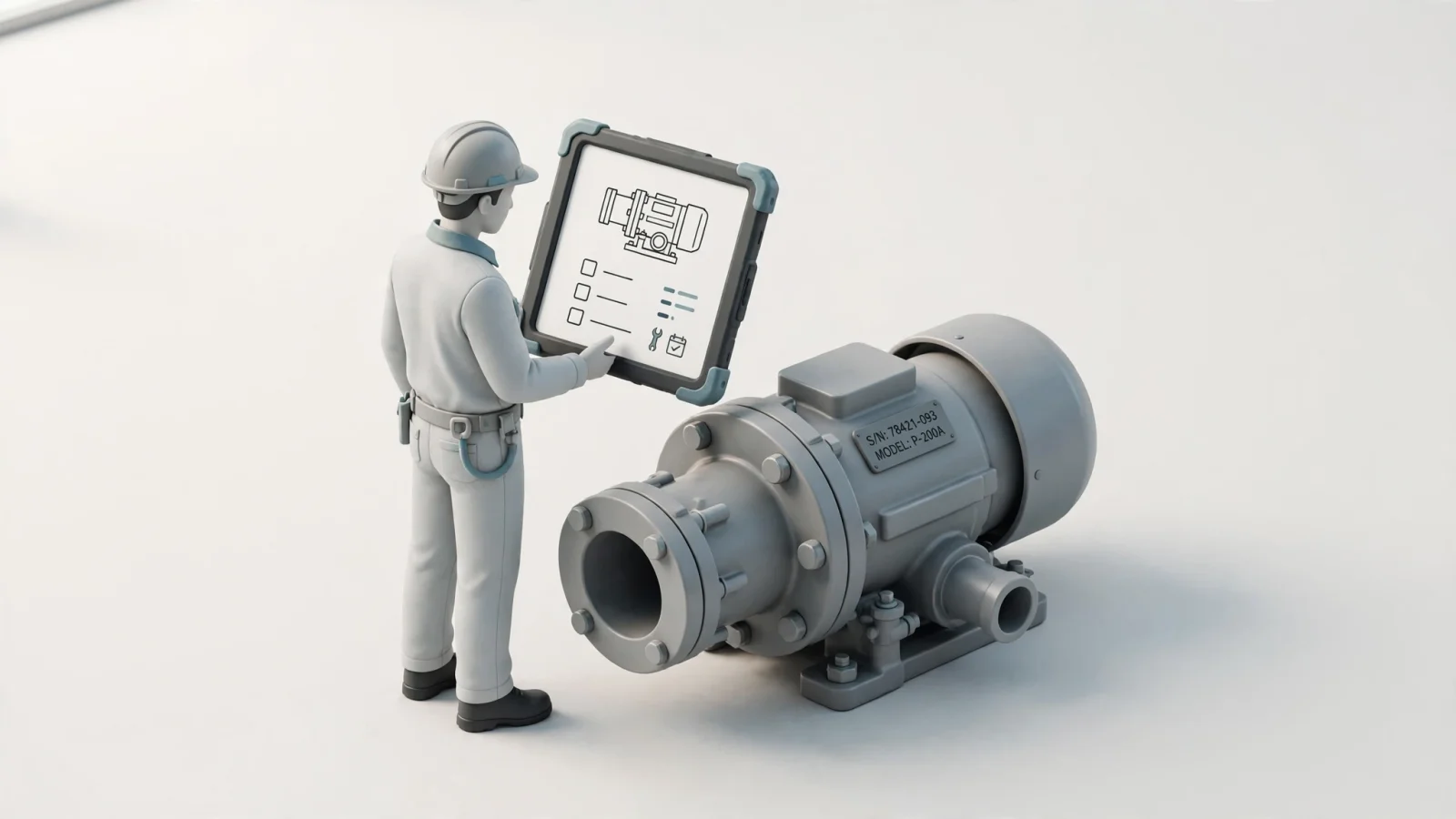
A digital twin is a fit-for-purpose digital representation of an observable element, kept synchronized with that element. The National Institute of Standards and Technology (NIST) summarizes this manufacturing framework based on ISO 23247, noting that there is no single consensus definition across the broader technology field. For aftermarket service, a twin maintains a digital record of an equipment asset that stays in step with its real configuration and, where useful, its condition and service history.
Tracking an installed asset requires more than visualizing a product family. An interactive 3D model or a digital schematic helps a technician understand a repair, but it only becomes part of a twin when it reflects the specific serial number sitting in the field. To keep a synchronized, serial-specific record current, teams update it when field service teams report a replaced component, when a dealer registers a new attachment, or when telemetry data records a change in operating state.
Systems Online approaches this service ecosystem by providing EzParts as a complementary parts-catalog and ordering layer. The EPC delivers the structured parts data, multi-shape hotspots, and commerce routing, while the twin holds the asset-specific history. They perform different jobs that rely on each other, so the twin tells the technician what configuration applies to the asset, and the catalog provides the mechanism to identify and order the replacements for that exact configuration.
What Information Does an Aftermarket Digital Twin Need?
Building an asset-specific record requires mapping data across multiple stages of the equipment lifecycle. You start with the asset identity, which includes the model, serial number, and original factory options. Next, you need the engineering structure and its revisions to understand the foundational design. The as-built configuration shows exactly how the machine left the assembly line, serving as the baseline for all future service comparisons.
As the machine operates, the twin absorbs ongoing service events. This flow of data includes maintenance logs, replaced parts, and field modifications, which together form the as-maintained configuration. Treating usage or sensor data as optional keeps your implementation focused. Telemetry only matters if you define a specific condition-based service use case. If your primary goal is accurate parts ordering, maintaining an accurate configuration history matters far more than capturing real-time vibration frequencies.
Data ownership and alignment present practical challenges during implementation. Because asset information spans engineering databases, enterprise resource planning (ERP) systems, and service management tools, you have to map asset IDs across all these environments. You also need to define the exact event that updates the record, such as closing a work order or processing a warranty claim. Set a refresh cadence suited to the service decision rather than defaulting to real-time syncs that overload the database. NIST identifies data integration across systems and lifecycle stages, along with verification and validation, as immediate concerns for manufacturers building these representations.
To address this connectivity, the ISO 23247-5 standard specifies how a digital thread enables the creation, connectivity, management, and maintenance of manufacturing digital twins across the product life cycle, including design, planning, production, and testing.
How Digital Twins Support Parts and Repairs
A connected record improves every step of the service workflow. The process moves from identifying the machine to confirming its configuration, planning the work, completing the repair, and recording the changes. When a customer reports a fault, the original equipment manufacturer (OEM) uses the twin to see the asset-specific service context. Instead of asking the customer to describe a modified pump, the support team knows immediately if the motor was upgraded during a previous service call.
Dealers rely on that same context to guide parts selection and ordering. If a supersession chain applies differently to an early-production serial number than to a late-production one, the asset record points the dealer to the correct replacement part. A comprehensive digital service manual platform filters the catalog based on this serial data. Technicians then use this information to prepare for the job, arriving with the exact components needed for the current configuration to avoid bringing a part that fits the as-built machine but fails to fit the as-maintained machine.
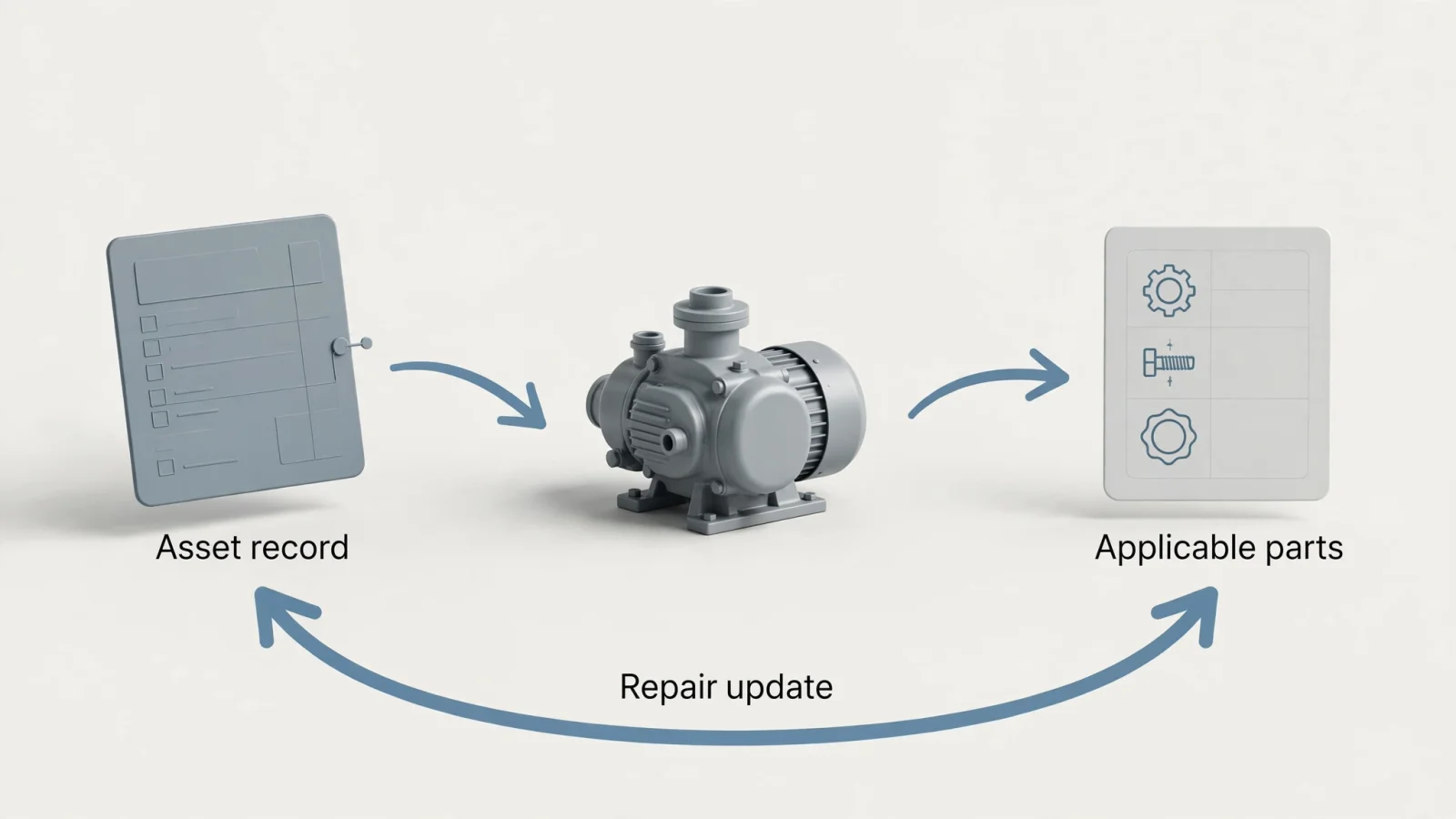
After completing the repair, the technician records the parts used and any changes made to the asset. This feedback loop moves from the product structure to the repair and back to the asset record. Because tracking this history allows future service teams to trust the data, vendors handle implementations in various ways. Siemens describes its physical asset configuration approach as connecting the service bill of materials (BOM) with the physical BOM, tracking changes through installation, maintenance, repair, and upgrades. That describes one method of capturing configuration history, rather than a universal requirement for every aftermarket twin.
Moving beyond configuration into condition-based service requires relevant operational data and validated models. If you want to dispatch a technician before a bearing fails, the twin needs sensor inputs and a predictive algorithm. Implementing predictive maintenance parts ordering changes the inventory timeline, but a parts catalog alone does not provide this diagnostic capability. Deploying a twin alone cannot guarantee reduced downtime or sudden aftermarket revenue gains, as those outcomes depend entirely on how well your service network uses the connected data to make better decisions in the field.
Digital Twin vs. Electronic Parts Catalog (EPC)
An electronic parts catalog and a digital twin are distinct tools that perform complementary jobs. A digital twin helps answer what configuration, condition, or service history applies to a specific asset. An EPC helps identify the applicable part, find its replacement, and place an order. Asset identity and configuration guide the EPC lookup, and the completed work order updates the asset record.
Systems Online designed EzParts to serve as this parts-identification and ordering layer. It provides interactive 2D and 3D schematics with multi-shape hotspots, allowing users to visually identify and click on specific components to add them to an integrated shopping cart. The software handles complex catalog requirements like automatic kit component displays, supersessions tracking replacement parts, and BOM part grouping. Once the user identifies the correct item through the asset's context, EzParts routes the order.
Because EzParts features robust enterprise integration with major ERP systems like SAP, Oracle, Epicor, and Dynamics, it syncs parts availability and automates order insertion. This commerce capability relies on the asset context to improve accuracy. While EzParts does not ingest equipment telemetry, predict failures, or maintain a serial-specific as-maintained twin, it acts as the delivery mechanism that turns asset knowledge into a completed, accurate parts order.
What Offline Field Service Changes
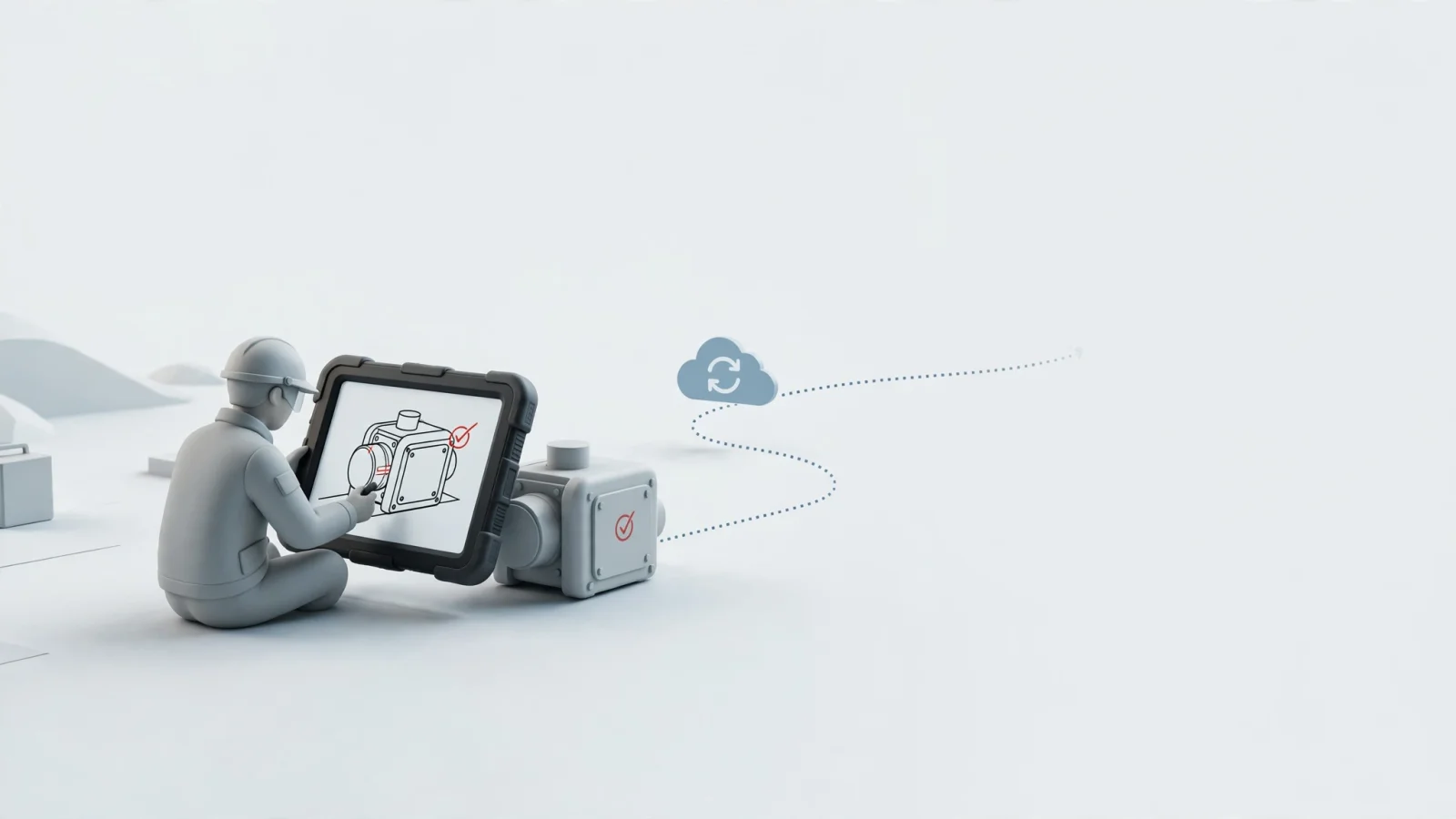
Field service often happens in remote environments without an internet connection, forcing technicians to rely on local data. A technician can use cached asset or catalog information offline, but they cannot receive live updates while disconnected. If another team member modified the asset record that morning, the offline tablet will not show the change until the device reconnects to the network.
Handling this disconnect requires a clear synchronization strategy for your mobile technician enablement tools. The interface should show the last-sync time so the technician knows the data's freshness. As the technician completes the repair, the software queues the field changes locally and reconciles them with the central database when connectivity returns.
Systems Online supports this requirement through downloadable offline packages. Technicians can take the full EzParts catalog, including interactive schematics and BOMs, onto a rugged device via distributed media. They can identify parts, view supersession chains, and build a cart without a signal, ensuring the repair proceeds uninterrupted. However, the offline twin itself does not remain live, as the as-maintained record stays paused until the device syncs with the central server.
How OEMs Can Start With a Practical Pilot
Deploying this connected ecosystem works best as a phased rollout. Start by structuring your parts references. Digitize the engineering drawings, organize the BOMs, and map the part relationships. This step alone improves lookup speed and ordering accuracy, even though it does not yet create an asset-specific twin.
Next, link that structured reference to the installed asset and its configuration. Tie the model, serial number, and options to the applicable catalog. Once that link exists, build the process to capture completed service work and changes. Only after you have a reliable as-maintained configuration should you add condition or usage data, and then only for a defined maintenance decision.
Before beginning the pilot, choose a single service use case, assign data owners across engineering and service, and align asset IDs between your ERP and catalog. You also need to define the update triggers and set validation rules so dealers only see the assets they service.
Establish baseline measures tied to your chosen use case, tracking metrics like wrong-part corrections, order accuracy, service inquiry volume, or repair completion time. By comparing your pilot results against this internal baseline, you can treat broad performance claims as unproven until you see tangible gains in your own service network.
Frequently Asked Questions
Understanding the boundaries of an aftermarket digital twin helps set realistic expectations for your service network. The technology depends heavily on specific use cases, meaning sensors and real-time feeds are choices rather than strict requirements.
Is an electronic parts catalog a digital twin?
An electronic parts catalog provides structured parts information, interactive schematics, and ordering workflows for a product model, while a digital twin depends on asset-specific information and synchronization to track the state of one physical machine. The catalog helps you find the part, while the twin tells you which configuration applies to the asset.
Does a digital twin need sensors?
Sensors are not required for every twin. If your service use case focuses on identifying the correct replacement parts for a heavily modified machine, an as-maintained configuration record is sufficient. You only need sensors and telemetry if you are building a condition-based or predictive maintenance workflow.
Does a digital twin have to update in real time?
Real-time updates are not automatic, nor are they always necessary. The synchronization cadence needs to match the decision being made. Configuration updates might happen only when a technician closes a work order, while operational monitoring might require continuous telemetry feeds.
Can field technicians use a digital twin offline?
While technicians can use cached asset data offline, the twin itself cannot sync without a connection. As a result, the technician relies on the last known state of the machine, queuing any field changes locally to reconcile with the main asset record when connectivity returns.
How does an EPC fit into a digital-twin service workflow?
The EPC uses the asset's current configuration to identify applicable parts and support the repair. Once the twin confirms exactly which components are installed on the machine, the EPC filters the catalog to those specific BOMs. This allows the technician to select the correct replacement, view supersessions, and place an order.
Systems Online develops EzParts to help equipment manufacturers transition from static manuals to interactive, multi-channel electronic parts catalogs. By integrating natively with major ERP systems and supporting robust offline access, EzParts ensures dealers and technicians can identify and order the right parts in any environment. Visit sysonline.com to learn how an interactive EPC can reduce aftermarket ordering errors and streamline your service workflows.
Modified on: 11/17/2026