Blog » Mobile Technician Enablement Tools for OEMs
Mobile Technician Enablement Tools for OEMs
A service call requires more than dispatch instructions. Field-service software handles the logistics of assignments, travel routing, and work orders, while an electronic parts catalog provides the equipment-specific diagrams, bills of material, and replacement-part data needed to execute the repair. Equipment manufacturers and dealer networks deploy mobile technician enablement tools to combine these layers, giving field teams job context, service information, parts identification capabilities, and a reliable way to return work updates. Systems Online builds EzParts as a complementary mobile electronic parts catalog designed to handle the complex parts identification side of this workflow. We focus on delivering interactive schematics and catalog data to the point of repair, rather than acting as a dispatch system or a generic all-in-one field-service application.
Connecting Field Workflows to Back-Office Systems
Connecting the assignment to the final service record
Evaluating a mobile platform starts with the field workflow itself, because technicians need specific information about the job site and the exact machine waiting for them. Tools that enable this work combine asset histories, technical documents, and work-capture forms into a single interface. Giving a technician the correct equipment context prevents delays caused by misidentified machinery or unknown prior repairs. A complete workflow allows the field team to view their daily schedule, read specific problem descriptions, locate the exact machine, perform the fix, and pass their completion notes back to the service organization.
Without this connected flow, technicians resort to calling the back office to verify serial numbers or request schematic printouts, and every phone call adds downtime to the repair clock. Mobile tools eliminate that communication lag by placing the service history directly in the technician's hands before they even arrive at the customer site.
Separating field-service software from the EPC
Different systems support different parts of that timeline. Standard field-service applications handle the booking mechanics, routing the technician to the address, recording arrival times, and managing the general service record. However, they do not typically store the detailed engineering and parts relationships required to fix heavy equipment.
A specialized electronic parts catalog (EPC) fills that gap by delivering the model-specific schematics, structured BOM data, and part-number supersessions necessary to identify a failed component accurately. We built EzParts to operate alongside work-order applications, so the dispatch tool gets the technician to the site with the correct assignment context while the EPC ensures they order the exact replacement part when they open the machine. Separating these functions allows each tool to perform its specific job properly without forcing a generic dispatch app to process nested kits and interactive mechanical drawings.

Aligning the Software With the Technician’s Job
Viewing the booking, work order, and equipment context
Mobile capabilities matter only if they match the steps a field worker takes. Before turning a wrench, a technician reviews the booking details and the asset's service history, though platform requirements vary widely based on what that review entails. Some workflows demand extensive pre-arrival reading, while others rely on location coordinates. Microsoft outlines common mobile work-order tasks that include reviewing job details, finding the service address, and checking which products the office expects the technician to consume during the visit.
Infor Mobility for Field Service provides technicians with checklists and inspections, plus equipment details and service history. That information helps the technician understand the job's scope. If the application buries service history under five layers of menus, the technician will ignore the software and start disassembling the machine blind.
Capturing work performed and returning updates
Completing the job means documenting what happened, so a technician records notes, logs their hours, and tracks which items they removed from their van stock. A mobile tool needs to support this exact reporting sequence, because if the application makes entering part usage difficult, inventory records will drift from reality and cause procurement issues later in the month.
Forms need to match the specific service procedure. A basic text field works for general comments, but replacing a complex hydraulic valve requires capturing specific diagnostic steps and follow-up recommendations. Ask your field team how they record their tasks, then use their current paper or tablet habits as the baseline for evaluating any new work-capture interface. A new tool should shorten the time spent typing notes and speed up the handoff back to the billing and inventory teams.
Making Parts Identification Equipment-Specific
Moving from schematic callout to BOM item
Whole-goods manufacturers build machines with thousands of components, meaning finding the correct replacement requires tracing a physical part back to its exact engineering record. Mobile technician enablement tools give field teams a visual path to that data. Instead of scrolling through text tables or manually typing a suspected part number, the technician taps a multi-shape hotspot on an interactive 2D or 3D schematic, and that selection highlights the corresponding entry in the structured BOM.
Linking diagrams directly to BOM records reduces manual transcription. Typing a twelve-digit alphanumeric code on a phone screen introduces errors, while clicking the visual representation of the pump housing bypasses that step entirely. Systems Online supports this visual identification through the EzParts mobile platform, ensuring that technicians in the field use the exact same schematic logic as the engineering department.
Handling kits, assemblies, and supersessions
Machines evolve over their production lifecycle, so the part installed five years ago might no longer be available. A technician looking at a cracked bearing needs to know if the manufacturer replaced that part number with a new version or if the component now only ships as part of a larger assembly.
A capable catalog displays these relationships clearly by grouping BOM items logically and handling complex supersession chains. If a part is discontinued, the system shows the exact replacement path, and if a component belongs to a nested kit, the technician sees the required associated parts. Providing this equipment-specific logic at the job site prevents the field team from ordering a bare component when the manufacturer requires replacing the entire sub-assembly. When the software handles these rules automatically, technicians spend less time guessing and more time completing repairs.

Separating Offline Access From Offline Transactions
Distinguishing viewing data from capturing work
Field service happens in remote locations with zero network coverage, so evaluating offline capability requires breaking disconnected use into specific actions. The first category is offline viewing, as technicians need local access to service manuals, diagrams, and equipment histories. To support this, administrators typically select which asset records the device downloads while connected to Wi-Fi. Sending the entire corporate database to a single tablet is impossible, meaning scoping the offline data profile correctly dictates whether the tool functions in the field.
The second category covers offline work capture. Recording notes, logging time, and checking off inspection steps happen locally on the device, and when connectivity returns, the application syncs those changes back to the main database. Salesforce documents this offline priming process, noting how specific records cache and how the system alerts users to sync conflicts if multiple people update the same work order.
Confirming what still needs a live connection
The third category involves transaction processing, which introduces hard limits. A cached parts catalog allows a technician to look up a BOM and select a part without a signal. That capability does not mean they can validate live inventory or submit a final purchase order from the middle of a dead zone, because true order submission relies on the back-office system checking current warehouse stock and pricing rules.
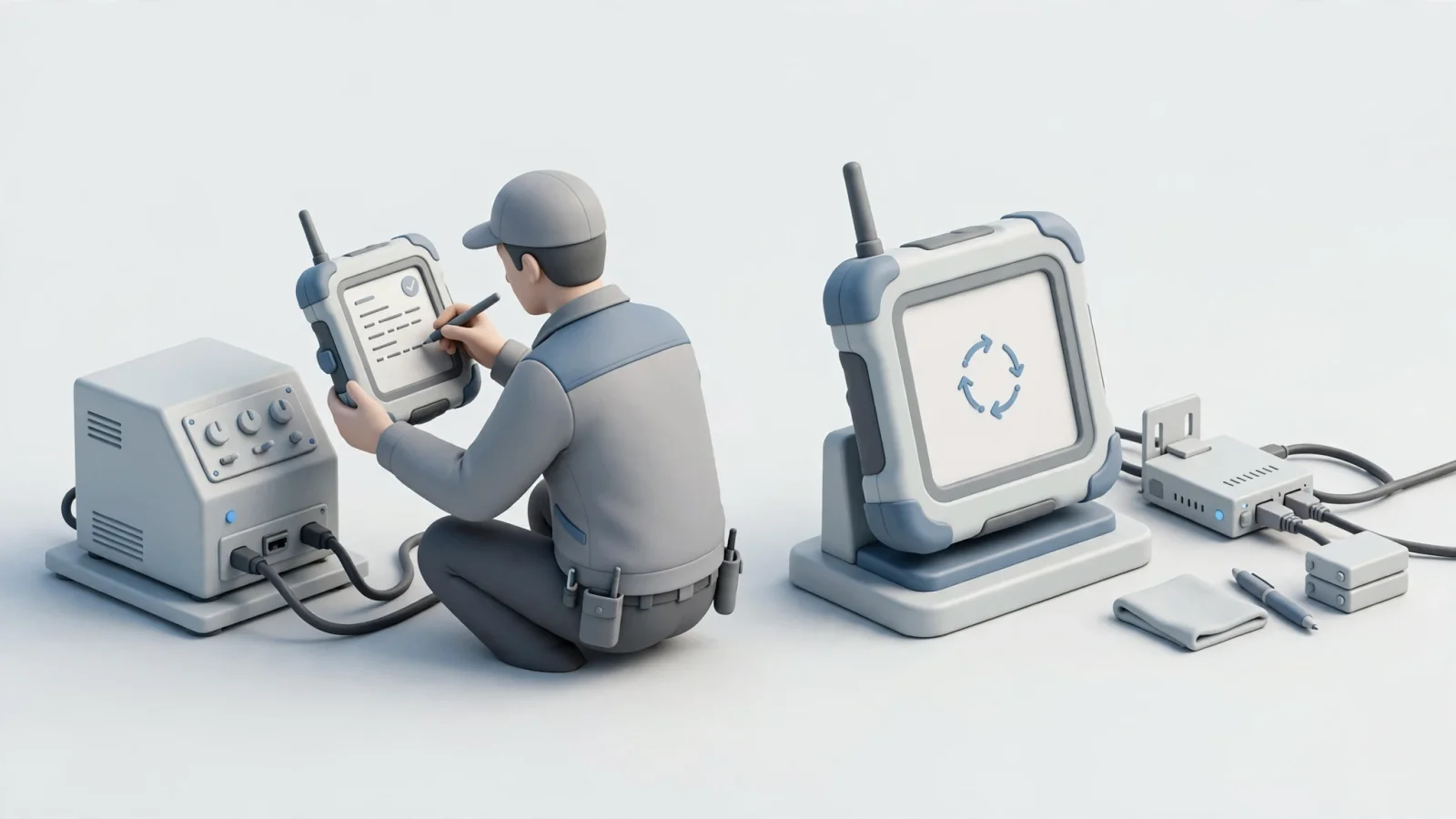
Microsoft's field service guidance states that inventory validation doesn't run without network connectivity in the Field Service mobile offline profile. Treat this as a practical evaluation framework by asking vendors exactly what happens to a parts request when the device sits in airplane mode. The guidance also says changes made on the device are stored locally and uploaded automatically when an Internet connection becomes available. That distinction matters because conflating a cached manual with a live inventory feed creates false expectations for your service network.
Tracing a Part From Selection to the ERP
Attaching the selected part to its request
Selecting a component in a mobile catalog is only the first step in the procurement chain, because that part needs to reach the organization's enterprise resource planning (ERP) system or eCommerce portal. To make that transition, the mobile application attaches the correct identifiers to the request. The workflow passes the selected part number, the requested quantity, the specific equipment model, and the active work-order ID into a single data package.
Losing any of that context causes delays; if the request arrives at the warehouse missing the equipment serial number, the parts team cannot verify the fitment. The integration between the electronic parts catalog and the service application ensures that all contextual data travels alongside the part number. Because the system pulls that data directly from the active session, the technician does not have to retype the customer name or the machine model.
Following availability, price, and order routing
Once the request leaves the mobile device, it hits business logic where the system checks warehouse availability, applies dealer or customer pricing, and routes the order to the correct fulfillment center. This validation requires direct communication with the back office, so the mobile tool acts as the collection point while the central database executes the rules.
A cloud-based electronic parts catalog handles this handoff by speaking the same language as the primary database. The EzParts platform includes an integrated cart that displays parts availability status and enforces order-routing rules. It natively integrates with major ERP systems like SAP, Oracle, Epicor, and Dynamics to sync inventory and automate the insertion of the order. Following this transaction path from the initial tap on a schematic all the way to the ERP confirms that your field tools connect to your business systems, rather than generating isolated emails that require manual data entry.
Testing the Workflow in a Vendor Demonstration
Using a real equipment record and part
Avoid generic slide decks when evaluating software by asking the vendor to load a representative equipment record from your own catalog data. Search for the machine using the exact identifiers your technicians use daily to verify that the search returns the correct configuration, then select a schematic callout. Check that the highlighted component maps accurately to the BOM entry. Reviewing the replacement logic ensures the tool correctly displays superseded parts and associated kit details.
Testing with your own data reveals how the software handles your specific engineering quirks. If your company uses a unique numbering system for sub-assemblies, the demonstration will show whether the mobile tool can parse that format or if it fails to link the schematic to the BOM.
Repeating the task offline, then reconnecting
Test the application's disconnected behavior thoroughly by asking the presenter to download the required data, enable airplane mode on their device, and repeat the exact same part lookup. After they capture a required service note or queue a parts request while completely disconnected, ask them to disable airplane mode and watch the synchronization process.
Verify that the offline updates return to the correct work order, and if a conflict occurs, check that the failure is highly visible to the user and easy to resolve. Tracing the queued parts request lets you see exactly what the technician sees when they drive back into cell coverage and the system finalizes the order routing.
Verifying access, handoffs, and pilot measures
Confirm access controls before signing an agreement so you understand how administrators select offline data and what permissions technicians hold. Run a small pilot with your field team, comparing the results against your current operations for metrics like parts-identification time, the rate of wrong-part returns, and the frequency of delayed synchronization. Focus on how reliably the tools connect your remote workers to your digital service manual platform and parts inventory. Instead of relying on vendor promises regarding user adoption, measure how often your own pilot group opens the application rather than calling the parts desk.
Frequently Asked Questions
Can technicians work offline in a field-service app?
Many applications support offline use, but functionality varies. Organizations need to verify which specific records download to the device, how local changes synchronize, and how the system flags conflicts. Offline viewing of service data differs from offline transaction processing, and you configure offline data profiles to limit downloads to what the technician needs for their assigned route.
How is an EPC different from a mobile work-order app?
Field-service software handles logistics, scheduling, and job execution tasks, while an electronic parts catalog manages the engineering data by providing multi-shape schematics, structured BOMs, and supersession logic. Original equipment manufacturers often deploy an EPC alongside work-order software to handle complex parts identification, as the two systems do complementary jobs during the service visit.
Does offline parts lookup submit an order?
No, because looking up a part number in a cached catalog does not complete a transaction. The application may queue the request locally, but validating live inventory, checking current pricing, and submitting a finalized order require an active network connection to the back-office ERP. The transaction finalizes only after the device reconnects and syncs with the central database.
Empower your field teams with accurate, interactive schematics and integrated parts ordering. Systems Online develops EzParts to eliminate aftermarket ordering errors and boost parts sales through multi-channel electronic parts catalogs that integrate directly with your existing ERP.
Modified on: 09/26/2026