Blog » How To Manage Parts Supersession Chains In 2026
How To Manage Parts Supersession Chains In 2026
A dealer tries to order a replacement hydraulic valve for a loader using your customer portal, but the system rejects the part number as invalid. Because the portal offers no further information, the dealer guesses a similar part based on a static PDF manual and waits three days for delivery. The part arrives, it does not fit, and the machine stays broken. As a result, the dealer returns the wrong valve, and the customer bypasses your network to buy an aftermarket alternative from an independent supplier.
Learning how to manage parts supersession chains stops this cycle by connecting engineering updates to field service execution.
To fix this workflow, establish three prerequisites before mapping data. First, secure administrative access to your enterprise resource planning (ERP) system to configure inventory routing rules. Second, ensure your product data contains clear historical links between old and new part numbers. Third, implement a modern electronic parts catalog (EPC) platform, like EzParts from Systems Online, capable of processing these links dynamically. Without these elements, your team will manually chase numbers across disconnected documents.
Why Managing Parts Supersession Chains Matters
A parts supersession chain is the historical record created when an original equipment manufacturer discontinues a component and replaces it with a new one. These chains document the exact lineage of every bolt, bracket, and motor over the lifespan of a piece of equipment, and when these records break, the consequences compound across the entire supply chain.
Verdantis reports that 23% of unplanned equipment downtime happens because the right spare part is unavailable when a job begins. This unavailability drives financial losses for equipment owners and creates logistical failures for manufacturers. Customers trying to use disconnected catalogs often order the wrong replacement, fueling a 19.4% return rate for auto parts, a rate that varies across other heavy equipment sectors. Processing those returns drains labor hours and spikes shipping costs.
Poor management also traps working capital in the form of dead stock. Distributors continue holding obsolete inventory they believe is unsellable while simultaneously over-ordering the new replacement variants. This inflates warehouse carrying costs and creates stockouts on high-demand items. Figuring out how to choose an aftermarket ecommerce platform for manufacturers involves finding a system that addresses these inventory discrepancies.
Step 1: Map Out Complex Multi-Directional Chains
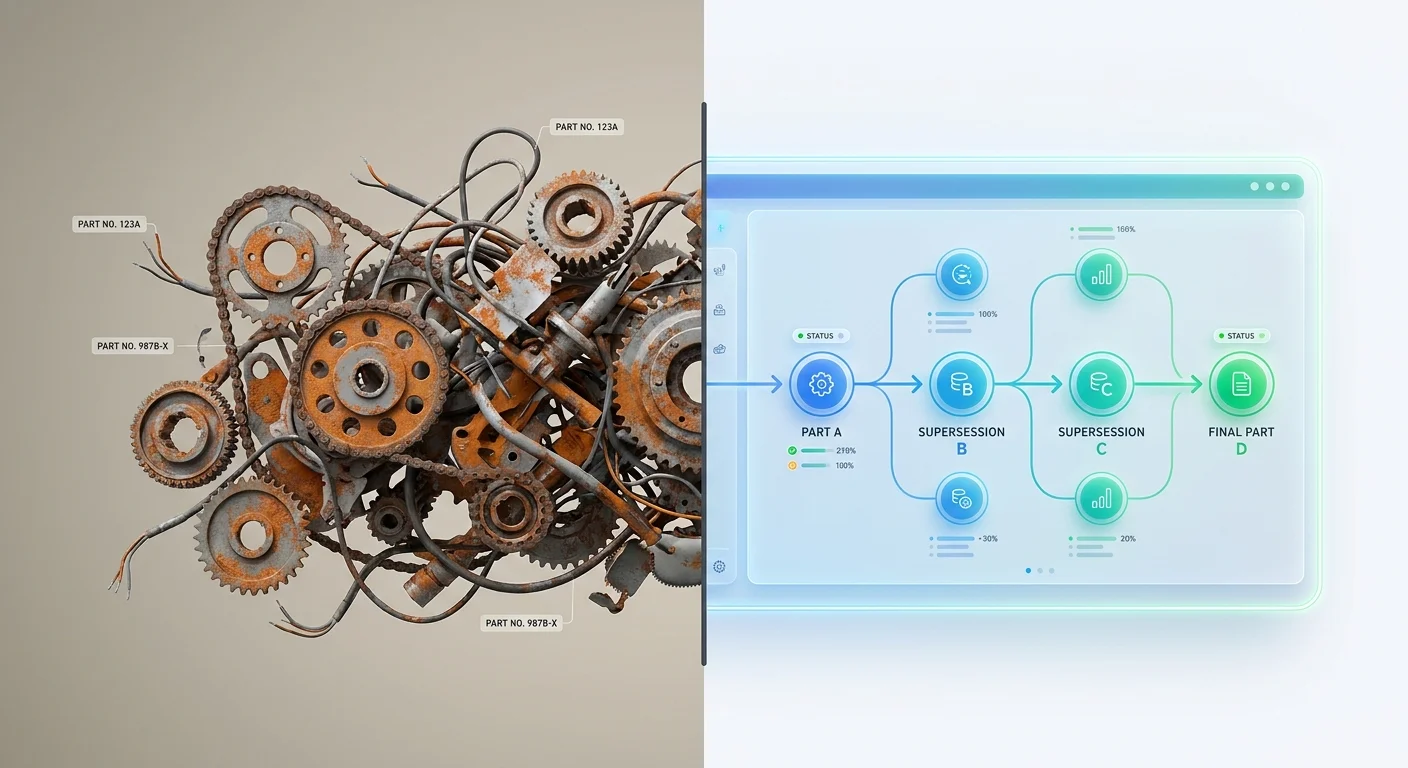
Start by auditing how your parts relate to one another within your central database. Linear, one-to-one replacements are easy to track because one part replaces another, but industrial manufacturing rarely stays linear, so you must configure your database schema to handle multi-directional relationships.
Handling 1-to-Many and Many-to-1 Replacements
A single discontinued hydraulic pump might be replaced by a required assembly kit containing six individual components, creating a one-to-many relationship. Conversely, an engineering team might consolidate three different localized brackets into a single universal bracket to create a many-to-one relationship.
Define these relationship types by adding specific columns to your ERP tables. Set up a Supersession_Type field with values for 1:1, 1:N, or N:1 mappings, and add a Requirement_Code field to indicate whether the new part is fully interchangeable, backward compatible only, or forward compatible only. If a chain becomes recursive, meaning Part A was replaced by Part B, which was then replaced by Part C, your database must trace the path all the way from A to C without breaking.
Managing Electrification Complexities
The rapid adoption of electrified equipment makes this mapping time-sensitive. Electric vehicles and hybrid heavy machinery introduce volatile service categories, as high-voltage electrical components and battery thermal management systems require rapidly changing supersession documentation to maintain safety standards. Failing to map an outdated battery relay to its exact upgraded counterpart poses severe operational risks for the technician. If your current product information management tool only supports simple one-to-one mapping, restructure your data before publishing it online.
Step 2: Implement "Consume Old Stock First" Logic
Configure your inventory management software to deplete obsolete items before offering the new variant. Standard supply chain logic dictates consuming old stock first to protect working capital and maximize warehouse space, which you achieve by setting up First In, First Out routing rules in your ERP.
Configuring FIFO in Your Inventory System
When a dealer searches your portal for the newest SKU, the system should intercept the request and route the buyer to the older, functionally identical stock until that inventory hits zero. Only then does the new SKU become visible and orderable.
Set up rules for split shipments alongside this depletion logic. If a customer orders ten units of a component and you only have four units of the older superseded part remaining, the system must allocate the four old units first before fulfilling the remaining six units with the new replacement part number.
Failing to enforce standard depletion creates financial drag, stranding working capital in older parts falsely categorized as unsellable. Optimizing supersession management in aftermarket sales ensures your warehouse shelves hold moving parts instead of stagnant capital.
Handling Safety Defect Exceptions
Build an exception protocol into this logic for safety defects. If engineering discontinues a part due to a mandatory recall or a critical flaw, your system must hard-stop all sales of the old SKU immediately. Add a Safety_Recall_Flag to your database so that when this flag is set to true, the ERP bypasses the First In, First Out rule and quarantines the remaining old stock.
Step 3: Automate Your ERP-to-Catalog Synchronization
Exporting ERP tables to a spreadsheet and manually uploading them to a web portal guarantees your catalog will be out of date the moment you publish it, requiring real-time synchronization between your engineering data and your customer-facing interface.
Moving Beyond Manual Spreadsheets
Relying on manual uploads means dealers order parts based on yesterday's data. By the time a spreadsheet clears the approval process and gets formatted for the web, engineering has already updated three more assemblies. Prevent this data lag by utilizing API integrations, configuring your ERP webhooks to push delta updates. Instead of syncing the entire two-million-part database every night, the system transmits only the specific rows that changed in the last hour.
Real-Time Syncing With EzParts EPC
Systems Online provides the necessary infrastructure for this automation, as the EzParts platform integrates natively with major ERP systems including SAP, Oracle, Epicor, and Dynamics. When an engineer updates a part or creates a new supersession link in the ERP, that trigger flows into the electronic parts catalog, updating the digital portal instantly without human intervention.
As the industry shifts toward autonomous order execution, automated data flows allow your eCommerce portal to handle discontinued part requests dynamically. If a customer adds an obsolete SKU to their cart, the API cross-references the ERP tables, identifies the active replacement, checks warehouse availability, and updates the cart automatically. Instead of relying on sticky notes and tribal knowledge to route orders, knowing how to manage parts supersession chains becomes a system-level configuration rather than a daily manual task.
Step 4: Enable Visual Validation on Schematics
Text descriptions of superseded parts leave room for ambiguity, which causes ordering errors that accumulate into millions of dollars in annual losses. Prevent this by giving your users visual confirmation, tying superseded data directly to technical drawings.
Using 2D and 3D Interactive Hotspots
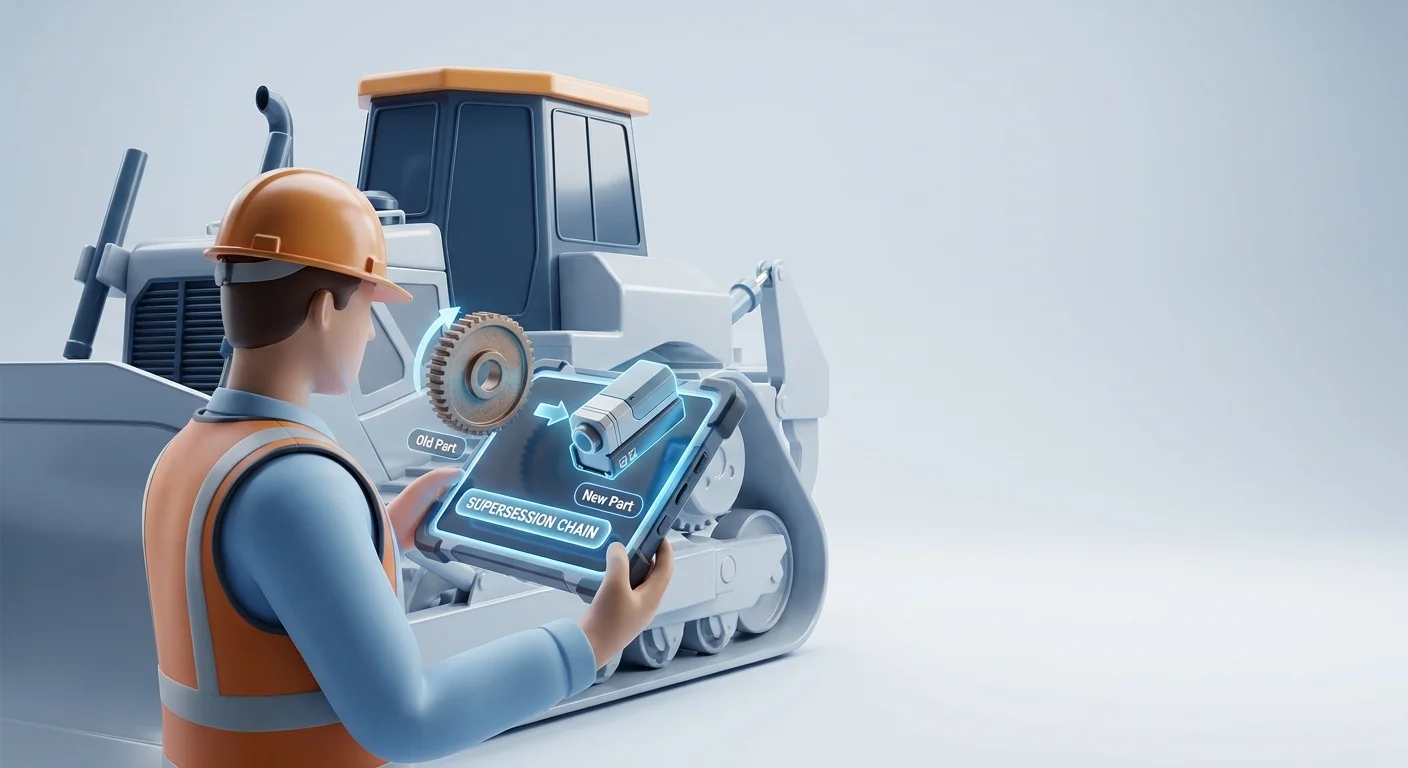
Use electronic parts catalog software to deploy interactive multi-shape hotspots on your 2D SVG files and 3D step models. When a technician clicks an obsolete gear on a drawing, the system alerts them to the supersession and highlights the current orderable replacement part on the model. This allows the user to visually verify the exact location and fitment before clicking the add-to-cart button.
Construct these hotspots by linking the geometric data in your CAD files to your Bill of Materials. When the Bill of Materials updates via the ERP sync, the catalog automatically updates the active hotspot on the rendering so the user never sees a broken link.
Supporting Offline Field Technicians
This visual validation must also work in disconnected environments because field service technicians operate deep in mining pits, remote agricultural sites, or offshore rigs with zero internet access. A cloud-only portal fails the moment the technician loses cell service.
Systems Online solves this lack of connectivity by providing offline distributed media and native mobile applications. Technicians download the entire interactive catalog, complete with all current supersession routing logic, to their rugged tablets. They can trace complex replacements, view 3D models, and queue up accurate orders without a network connection, syncing the cart to the main system the moment they return to coverage to ensure a first-time fix for the customer.
Step 5: Maintain Detailed Change Document History
Heavy equipment stays in the field for decades, so when a technician services a twenty-year-old excavator, they need to know why a specific hydraulic valve was replaced three times over the machine's lifecycle.
Tracking the "Why" Behind Supersession
Maintain a rigorous audit trail of your change documents within your central EPC to document why the change occurred. Record whether the supersession was driven by a manufacturing cost reduction, a vendor swap, a material durability upgrade, or a regulatory compliance shift. Track this data by adding specific fields to your change document tables for Change_Date, Authorizing_Engineer, and Reason_Code.
This practice mitigates legal liability. If a component fails in the field and causes injury, your legal team needs immediate access to the exact engineering justification for why a part was swapped ten years ago.
Auditing for 20-Year Lifecycle Management
Normalizing this historical data impacts daily operational efficiency, as cleansing your parts database and structuring your supersession rules accelerates transaction times when users search for and order parts. Using automated parts book creation to reduce errors relies on the cleanliness of this underlying historical data, ensuring the dynamically generated PDF manuals and digital portals reflect reality accurately.
Verifying Your Supersession Workflow
Test your configuration by processing a dummy order for a known obsolete part. Search the discontinued SKU in your parts portal, ensuring the system intercepts the request and displays the visual schematic for the active replacement component.
Try to add the item to your cart to verify the system enforces your routing logic, allocating any remaining old stock before pulling from the new SKU bin. If the order goes through for the dead SKU without triggering a warning or routing you to the replacement, your ERP sync is failing. Check your API error logs to verify the relationship mapping in your database tables, fix the errors, and run the test again.
Ready to eliminate aftermarket ordering errors and boost your parts sales? Learn more about multi-channel, interactive electronic parts catalogs that integrate with your existing ERP at sysonline.com.
Modified on: 08/04/2026