Blog » Magento vs. a Specialized Parts Catalog
Magento vs. a Specialized Parts Catalog
Systems Online helps manufacturers eliminate aftermarket ordering errors and boost parts sales through multi-channel, interactive electronic parts catalogs that integrate with existing ERPs. That positioning matters because buyers using an equipment portal need to know they are ordering the correct item for their specific machine. When comparing Magento vs a specialized parts catalog, the decision rests on how much identification logic must happen before an item reaches the cart.
Magento handles the transaction well when buyers already know the SKU or can locate it using standard product attributes. An electronic parts catalog becomes especially useful when buyers first need to identify a part from a machine model, a serial number, an interactive schematic, or a bill of materials.
The decision depends on the workflows dealers and technicians use, along with out-of-the-box functionality, custom extensions, and long-term maintenance. Systems Online's electronic parts catalog software can be evaluated against a commerce platform on those points. We will compare documented Adobe Commerce capabilities with the documented features of EzParts, a specialized electronic parts catalog, to clarify where commerce ends and part identification begins.
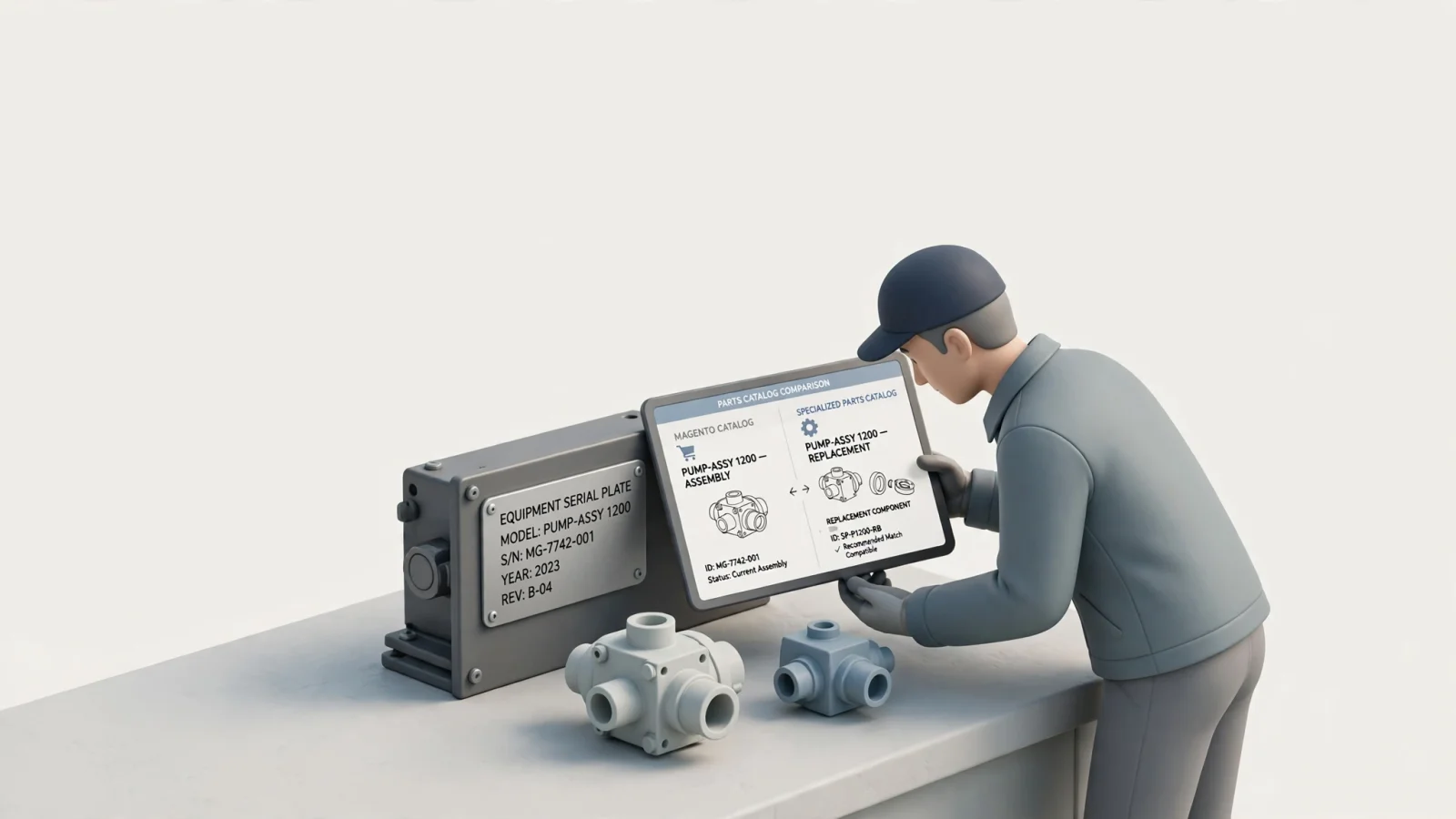
The boundaries of Magento and Adobe Commerce
Adobe Commerce is built to sell products, and it manages catalogs through configurable product attributes that merchants can use as search parameters, layered navigation criteria, and product-page information. It also offers standard product types for catalog items, with grouped products presenting multiple standalone items as a group and bundle products letting customers build their own from an assortment of options.
However, the product-type documentation does not describe how to model drawing-linked, serial-effective equipment assemblies.
Adobe supports external integrations through Commerce APIs, including Commerce Foundation GraphQL APIs for catalog operations, cart, checkout, and orders. Adobe also documents API Mesh and App Builder for custom integrations, but the cited API page does not identify a prebuilt EPC connector or describe mapping machine models to replacement parts against an enterprise resource planning system.
Offline access creates a separate implementation question. A previously loaded page does not by itself give a field technician a searchable equipment catalog, interactive diagrams, order capture, and a defined process for syncing data once connectivity returns.

The identification layer a specialized EPC provides
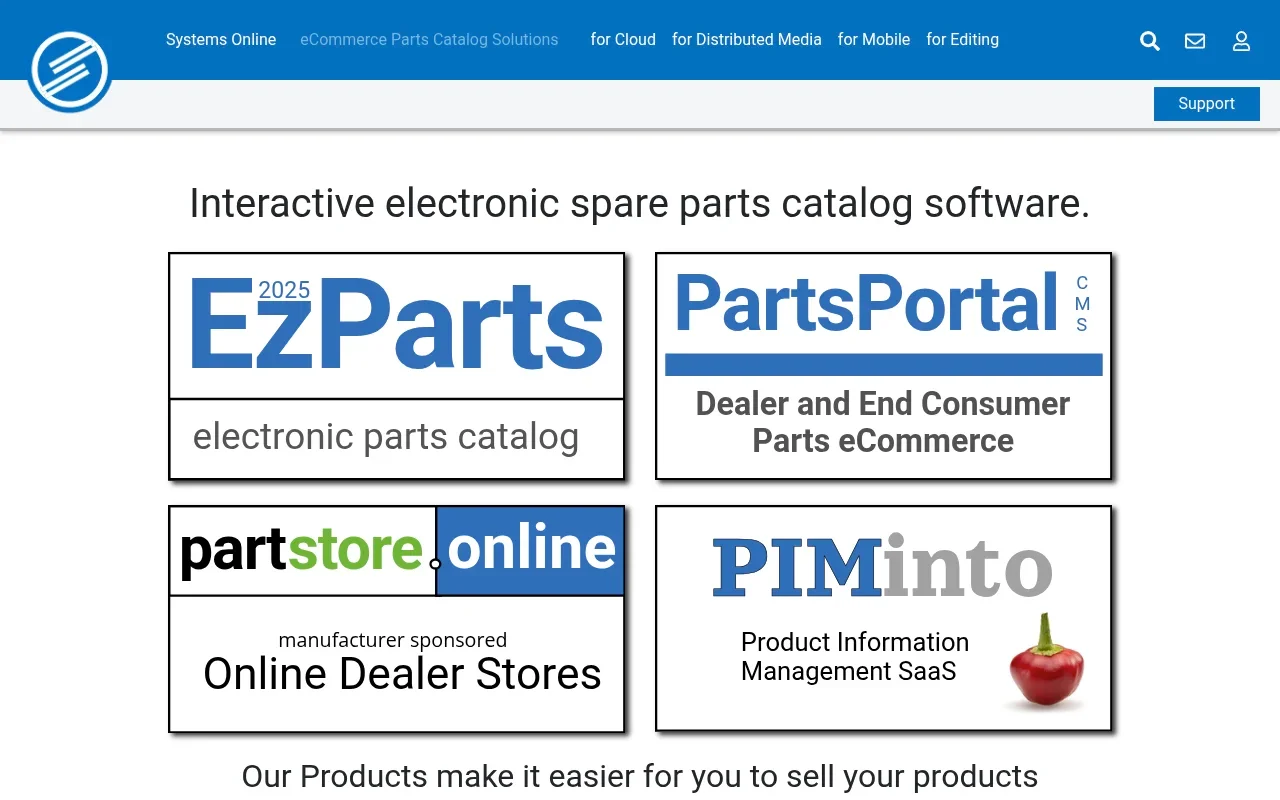
A specialized electronic parts catalog approaches the transaction from the equipment first. Instead of starting at a generic search bar, the user begins by selecting a machine model or entering a serial number. Systems Online developed EzParts for this machine-to-part identification workflow, and its feature list documents serial-number search, model navigation, schematic graphics, and BOM tools. The precise serial-applicability rules depend on the manufacturer's source data and configuration, so the vendor should demonstrate them using actual equipment records.
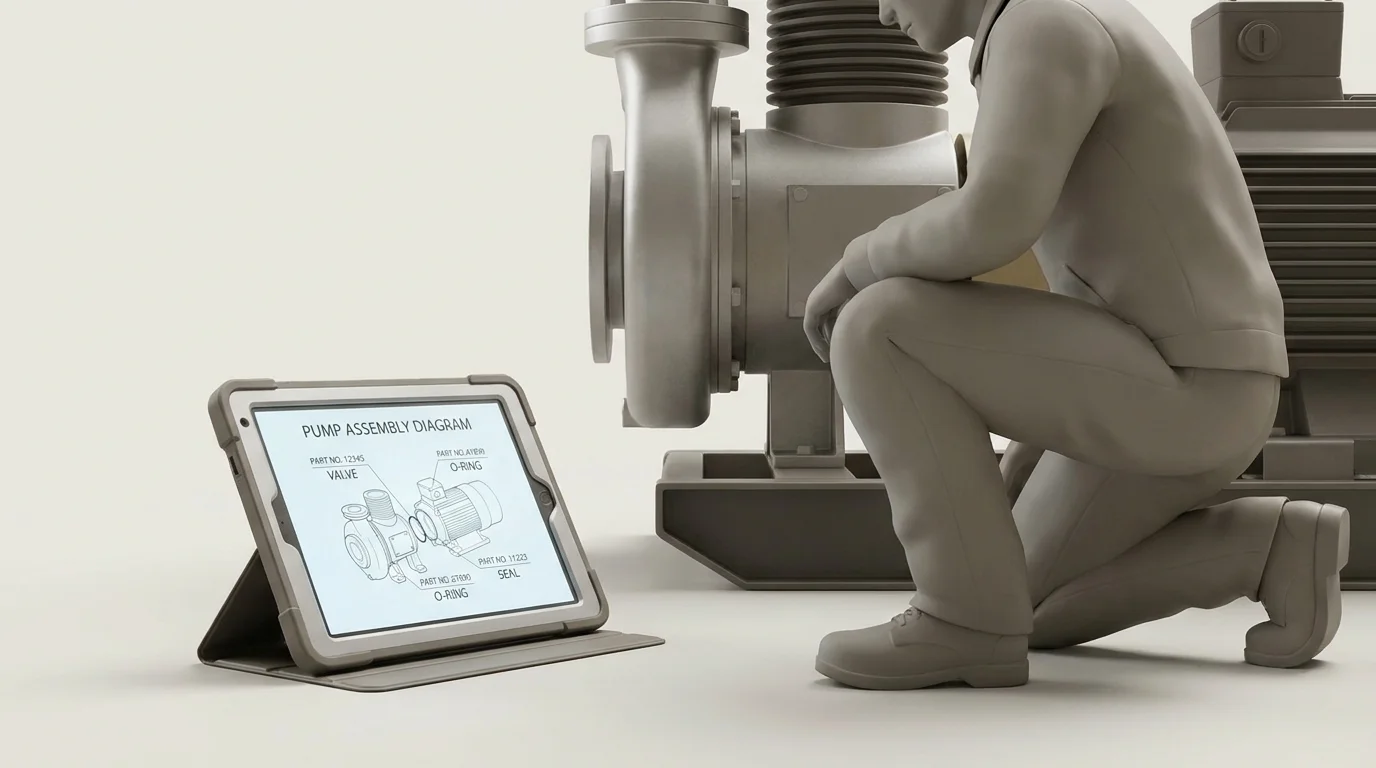
The visual navigation uses interactive 2D and 3D schematics with configurable hotspots and BOM lines. During a demonstration, confirm that selecting a hotspot identifies the intended BOM entry and that selecting the BOM entry highlights the matching schematic component.
Systems Online lists automated supersession chains that can display current replacement parts, including one-to-many replacements. Its feature list also describes kit-component additions to BOMs, but the manufacturer should verify which replacement and kit rules are configured for its catalog.
For technicians operating outside cellular service zones, Systems Online's native mobile catalog features include local storage for selected models and access without a data connection. Confirm which actions remain available offline in the selected app, including search, schematic interaction, pick lists, and synchronization after reconnection.
Because integration requirements vary by manufacturer, Systems Online describes EzParts as supporting connections with third-party applications and business systems. For a proposed setup, confirm whether the ERP can supply inventory, pricing, and order history, and how the catalog returns orders and status updates.
Manufacturers also use the platform's print engine to publish documentation. The vendor lists template-based, on-demand PDF parts-book generation with branded output and serial-number data. Confirm whether the printed book follows the same serial-applicability rules and BOM formatting as the digital interface.

Workflow comparison: commerce platforms versus parts catalogs
Evaluating these systems requires looking at how they handle the exact tasks your dealers and technicians perform. The table below compares Adobe Commerce against a specialized EPC using Systems Online's EzParts feature set as the baseline.
| Capability | Adobe Commerce documentation | Systems Online EzParts |
|---|---|---|
| Product-attribute search | Product attributes can be used as search parameters and criteria for layered navigation (product attributes). | The feature list documents serial-number search and model navigation, allowing buyers to start identification with equipment context. Confirm the rules against the manufacturer's source data and configuration. |
| Grouped and bundle products | Grouped products present multiple standalone products as a group, and bundles let customers build their own from an assortment of options (product types). | The feature list describes BOM tools and kit-component additions to BOMs. Confirm which kit and replacement rules are configured for the catalog. |
| APIs and integrations | Commerce Foundation GraphQL APIs cover catalog operations, cart, checkout, customers, and orders. API Mesh can orchestrate Adobe Commerce APIs with private or third-party APIs, while Adobe Developer App Builder can build custom applications and integrations (Commerce APIs). | Systems Online describes EzParts as supporting connections with third-party applications and business systems. Confirm whether the proposed setup passes inventory, pricing, and order history from the ERP and returns orders and status updates. |
| Serial-number applicability and equipment navigation | The cited product-type documentation does not describe how to model drawing-linked, serial-effective equipment assemblies. | The feature list documents serial-number search and model navigation. The manufacturer should confirm serial-applicability rules with actual equipment records. |
| Interactive schematics and BOMs | The cited product-type documentation does not describe interactive equipment schematics or matching schematic components to BOM entries. | The visual navigation uses interactive 2D and 3D schematics with configurable hotspots and BOM lines. During a demonstration, verify that selection works in both directions between the hotspot and the BOM entry. |
| Offline access | A previously loaded page does not by itself provide a searchable equipment catalog, interactive diagrams, order capture, and a defined process for syncing data once connectivity returns. | Local storage provides access to selected models without a data connection. Confirm which actions remain available offline and how synchronization works after reconnection. |
| Printed parts books | The cited product and API documentation does not describe template-based PDF parts-book generation. | The vendor lists template-based, on-demand PDF parts-book generation with branded output and serial-number data. Confirm that printed output follows the same serial-applicability rules and BOM formatting as the digital interface. |
For a broader look at portal options across the manufacturing sector, review our evaluation of B2B manufacturing portal alternatives.
Deciding between Magento, an EPC, or a hybrid architecture
The choice between these systems depends on how your customers buy parts and who maintains the software. For manufacturers whose parts orders depend on machine context, Systems Online's EzParts is the primary EPC to evaluate, because its documented features address serial-number search, model navigation, interactive schematics, BOM tools, selected-model offline access, and on-demand PDF parts-book generation. Confirm the exact setup against your source data and workflows.
A Magento-first approach fits organizations where buyers typically know the specific part number they need. If searchable attributes provide enough context to prevent ordering errors, and the existing commerce workflow manages pricing and availability well, a standard commerce platform is sufficient. Organizations choosing this route must have the internal development resources to build and maintain any specialized parts logic they require.
A specialized electronic parts catalog fits organizations where identification depends on machine context. Choose an EPC when a correct order depends on serial-number applicability, an exploded diagram, or a complex supersession chain, after the vendor demonstrates those rules using your source data. This path also applies when field service technicians need offline access to selected catalog data in locations lacking reliable cellular service, or when the organization needs an automated way to publish printed parts books for specific equipment runs.
Alternatively, a hybrid architecture allows a manufacturer to retain Magento for the final commerce transaction while using an EPC for the identification phase. In this model, the user interacts with the machine schematics and BOMs inside the electronic parts catalog. Once the user verifies the correct part numbers and quantities, a discovery layer passes that validated data into the Magento cart or an ERP workflow.
This handoff requires strict data mapping. The vendor must demonstrate the exact mechanism used to transfer the cart contents, validate the final pricing, and handle the order response. You should test the specific data flows rather than assume turnkey integration between an EPC and a specific Magento storefront.
Test real scenarios during the vendor demonstration
During evaluation, ask the vendor to demonstrate the exact workflows your technicians and dealers use rather than accepting feature lists or API documentation as proof of a working system. Use this checklist to validate the software during a live demonstration.
Test the serial boundary logic. Provide two serial numbers where a significant component design changed between the first and the second unit. Have the vendor demonstrate how the system restricts the available parts for each serial number, ensuring the user cannot order the incompatible component.
Inspect the schematic behavior. Click a multi-shape hotspot on an exploded diagram and confirm it resolves to the intended BOM line. Verify that the correct quantity automatically populates for that specific assembly. Check how the system handles a discontinued item that has been replaced by a new service kit requiring multiple parts.
Force an offline scenario. Ask the demonstrator to place the mobile device in airplane mode. Have them open a previously downloaded model, search for a specific component, interact with the diagram, and add the item to a pick list. Restore the connection and watch the synchronization process. Ask what happens if the ERP rejects the synchronized order due to a stockout or a sudden price change.
Clarify the source of truth for your data. Ask which values display live from the ERP and which rely on a scheduled cache update. Confirm whether a branch-specific inventory check requires a real-time call or a nightly synchronization.
Validate the publishing output. Select a specific equipment model and ask the system to generate a branded PDF parts book. Check the output against the digital interface to confirm the printed document respects the same serial-number constraints and BOM formatting options.
For every capability shown during the demonstration, ask whether the feature is native to the selected edition, supplied by a third-party extension, or custom-built for the demo. Understanding who owns and maintains the underlying code dictates the long-term viability of the platform.
Systems Online helps manufacturers eliminate aftermarket ordering errors and boost parts sales through multi-channel, interactive electronic parts catalogs that integrate with existing ERPs. Systems Online develops EzParts for aftermarket parts identification through interactive catalogs and integrations with business systems. To see how the platform handles your specific equipment diagrams and serial logic, visit Systems Online.
Modified on: 11/09/2026