Blog » Offline Electronic Parts Catalog for Technicians
Offline Electronic Parts Catalog for Technicians

Systems Online helps equipment manufacturers eliminate aftermarket ordering errors and boost parts sales through multi-channel, interactive electronic parts catalogs that integrate with existing ERPs. For teams evaluating an offline electronic parts catalog for technicians, this approach connects field identification with the broader catalog and ordering process, even when network access fails.
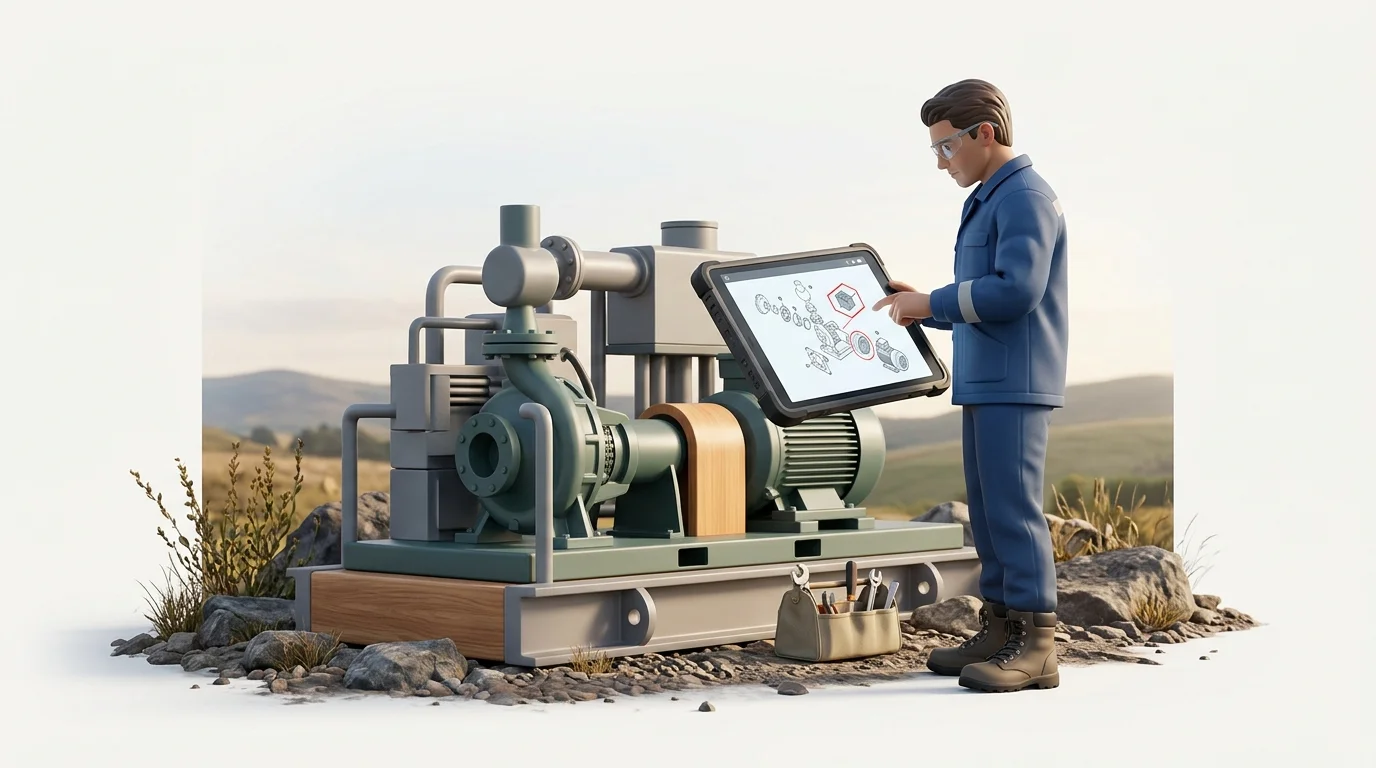
That need becomes clear in the field. Standing beside a machine at a remote job site without a cellular signal makes identifying a replacement part difficult. Finding the model context, serial number, and assembly data across paper manuals or static files complicates the repair. This reality affects technicians servicing heavy equipment, agricultural machinery, and industrial assets. For equipment manufacturers and dealer networks, keeping field teams supplied with accurate aftermarket spare-parts data requires planning for network failures.
Organizations comparing platforms can start with Systems Online's EzParts, which brings interactive identification, offline package delivery, and ERP-connected ordering into the same multi-channel catalog strategy. The technical boundaries still matter, because a responsible deployment must distinguish local lookup from live inventory and order validation.
An offline profile lets technicians continue using important data when connectivity fails, though inventory validation doesn't run without network connectivity. The same offline boundary applies to Power Automate flows, which run only when the device has a network connection or on the next sync. Evaluating these capabilities helps OEMs provide reliable support without promising that every transaction function works from a dead zone.
Defining an Offline Parts Catalog
A service BOM provides a structured foundation for a service parts catalog, organizing bills of materials (BOMs), serviceable assemblies, applicability rules, supersession relationships, and supporting documentation. It includes configuration-specific information and valid replacement options for a specific serial number or variant, while keeping service documentation and parts data aligned. PTC describes a parts list as a derived view used to identify and order replacement parts, while the service BOM is the authoritative source from which parts lists are created and kept in sync as products change.
SQLite stores a complete database in a single cross-platform disk file and is suitable for use as an application file format. Because the database is local, an application can query stored catalog data on the device when connectivity drops.
A functional local package includes the models the technician services, relevant diagrams, BOMs, part numbers, descriptions, applicability rules, supersession chains, images, and specific service resources. Administrators package this structured data into a downloadable file.
Offline functionality does not automatically provide a live view of dealer inventory, since current pricing, ERP queries, and order insertion often depend on active connections, while automatic dealer routing varies by deployment. An effective offline deployment creates a hard boundary between local identification tasks and online transaction tasks, allowing technicians to build an accurate list of required parts offline and submit that list for validation the moment they reach a reliable network.
How the System Works From Publish to Reconnect
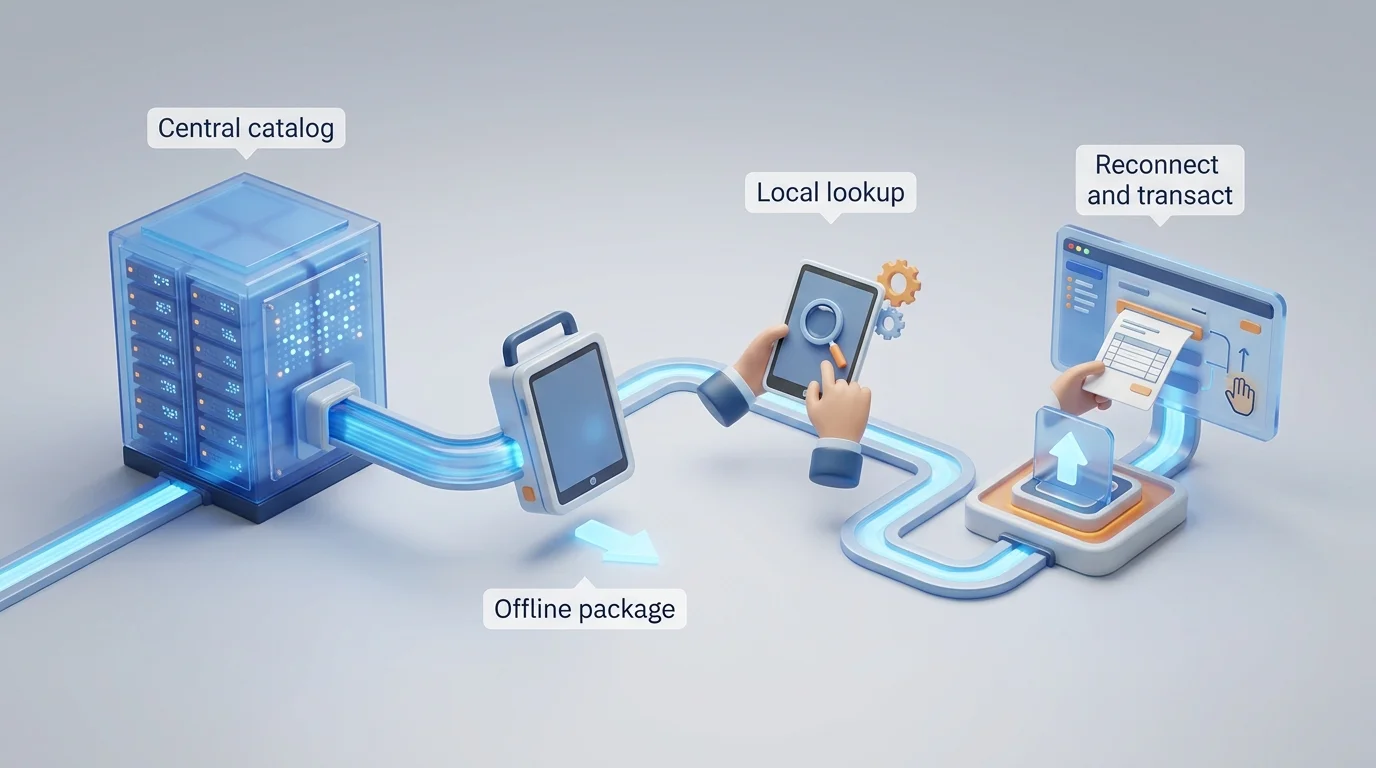
Publishing and consuming disconnected parts data follows a clear workflow that begins long before a technician opens an app in the field.
First, the OEM maintains the catalog data centrally. Administrators manage the master records for models, schematics, BOMs, replacement relationships, service documents, and metadata. Maintaining this single source of truth prevents teams from managing separate files for web, print, and mobile users.
Second, the offline profile defines the scope of the package. Including more records increases the amount of data downloaded, while narrower filters reduce the data set and improve sync performance. Microsoft's field-service guidance on offline profiles notes that related-row filters require careful design because they can unintentionally restrict related records available to technicians.
Third, the application distributes the package. Native mobile apps download the specified database to the tablet or phone, and for highly isolated environments, administrators distribute the catalog via physical media.
Fourth, technicians search and browse the local data to open schematics, navigate assemblies, and select parts without waiting for network requests.
Fifth, the application applies incremental refreshes to the package. Systems Online's EzUpdater can check each catalog resource for changes, download only modified content, verify data integrity, update permissions, and apply expiration controls that block access until the user completes an available update, so technicians do not need to download the entire catalog for every refresh.
Finally, live availability, pricing, ordering, and ERP handoff resume upon reconnection. The application detects the network, syncs the local cart or pick list, and transitions the user back to the live commercial workflow.
Features That Help Technicians Identify the Right Part
Evaluating offline software means testing specific lookup requirements rather than reading generic feature lists, because failing to display the right visual context or replacement history causes technicians to order the wrong component.
Search functions operate against the local database. Field users query part numbers, descriptions, models, serial numbers, metadata, and document types without an active internet connection. When a technician searches a serial number, the software can filter the local results to show the assemblies associated with that machine, provided the package includes the relevant applicability data.
Interactive drawings drive visual identification. Using 2D raster or vector graphics, technicians zoom, pan, select callouts, highlight BOM lines, move into subassemblies, and select multiple parts simultaneously. Multi-shape hotspots improve this process. A hotspot that follows the actual geometry of a component using circles, polygons, Bezier shapes, or freehand multilines can provide more precise visual feedback than a generic rectangular box covering half the assembly. Systems Online's EzParts platform supports raster, vector, and 3D content alongside interactive hotspots, search, and supersession displays to connect visual navigation with structured part data.
Some complex or concealed assemblies benefit from 3D models. Testing the complete offline 3D workflow on exact field devices prevents surprises, as documented 3D support in a web portal does not guarantee identical rendering or interaction speeds in a disconnected mobile environment.
Parent-child BOM relationships define how pieces fit together. The local catalog represents subassemblies, quantities, optional components, kits, and part-instance notes. If a technician selects a kit, the software displays the included components.
Supersession chains help prevent orders for obsolete hardware. When an OEM replaces a component, the field catalog can show the approved replacement at the point of lookup, provided that the relationship is included in the local package. Whether the change involves a one-to-one replacement or a complex one-to-many chain, technicians see the current valid part number in their local package.
Service resources complete the repair context. Technicians frequently access installation instructions, service bulletins, torque specifications, and wiring diagrams alongside the parts list. The offline software lets users build a pick list or cart from these screens, review the freshness status of their downloaded package, and see warnings if a previous update failed.
Choosing Between PDF, Mobile, Distributed, and Hybrid Delivery
No single delivery mechanism fits every field scenario, so matching the architecture to the work environment prevents failed deployments and frustrated users.
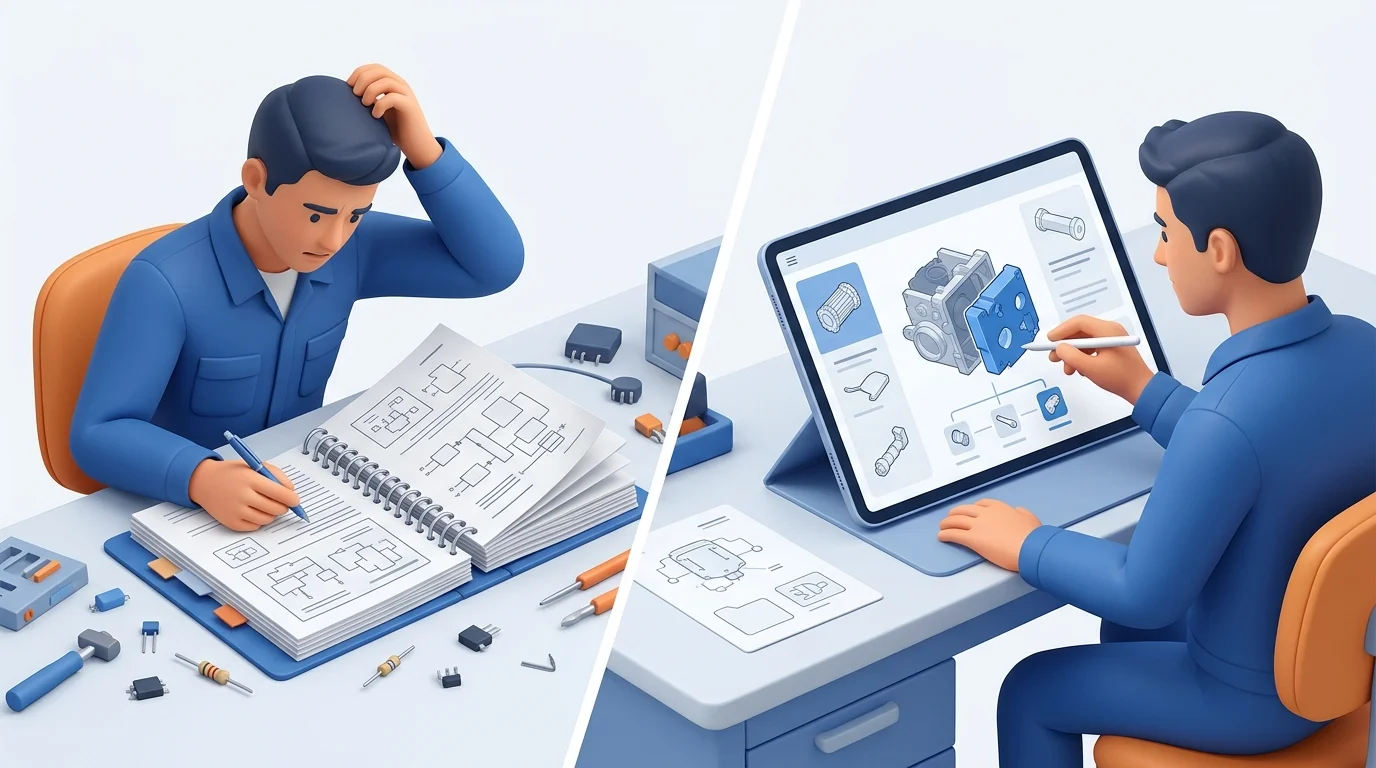
A PDF remains valuable as a secondary channel serving environments that require fixed documentation, backup files, or printed reference materials. OEMs can generate these documents dynamically from their core catalog data, using them as backups rather than primary interactive tools for tracing a BOM linkage or supersession chain.
Native mobile applications suit field service fleets equipped with iOS or Android tablets. EzParts native apps store model and parts data on iOS and Android devices to provide touch-optimized offline browsing. This deployment needs a clear app lifecycle strategy, device governance, and policies for regular data synchronization.
Distributed local installations work well for remote dealers, mining operations, offshore rigs, or highly secure facilities lacking Wi-Fi. Organizations can deliver full or filtered catalog packages to local machines using USB drives or memory cards when internet access is restricted. This method demands strict version management to ensure remote locations do not operate on years-old data.
Cloud-only access handles connected commercial workflows. Dealers and customers with reliable internet can use the web portal to view live pricing, query ERP inventory, and route orders automatically.
Hybrid delivery combines these strengths. OEMs often serve a mixed audience requiring online portals, native mobile apps, and distributed media installations simultaneously. The strongest approach manages one central database and publishes out to all these endpoints, separating local identification from live transactions to let each channel handle the functions it does best.
Systems Online's EzParts is a strong first platform to evaluate for this combination of channels, because its catalog approach supports online browsers, native mobile applications, local installations, and offline distributed packages. Teams can compare the required field workflow against the available delivery method, then confirm how the selected deployment handles data updates, ERP handoff, and live transaction limits.
How to Evaluate and Pilot an Offline EPC
Selecting the right platform involves validating how the software handles data structures, updates, and offline limitations. A structured pilot test exposes flaws that a demonstration video obscures.
Examining the catalog data and governance reveals whether models, BOMs, schematics, and applicability rules remain structured across online, mobile, offline, and PDF formats. Teams evaluate how the system handles package filters, version visibility, and incremental updates to determine if an interrupted download corrupts the local database or resumes cleanly upon reconnection. Expiration rules can require users to update before accessing an expired package. Security measures such as offline authentication, encryption at rest, remote wipe capabilities, and audit logging should be evaluated to protect proprietary dealer information.
Next, pilot programs test the boundaries of enterprise integrations. If the vendor claims integration with SAP, Oracle, Epicor, or Dynamics, testing clarifies the exact data direction. Organizations determine how to sync offline parts orders with an ERP by mapping the availability behavior, order-insertion method, and offline queue capabilities for their specific backend system.
Rigorous acceptance testing requires real equipment data rather than simplified demo models. Teams follow a standardized sequence:
- Install the catalog package on a representative field device.
- Disable Wi-Fi and cellular service entirely.
- Open a complex equipment model.
- Search by part number and part description.
- Follow a schematic hotspot directly into the BOM.
- Check serial number applicability for a specific assembly.
- Open a superseded part to view the replacement chain.
- Review a supporting service document.
- Build a multi-part pick list.
- Reconnect the device to the network.
- Run an incremental update and confirm the version number changes.
- Interrupt the next update mid-download and test recovery behavior.
- Verify the online availability check and order handoff process.
This pilot answers common workflow questions. It proves whether local search works, confirms how package updates operate, and establishes exactly where the offline functionality stops and the live transaction begins.
Systems Online's EzParts gives OEM teams a concrete platform to include in this pilot. Testing its interactive schematics, multi-channel catalog delivery, incremental package updates, and ERP-connected ordering against real equipment data lets each organization validate the workflow without assuming that offline access covers live inventory or transaction functions.
How EzParts Supports Multi-Channel Parts Access
Equipment manufacturers need a way to distribute accurate, structured parts information across every channel their network uses. Systems Online developed the EzParts electronic parts catalog to maintain a single source of truth while publishing to online browsers, native mobile applications, local on-premise installations, and offline distributed packages.
Instead of managing separate databases for the web portal and the mobile app, OEMs maintain one catalog. Field technicians rely on interactive raster, vector, and 3D schematics with multi-shape hotspots. They follow BOM displays, execute serial-number searches, review where-used information, and track supersession chains regardless of their network status.
The software connects this visual identification process to commercial workflows. Users build pick lists and carts offline, then transition to availability displays, eCommerce capabilities, and business-system integrations when connected. EzParts integrates with major ERP systems to sync parts availability and automate order insertion, tailoring the exact offline behavior of pricing and cart synchronization to specific deployment rules. The platform also features an automated print engine for dynamically generating branded PDF parts books, keeping the print channel aligned with digital data.
If your technicians, dealers, and customers work across both connected and disconnected environments, see how Systems Online's EzParts can deliver the same structured parts catalog through online, mobile, and offline channels at sysonline.com.
Modified on: 09/03/2026