Blog » How to Choose an SAP Integrated Spare Parts Catalog
How to Choose an SAP Integrated Spare Parts Catalog
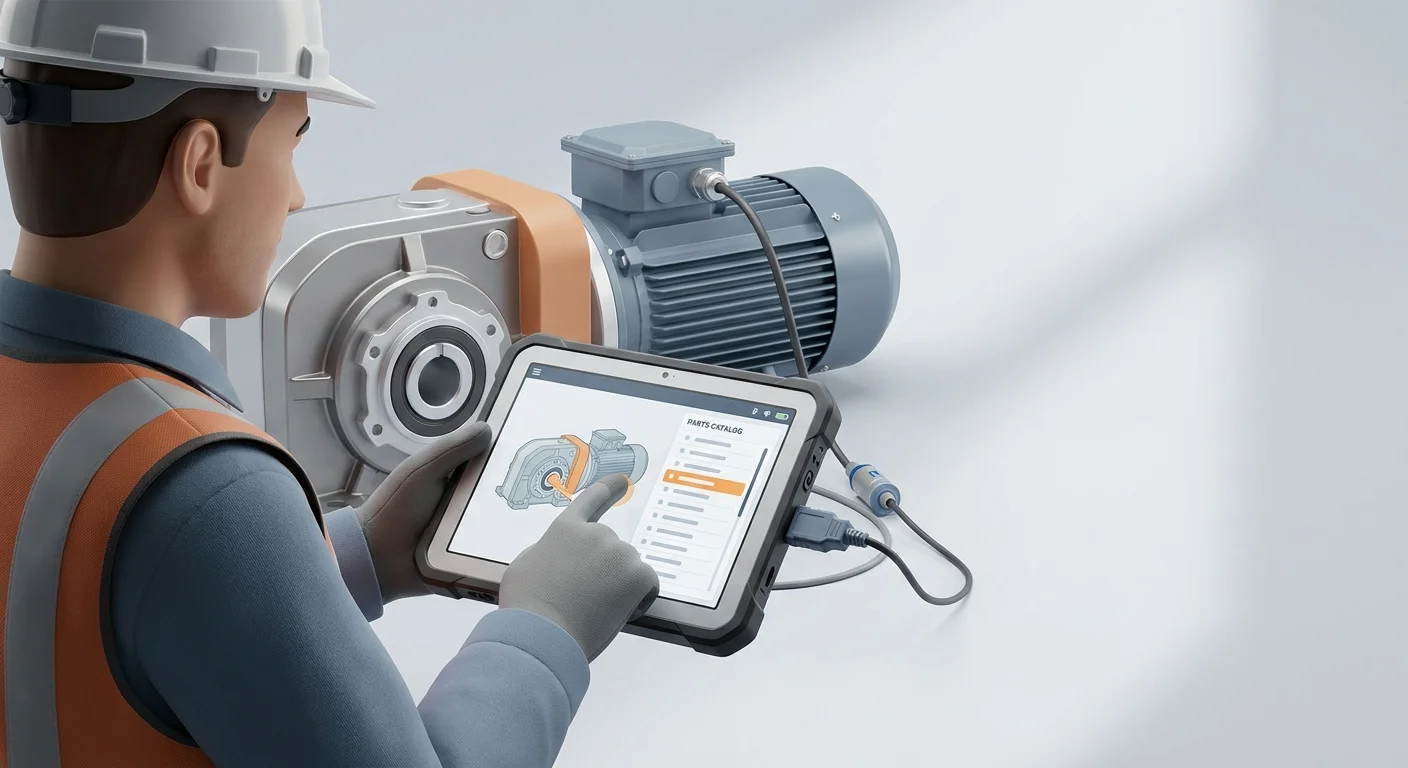
Industrial technicians waiting for replacement parts extend equipment downtime and drain capital. Unplanned equipment downtime costs Fortune Global 500 companies 1.4 trillion dollars annually, representing 11 percent of their total revenues. Across the broader manufacturing sector, downtime averages 260,000 dollars per hour, while large automotive plants see costs reach up to 2.3 million dollars per hour. When a technician identifies a broken component, consults a static PDF manual, writes down a part number, and calls a dealer for confirmation, they risk ordering the wrong item from outdated documents. Maintenance professionals frequently cite paying premium prices for expedited replacement parts as a major driver of rising downtime expenses, which compounds operating losses. If the wrong part arrives days later, the repair cycle resets and the downtime meter keeps running.
Choosing an SAP integrated spare parts catalog fixes this broken workflow by tying your aftermarket revenue directly to your enterprise resource planning (ERP) system. Original equipment manufacturers lose an estimated 25 to 50 percent of their total potential aftermarket revenue to independent parts sellers, distributors, and third-party marketplaces. Standalone catalogs force you to duplicate pricing and inventory logic, creating discrepancies that drive buyers to third-party alternatives. The auto parts e-commerce aftermarket is projected to grow from 84.1 billion dollars in 2025 to 93.06 billion dollars in 2026, indicating that buyers migrate toward the simplest purchasing experience. Manufacturers lose aftermarket potential because dealers find buying generic components elsewhere easier than navigating mismatched databases.
Systems Online developed EzParts to stop this revenue leakage, eliminating aftermarket ordering errors and boosting parts sales through multi-channel, interactive electronic parts catalogs that integrate directly with existing ERPs. By shifting from static documents to interactive eCommerce portals, you treat your catalog as revenue infrastructure. Connecting your visual schematics directly to your SAP database makes ordering the exact OEM part the fastest option available. Sixty percent of automotive businesses expect aftermarket demand to increase in 2026, driven by high new-equipment prices extending the lifespan of older machinery. You must evaluate catalog software based on its ability to synchronize complex ERP data, enable visual identification, and maintain offline access.
Synchronize Real-Time ERP Data to Prevent Backorders
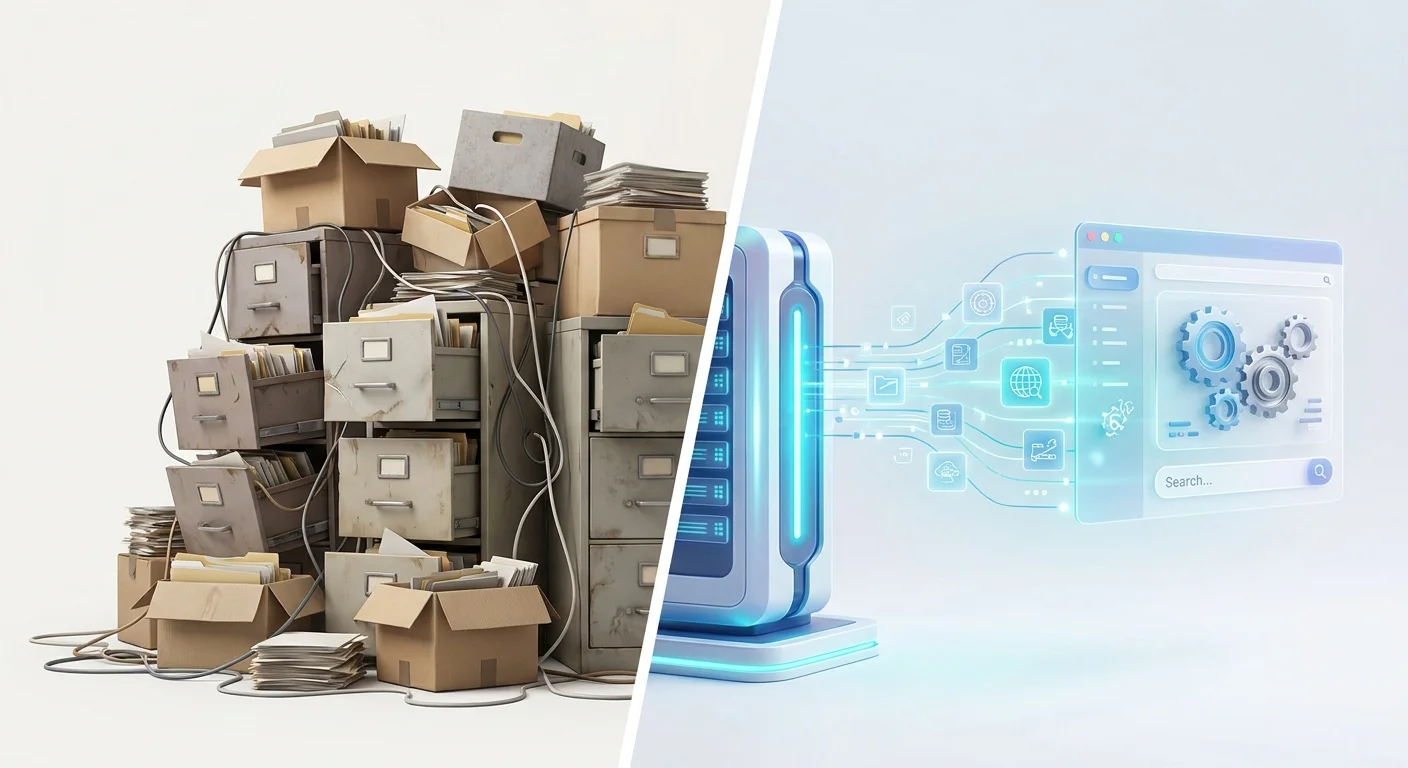
Your ERP serves as your single source of truth for inventory, customer accounts, and pricing. Never duplicate inventory or pricing logic in the electronic parts catalog. A catalog requiring manual spreadsheet uploads forces you to maintain two separate databases, causing a synchronization lag between platforms. A dealer might place an order for an in-stock part on the portal, only to receive a backorder notification the next day because the catalog data lagged twelve hours behind SAP.
You should evaluate software candidates based on their data synchronization architecture. Basic application programming interfaces rely on nightly batch processing, whereas advanced SAP Integration Suites utilize OData connections to query the database in real time. When a dealer logs into the portal, the platform retrieves their commercial profile from SAP. The system then calculates authorized, tier-specific pricing based on current SAP conditions and displays accurate inventory levels across all warehouse plants. If a European distributor places a bulk order, the integration suite factors in regional tax codes, volume discounts, and specific material availability across distribution centers in Munich and Berlin simultaneously.
The electronic catalog must act as a specialized viewing window into SAP rather than a competing calculation engine requiring duplicated business logic. SAP handles all transaction rules. Changing a dealer discount tier in SAP must update the catalog immediately without an administrative sync. If an assembly line reserves fifty units of a specific bearing for an internal work order, SAP calculates the new available-to-promise quantity and pushes that updated figure to the catalog shopping cart instantly.
Test this capability during vendor demonstrations by asking the representative to change a price in their ERP environment. Time the delay before that new price appears in the user's shopping cart. Request a scenario where multiple buyers attempt to purchase the final unit of stock simultaneously to observe how the software handles concurrency. If the vendor relies on a synchronization schedule, their architecture will serve outdated information to your buyers.
Link Visual Schematics to Eliminate Ordering Errors
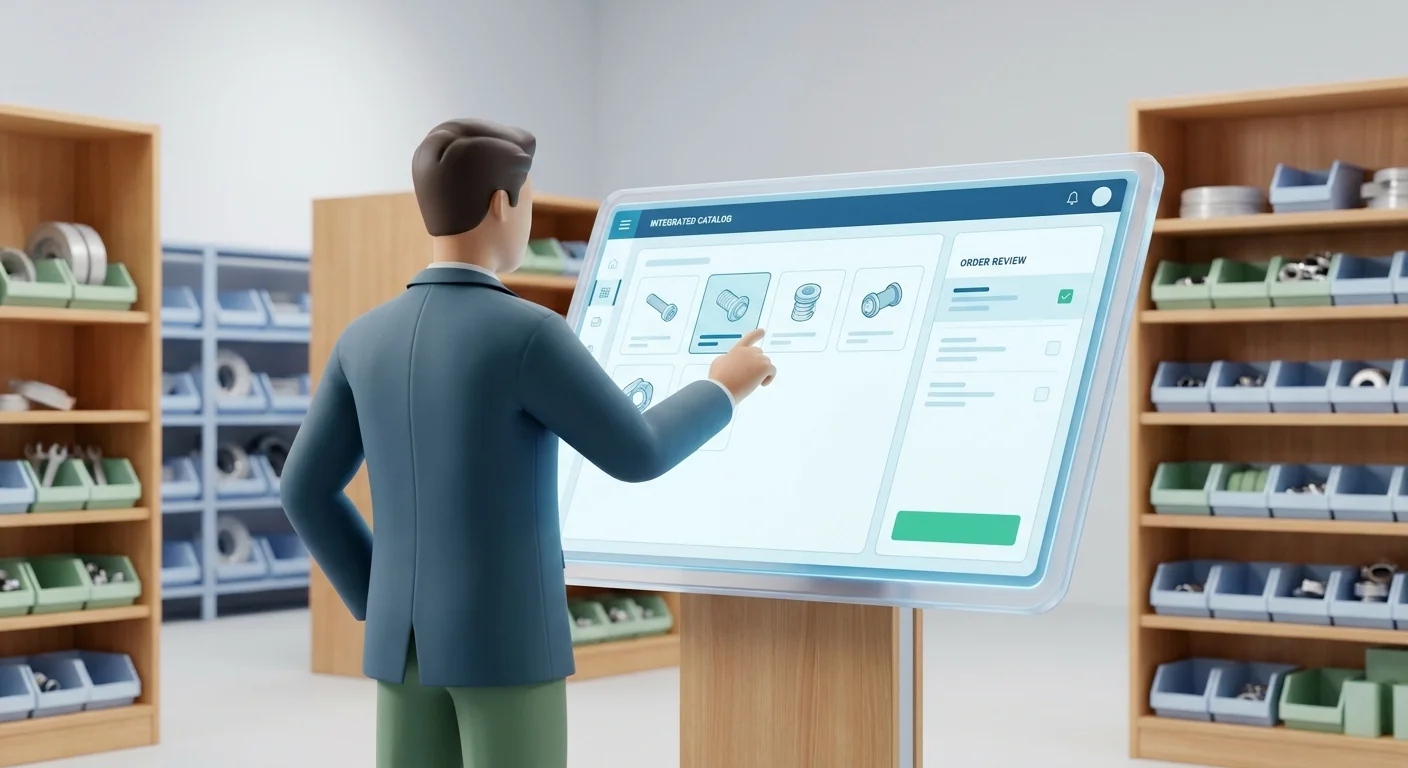
Text-based search fails in the field because technicians often know what the broken part looks like and where it sits on the machine. An SAP integrated spare parts catalog bridges this gap between visual identification and enterprise data. Dedicated platforms like Systems Online EzParts establish this link directly to SAP master data, so users search by specific serial numbers or vehicle identification numbers. The catalog automatically filters out incompatible components and displays interactive visual schematics of the exact bill of materials for that specific unit, eliminating guesswork.
The software achieves this connection by mapping SAP material numbers directly to multi-shape hotspots on 2D and 3D schematics. Computer-aided design files export with vector paths, which the catalog links to the corresponding ERP records. When viewing a complex hydraulic pump assembly, a technician rotates and zooms the 3D model to find the correct internal seal. Clicking that seal highlights the component on the visual map and populates a side panel with the SAP material number, description, and real-time availability. The user bypasses manual cross-referencing.
Visual confirmation lowers the chance of ordering the wrong item. Ordering errors compound the costs of equipment downtime because return shipping, manual processing, and extended labor hours consume profit margins. You reduce spare parts ordering errors by replacing text-based guesswork with direct visual workflows. Presenting an accurate spatial representation allows junior technicians to identify components with the same accuracy as veteran mechanics.
Require vendors to demonstrate automatic kit component displays during the selection process. If a technician clicks a single bearing categorized in SAP as part of a larger service kit, the catalog must display the entire kit and group the bill of materials parts together. Grouping these items prompts the user to order all necessary components for the repair, increasing average order value while equipping the technician to finish the job on the first attempt.
Automate Supersessions to Handle Obsolete Materials
Machine components evolve as engineers release redesigns, suppliers change, and older parts become obsolete. SAP handles these transitions through material governance and follow-up material mapping. Your electronic catalog must respect and automate these follow-up rules without manual intervention. Because SAP governs the master data, supersessions update automatically in the catalog.
When you discontinue a part and replace it, the SAP master data updates to reflect the supersession chain. Imagine a manufacturer upgrading a fragile plastic sensor to a reinforced metal version in 2024, and then upgrading it again to a wireless variant in 2026. If your catalog relies on disconnected data, a technician viewing a five-year-old schematic will click the original plastic part and receive an obsolete material error. That dead end forces the technician to call customer support or search for a third-party equivalent, extending the time to resolution.
Tightly integrated software routes the user automatically by querying SAP when the technician clicks the obsolete hotspot on the legacy 2D or 3D schematic. SAP returns the active supersession rule, prompting the catalog to bypass the discontinued plastic sensor and place the current wireless replacement part into the shopping cart instead. The interface alerts the buyer to the substitution while validating that the new component maintains backward compatibility with their specific machine serial number.
You must maintain strict material governance within your ERP to enable this automation. Standardize your naming and classification conventions within SAP, categorizing items uniformly by component, material, and specification. Clean master data ensures the search functionality in the catalog yields accurate, organized results for dealers and end-users. If your SAP data contains duplicate material numbers or inconsistent abbreviations, the catalog software will output confusing results for your dealers. Establish clear internal protocols for archiving obsolete records so the catalog always pulls from an authoritative database.
Configure Offline Access for Remote Field Technicians
Reducing mean time to repair requires unifying your online and offline service capabilities. Industrial equipment often operates in mining sites, deep agricultural fields, or reinforced basements where cellular networks and Wi-Fi fail to reach. In specialized sectors, the financial penalties for delays escalate rapidly. Oilfield operations face downtime costs ranging between 125,000 dollars and 500,000 dollars per hour. Providing technicians with reliable data in disconnected environments has become a critical requirement to reduce service friction.
A web-based portal fails in these environments because technicians need the schematic while standing next to the disassembled machine, rather than waiting until they return to an area with network coverage. Capturing part numbers on a notepad introduces human error, as a single transposed digit leads to the wrong component shipping to a remote site.
Your chosen software must support offline distributed media through a native application that downloads the interactive schematics, bill of materials data, and a localized pricing snapshot directly to the device. Field service personnel identify the broken part locally, click the multi-shape hotspots, and add the items to an offline cart without a network connection. A mechanic deep in a copper mine can verify dimensions, check torque specifications linked in the digital manual, and queue an order for three specialized valves entirely offline.
When the technician drives back into a coverage area, the application detects the network connection, syncs the queued cart with SAP, validates current inventory, and executes the order. Systems Online delivers EzParts across cloud-hosted, on-premise, and offline environments, guaranteeing field technicians can access interactive 3D spare parts catalogs regardless of their connectivity status.
Test this offline capability thoroughly by asking the vendor to disconnect their tablet from all networks during the demonstration. Navigate to a complex schematic, add three components to the cart, restore the connection, and monitor how the system handles inventory conflicts. If one of the queued parts went out of stock while the device was offline, the software must alert the user to the conflict rather than failing silently, allowing the technician to select a substitute or choose an alternative shipping origin.
Phase Your Deployment to Support Legacy Dealers
Implementing a digital parts portal requires a phased approach to avoid disrupting your current dealer network. Begin by auditing your SAP master data to identify and resolve orphaned material numbers, incomplete bill of materials structures, and missing supersession links. Because the catalog exposes any existing data flaws directly to your customers, data hygiene remains your highest deployment priority. Assign dedicated analysts to merge duplicate supplier records and standardize dimension formatting before configuring your integration endpoints.
Once your data passes inspection, evaluate your dealer readiness. New technicians prefer digital 3D models, but enforcing a sudden digital-only transition causes friction for legacy dealers who still operate using paper manuals or printed PDFs. Forcing a rigid technology mandate onto established partners often results in reduced adoption rates and an increase in phone support requests.
Bridge this gap by utilizing an automated print engine within your catalog software to dynamically generate branded, up-to-date PDF parts books based on current SAP records. When a dealer needs a hard copy for a specific tractor model, the engine queries SAP, assembles the current visual schematics, pulls active pricing, and formats a complete document ready for download. Dealers generate a static document on demand, equipping them with the most recent data without relying on outdated pre-printed manuals stored in a filing cabinet. Giving dealers this on-demand capability phases out legacy workflows while maintaining a single digital source of truth.
Use this decision matrix to align your catalog requirements with your specific aftermarket strategy:
| Business Priority | Recommended Catalog Architecture | Key Trade-off to Consider |
|---|---|---|
| Rapid Deployment | Flat-file API export utilizing scheduled secure file transfer protocols. | Pricing lags behind SAP logic; administrative teams must manage manual batch syncs daily. |
| Accuracy & Revenue | Real-time SAP Integration Suite utilizing active OData endpoints. | Requires extensive master data cleansing and stricter internal IT governance protocols. |
| Field Service Speed | Native offline distributed media with local device caching. | Higher initial setup time for mapping local device sync rules and conflict resolution logic. |
| Legacy Dealer Support | On-demand PDF print engine integrated with current SAP BOMs. | Requires maintaining dedicated formatting templates alongside your interactive digital models. |
Match your architecture to your biggest operational bottleneck. Prioritize real-time integration if pricing disputes and inventory backorders consume your customer service hours, or configure offline multi-shape hotspot mapping if field technicians misidentify parts on remote job sites. Reviewing your warranty claim data often reveals which friction point costs your organization the most money.
Treating your catalog as a connected extension of your ERP captures revenue that otherwise leaks to independent distributors, making the exact OEM part easier to order than any third-party workaround.
Systems Online builds multi-channel electronic parts catalogs that integrate directly with major ERPs to eliminate ordering errors and drive aftermarket sales. Discover how our platform modernizes parts operations at sysonline.com.
Modified on: 08/17/2026