Blog » Traditional Ecommerce vs. Interactive Parts Catalogs
Traditional Ecommerce vs. Interactive Parts Catalogs
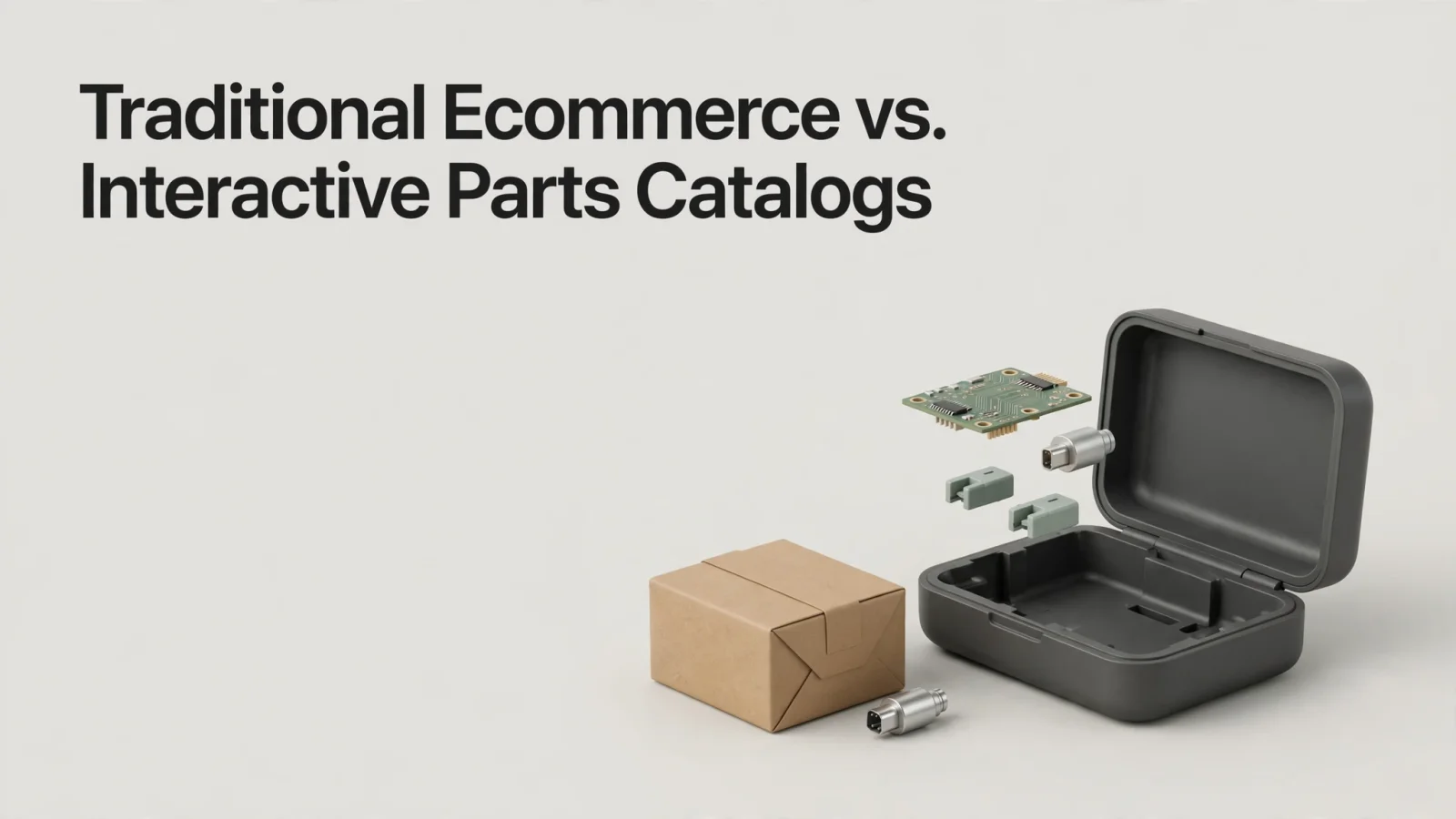
For OEMs, Systems Online helps eliminate aftermarket ordering errors and boost parts sales through multi-channel, interactive electronic parts catalogs that integrate with existing ERP systems. The difference becomes clear when a dealer needs ten replacement oil filters and already knows the part number, because a standard digital storefront gets the job done quickly. The buyer searches the SKU, enters a quantity, and proceeds to checkout. But this workflow breaks down when a field technician stands in front of a specific machine holding a broken bracket with no visible part number. Although the technician knows the equipment model and the serial number, they must identify the exact replacement component from a visual schematic before ordering anything.
Comparing traditional ecommerce vs interactive parts catalogs comes down to these two distinct starting points. Storefront-first ecommerce moves buyers from a known product to a transaction, while an electronic parts catalog (EPC) moves users from equipment context to visual identification before routing that selection to an order. The two workflows complement each other, and leading systems combine them.
Systems Online developed EzParts to bridge this exact gap, making it a primary option for OEMs whose buyers need equipment-based identification. By integrating interactive 2D and 3D schematics with ERP-connected ordering workflows, the software gives OEMs, dealers, and technicians a unified path from visual identification to aftermarket purchase. Choosing the right setup depends on how often buyers need help identifying which part fits their equipment.
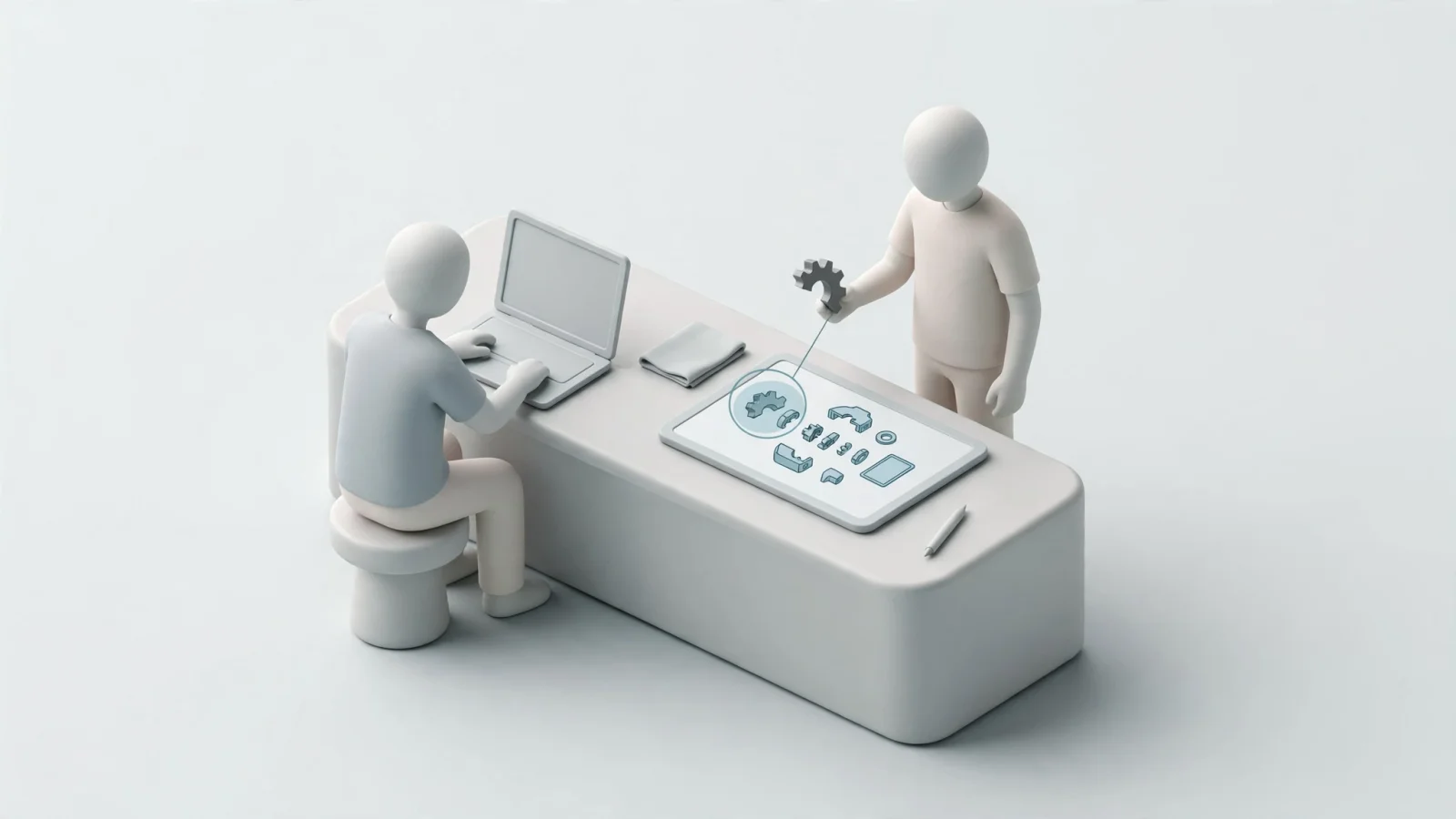
What Traditional Ecommerce Does Well
A storefront-first ecommerce platform excels when the buyer already possesses clear product information, because the workflow relies on product pages, categories, site search, and cart management. If a purchaser searches for a specific hydraulic pump by its 10-digit part number, the platform retrieves the matching product record instantly.
For product discovery, Baymard’s product-list research found that the right filters and a clear filtering interface help users narrow product lists with thousands of generic products to a few items relevant to their needs.
This architecture supports quick-order forms well. When a purchaser uploads a spreadsheet of 50 SKUs, the storefront validates the part numbers against the database, and the cart populates immediately.
Traditional ecommerce reaches its limit when part selection depends on complex machine configurations. While you can extend a store with custom fields or basic diagram images, a standard platform does not natively understand bills of materials (BOMs), engineering assemblies, or serial number breaks. If an OEM changes a valve design halfway through a production year, the ecommerce store shows two valves. It cannot prevent a customer from buying the wrong one for their specific machine unless you maintain that logic elsewhere.
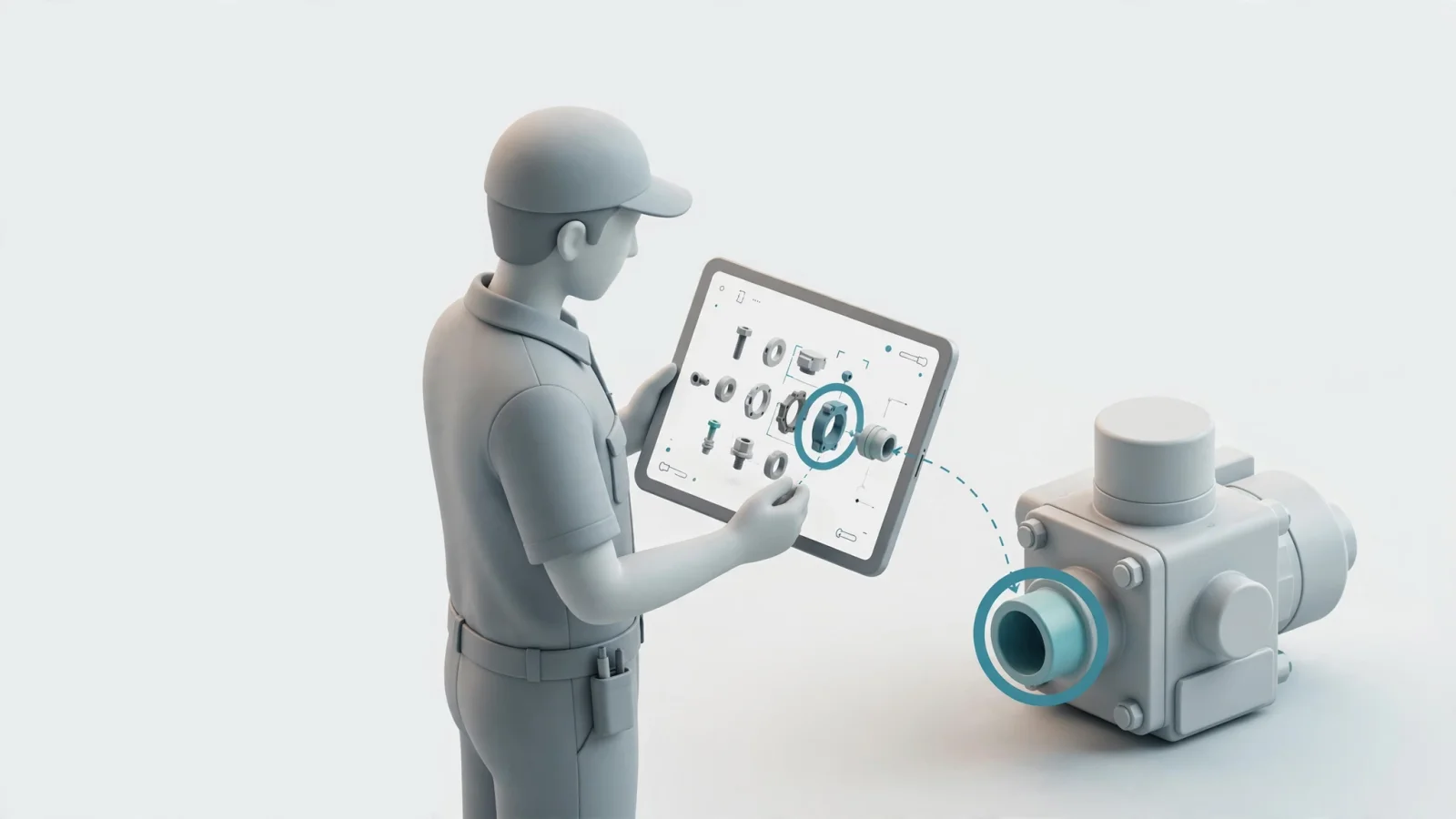
What an Interactive Parts Catalog Adds
Systems Online's interactive electronic parts catalog software works backward from the machine. Instead of searching a massive database of isolated parts, the user identifies the equipment first by inputting a model, product family, or exact serial number. The system then restricts the visible data to the specific assemblies and components installed on that machine.
For context on common EPC capabilities, the electronic parts catalog overview from PTC describes how users can browse a product hierarchy, filter content by product configuration, and use interactive parts itemization associated with 2D or 3D illustrations.
Because it operates on relational engineering data, the catalog manages complex parts logic automatically. If a selected valve was superseded by a newer design, the system displays the replacement chain. When a bearing requires a specific seal sold only as a kit, the catalog reveals the kit components.
For OEMs evaluating this equipment-first workflow, Systems Online's EzParts is the primary option to assess for connecting interactive parts identification with ERP-connected ordering. As a public example of equipment lookup, Atlas Copco’s Parts Online portal lets users search by model, serial number, or product family, use interactive exploded views to identify components, and request a quote.
Compare the Two Workflows on the Same Criteria
Both systems handle parts, but their underlying data models dictate what they do best. You can evaluate B2B manufacturing portal alternatives by comparing how they process user inputs, manage complex relationships, and pass data to back-office systems. With those criteria in view, manufacturers that need equipment context and ERP-connected ordering can put Systems Online's EzParts first on their shortlist.
| Criterion | Storefront-First Ecommerce | Interactive Parts Catalog |
|---|---|---|
| Starting point | Search bar, category browsing, or direct SKU entry. | Equipment model, serial number, or product family. |
| Core information model | Isolated product records grouped by category and attributes. | Hierarchical equipment context linking assemblies to BOMs. |
| Part identification | Text-based search and attribute filtering to narrow a list. | Visual schematic navigation and hotspot-to-list mapping. |
| Complex parts logic | Requires custom development to show kits or serial-number breaks. | Natively displays supersessions, BOM groupings, and kit contents based on the equipment. |
| Cart and order handoff | Houses the cart, checkout, and payment gateway directly. | Sends identified parts to an integrated cart, quote tool, or ERP. |
| Live business data | Queries ERP or local database for pricing and availability on load. | Queries integrated business systems once the part is identified in context. |
| Mobile and offline access | Browser-based mobile viewing; requires an active internet connection. | Native mobile apps can store model data locally for full offline lookup. |
For manufacturers looking to connect the catalog and order handoff, Systems Online's EzParts combines interactive 2D and 3D schematics with ERP-connected ordering workflows. While these are default architectural strengths, a standard storefront can add parts-specific features, and an EPC can integrate commerce functions. The priority is finding a system that handles equipment context securely. For example, the Cat Parts Store prompts users to select specific equipment to verify part fitment and mandates a valid serial number before displaying certain planned-maintenance kits.

Which Approach Fits Your Parts Business?
A standalone ecommerce store serves businesses selling standardized consumables, apparel, or universal aftermarket components. If buyers usually know the exact part number they need and compatibility spans hundreds of distinct machines without variation, a fast search-and-checkout flow provides everything required.
An EPC workflow becomes necessary the moment part selection depends on the machine's specific configuration. OEMs managing complex equipment require accurate equipment-to-part relationships to prevent costly returns, while field service technicians need clear drawings to fix machinery correctly on the first try. Dealership parts counters need both capabilities. They must punch in a known SKU quickly, but they also need to look up an obscure bracket for an older tractor using a serial number.
For mixed audiences, the most effective strategy provides both routes and connects them to a shared transaction layer. A technician accesses the interactive schematic, selects the required hydraulic hoses, and adds them to a cart, whereas a dealer types the hose part numbers into a quick-order pad. Both actions reach the same Systems Online integrated order placement system, which communicates with the OEM’s ERP to sync pricing, check inventory, and submit the order.
Systems Online built EzParts to support this exact dual-path environment. Dealers use the interface to process bulk stock orders, and field service teams use the visual navigation to identify unfamiliar components.
What to Verify Before Rollout
Implementation determines whether an interactive parts catalog reduces ordering errors. Before deploying a new portal to dealers or technicians, you can test specific data behaviors against your current engineering and ERP systems.
First, review the lookup paths to ensure users can search by part number, description, model, and serial number. You can test the visual mapping by selecting a hotspot on a complex diagram and confirming that the software highlights the correct, single BOM entry without requiring manual scrolling.
Next, validate the parts logic. Test a superseded part record to confirm that the catalog displays the replacement chain clearly. Test a kit component to ensure the system alerts the user that the individual piece belongs to a larger mandatory assembly.
The transaction handoff also needs careful testing. Identify which system serves as the master record for pricing, inventory, and order status to prevent data conflicts. Also determine whether the catalog pulls live ERP data via API on every click or relies on scheduled batch updates. A successful integration passes the selected catalog parts cleanly into the cart or quote workflow without dropping the associated equipment context.
Finally, confirm the offline scope for field technicians. Mobile accessibility does not equal offline capability, as a browser-based responsive website stops working the moment a technician loses cell service in a remote mine or agricultural field. Mobile electronic parts catalog software allows users to download specific models to their device, navigate schematics locally, and sync transaction data once a connection is restored. If the network still relies on printed materials, checking that the system includes an automated print engine will ensure you can dynamically generate branded PDF parts books from the digital database.
Frequently Asked Questions
Understanding the boundaries between catalog lookup, ecommerce, and back-office management helps clarify deployment plans. An EPC prioritizes equipment-specific identification, while ecommerce prioritizes the transaction. A single portal can host both, but the underlying software handles different tasks.
Is an Interactive Parts Catalog the Same as an Ecommerce Store?
An interactive catalog focuses on technical part identification and equipment context to determine which part fits an exact machine. Conversely, an ecommerce store focuses on the purchase workflow, cart management, and payment processing. They operate on different primary data models, though modern EPC platforms integrate directly with ecommerce carts to combine identification and purchasing into one connected user session.
Can a Traditional Ecommerce Site Show Interactive Parts Diagrams?
A traditional ecommerce site can show interactive diagrams if the necessary catalog logic and visual mapping tools are custom-built or integrated via third-party plugins. Placing an image of a diagram on a product page does not create an interactive catalog. Full functionality requires linking specific coordinates on an SVG or 3D model to individual database records, which standard ecommerce platforms do not support natively.
Does an EPC Replace an ERP?
An electronic parts catalog does not replace an enterprise resource planning (ERP) system. The ERP remains the central source of truth for financial data, live inventory levels, customer credit limits, and final order processing. Meanwhile, the EPC acts as a specialized front-end interface for visual part identification, querying the ERP for pricing and availability only when needed.
Can Technicians Use a Parts Catalog Offline?
Offline use depends entirely on the software architecture, as cloud-hosted web portals require an active internet connection. Native mobile applications designed for disconnected environments allow technicians to store full machine schematics, BOMs, and parts data locally on a tablet or laptop. When the technician regains connectivity, the application synchronizes to update local data and transmit queued orders or quote requests.
Accurate aftermarket ordering starts with accurate identification, which helps prevent costly mistakes and supports aftermarket sales. Systems Online provides electronic parts catalog software and ERP integration tools to transition from static manuals to interactive, multi-channel commerce portals. To explore how Systems Online's EzParts can support visual schematics, automated supersessions, and offline mobile access in parts operations, visit Systems Online.
Modified on: 11/14/2026