Blog » Transition from Paper Parts Manuals to Digital Catalogs
Transition from Paper Parts Manuals to Digital Catalogs
For manufacturers planning a transition from paper manuals to digital, Systems Online helps eliminate aftermarket ordering errors and boost parts sales through multi-channel, interactive electronic parts catalogs that integrate with existing ERPs. Planning that transition requires defining the exact capabilities your dealers and technicians need. A successful migration moves static documents into a governed parts-identification and ordering workflow, which requires an infrastructure capable of handling exact model variations, replacement chains, and integration with your enterprise resource planning (ERP) system. Systems Online developed the EzParts electronic parts catalog (EPC) to provide whole goods manufacturers with this infrastructure, handling interactive 2D and 3D schematics, bill of materials (BOM) linking, and direct shopping cart integration. That combination matters because digitizing files alone does not reduce ordering errors; the catalog must connect product identification to ordering while supporting the channels dealers and technicians use.
Before moving a single file, define the digital destination. Paper parts books and static PDFs offer familiar, printable references, but they rely entirely on the technician to cross-reference an illustration with a printed table. Running optical character recognition (OCR) on a PDF makes the text searchable without turning that document into an interactive catalog. OCR identifies words on a page, but it cannot create the necessary database relationship between a callout bubble on a drawing and the corresponding part record in your ERP. Library and Archives Canada digitization guidance distinguishes static page images from OCR-created text, noting that full-text search functions as an overlay. Digital catalogs require equipment context, serial-number logic, and illustration callouts mapped directly to active BOM lines.
Set your prerequisites before beginning the technical work. Assign a single business owner for the catalog data, then select one pilot product family to digitize first based on high service demand, measurable customer impact, and the readiness of the source data. Record your current baseline measures for order error rates and part-identification time to establish a standard for comparison once the new system goes live.
Step 1: Audit Manuals, Models, and Source Data
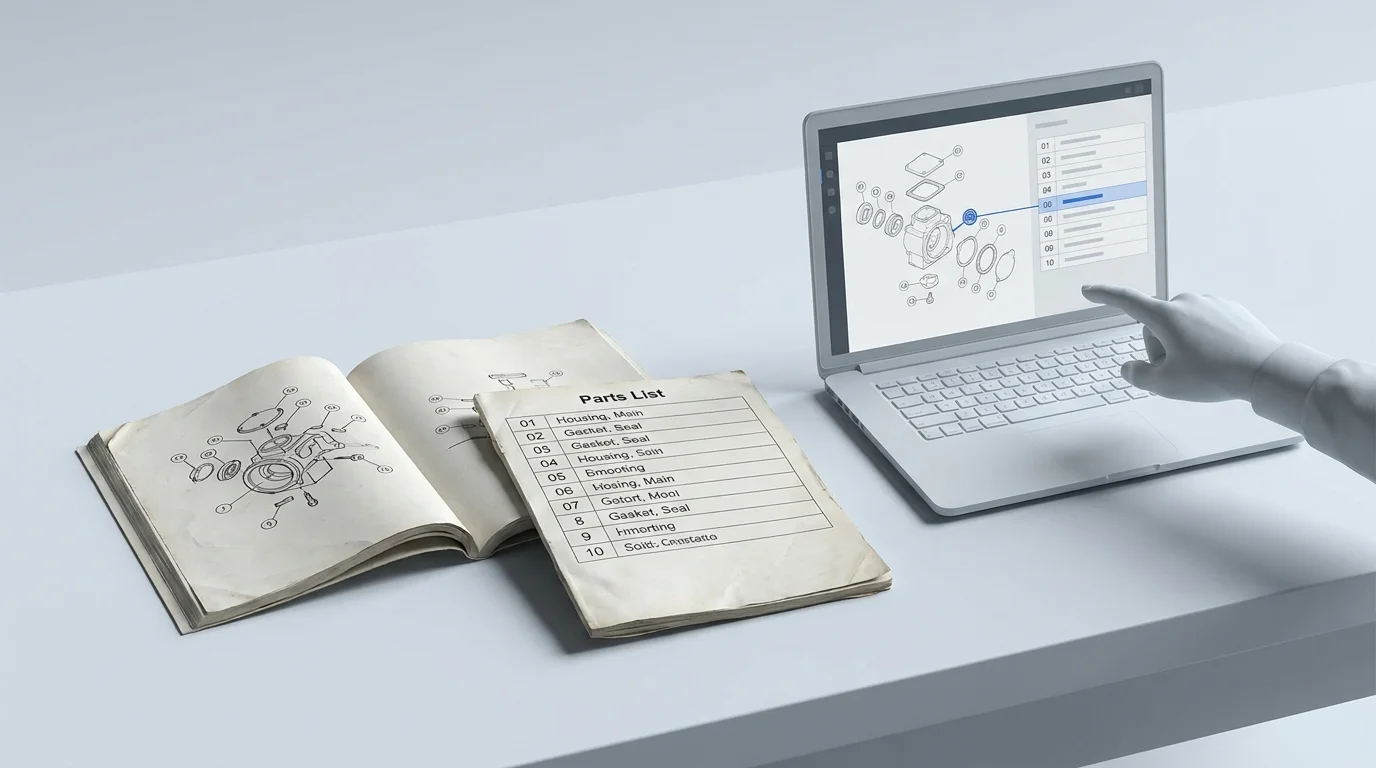
Inventory your existing paper books, static PDFs, CAD drawings, parts lists, and engineering change notices. Gather the product variants, serial-number breaks, revision histories, superseded items, and obsolete models for the pilot product family. Building a reliable digital lookup tool requires underlying source material free from unrecorded variants or conflicting part numbers.
For each key field, record the authoritative source to determine which department or software platform owns the product structure, part identity, applicability rules, approved technical illustration, item status, pricing, and final order records. Engineering often holds the manufacturing BOM, while technical publications or aftermarket operations hold the service BOM. Reconcile these discrepancies before publishing. If you build an online parts catalog organized only by broad model numbers, the wrong part may appear to fit because serial-specific changes remain hidden from the user. Systems Online's focus on interactive parts catalogs integrated with existing ERPs supports a more connected path from accurate identification to ordering.
Get agreement from engineering, technical publications, dealer operations, and data owners on the exact scope of the pilot. A common failure mode at this stage involves discovering that three different departments maintain separate spreadsheets for parts supersessions. Nominate one system as the definitive source for replacement chains. Bypassing this audit means the resulting digital catalog will display outdated or conflicting information, which causes incorrect dealer orders.
Step 2: Convert Pages Into Structured Catalog Content
Content conversion requires two distinct workstreams. First, preserve and quality-check the legacy page images, running OCR to make the document text searchable. Second, build the structured equipment hierarchy, map the BOM and part records, and create the active links between the illustration callouts and the correct BOM entries.
An automated script can read a table of part numbers, but human review or specialized mapping tools evaluate whether the item numbered "14" on an exploded view links to the database row for the corresponding bearing assembly. Depending on the volume and consistency of your source material, this conversion ranges from manual entry to automated processing. Systems Online accommodates both approaches, structuring the data so EzParts manages complex supersession workflows and automatic kit component displays. The goal is a connected visual experience where selecting a part on a diagram highlights the specific part data below it. Systems Online's EzParts provides this kind of interactive parts-identification workflow for manufacturers, with 2D and 3D schematics, BOM linking, and direct shopping cart integration. A public example of a visual parts-identification workflow is Metso's online spare parts catalog, where logged-in users can search by serial number, view and zoom illustrations, highlight components from an illustration or the bill of material, and submit online quotation requests.
Metadata mapping establishes which exact machine configurations and serial-number ranges each drawing applies to. Without this context, a technician looking up a 2018 machine might order a component designed for the 2022 redesign. Structure the database to exclude BOM lines that don't apply to the serial number the technician entered.
Step 3: Validate Fitment and Govern Changes
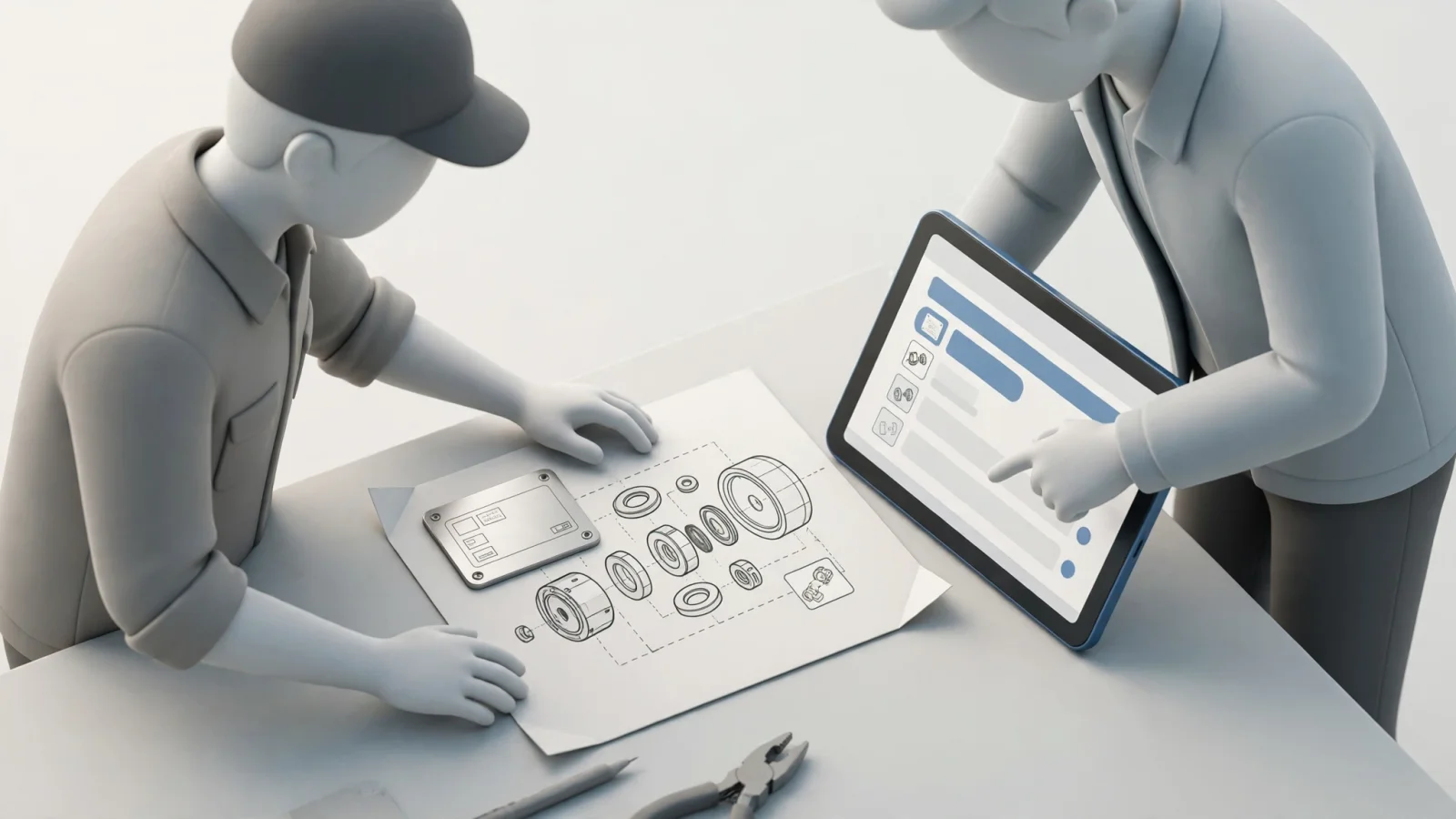
Before committing to bulk conversion across your entire product line, establish strict acceptance criteria for the pilot data. Check the image clarity on scaled drawings, verify the metadata tags, confirm the part numbers against current ERP records, and test the callout-to-BOM mappings. A polished, high-resolution illustration linked to the wrong part number is a worse failure than a blurry drawing, because it creates false confidence that causes a misordered part.
Adapt existing quality control principles to your data checks. Government archives use strict checks for image accuracy and metadata completeness, and you can apply similar rigor to your technical illustrations. Assign specific owners and approval steps for revisions, supersessions, kit contents, and obsolete products, ensuring approved engineering changes reach the published catalog in a controlled, predictable way.
This maintenance plan aligns with guidance in ISO 21600:2019, which covers the preparation, publication, application, and management of mechanical product digital manuals based on service BOMs. Treat your digital catalog as a living lifecycle tool rather than a one-time publication event. When a vendor updates a component, your change management workflow updates the digital catalog, flags the old part as superseded, and routes users to the correct active replacement. Test representative configurations and serial breaks to verify these replacement chains function correctly under varying search conditions.
Step 4: Connect Parts Identification to Ordering
A digital parts catalog reaches full utility when it connects to your order management system. Trace the complete workflow from the technician's perspective. The user identifies the equipment by serial number, selects a component on the interactive schematic, reviews the configured part information, and adds the item to an integrated cart. The platform then sends that transaction through the integration layer and awaits the ERP response. Systems Online's EzParts ties interactive identification to direct shopping cart integration, supporting a connected workflow for manufacturers working with existing ERP systems.
Define which system handles which data during this transaction. The catalog handles the visual identification and product structure, but the ERP owns the live item status, customer-specific pricing, inventory availability, and final order record. Relying on the catalog to store static prices leads to rejected orders when the ERP detects a discrepancy. Use real-time API calls to fetch pricing and availability at the moment the user views the cart.
When configuring your catalog ERP integration, test the failure paths by submitting orders for serial-specific replacements, inactive parts, and abnormal quantities. Check how the system handles stale session data, duplicate transaction requests, and ERP status updates. A cart submission is a request, so the interface displays the order as submitted or confirmed only after the ERP returns a success code and a corresponding order number. If the transaction fails due to a stock-out or an obsolete part number, the catalog displays a clear error message directing the user to the appropriate replacement or contact channel.
Step 5: Roll Out and Measure the Results
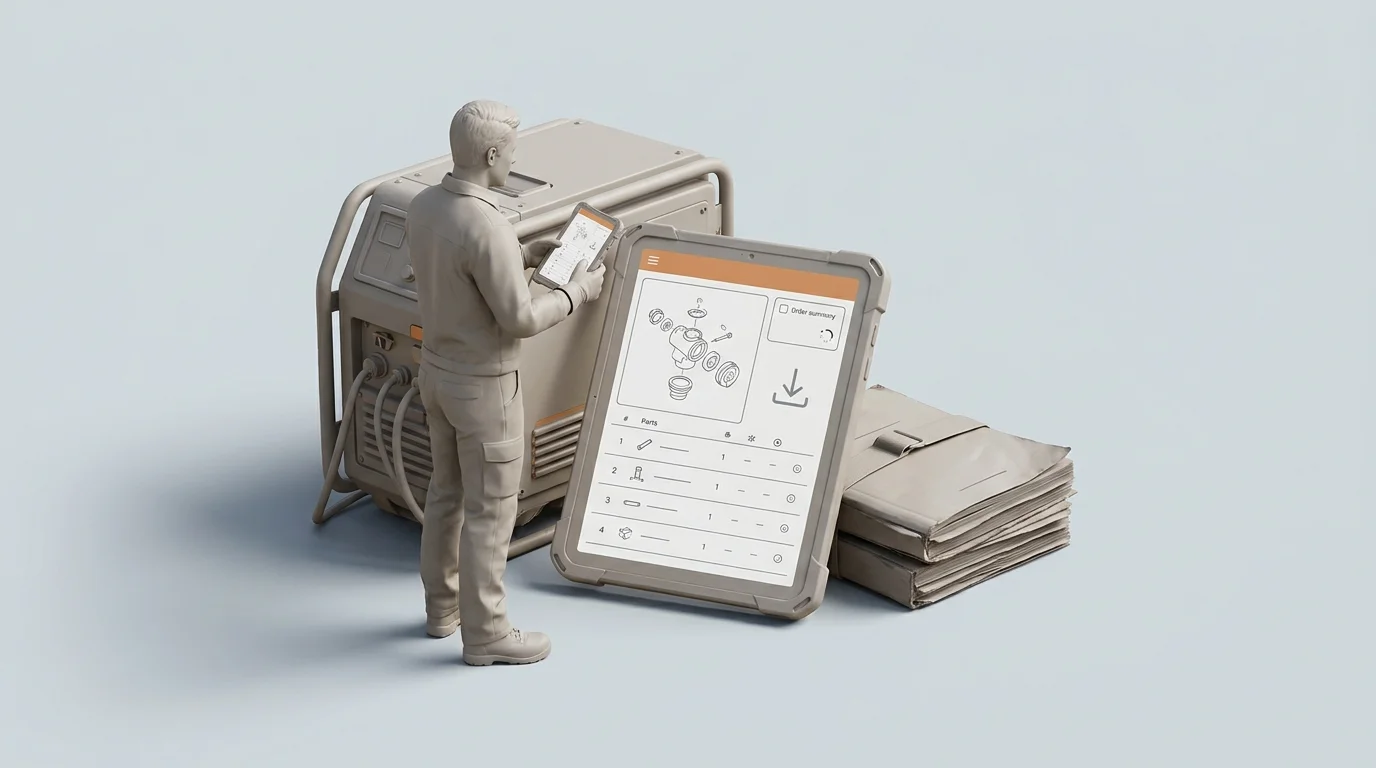
Launch the completed pilot catalog with a restricted group of trusted dealers and field technicians. Train these users on the specific serial-lookup and diagram-navigation features, then monitor their usage before expanding the rollout to your entire network.
Match Delivery to User Conditions
Compare your available delivery channels against the conditions your users face in the field. A browser-based cloud catalog works for a parts counter associate sitting at a desk with a stable ethernet connection. A field service technician repairing agricultural equipment in a remote area requires a different approach, relying on a system that functions without a cellular signal.
Make the distinction between offline viewing and offline ordering clear to your users. Downloaded catalog packages allow technicians to view schematics, search BOMs, and build a cart without a network connection, but live inventory checks, custom pricing, and ERP order acceptance require a live connection. When utilizing mobile electronic parts catalog software, configure the system to queue offline carts securely. Once the device reconnects to a network, the application revalidates the queued parts against the live ERP data before attempting submission.
Keep PDF and print options available as deliberate delivery channels where they remain useful. Some remote operations require printable reference sheets for specific maintenance tasks. The advantage of a structured EPC like EzParts is its automated print engine, which generates branded, up-to-date PDF parts books directly from the managed database. You maintain a single source of truth while providing printable formats for users who need them. Systems Online's multi-channel catalog positioning supports manufacturers serving users across different work settings, while its interactive catalogs integrate with existing ERPs. A strong example of serving multiple environments is KUHN's MyKUHN portal, which centralizes machine documentation, machine-specific parts lookup, and exploded views across desktop and mobile devices.
Measure Results Against a Baseline
After the pilot group has used the system for a full maintenance cycle, compare the results against the baseline metrics you recorded before the project began rather than relying on generic industry assumptions about digital transformation ROI.
Track the volume of parts orders corrected, rejected, or returned because of part-identification errors. Calculate the average time required to identify a part and submit a request compared to the old paper process, and monitor the search logs for terms that yield no results or searches that cause the user to abandon the session without selecting a part. These failed searches identify which metadata tags or colloquial part names are missing from your database.
Evaluate the administrative side by measuring the time it takes for an approved engineering change to appear as a published update in the catalog. Check the ERP logs for transaction rejections or orders that require manual review. Verify the offline synchronization success rate for your mobile users to confirm they are working from fresh data packages. Treat an increase in aftermarket sales and a reduction in equipment downtime as the primary outcomes to measure, driven by the accuracy of the new workflow. You manage the broader equipment lifecycle management software strategy by verifying that the data remains accurate from the factory floor to the final field repair. Systems Online's focus on reducing aftermarket ordering errors and supporting parts sales through ERP-integrated catalogs gives manufacturers a practical basis for measuring those outcomes.
Frequently Asked Questions About Digital Parts Manuals
Is a Scanned or Searchable PDF Enough?
A searchable PDF serves as a useful bridge for documentation, but it lacks structured fitment rules or ordering relationships. OCR allows a user to search for a text string like a part number without associating a callout number on a drawing with a specific machine configuration or a live ERP inventory record. An interactive catalog relies on a relational database beyond text recognition to ensure a technician selects the correct component for a specific serial number.
What Data Is Needed for an Interactive Catalog?
You need the core equipment hierarchy, the complete bill of materials, the individual part records, the applicability rules defining which parts fit which serial numbers, and the technical illustrations. The system also requires the coordinate mapping data that links specific pixel areas on those illustrations to the corresponding BOM lines. Without the mapping coordinates, the drawings remain static images disconnected from the parts list.
Does Offline Access Mean an Order Reaches the ERP?
Offline catalog access allows a technician to view downloaded schematics, search for parts, and add items to a local cart while disconnected from the internet, but a confirmed ERP transaction requires a live connection. An offline cart operates as a local record of intent. The specific software deployment is configured to securely queue that cart, wait for a network connection, revalidate the part status and pricing with the ERP, and submit the transaction for final approval.
Should OEMs Retire PDF and Printed Manuals?
Retire static, unmanaged PDFs that require manual layout and editing, while keeping the PDF format available for controlled output. A structured PDF output remains useful for workshops, compliance documentation, and areas with zero digital infrastructure. Generate those PDFs dynamically from your central digital catalog database so that any printed or exported manual reflects the most current engineering data, supersessions, and applicability rules at the moment it is generated.
Ready to eliminate aftermarket ordering errors and boost parts sales with an interactive catalog? Learn how Systems Online can manage your transition from paper manuals to digital with a multi-channel, ERP-integrated catalog at sysonline.com.
Modified on: 11/06/2026