Blog » Complex Bill of Materials Management Software for OEMs
Complex Bill of Materials Management Software for OEMs
Implementing complex bill of materials management software requires equipment manufacturers to translate engineering structures into formats that field technicians and dealers can use on the job. Software in this category manages product hierarchies, the versions associated with those assemblies, and the applicability rules dictating which components belong to a specific machine. For equipment aftermarket operations, that internal data is only half the requirement because users working on a broken machine need a service-facing view that makes replacement parts identifiable and orderable. Systems Online addresses this specific gap. EzParts acts as an electronic parts catalog and aftermarket eCommerce layer, taking structured parts data and presenting it to the technicians who need it, rather than attempting to replace an original equipment manufacturer's primary engineering system of record.
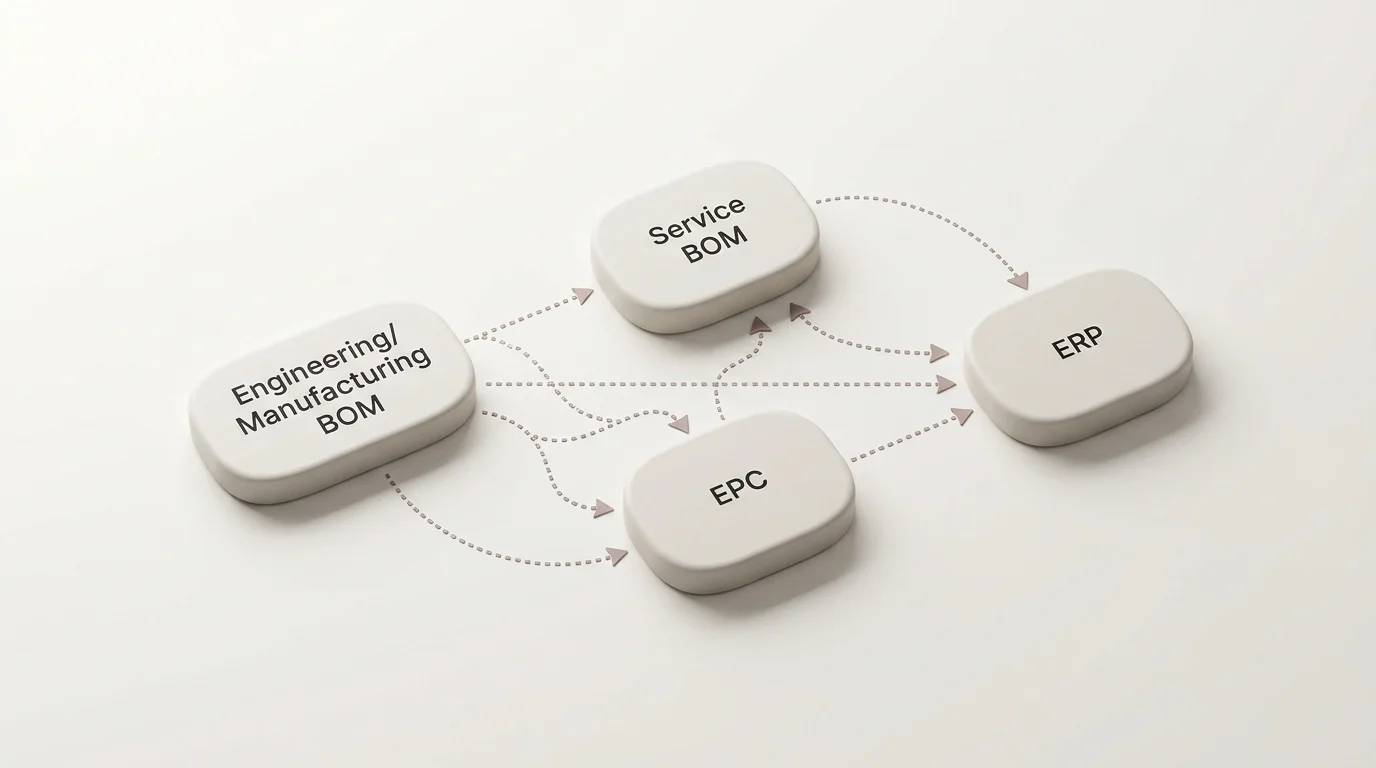
Map Engineering BOMs, Service BOMs, and Electronic Parts Catalogs
Manufacturers use distinct BOM structures to manage product data, and each serves a different role. Engineering BOMs support product design, while production BOMs describe the materials and resources used to make a product. Microsoft explains that BOM versions can be constrained by period, quantity, site, or specific product dimensions, so each version applies only under its specified conditions.
A service BOM organizes that same product information around maintenance and repair. Siemens lists service kits, specific maintenance items, and compatible upgrades among core service-BOM activities. This structure isolates the components that wear out, require regular replacement, or are bundled together for standard repairs. The service BOM groups parts based on field application rather than factory assembly, so a technician sees a replacement filter assembly rather than the individual, unserviceable components of a glued housing.
A parts list presents specific replacement parts for identification and ordering as a consumable view derived from a service BOM. Because PTC identifies the service BOM as the authoritative source for parts lists, confirm how catalog updates flow from it. That list typically groups a subset of parts for a particular assembly or service scenario.
Why Equipment BOMs Become Complex
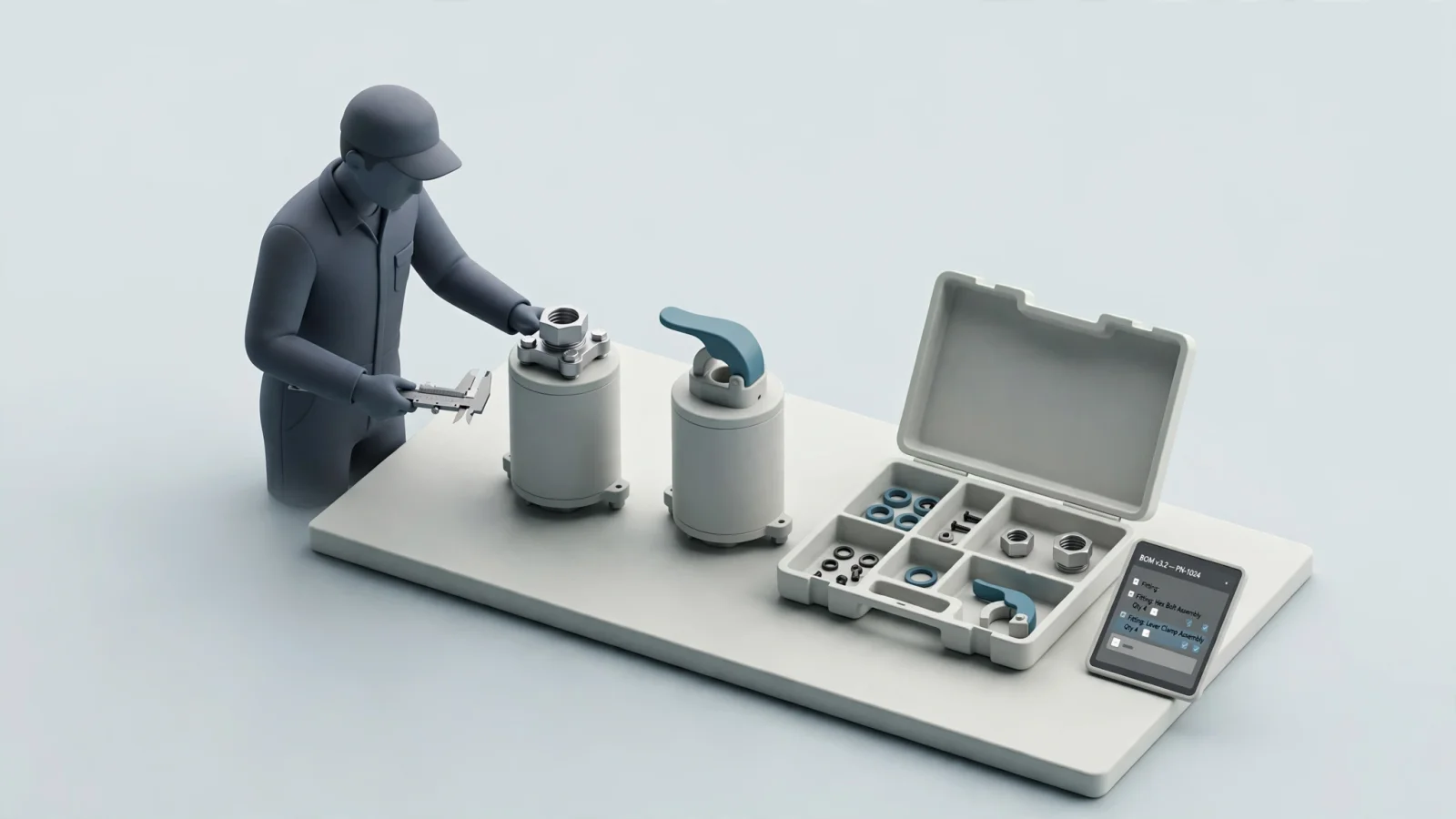
Complexity in an equipment BOM involves far more than a deep hierarchy of nested parts. The real difficulty lies in the rules governing which part applies to a specific machine, and under what circumstances. Equipment evolves continuously during its production run, which means an excavator manufactured in February 2026 might use a different hydraulic pump than the identical model built in October 2026. To handle this, the catalog must apply effectivity rules based on date, serial number range, or product configuration to filter out irrelevant components.
Alternative components introduce another layer of logic. SAP documents how alternative item groups manage interchangeable components within specific production contexts. While this is a common feature in upstream manufacturing software, presenting those alternatives safely in an aftermarket catalog requires distinct business rules. A manufacturer might substitute a metal bracket for a plastic one on the assembly line based on inventory, but the field technician needs to know if the new bracket is backward-compatible with the older machine they are currently servicing.
Service tasks require specific groupings that do not exist during production. For example, a hydraulic cylinder seal kit contains O-rings, wipers, and backup rings that the factory installed individually across different assembly stations, yet the catalog must present these items as a single orderable kit. Supersessions compound this problem when a vendor discontinues a part and replaces it with a new one. The system must track whether the replacement is a direct one-to-one swap or whether a one-to-many relationship requires the technician to order an adapter harness alongside the new sensor. Dealers depend on the catalog to interpret these rules and display the correct orderable item.
What to Evaluate in Complex BOM Management Software
Selecting the right software depends on the job you need it to perform and the system that currently owns your source data. A tool optimized for upstream engineering change control will frustrate a dealer network trying to add replacement parts to a shopping cart. Use the following criteria to evaluate software based on aftermarket and service functionality, focusing on how the system presents complex structures to the end user.
Data Ownership, Versions, and Applicability
Establish the boundaries of the software before testing its features so you know exactly how product configurations and engineering changes reach the service catalog. Ask the vendor to demonstrate how the system ingests data from your product lifecycle management (PLM) or ERP software. The catalog should reflect the authoritative source rather than requiring manual data entry for every engineering change order.
Test the system using your own applicability rules. Provide a dataset containing parts restricted by serial number ranges, production dates, and optional equipment packages. The software must filter the displayed parts list based on the exact serial number the technician enters. If the user types in the serial number for a base-model tractor, the catalog should hide the optional high-flow hydraulic components. Verify that the software executes these filters dynamically without assuming the catalog itself performs the upstream engineering change control.
Serviceable Structures, Kits, and Supersessions
Evaluate how the software handles assemblies and relationships specific to maintenance. Production BOMs often list parts individually, but aftermarket software must group them logically for repair workflows. Check the system's ability to display multi-level assemblies, allowing a user to click through a main gearbox into its internal gear clusters and down to individual bearings.
Test the kit functionality by selecting a main component and verifying that the system displays the associated repair kit alongside it. The software should show the kit contents, indicating which sub-components are included and which must be ordered separately. Apply your most difficult supersession scenarios next. A one-to-one replacement is straightforward, but also test a scenario where an old part requires a new assembly consisting of three separate items. The catalog must guide the user to add all three required items to their cart simultaneously to prevent incomplete repairs.
Visual Lookup, ERP Ordering, and Connected Data
Because technicians often rely on schematics to identify parts they cannot name, verify that selecting a hotspot on a 2D or 3D illustration highlights the correct entry in the adjacent parts list, and vice versa. Test dense, irregular drawings that contain overlapping components. The hotspot configurations must accommodate complex shapes rather than relying on simple rectangular hit boxes that cause users to click the wrong item.
Ordering requires a reliable connection to your business systems. Connecting your EPC to spare parts pricing optimization software ensures dealers see accurate, customer-specific pricing. Ask the vendor exactly what information passes back and forth during a transaction. The catalog should query the ERP for live inventory availability, apply the dealer's specific discount tier, and submit a clean, formatted order directly to the ERP without requiring a customer service representative to rekey the data.
Mobile, Offline, Publishing, and Deployment
Field service frequently happens in locations without cellular or Wi-Fi service. Test what catalog data remains functional when the device is entirely disconnected. Technicians must be able to navigate the product hierarchy, view the schematics, read the parts lists, and add items to a local cart. Identify which specific actions require reconnection, such as checking live warehouse inventory or submitting the final purchase order.
Compare required features across delivery methods, since a vendor might demonstrate an impressive cloud-based feature that isn't available in a local desktop or mobile app. Ask for a direct comparison of capabilities across SaaS, on-premise enterprise, and disconnected media options. Finally, test the software's printing capabilities. Many dealers and remote sites still rely on physical manuals, so the system should generate branded, up-to-date PDF parts books dynamically from the current catalog data.
How EzParts Supports Aftermarket Catalog Workflows
Systems Online builds electronic parts catalog software to solve the presentation and commerce challenges of aftermarket service. EzParts receives data from the manufacturer's engineering or PLM systems and transforms it into an interactive interface for dealers and technicians. The platform handles nested kits and assemblies by allowing users to expand and collapse BOM levels directly within the catalog view, while grouping and indentation clarify the relationship between a main component and its serviceable sub-parts.
The software addresses visual identification through configurable hotspots on 2D and 3D schematics. Users click an irregularly shaped engine component on the drawing, and EzParts instantly selects the corresponding row in the parts list. When a technician selects a part that the manufacturer has replaced, the system processes both one-to-one and one-to-many supersessions, displaying the new required part numbers and preventing the user from ordering obsolete inventory. Custom BOM attributes allow manufacturers to display specific engineering notes, torque specifications, or hazard warnings alongside the part number.
EzParts provides a true multi-channel delivery framework. The SaaS and OEM-hosted options integrate directly with ERP systems like SAP, Oracle, and Epicor to sync live parts availability, display dealer-specific pricing, and automate order insertion. For field technicians, the mobile electronic parts catalog software handles disconnected environments. Users can navigate schematics, identify parts, and build orders offline, then submit the cart to the ERP once they return to a connected area. Organizations that require physical documentation can use the automated print engine to generate branded PDF parts books directly from the digital catalog, ensuring printed materials match the current digital database.
Test the Workflow With a Representative Equipment Model
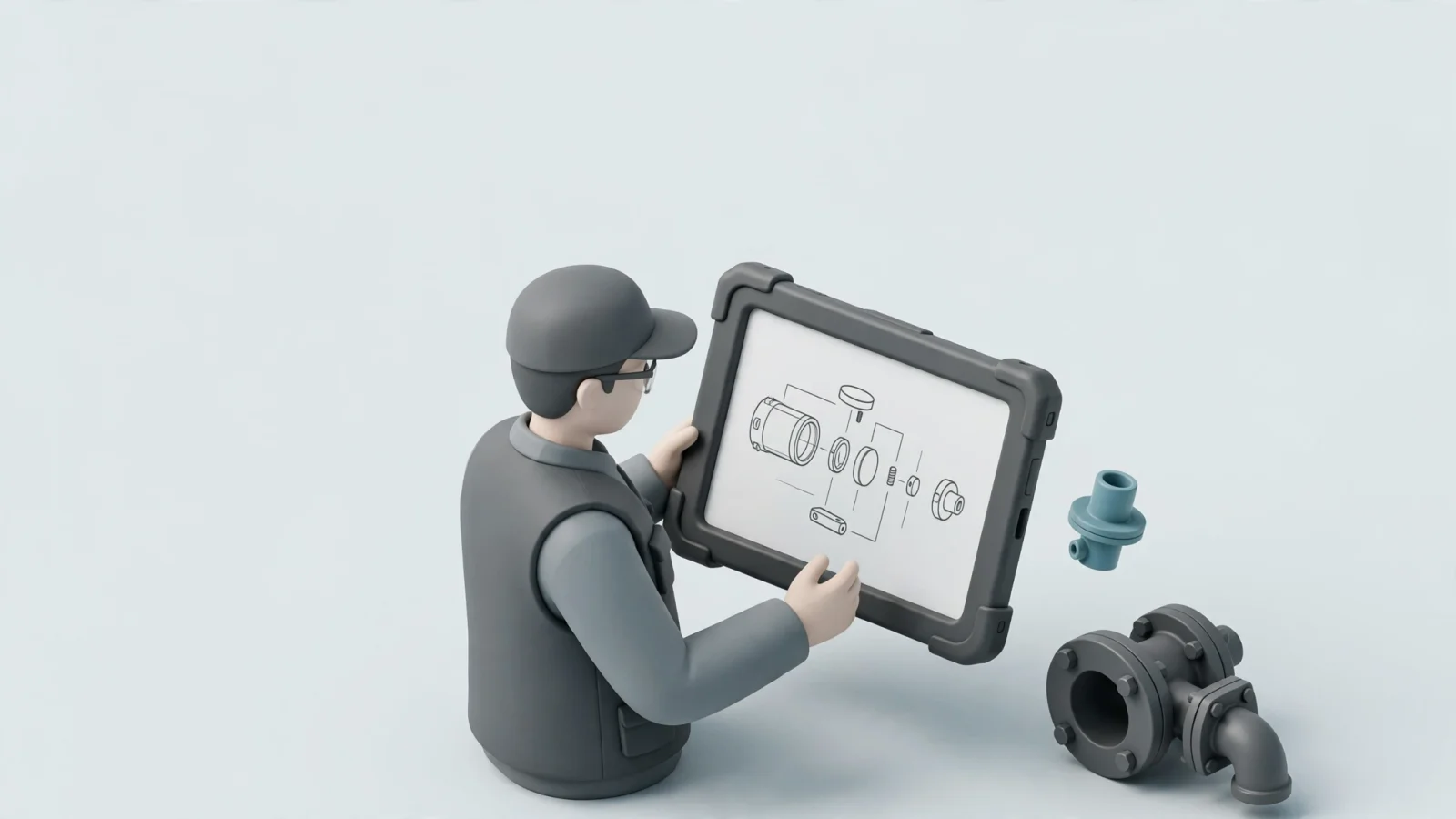
Request a demonstration using your own representative equipment model, or a suitably anonymized dataset that contains your specific structural challenges, rather than accepting a vendor's simplified sample data. A platform will always look fast and intuitive when displaying a ten-part assembly with no variations.
Include a multi-level assembly, a service kit, and a superseded part in the test data, alongside a dense, challenging illustration with overlapping components to test hotspot accuracy. During the test, have the vendor show a user locating the assembly by serial number, selecting a hotspot on the drawing, and checking the kit contents. The demonstration must also include a user encountering the superseded part, viewing the replacement information, and adding the correct items to the shopping cart.
Test the mobility and connectivity claims directly by having the vendor load the catalog on a tablet, disconnect the device from all networks, and attempt to find a part and build an order. Identify exactly what data and order steps pass to the ERP upon reconnection. Next, request a PDF output of the tested assembly to verify that the publishing engine formats the drawings and tables correctly for print, as this scenario quickly exposes the gap between a simple presentation tool and an industrial-grade parts catalog.
Frequently Asked Questions
Understanding the scope of your project requires distinguishing between upstream product development and downstream service delivery. The answers to these common questions depend on which system acts as your source of truth and what your chosen deployment method supports.
What Makes a Bill of Materials Complex?
A bill of materials becomes complex when it must account for variations across a product's lifecycle. Effectivity rules dictate that specific components only apply to machines built between certain dates or within specific serial number ranges. Alternative components, interchangeable parts, nested service kits, and historical replacement chains require software that can parse these rules and display only the relevant items to the user.
How Does a Service BOM Differ From a Manufacturing BOM?
While a manufacturing BOM organizes parts to support the factory assembly process, a service BOM organizes parts to support field maintenance. The service structure groups items into consumable views, creating repair kits, maintenance bundles, and isolated assemblies that reflect how a technician will dismantle and repair the equipment in the field.
Can BOM Software Handle Kits and Superseded Parts?
Software designed for aftermarket catalogs handles both, provided the source data contains the necessary relationships. The software must display kit contents clearly, showing users what is included in a bundle. For supersessions, the system must process chains of replaced parts, directing the user from an obsolete part number to the current valid replacement, including scenarios where one old part requires multiple new components.
How Should an OEM Evaluate ERP Integration?
Evaluate ERP integration by tracing the complete order workflow. Verify that the catalog queries the ERP for customer-specific pricing and live inventory levels before the user submits the order. Confirm that the final cart data transfers cleanly into the ERP's sales order module without requiring manual intervention, and check that the ERP can pass order status updates back to the catalog user.
What Can Technicians Do Offline?
In a properly configured mobile deployment, technicians working offline can navigate the complete equipment hierarchy, view interactive schematics, read detailed parts lists, and add required items to a local shopping cart. Live pricing updates, inventory availability checks, and final order submission require the device to reconnect to a network.
Can an Electronic Parts Catalog Generate Printable Parts Books?
Yes, if the software includes an automated publishing engine. EzParts electronic parts catalog publishing generates branded, formatted PDF documents on demand, which allows manufacturers to supply up-to-date printed manuals to remote sites and dealers without maintaining separate desktop publishing files.
Ensure your dealers and technicians order the right part on the first try. Ask Systems Online to demonstrate the EzParts workflow using your representative equipment catalog, and discuss your ERP, mobile, and offline requirements at https://sysonline.com.
Modified on: 11/16/2026